Skip to content
| Marketplace
Sign in
Visual Studio Code>AI>Paywall & Pricing DesignNew to Visual Studio Code? Get it now.
Paywall & Pricing Design

Paywall & Pricing Design

UXKIN

| (0) | Free
Design and build paywalls, upgrade screens and pricing pages that are clear and honest: value first, real prices and renewal terms, one obvious choice, and every loading, error and already-subscribed state.
Installation
Launch VS Code Quick Open (Ctrl+P), paste the following command, and press enter.
Copied to clipboard
More Info

Paywall & Pricing Design

These skills help Copilot build paywalls and pricing pages people trust: the value first, real prices and renewal terms that match checkout, one obvious choice, and Restore Purchases and close where they're needed. By UXKIN.

Paywall & Pricing Design

Paywall & Pricing Design

What's inside

What it does
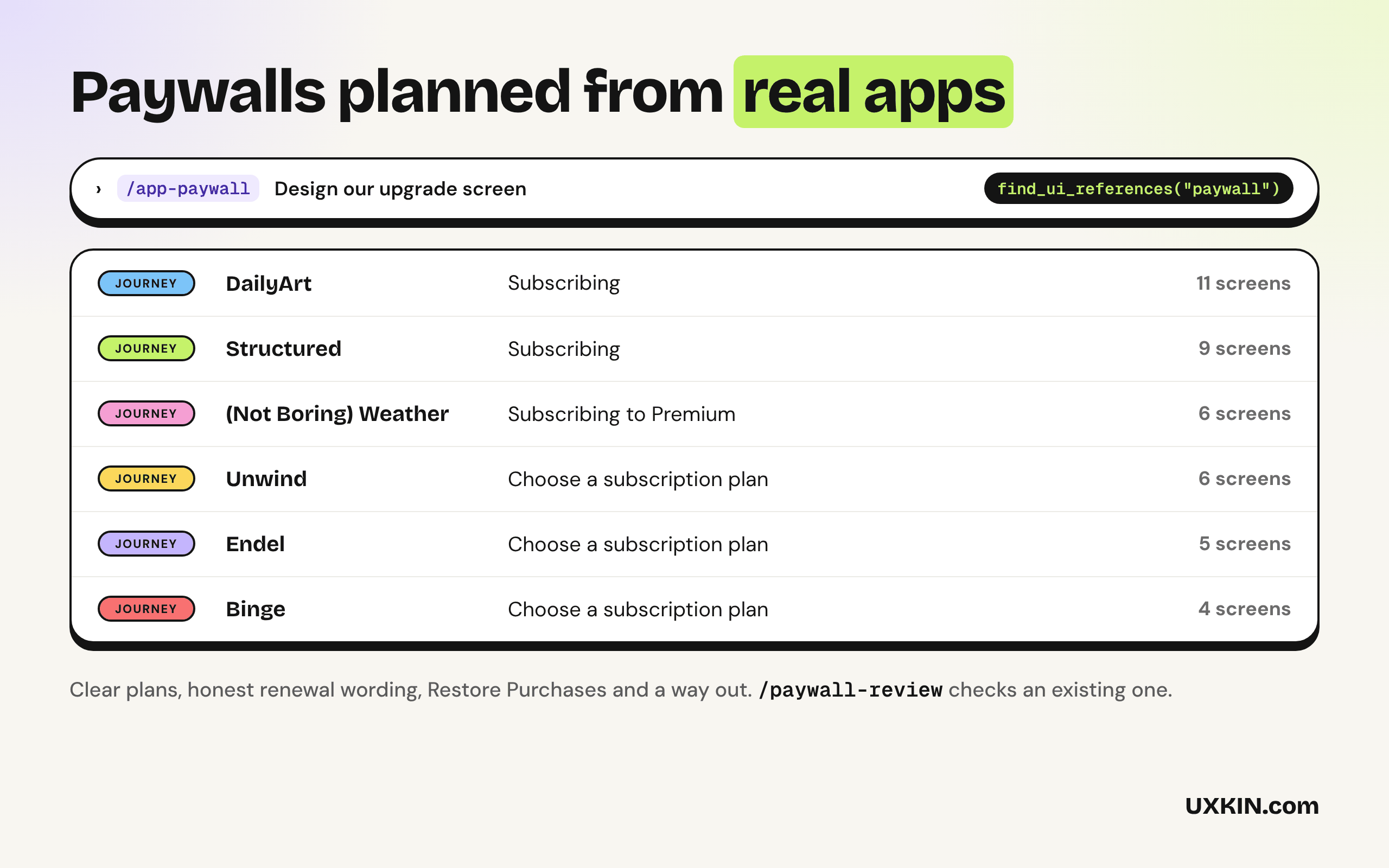
app-paywall skill Builds in-app paywalls and upgrade screens with clear prices, trials and renewal terms
pricing-page-layout skill Builds website pricing pages with one obvious choice and honest terms
paywall-review skill Reviews an existing paywall or pricing page and lists what to fix, most important first
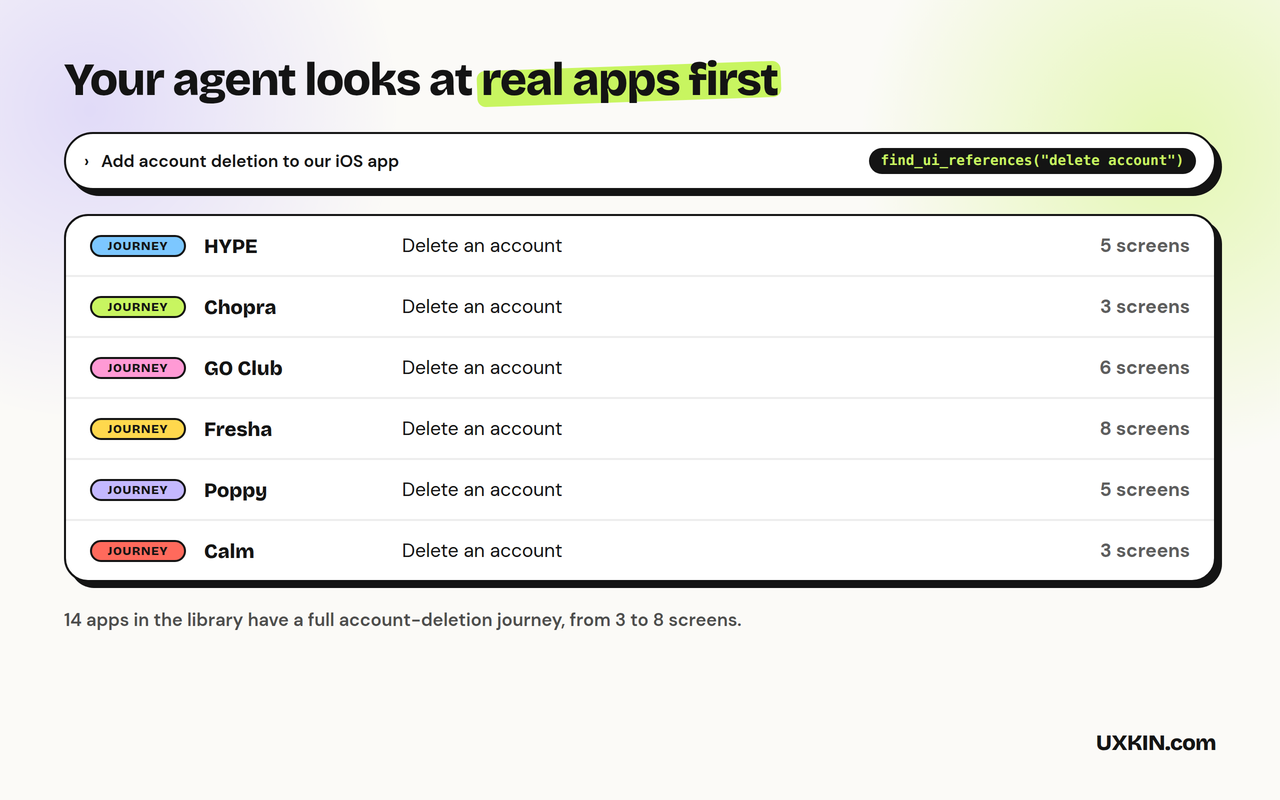
UXKIN MCP server (optional) Real app paywalls, trial flows and design systems from real websites

The skills work on their own, with no account. The UXKIN server is optional: Copilot can use it to look up real references, and searching the library needs a UXKIN plan.

How to use it

  1. Open Copilot Chat and switch to Agent mode.
  2. Ask for what you want, for example "build a pricing page" or "review this screen". Copilot picks the right skill on its own, or type /app-paywall, /pricing-page-layout, /paywall-review to use one by name.
  3. The first time Copilot uses UXKIN, VS Code asks you to sign in. Log in with your UXKIN account and click Allow. No API key to copy.

Check the connection under MCP Servers in the Extensions view: UXKIN (Paywall & Pricing Design) should be running.

Requires VS Code 1.109 or later with GitHub Copilot for the skills.

What it sends

The skills run inside Copilot and send nothing anywhere. When the UXKIN server is used, Copilot sends its search words to https://uxkin.com/mcp and receives references; the tools only read. See the privacy policy.

Support

Email support@uxkin.com or open an issue on GitHub.

License

MIT. The UXKIN library itself is a hosted service, not part of this extension: see the terms.

  • Contact us
  • Jobs
  • Privacy
  • Manage cookies
  • Terms of use
  • Trademarks
  • Your Privacy Choices
  • Consumer Health Privacy
© 2026 Microsoft