Mobile App DesignDesign and build iPhone app screens and flows that feel native: onboarding, sign-up, paywalls, permissions and settings, checked against Apple's conventions and real iOS apps. Installation Launch VS Code Quick Open ( Ctrl+P), paste the following command, and press enter.Copied to clipboard |

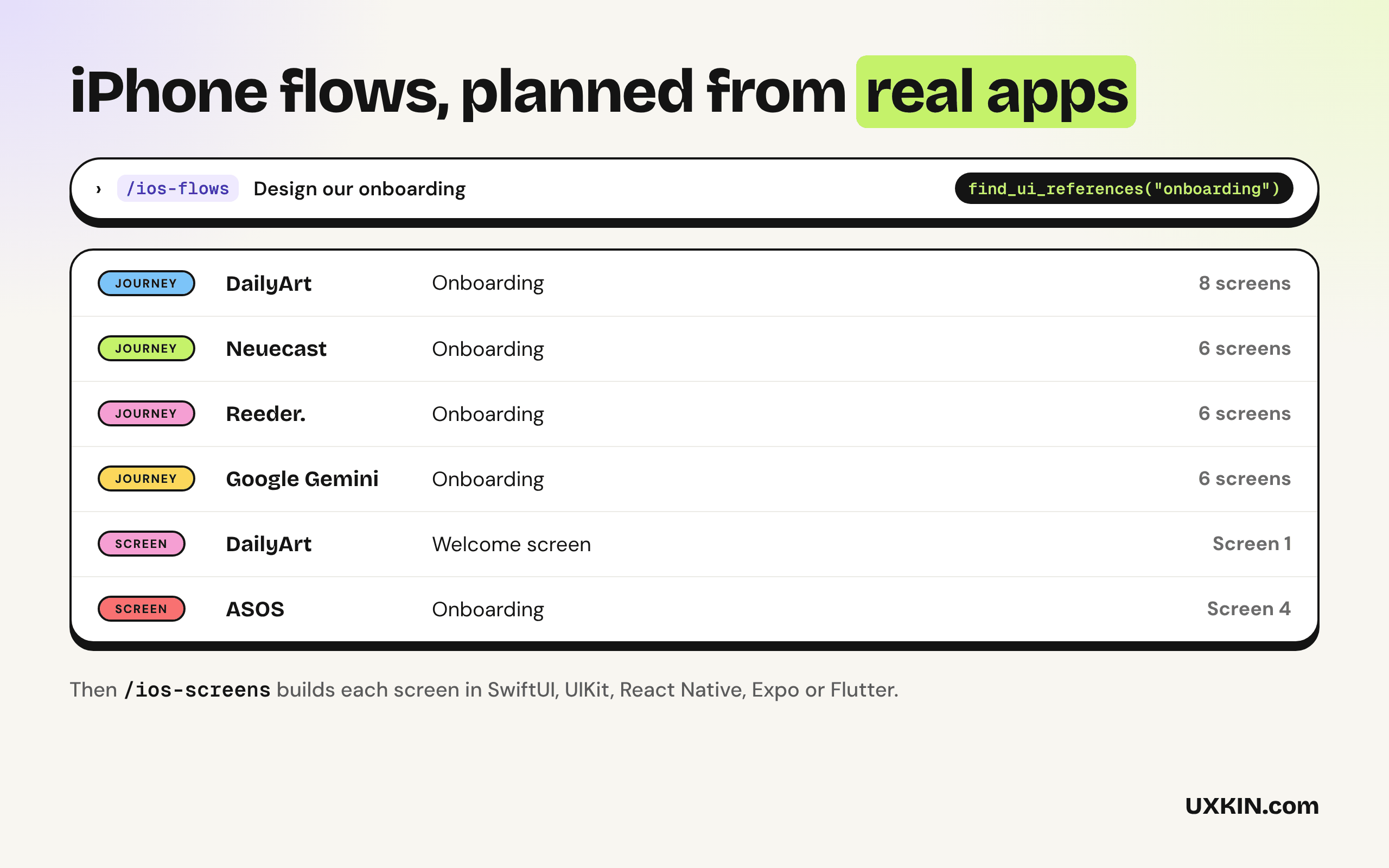
Mobile App DesignThese skills help Copilot build iPhone screens and flows that feel native, in SwiftUI, UIKit, React Native, Expo or Flutter, planned from how real iOS apps handle the same flow. By UXKIN.
What's inside
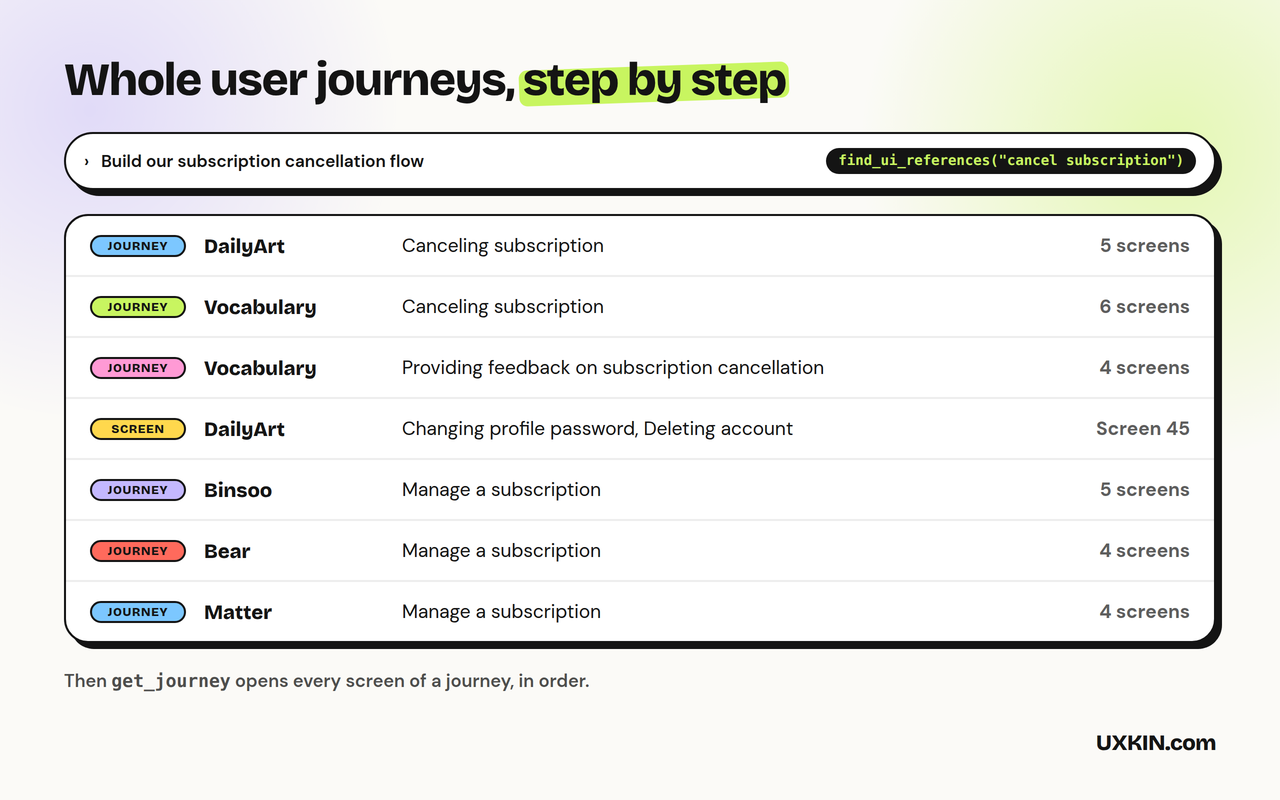
The skills work on their own, with no account. The UXKIN server is optional: Copilot can use it to look up real references, and searching the library needs a UXKIN plan. How to use it
Check the connection under MCP Servers in the Extensions view: UXKIN (Mobile App Design) should be running. Requires VS Code 1.109 or later with GitHub Copilot for the skills. What it sendsThe skills run inside Copilot and send nothing anywhere. When the UXKIN server is used, Copilot sends its search words to SupportEmail support@uxkin.com or open an issue on GitHub. LicenseMIT. The UXKIN library itself is a hosted service, not part of this extension: see the terms. |