Mocaccino Light
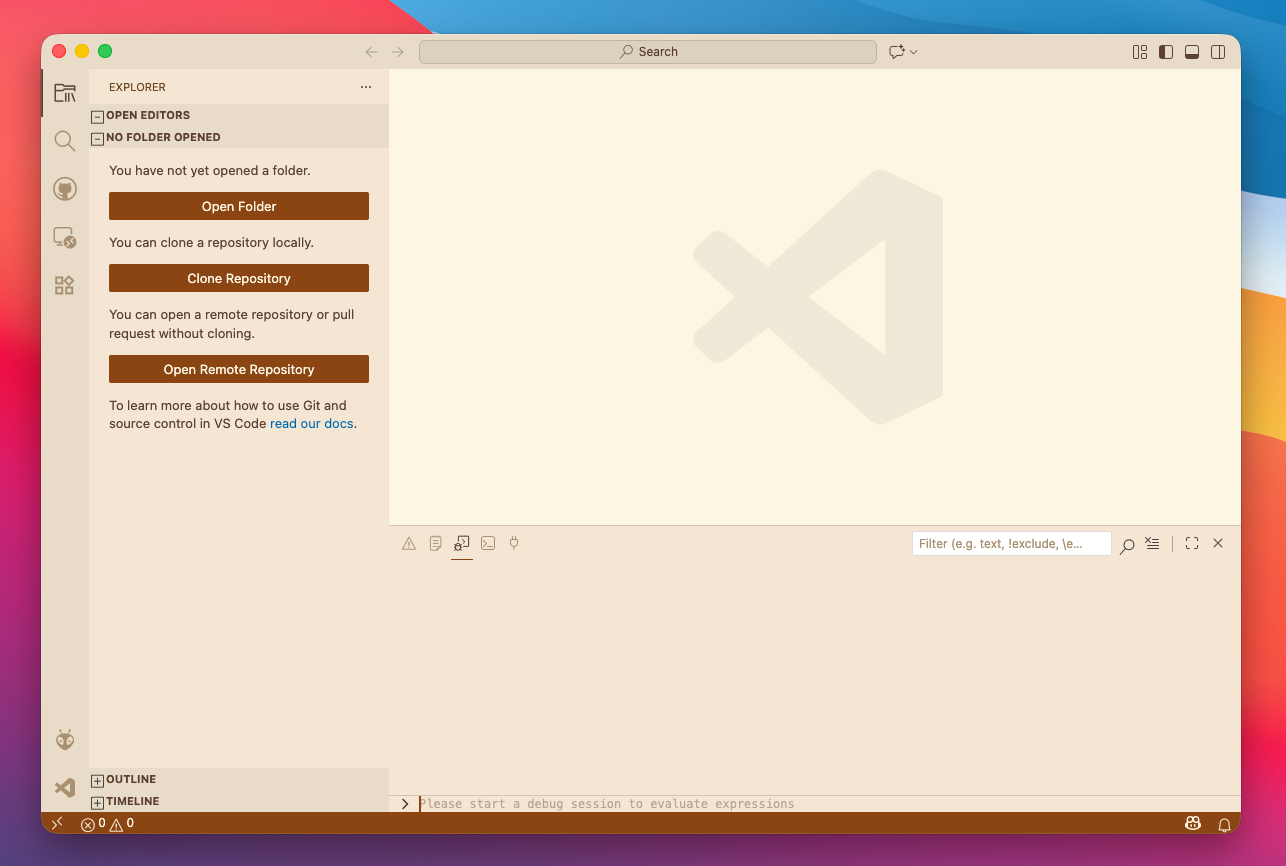
A warm, coffee-inspired light theme for VS Code.

Preview
Installation
- Open Extensions in VS Code (
Cmd+Shift+X / Ctrl+Shift+X)
- Search for
Mocaccino Light
- Click Install
- Go to Preferences: Color Theme and select Mocaccino Light
Colors
| Element |
Color |
| Background |
Creamy off-white #FAF4E8 |
| Text |
Rich coffee brown #6B5344 |
| Keywords |
Warm brown #9B6842 |
| Strings |
Olive green #7A9A5A |
| Functions |
Soft blue #5A8AAA |
| Classes |
Muted gold #A88A3A |
| Types |
Soft purple #9A7ABB |
Features
- Easy on the eyes with warm, muted tones
- Full syntax highlighting support
- Styled UI elements (sidebar, tabs, status bar, terminal)
- Bracket pair colorization
- Git decoration colors
- Semantic highlighting support
License
MIT
| |

