
Symbols EnhancePreviewA simple file icon theme for VS Code - Enhance Installation Launch VS Code Quick Open ( Ctrl+P), paste the following command, and press enter.Copied to clipboard |


Symbols EnhanceA file icon theme for VS Code with folder open/closed states and no explorer arrows (fork from Symbols)
ContributingIf you'd like to contribute to this extension, please take a look at the issues or create a new one. If you'd like to create a new icon, please reference the Symbols - File Icon Figma file, you can make a copy or reference the styles used (tailwind). Please try to limit your colors to the ones used in existing icons before choosing a different color style. When submitting a PR, please ensure you've tested the extension locally and ensure that your new icons appear correctly in the file tree view with your new file extension. Include a screenshot of your proposed icon in your PR. Generating Icon PreviewsBefore submitting a PR, please run the preview generation script to update the icon previews: This script will update the preview markdown files with your new icons. Make sure to commit these changes along with your PR. ConfigurationYou can configure the extension using the following settings: Hide Explorer ArrowsSet to Default AssociationsAllows you to use the default icons for files and folders or disable them and specify your own via the associations settings below. FoldersAnd here is an example using this setting: FilesAnd here is an example: Note: For file names, you can use Icon PreviewYou can preview the icons by reading the the preview.md file. React SymbolsPablo Hdez has graciously created React-Symbols (pheralb/react-symbols) to allow you to embed Symbol icons for your React projects. 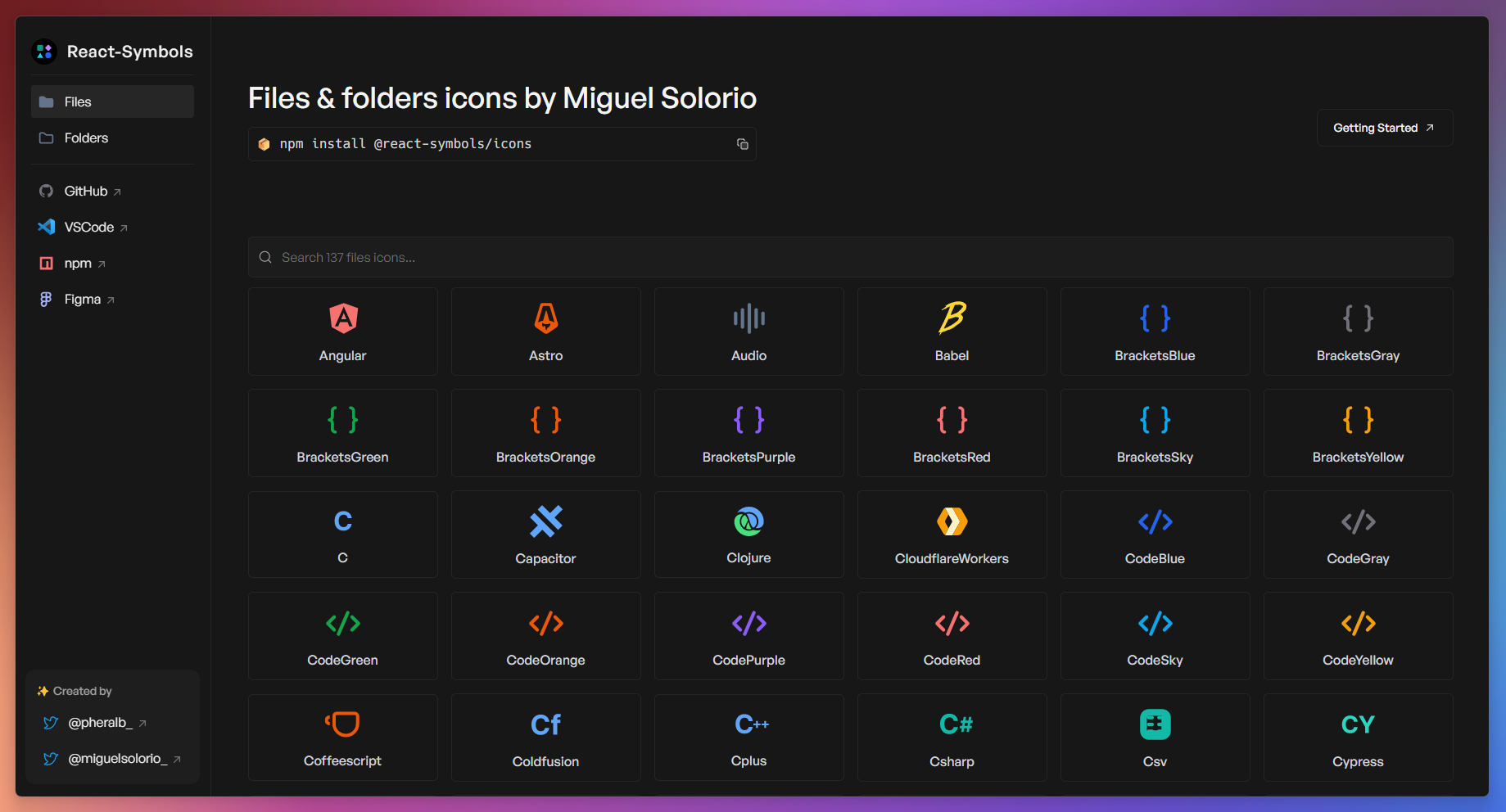
Zed EditorIf you're using the Zed editor, You can take a look at its maintenance here. Symbols For Zed |
