Udodi for VS Code
Official Visual Studio Code support for Udodi — the lightweight, zero-dependency JavaScript UI framework.
Udodi for Visual Studio Code brings a dedicated editing experience to Udodi templates so you can write, navigate, and understand components directly inside your JavaScript and TypeScript files.
See it in action
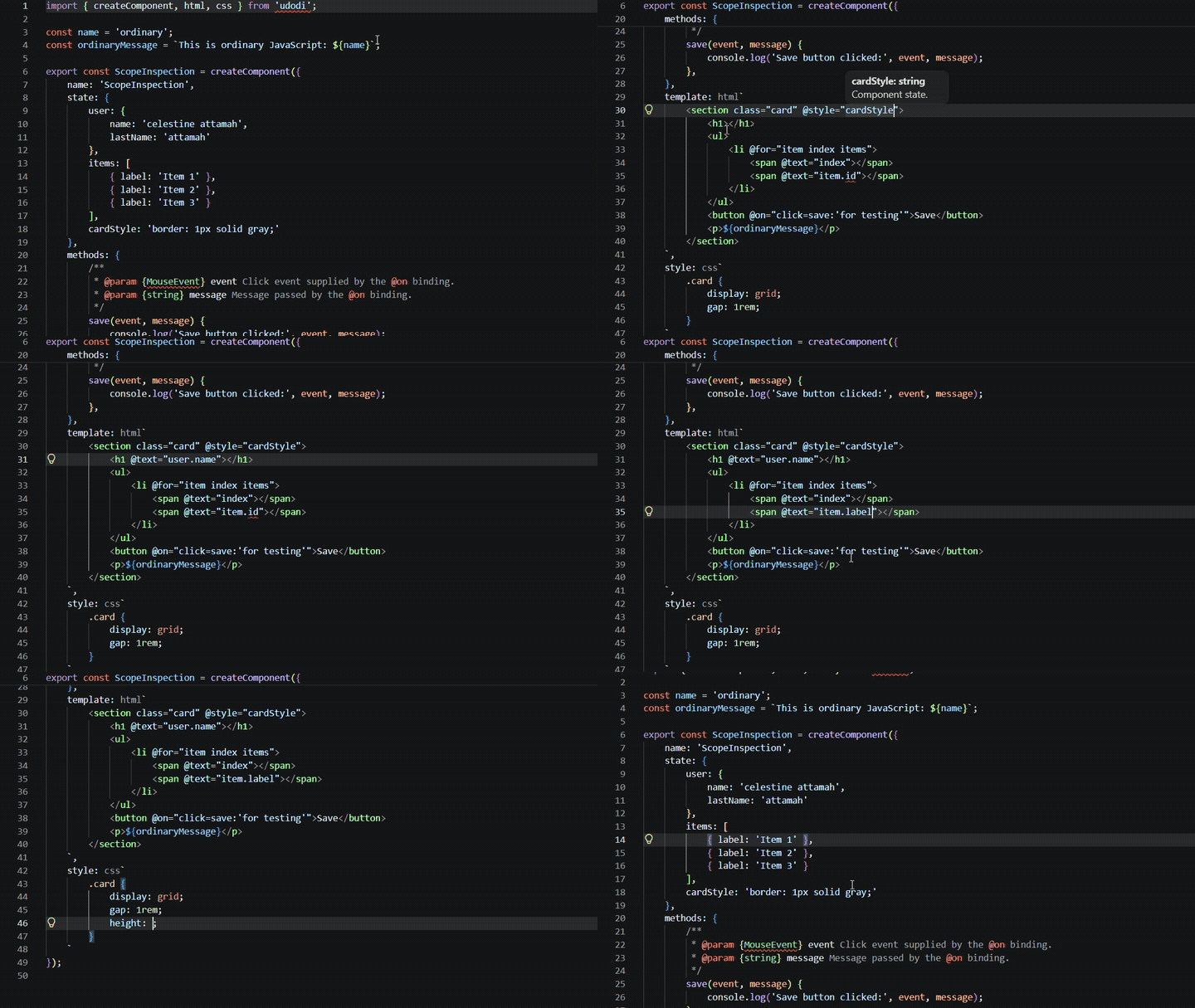
Editing an Udodi component with template highlighting, IntelliSense, and language support.
Features
- Template support: Syntax highlighting and CSS language features inside Udodi
html and css tagged templates.
- IntelliSense: Context-aware completions for directives, events, component members, nested properties, and
@for variables.
- Code navigation: Hover information, Go to Definition, Peek Definition, Rename, and Find All References for supported component symbols.
- Diagnostics: Static checks for common template and component errors.
- Directive and loop awareness: Support for Udodi directives, event modifiers, and
@for item and index scopes.
Supported languages
- JavaScript (
.js)
- JavaScript React (
.jsx)
- TypeScript (
.ts)
- TypeScript React (
.tsx)
Installation
- Open Visual Studio Code.
- Open the Extensions view (
Ctrl+Shift+X / Cmd+Shift+X).
- Search for Udodi.
- Select the extension published by udodi-js.
- Click Install.
To install a local build, run npm ci and npm run package, then use Install from VSIX… in the Extensions view.
Requirements
- Visual Studio Code
^1.145.0
- JavaScript or TypeScript host documents
- Udodi for building reactive UIs (runtime is separate from this extension)
Compatibility and limitations
Analysis is static and limited to same-file declarations the extension can read. It supports object-literal state (including nested objects), simple initializers, and array or return shapes it can infer. It does not resolve imported or cross-file symbols, dynamic expressions, or STDLIB helpers to their runtime implementations. Nested property names (for example only name in user.name) are not renamed as independent symbols; root members and @for variables are. Diagnostics are best-effort and do not replace Udodi runtime validation.
Documentation
Issues and contributions
See docs/architecture.md for the grammar and language-server design, and docs/testing.md for automated and manual test notes.
License
MIT

