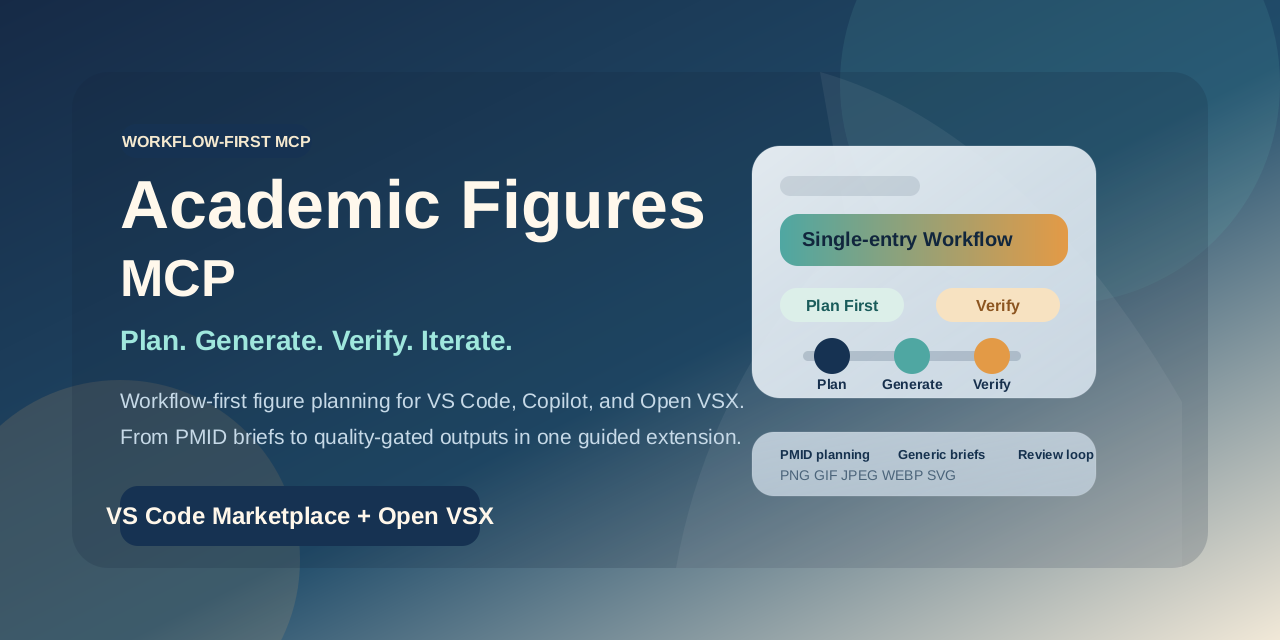
🔬 A workflow-first academic figure agent harness — help agents work through multi-step academic planning and produce publication-grade figures through MCP, packaged as a VS Code extension so non-engineers can get started quickly.
✨ Features
- PMID as an Entry Point: Use PubMed papers as one structured starting point for the workflow
- Academic Planning: Help an agent reason through concepts, figure structure, and scientific communication goals before generation
- Workflow Harness: Combine planning, generation, evaluation, and iteration in one agent-driven flow
- Direct-Run Commands: Plan, generate, transform, and evaluate directly from the extension without copying prompts into chat
- Style Transform: Restyle existing images with preset visual styles
- 8-Domain Evaluation: Assess figure quality with a publication-ready rubric
- MCP Native: Built with FastMCP SDK for seamless Copilot integration
- VSX Onboarding: Package the harness as a guided extension experience instead of a raw backend setup task
- Preset Browser: Journal, visual, domain, and rendering route presets in the sidebar
- Knowledge Assets: Quick access to prompt templates, standards, and guides
- Job Tracker: Browse generated artifacts under
.academic-figures/
- Provider Abstraction: Google Gemini and OpenRouter sit behind the harness instead of defining the product story
- Connection Menu: Configure SecretStorage, env-file paths, or process environment from one menu
- Env File Support: Create and activate
.env-style provider profiles inside the extension
- Stored Local Profiles: Save OpenRouter endpoint details and Ollama-compatible local settings for future or external workflows
- SecretStorage: API keys can still be stored securely — never required in plaintext files
Requirements
- VS Code 1.99.0 or later
- uv (fast Python package manager)
- One of the following:
Installation
Install this extension from the VS Code Marketplace.
Run Academic Figures: Setup Wizard from the Command Palette.
Choose a connection mode.
- Store a Google or OpenRouter key in SecretStorage
- Point the extension at an env file path
- Read credentials from the current process environment
If needed, let the extension create .vscode/academic-figures.env and insert .vscode/mcp.json.
Start asking Copilot to generate figures.
If you skip the wizard, open the Academic Figures activity bar and click the key button in the view toolbar to paste a provider key directly into SecretStorage.
Providers
| Provider |
Key |
Default Model |
| Google |
GOOGLE_API_KEY |
gemini-3.1-flash-image-preview |
| OpenRouter |
OPENROUTER_API_KEY |
google/gemini-3.1-flash-image-preview |
| OpenAI |
OPENAI_API_KEY |
gpt-image-2 |
| Ollama |
none required |
llava:latest |
Connection Sources
| Source |
What it does |
| SecretStorage |
Stores GOOGLE_API_KEY, OPENROUTER_API_KEY, or OPENAI_API_KEY in VS Code SecretStorage |
| Env File |
Loads a workspace-relative or absolute env file such as .vscode/academic-figures.env |
| Process Env |
Reads the active shell environment when the MCP server is launched |
The extension can also run the backend with AFM_IMAGE_PROVIDER=openai for OpenAI Images API generation/editing and AFM_IMAGE_PROVIDER=ollama, which currently enables local SVG brief generation and vision-based evaluation.
Usage
Once installed, the harness is available to GitHub Copilot through MCP. Try asking:
- "Generate a figure for PMID 41657234"
- "Help me plan a publication-grade figure for PMID 41657234 before generating it"
- "Create a drug mechanism diagram for propofol"
- "Help me turn this academic concept into a structured figure plan"
- "Transform this figure to Netter-like anatomy style"
- "Evaluate my figure with the 8-domain rubric"
Status Bar
Click the AFM status bar item for quick access to all commands.
The Academic Figures sidebar title bar also exposes one-click buttons for Setup Wizard, Configure Connection, and Browse Knowledge Assets.
Walkthrough
Run Get Started with Academic Figures MCP from the Welcome tab for a guided setup.
Commands
| Command |
Description |
| Setup Wizard |
One-click API key + MCP settings |
| Plan Figure from PMID |
Plan figure type and rendering route |
| Generate Figure |
Generate a publication-ready figure |
| Transform Figure Style |
Restyle with a visual preset |
| Evaluate Figure |
8-domain quality assessment |
| Configure Connection |
Open the menu for SecretStorage, env-file, process-env, OpenRouter, OpenAI, and Ollama settings |
| Create Environment File |
Generate a Google, OpenRouter, OpenAI, or Ollama profile file |
| Insert MCP Settings |
Write .vscode/mcp.json |
| Browse Presets |
Open the sidebar preset browser |
| Browse Knowledge Assets |
Open templates and guides |
| Open Recent Jobs |
Browse artifact directory |
| Show Status |
Extension status panel |
| Show Output |
Output channel logs |
| Reinstall Python Env |
Re-run uv sync |
Extension Settings
| Setting |
Default |
Description |
academicFiguresMcp.transport |
stdio |
MCP transport. The extension currently launches stdio only. |
academicFiguresMcp.imageProvider |
google |
Image backend (google, openrouter, openai, or ollama) |
academicFiguresMcp.credentialSource |
secretStorage |
Credential source (secretStorage, envFile, or processEnv) |
academicFiguresMcp.environmentFile |
.vscode/academic-figures.env |
Env file path used when credentialSource=envFile |
academicFiguresMcp.googleModel |
gemini-3.1-flash-image-preview |
Direct Google model |
academicFiguresMcp.openRouterModel |
google/gemini-3.1-flash-image-preview |
OpenRouter model ID |
academicFiguresMcp.openRouterBaseUrl |
https://openrouter.ai/api/v1 |
OpenRouter API base URL |
academicFiguresMcp.openAiModel |
gpt-image-2 |
OpenAI image model |
academicFiguresMcp.openAiBaseUrl |
https://api.openai.com/v1 |
OpenAI API base URL |
academicFiguresMcp.openAiVisionModel |
gpt-5.4-mini |
OpenAI vision review model |
academicFiguresMcp.openAiImageSize |
auto |
OpenAI Images API size hint |
academicFiguresMcp.ollamaBaseUrl |
http://localhost:11434/v1 |
Stored local Ollama or OpenAI-compatible endpoint |
academicFiguresMcp.ollamaModel |
llava:latest |
Stored local model name for external or future flows |
academicFiguresMcp.outputDir |
.academic-figures |
Workspace artifact directory |
academicFiguresMcp.preferLocalSource |
true |
Prefer local source over uvx package |
academicFiguresMcp.pythonCommand |
python |
Python executable for local dev |
academicFiguresMcp.packageName |
academic-figures-mcp |
Package name for uvx mode |
How It Works
.academic-figures/
  jobs/          ← generation job metadata
  outputs/       ← generated images
  prompts/       ← prompt snapshots
  evaluations/   ← evaluation reports
- MCP Provider: Detects local source (
pyproject.toml) or falls back to uvx --from academic-figures-mcp afm-server
- Credential Source: Injects credentials from SecretStorage, a configured env file, or the current process environment
- Bundled Knowledge Assets: The extension packages its walkthrough and knowledge markdown files so packaged installs can browse them without needing the source repository checkout
- Direct-Run CLI: Commands collect input, run
afm-run, and open the generated artifact or JSON report directly in VS Code
Development
cd vscode-extension
npm install
npm run compile
Press F5 to launch an Extension Development Host.
License
Apache License 2.0. See LICENSE.
| |

