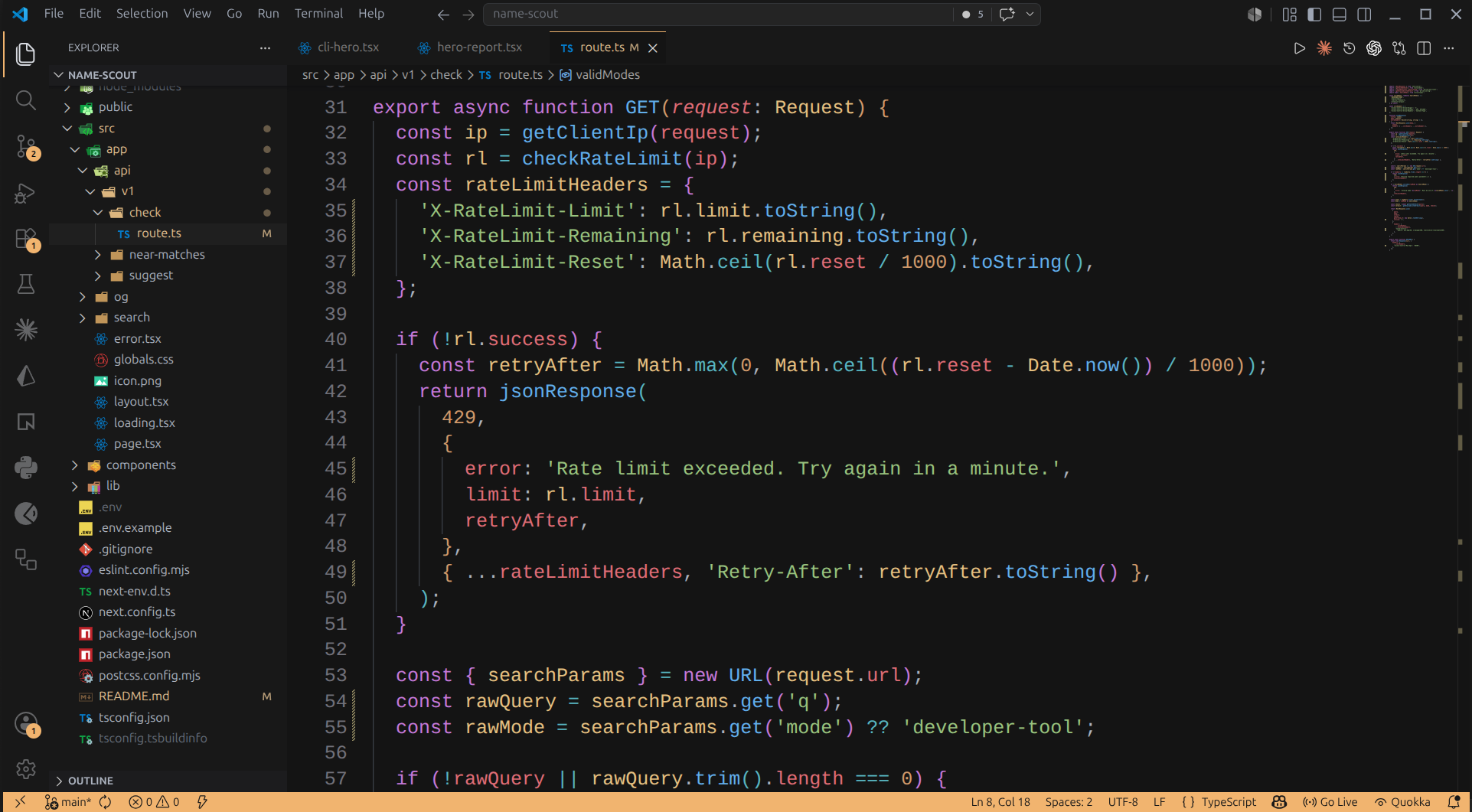
start.devWarm, low-contrast dark theme matching the in-browser editor at start.dev. Installation Launch VS Code Quick Open ( Ctrl+P), paste the following command, and press enter.Copied to clipboard |

start.dev — VS Code themeA warm, low-contrast dark theme for VS Code. Same palette as the in-browser editor on start.dev — graphite backgrounds, amber accents, and a quiet UI chrome so syntax does the talking.
InstallSearch for start.dev in the Extensions panel, or: Then DevelopmentClone the repo, open it in VS Code, press Issues and PRs welcome. License |