Foco Mental
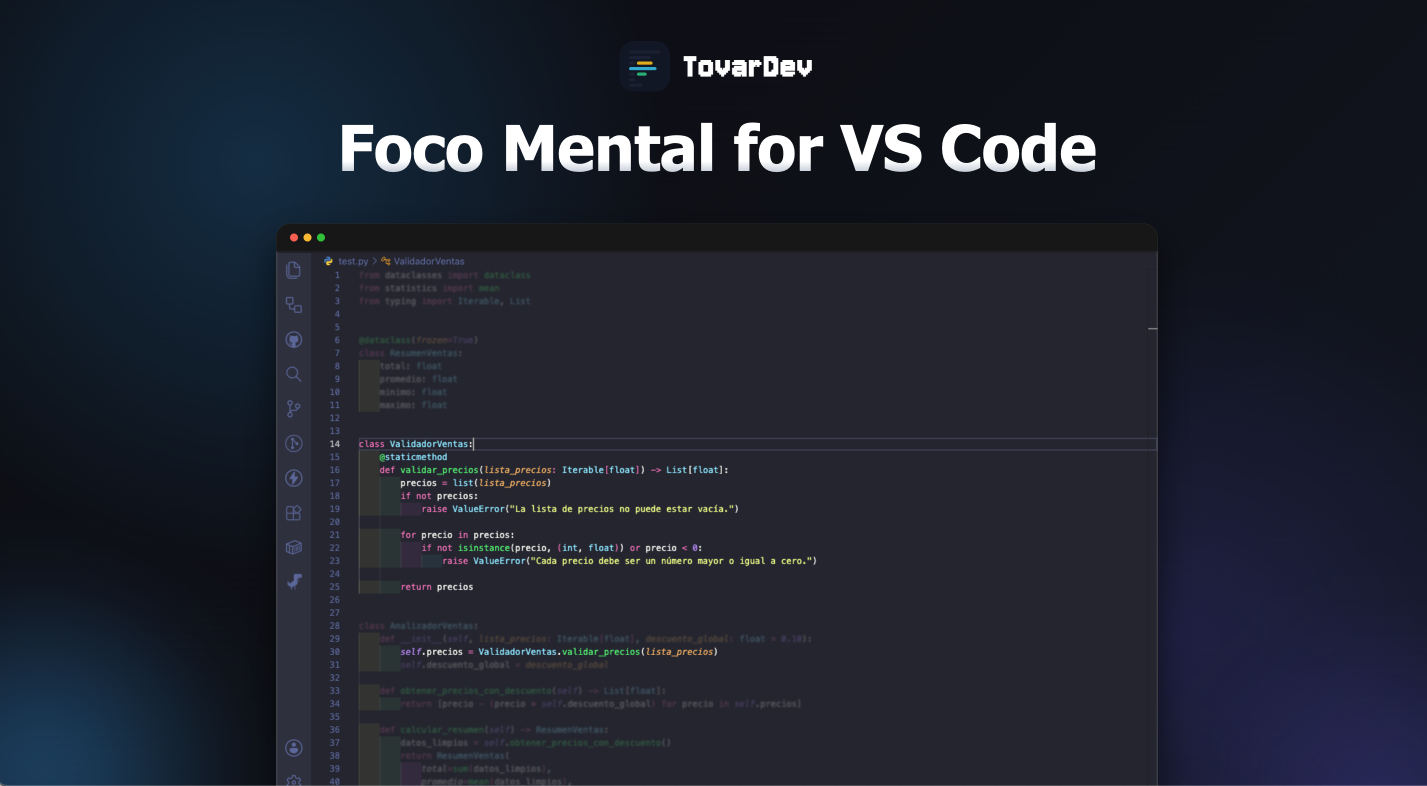
Foco Mental helps developers reduce visual noise by fading code outside the active function, class, or block.
Designed to improve focus, reduce cognitive overload, and support deep work sessions while coding.
Features
- Focus on the active code block
- Fade unfocused code
- Adjustable opacity
- Adjustable blur
- Automatic language exclusions
Demo

Settings
This extension contributes the following settings:
focoMental.opacidad
Controls the opacity level for unfocused code.
focoMental.desenfoque
Controls the blur intensity outside the focused area.
focoMental.lenguajesExcluidos
List of languages where the extension auto-disables.
Why Foco Mental?
Large files and complex codebases can create cognitive overload and visual fatigue.
Foco Mental helps developers maintain concentration by reducing unnecessary visual distractions and emphasizing the current scope.
Publisher
Created by TovarDev
https://tovardev.me
License
MIT

