Memex - Agent Memory
Persistent memory for AI coding agents. Your agent remembers what it learned across sessions.
What it does
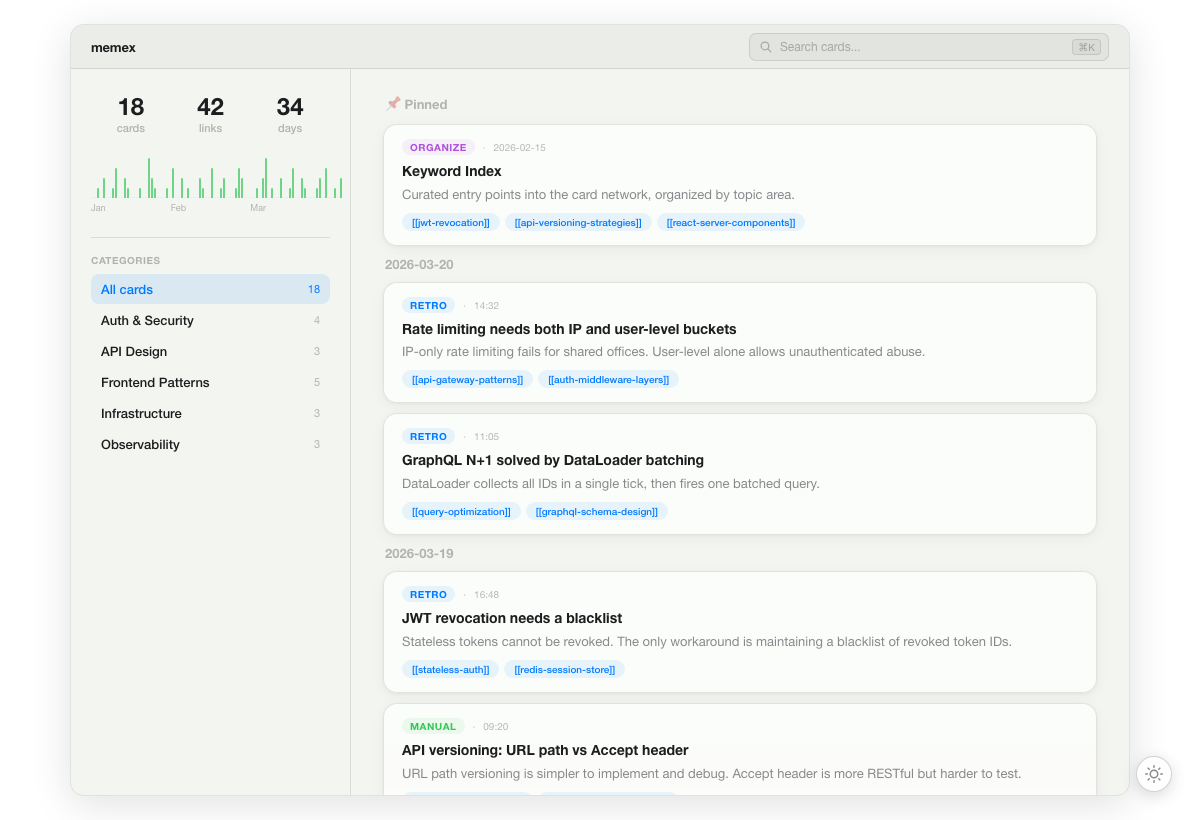
Every time your AI agent finishes a task, it saves insights as atomic knowledge cards with [[bidirectional links]]. Next session, it recalls relevant cards before starting work — building on what it already knows instead of starting from scratch.
No vector database, no embeddings — just markdown files your agent (and you) can read.
This extension registers a MCP server that gives your AI agent 10 tools:
| Tool |
Description |
memex_recall |
Retrieve memory index or search (call at task start) |
memex_retro |
Save an atomic insight card (call at task end) |
memex_organize |
Analyze card network for maintenance |
memex_pull |
Pull latest cards from remote |
memex_push |
Push local cards to remote |
memex_search |
Search cards by keyword |
memex_read |
Read a card's full content |
memex_write |
Write or update a card |
memex_links |
Show link graph stats |
memex_archive |
Archive a card |
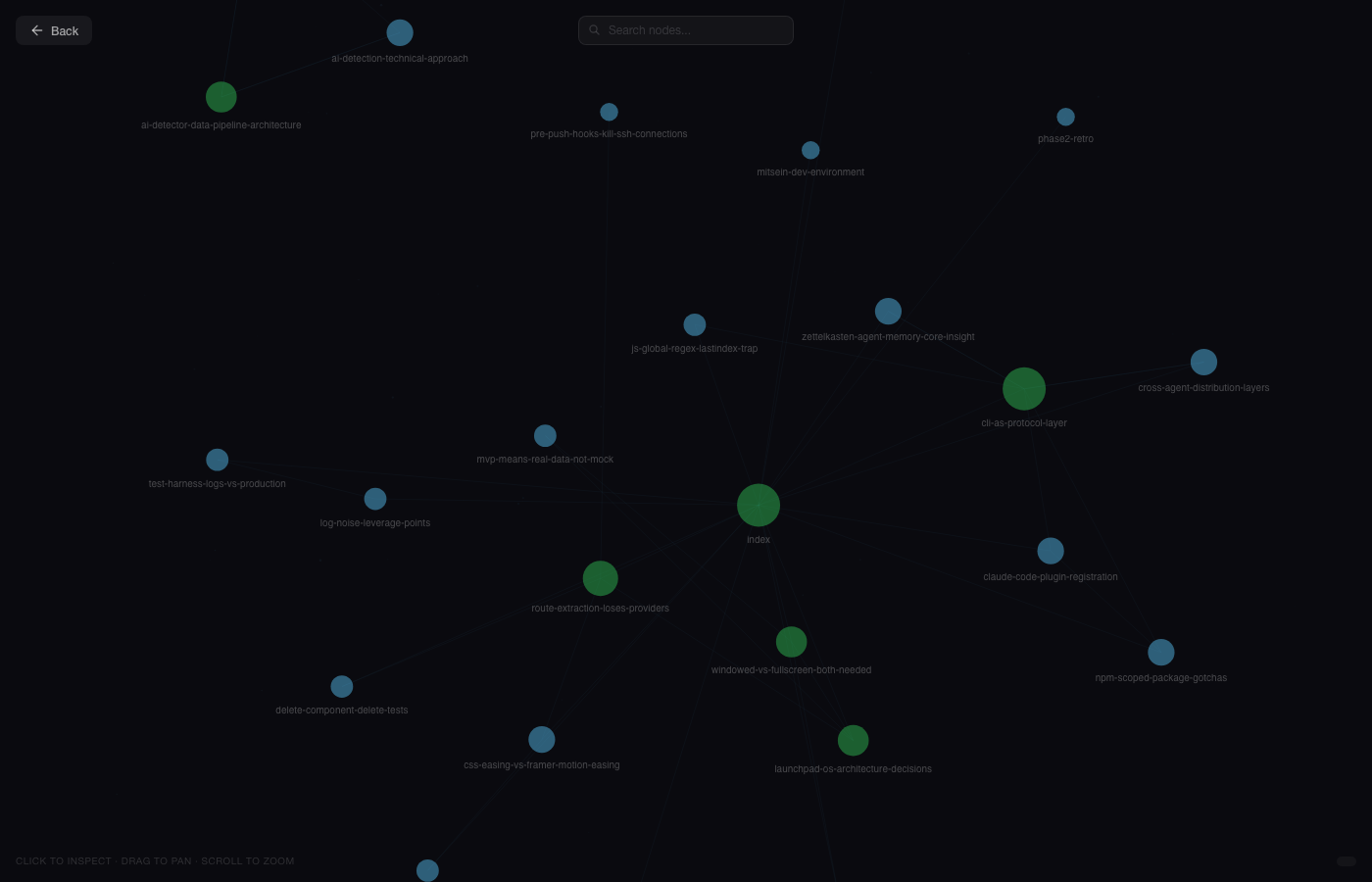
Graph View
Explore your knowledge network with an interactive force-directed graph:
Requirements
- Node.js 18+
- VS Code 1.100+
Quick Start
- Install this extension from the VS Code Marketplace
- The MCP server starts automatically
- Ask your AI agent to "remember" something — it will use memex tools
Sync Across Devices
npx @touchskyer/memex sync --init
Cards are stored in ~/.memex/cards/. Sync them via git to access from any device or editor.
Browse Your Memory
npx @touchskyer/memex serve
Opens a visual timeline + graph view at localhost:3939.
All editors share the same ~/.memex/cards/ directory. A card written in VS Code Copilot is instantly available in Cursor, Claude Code, Codex, or any other MCP client.
| Platform |
Integration |
| VS Code / Copilot |
This extension |
| Claude Code |
Plugin (best experience) |
| Cursor |
MCP Server |
| Codex |
MCP Server |
| Windsurf |
MCP Server |
Links


