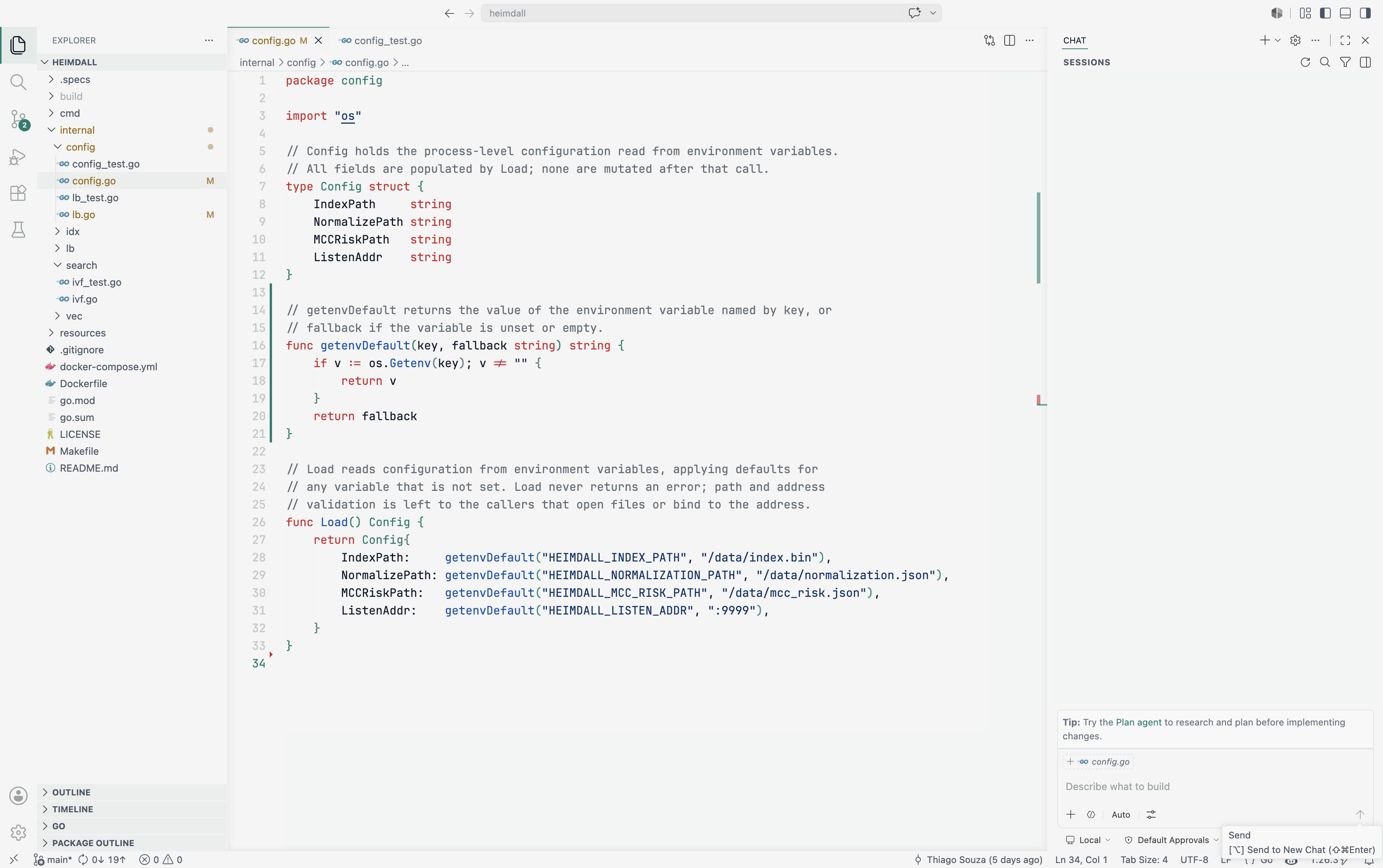
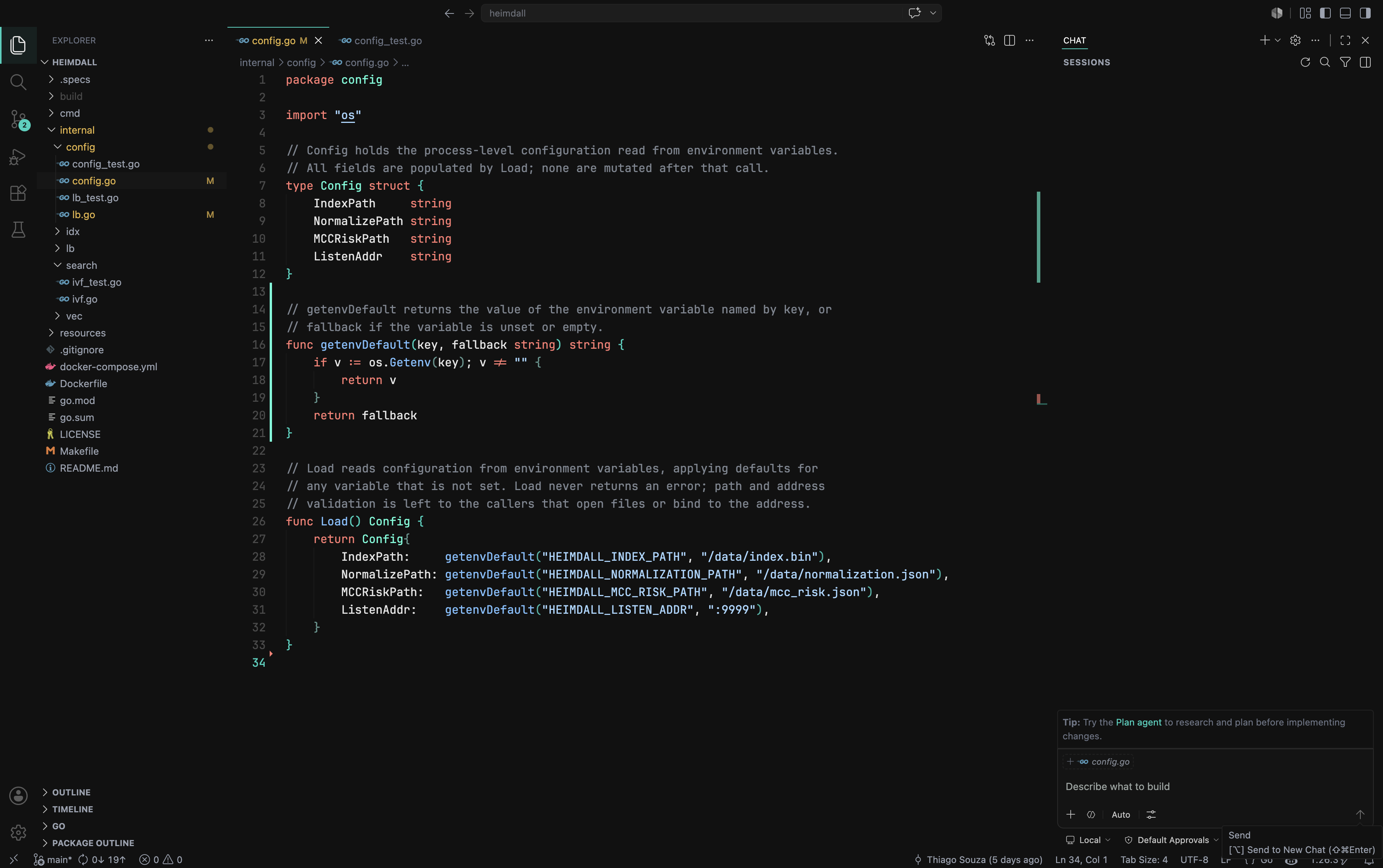
Emerald Minimal ThemeDeep midnight darks and crisp light surfaces for VS Code, tied together by a single vivid emerald/teal glow — in dark and light variants. Installation Launch VS Code Quick Open ( Ctrl+P), paste the following command, and press enter.Copied to clipboard |


Emerald Minimal ThemeDeep midnight darks and crisp lights for VS Code, tied together by a single emerald glow. VariantsEmerald Minimal LightSoft off-white surfaces (
Emerald Minimal DarkDeep midnight surfaces (
Highlights
Installation
Activation
LicenseReleased under the MIT License. |