DBML Canvas
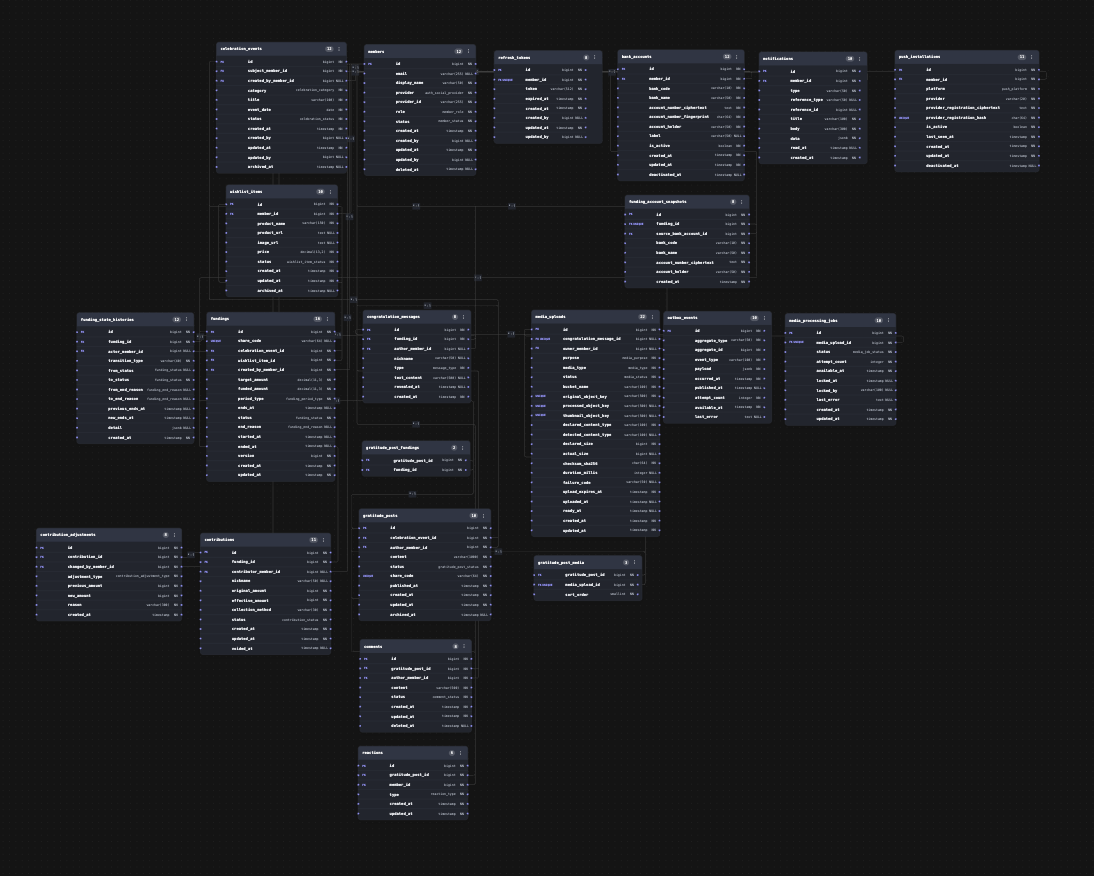
Preview your .dbml schema as a draggable, Git-friendly ERD — right inside VS Code.
Features
- Open any
.dbml file and render it as an interactive entity-relationship diagram
- Drag tables to arrange your schema; positions are saved beside the file, not baked into the DBML
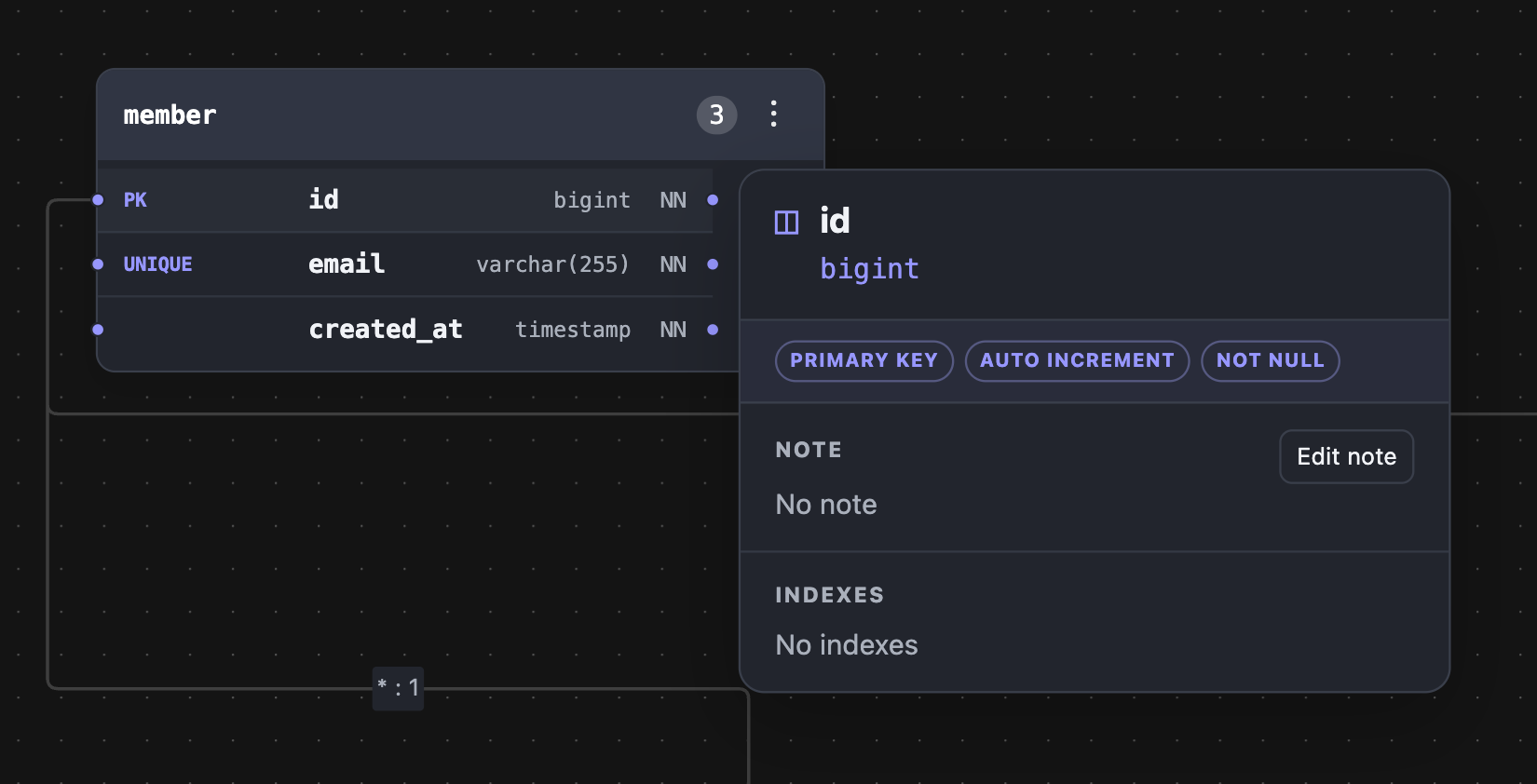
- Click a column to see its type, constraints, indexes, and notes
- Edit table and column
Note values directly from the canvas, with native VS Code undo/redo
- Keep an open ERD preview in sync when AI tools or other processes change its DBML file
- DBML stays the single source of truth — the canvas never rewrites your schema structure
Usage
- Open a
.dbml file in VS Code
- Click DBML Canvas: Open Preview in the editor toolbar (or run the command from the Command Palette)
- Drag tables around; layout is saved automatically to
<schema>.dbml.layout.json next to your schema file
schema.dbml
schema.dbml.layout.json   ← positions, colors, viewport (generated)
Requirements
None — the extension works on any workspace containing .dbml files.
License
DBML Canvas is proprietary software distributed under the DBML Canvas End User
License Agreement. See LICENSE and the full
EULA.
Links
| |

