The official Visual Studio Code extension for the Tect architectural specification language.
Features
1. Live Architecture Preview
Visualize your architecture in real-time as you type.
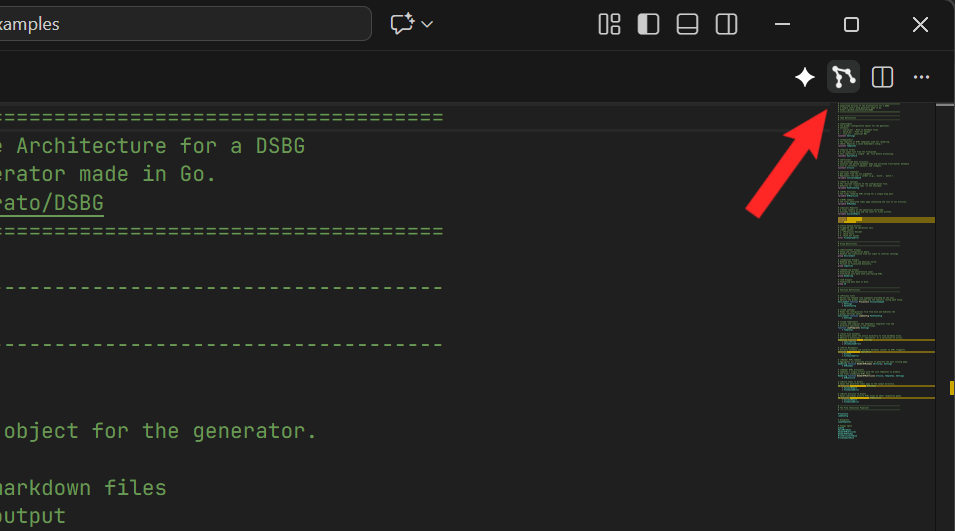
Command: Tect: Open Architecture Preview (or click the "Open Chart" icon in the editor title bar)
Interactive: Drag nodes, pan, and zoom.
Toolbar: Pause physics, fit graph, and expand/collapse groups.
Export: Right-click the graph to save as PNG, HTML, Mermaid, DOT, or LaTeX.
2. Intelligent Editing
Syntax Highlighting: Distinct colors for constants, variables, errors, and flow steps.
Go to Definition: Ctrl+Click on symbols or import paths to jump to their definitions.
Diagnostics: Real-time reporting of syntax errors, import cycles, and logic starvation.
Formatting: Auto-format your code (Shift+Alt+F) to standard Tect style.
Requirements
This extension comes bundled with the pre-compiled tect Language Server for Windows, macOS (Intel & Apple Silicon), and Linux.
You do not need to install Rust or compile anything manually. Just install the extension and start editing.
(Note for Contributors: If you are developing Tect itself and running the extension in debug mode, it will fallback to looking for a local cargo build in your target directory.)
Extension Settings
You can customize the visual graph physics and layout via your settings.json: