Diff FolderA VS Code extension that compares two folders and displays the differences in a tree view. FeaturesFolder Selection
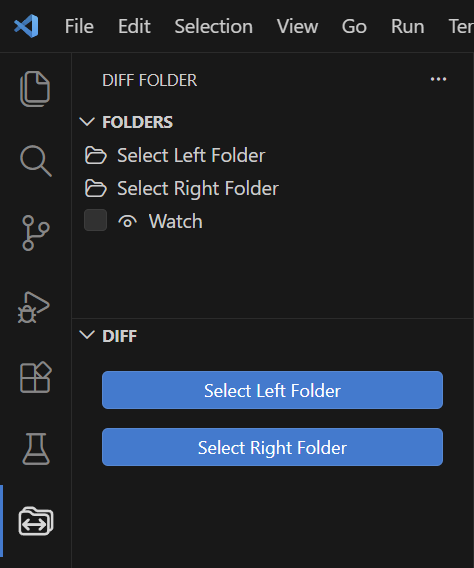
Open the Diff Folder view from the Activity Bar and select the left and right folders using the buttons. You can also set folders by dragging and dropping them from the Explorer onto the buttons in the FOLDERS section. Difference Tree View
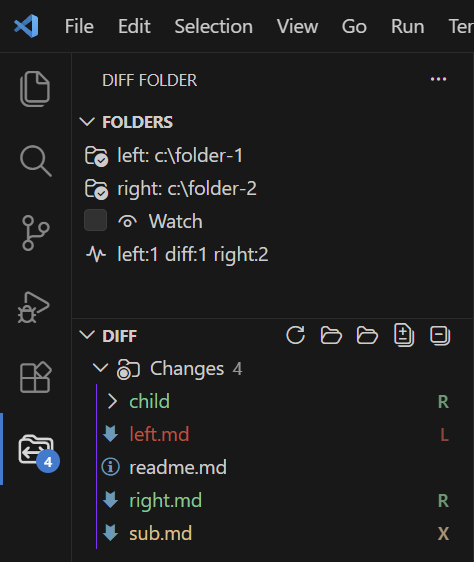
Once two folders are selected, a difference tree is displayed in the DIFF section. The following indicators are used:
When Watch is enabled, file changes within the selected folders are detected automatically, and the difference tree is refreshed. Settings
|