CommitCraft ProGenerate commit messages, branch names, and next-step suggestions from your Git diff using Gemini. Installation Launch VS Code Quick Open ( Ctrl+P), paste the following command, and press enter.Copied to clipboard |

CommitCraftCommitCraft is a VS Code extension that turns your staged Git diff into a polished conventional commit message, branch name ideas, and practical next-step suggestions.
Prerequisites
No API key required. CommitCraft works immediately after install with up to 10 free AI-powered generations per day via the CommitCraft hosted backend. Add your own Gemini API key later from Google AI Studio for unlimited direct access. Quick Start
How It WorksWithout an API key (default)When you haven't configured an API key, CommitCraft sends your diff and repository context to the CommitCraft hosted backend — a lightweight Cloudflare Worker that calls Gemini on your behalf. You get up to 10 free AI-powered generations per day. After the daily limit, you'll be prompted to add your own API key or wait until tomorrow.
With your own API keyAfter adding a Gemini API key via
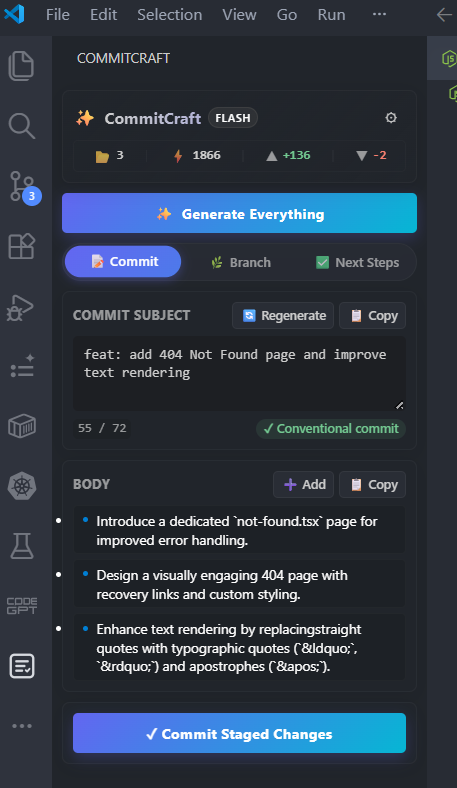
FeaturesAI-generated commit messagesCommitCraft analyzes your staged diff, recent commit history, and current branch to draft a conventional commit message plus a short supporting description.
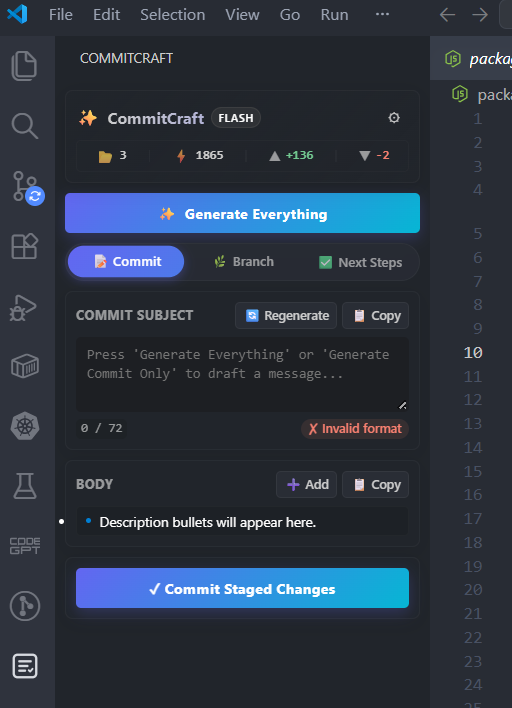
Sidebar workspace flowThe sidebar keeps commit generation, branch ideas, next steps, staging actions, and commit execution together in one place.
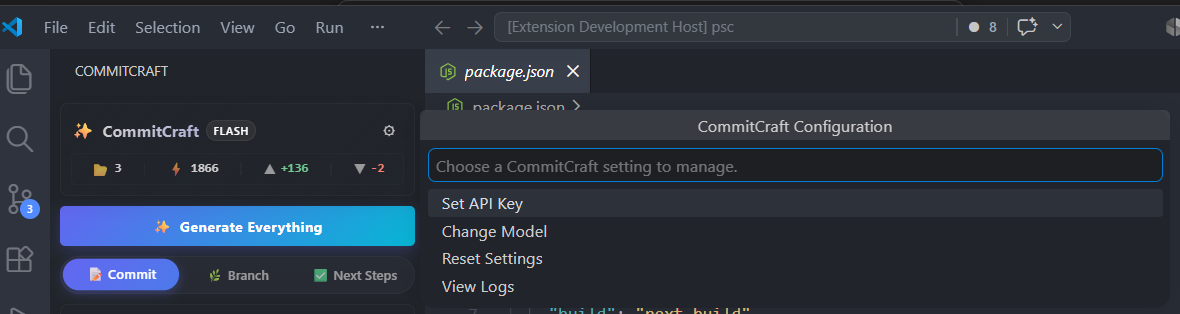
Secure configuration flowOptionally configure your Gemini API key securely, switch models, and reset settings without editing JSON by hand.
Branch suggestions and next steps
ConfigurationThe extension can be configured via VS Code settings (
FAQIs my code sent anywhere?Without an API key, CommitCraft sends your prepared Git diff and lightweight repository context (repo name, branch, recent commits) to the CommitCraft hosted backend — a Cloudflare Worker that calls Google's Gemini API on your behalf. No other data is collected. After you add your own Gemini API key, the extension calls Gemini directly and the backend is bypassed entirely. Telemetry stays opt-in through VS Code's built-in telemetry controls. Where is my API key stored?Your Gemini API key is stored in VS Code SecretStorage (OS-level credential storage) after you configure it. The developer's Gemini API key used by the free tier lives only on the hosted backend as an encrypted server secret — it is never included in the extension source, package, or bundled JavaScript. What is the daily free limit?You get 10 free AI-powered generations per day without adding your own API key. This limit resets daily. After 10 generations, you'll be prompted to add your own Gemini API key for unlimited use, or try again tomorrow. What happens if Gemini is slow or unavailable?CommitCraft retries transient network and Feedback & SupportIf you have any issues, feature requests, or bug reports, please leave a review or ask a question directly on the VS Code Marketplace! |