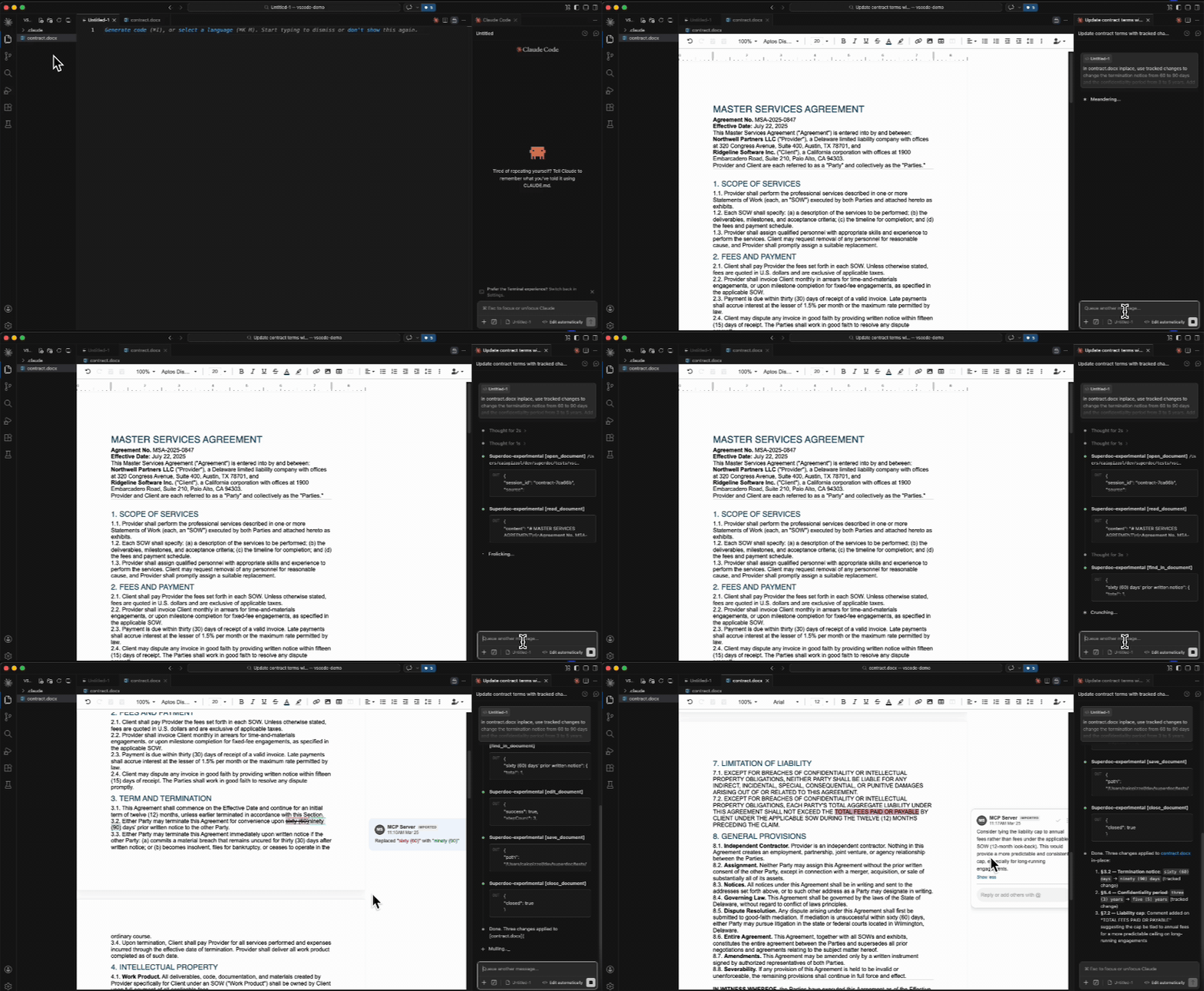
SuperDoc for VS CodeOpen, edit, and review Word documents directly in VS Code.
Features
InstallSearch "SuperDoc" in the VS Code Extensions panel, or: Once installed, click any AI IntegrationSuperDoc provides an MCP server that lets AI agents read, edit, and comment on Word documents programmatically. Combined with this extension, you get a live preview of AI-suggested changes — tracked changes and comments appear in real time as the agent works. Part of SuperDocThis extension is powered by SuperDoc — open-source DOCX editing for the browser and server. No server calls — your documents never leave your machine. LicenseAGPL-3.0 · Enterprise license available |