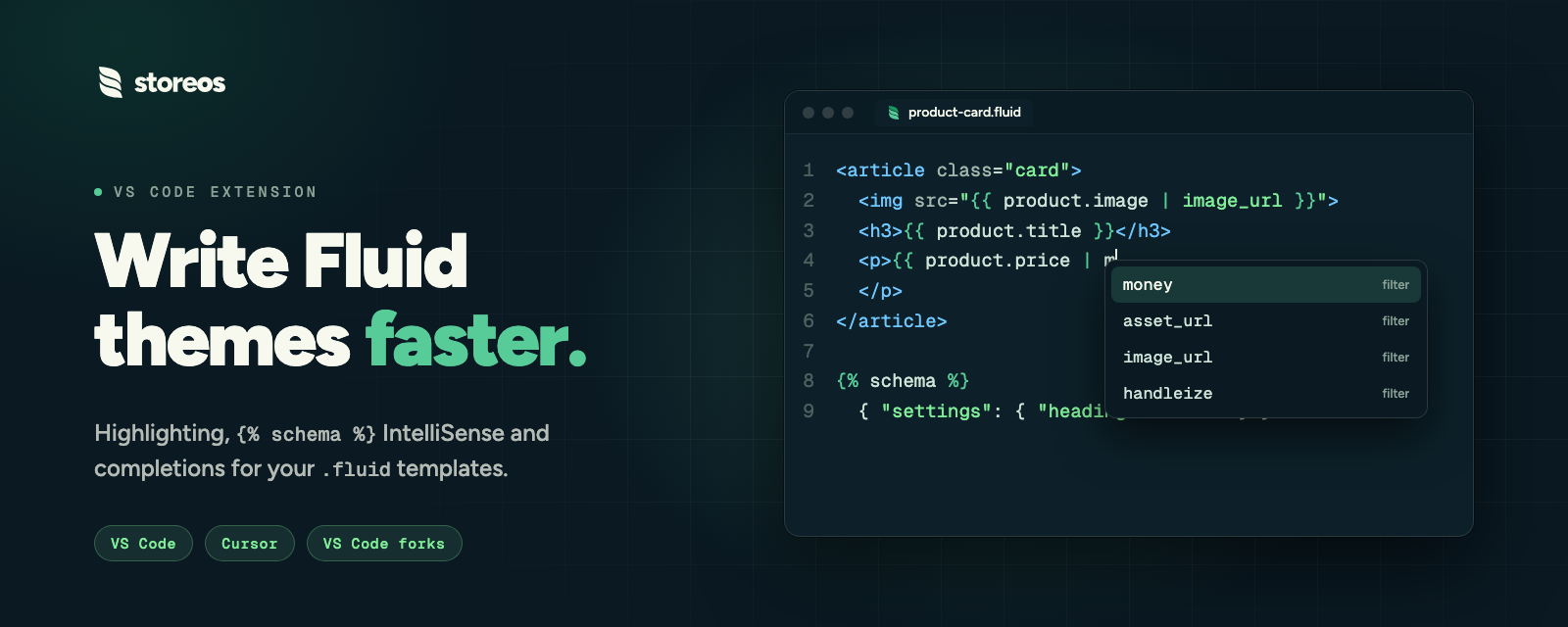
StoreOS Fluid
Language support for StoreOS theme templates (.fluid).
Fluid is the theme engine of StoreOS, the ecommerce platform. Templates use {% %} tags and {{ }} outputs.
Full guide with install steps for Cursor and other VS Code forks: storeos.dev/docs/themes/editor-extension.
Features
- File icon for
.fluid in the explorer
- Emmet HTML abbreviations (
div.foo>ul>li*3)
- Syntax highlighting (tags, outputs, HTML,
{% schema %} as JSON)
- HTML-aware indent and linked tag editing
- Snippets:
widget, schema, render
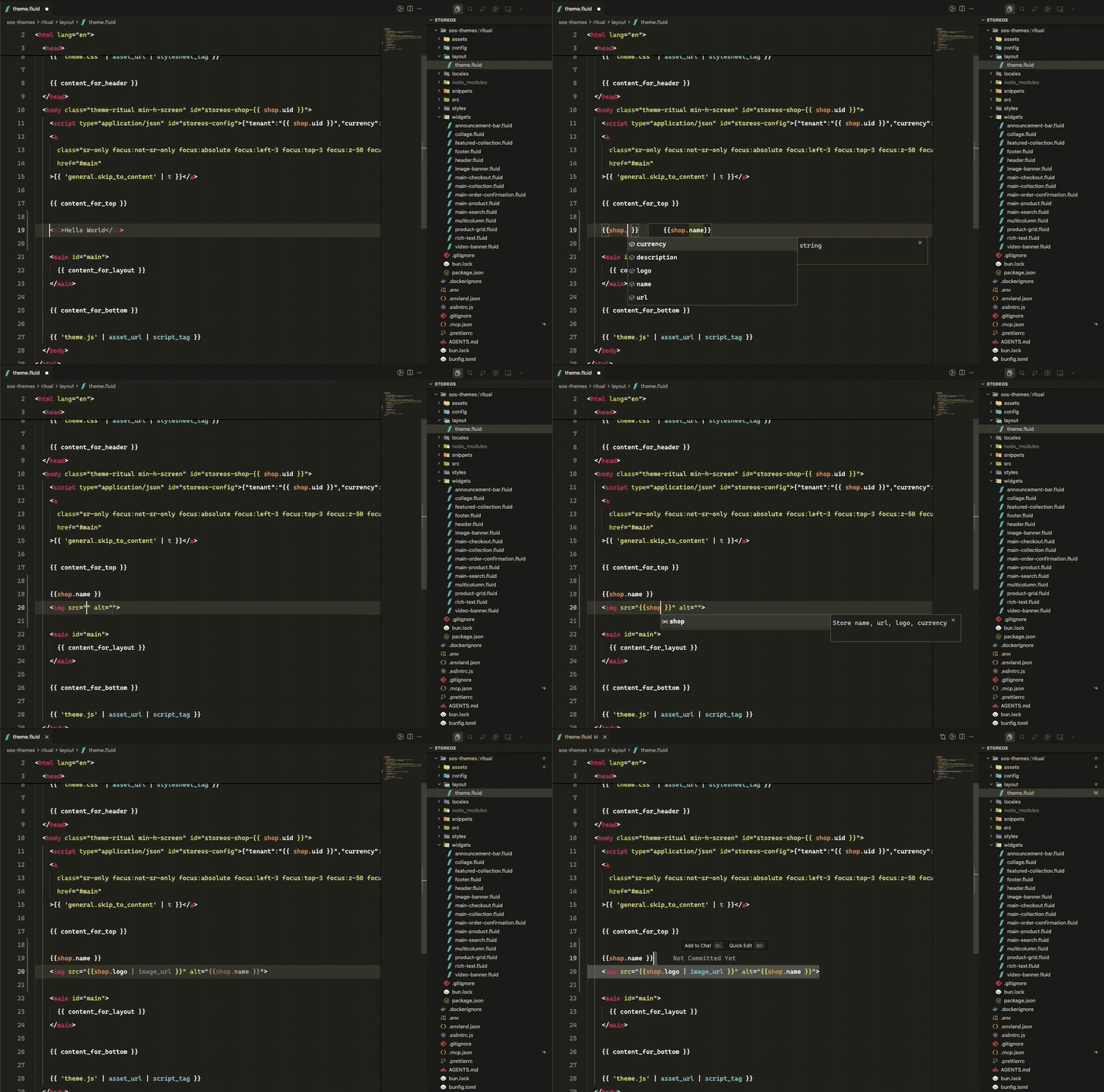
- Completions inside
{% schema %} for keys, field kinds, and settings (widgets and settings)
- Completions for StoreOS drops (
shop, product, props, …, see objects) and filters (money, asset_url, …, see filters and tags)
- Diagnostics for invalid schema JSON, unknown keys, and unknown field kinds (validation)
- JSON Schema validation for
config/document.json (layout and document)
Theme templates
storeos theme init my-theme
cd my-theme
storeos theme dev
Templates live at layout/theme.fluid, widgets/*.fluid, and snippets/*.fluid. See theme structure for the full folder layout.
Documentation
| Guide |
What it covers |
| Fluid themes |
Overview of the Fluid theme engine |
| Quickstart |
Build and preview your first theme |
| Editor extension |
Install for VS Code, Cursor and other forks, plus troubleshooting |
| Theme structure |
Folders, required files and templates |
| Widgets and settings |
The {% schema %} block and setting kinds |
| Page contexts |
The data each page type provides |
| Objects |
shop, product, collection and the other drops |
| Filters and tags |
money, asset_url, image_url and more |
| Assets and Styling |
CSS, JavaScript, images, fonts and Tailwind |
| Validation |
What storeos theme check reports |
| StoreOS CLI |
storeos theme init, dev, check, package |
| |

