TRINITY AgentOpen-source coding assistant for OVHcloud AI Endpoints: archives, task resumption, steering and queued messages. Self-hosted backend required. Installation Launch VS Code Quick Open ( Ctrl+P), paste the following command, and press enter.Copied to clipboard |

🇪🇺 · 🇫🇷 FR · 🇩🇪 DE · 🇬🇧 ENG · 🇪🇸 ES 🟪 TRINITY AgentAn independent, open-source coding assistant for OVHcloud AI Endpoints, with conversation archives, tool approvals, task resumption, steering and a persistent follow-up queue. This extension is the client for the self-hosted TRINITY Agent backend. Installing this VSIX alone does not install Python, the agent backend or an OVH account. Use it in the supplied Linux Docker environment, or connect VS Code Remote to that environment. It is not an official OVHcloud or OpenAI extension. ⬛ Preview
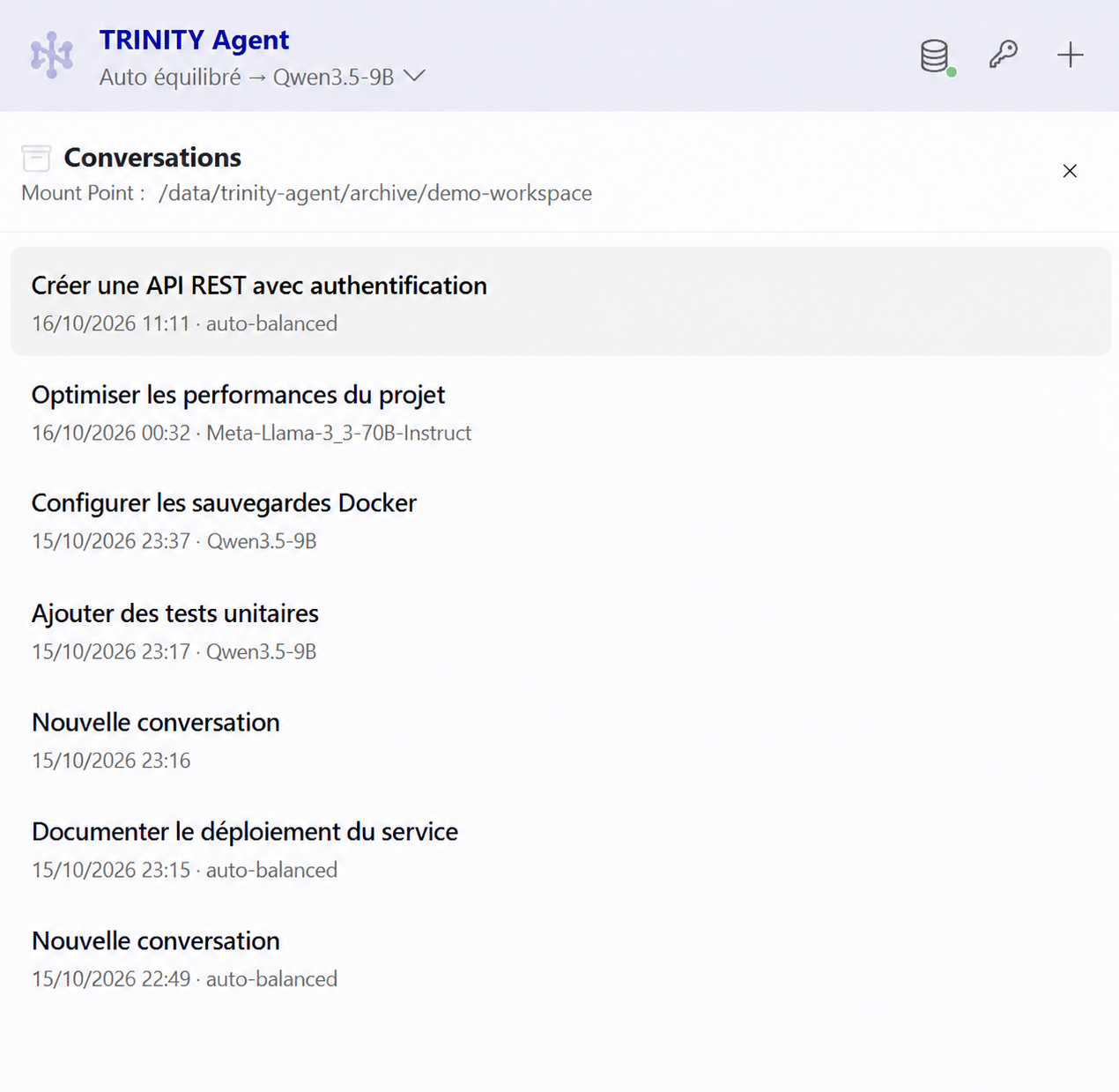
Edited demonstration screenshot: conversation titles and the mount path are fictional. ⬛ Install and configure
The extension itself is free and licensed under 0BSD. OVHcloud API usage and any hosting are charged by their providers. No model subscription or API credit is included. ⬛ Features
⬛ Privacy and storagePrompts, relevant workspace contents, tool results and images can be sent to the configured AI endpoint. Conversations, task state and the follow-up queue are stored on the backend's persistent volume. Deleting a local conversation does not delete provider-side logs. The extension does not include a separate analytics service. ⬛ Source, issues and licensingOriginal code: 0BSD. Bootstrap Icons: MIT. The Marketplace icon is the TRINITY logo. The history header uses Font Awesome Free's hexagon-nodes icon under CC BY 4.0. DOMPurify, Markdown-it and other dependencies retain their respective licenses; license files are included in the package. |