OPC UA Modeler for VS CodeWrite OPC UA information models the way you write code. Author your OPC UA (IEC 62541) information model in a clean YAML dialect and let
VS Code do the hard part: completions that know the OPC UA address space, hover
cards that resolve any type, diagnostics as you type, one-click quick fixes, and
a live tree of the model you are building. Then generate the standard
Powered by the OPC UA Modeler engine from Sterfive, the authors of node-opcua. Prefer to try it first? The same engine runs in the browser at opcua-modeler.sterfive.io — nothing to install. Install in one commandThat single step installs this extension (Marketplace first, bundled Installing from the Marketplace directly also works: install the CLI as above, then install the Red Hat YAML extension alongside this one.
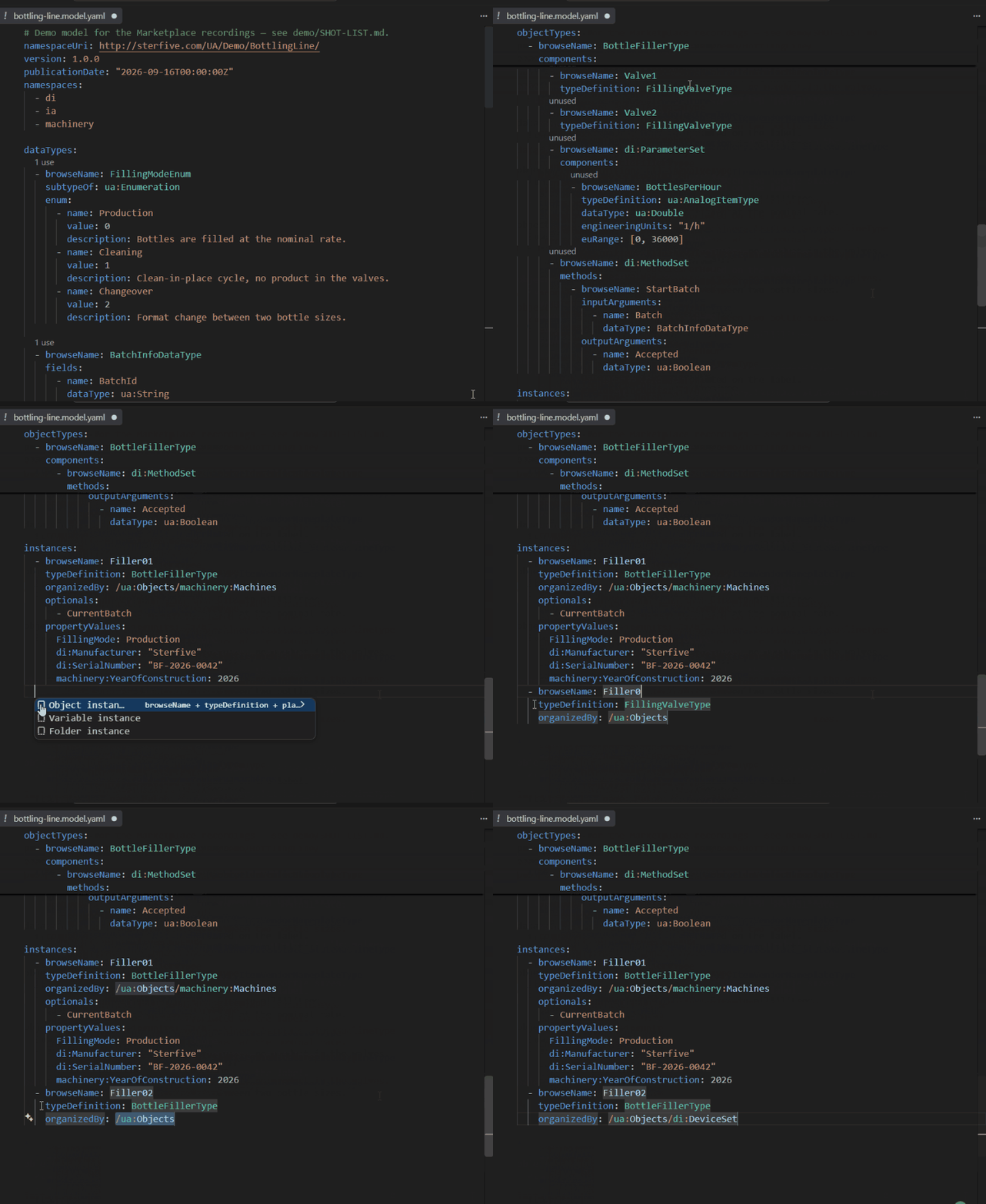
What you getCompletions that know the address spacePress
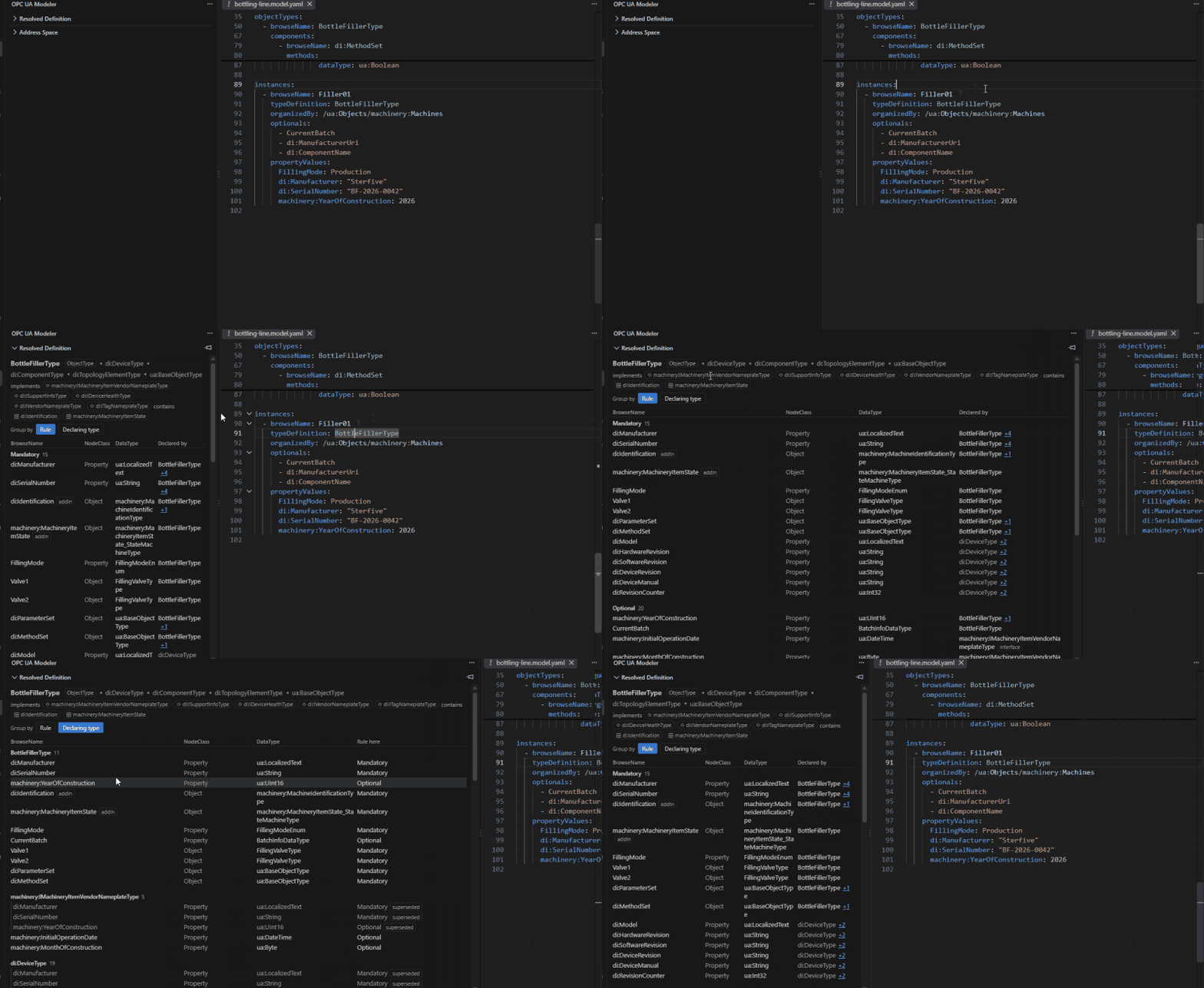
Hover any type and see it resolvedHovering a type reference opens a card with every member the type brings in,
mandatory and optional, with its kind and data type. Members inherited from
companion specifications such as DI or Machinery are resolved for you, so there is
no need to open a NodeSet2 XML to check what a
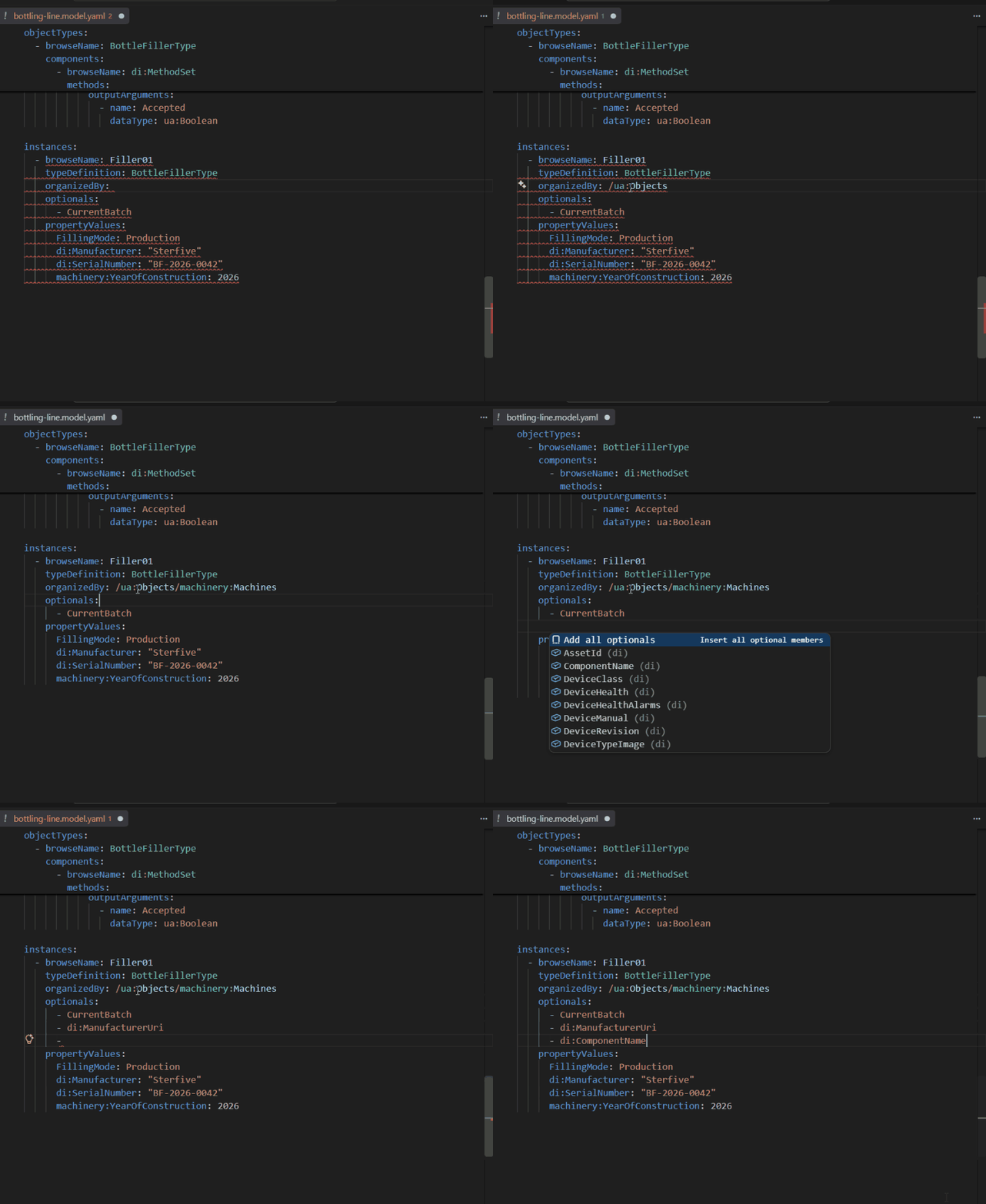
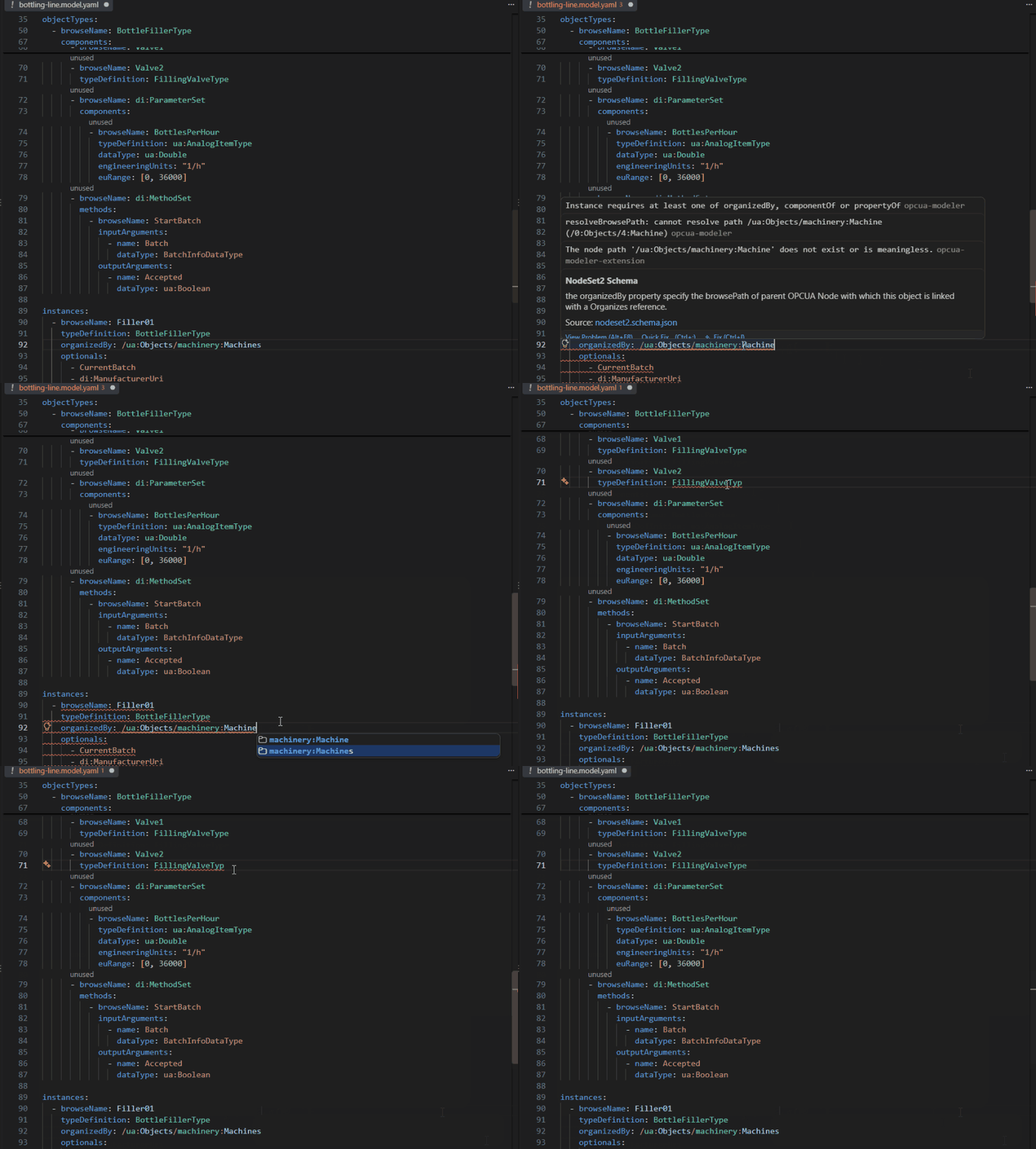
Errors as you type, fixed in one clickTwo validation layers run in the background. JSON Schema catches structural
mistakes instantly. The semantic pass, half a second after you stop typing, checks
what only an OPC UA engine can: unknown type references, broken browse paths,
duplicate anchors, illegal optionals and
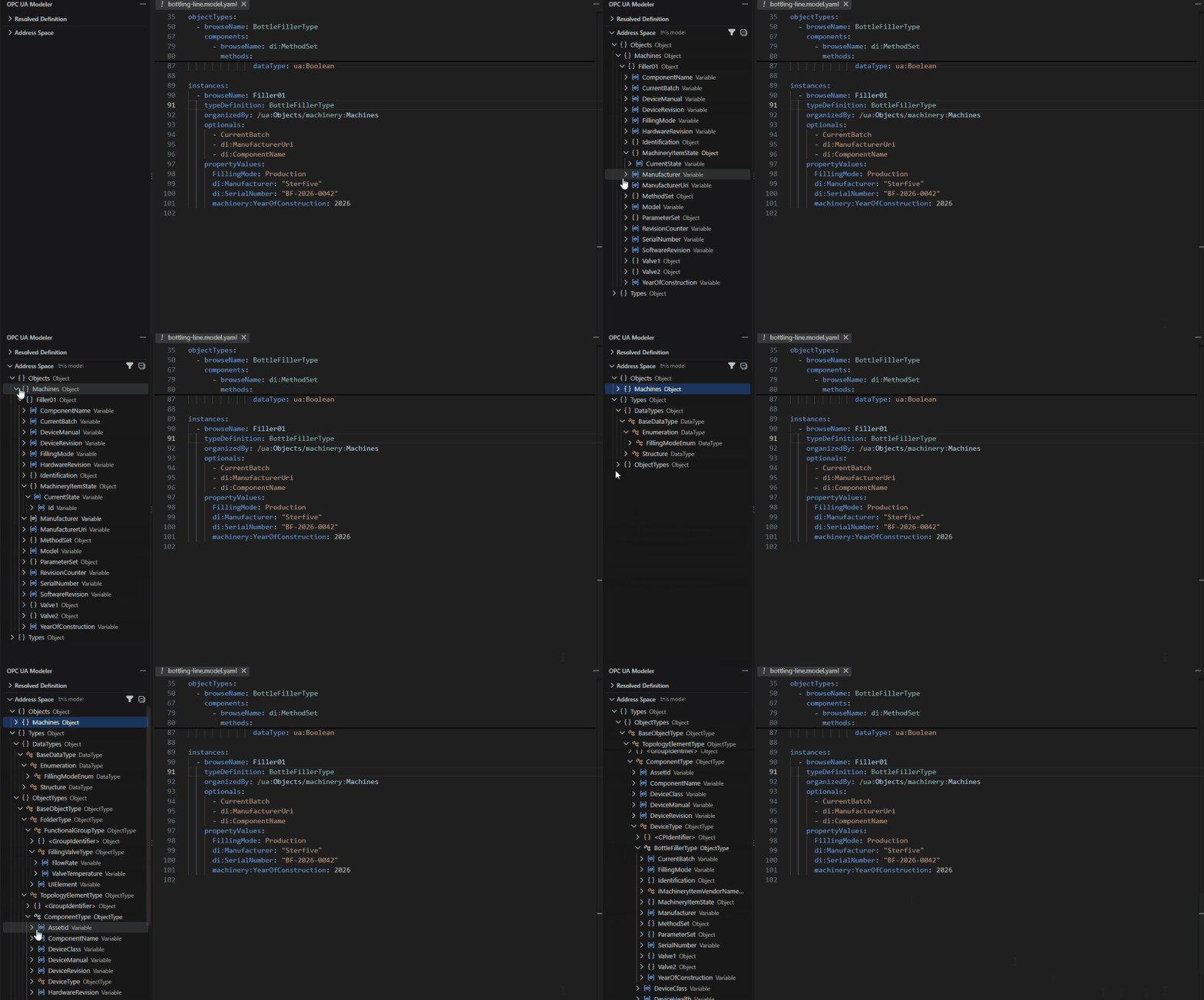
Explore the address space you are buildingThe OPC UA Modeler view shows the full address space the file produces,
Objects and Types alike, filtered to this model or expanded into the standard and
companion namespaces it builds on. Your
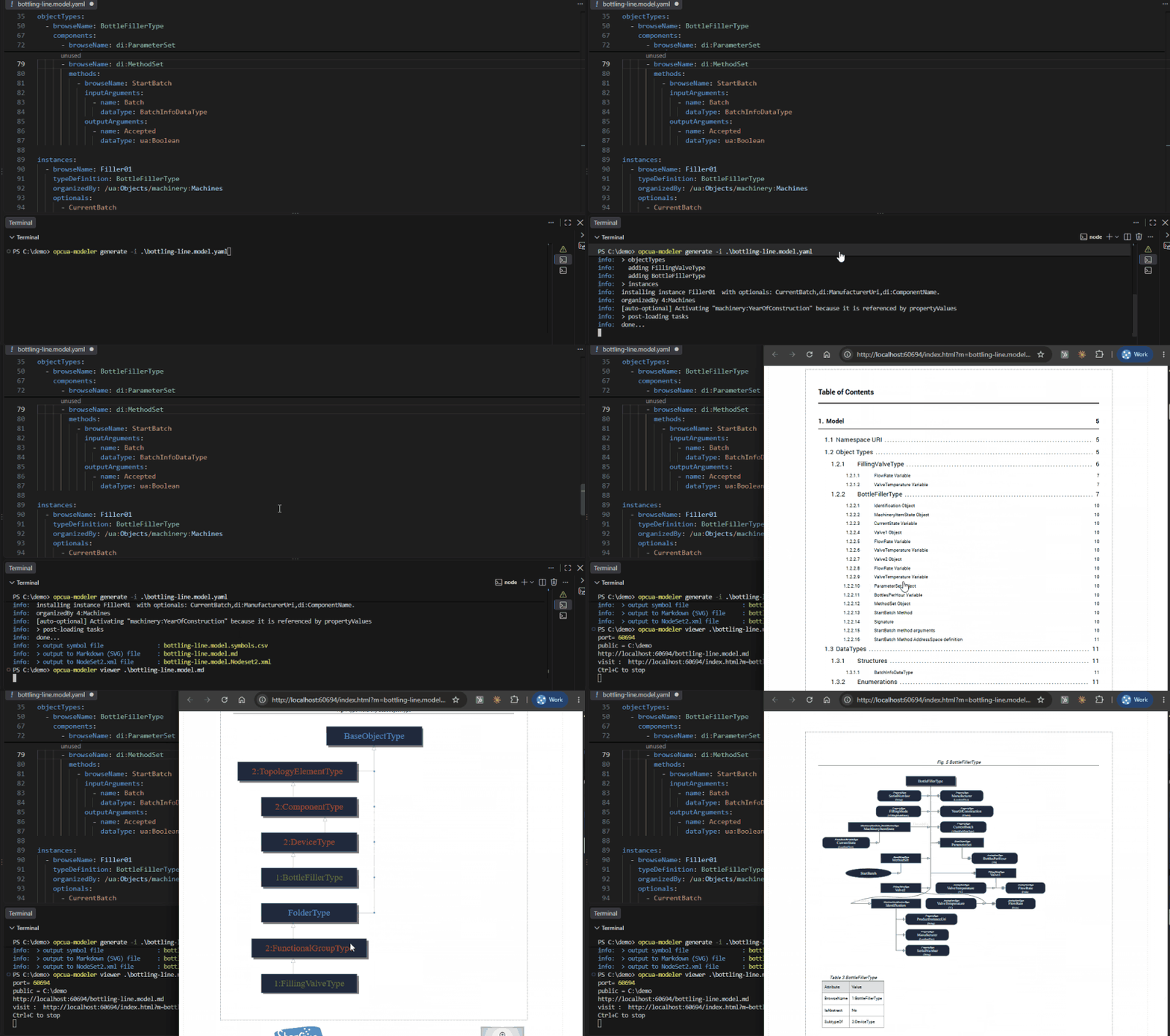
Generate NodeSet2 and documentation from the terminalWhen the model is green, one command in the integrated terminal writes the
standard
The same engine everywhereThe intelligence lives in the Configuration
The status bar shows Supported file patternsThe extension activates on files matching any of these patterns: Requirements
Privacy & TelemetryThe LSP server itself collects no telemetry. When the CLI is used as the server backend, the CLI's standard telemetry policy applies: anonymous usage events only, no file contents, no model data. See the CLI privacy statement to learn more or opt out. About SterfiveSterfive is a French software company specialising in OPC UA tooling and industrial interoperability. We are the authors of node-opcua, the most widely used open-source OPC UA stack for Node.js, trusted by thousands of developers and industrial organisations worldwide. The OPC UA Modeler is our commercial product suite built on top of node-opcua, designed to make OPC UA information modelling accessible to engineering teams without sacrificing the rigour of the OPC UA specification.
LicenceThe extension client is provided free of charge. The LSP server bundled within this extension is © Sterfive. Redistribution is not permitted without a valid licence. See sterfive.com/legal for details. |