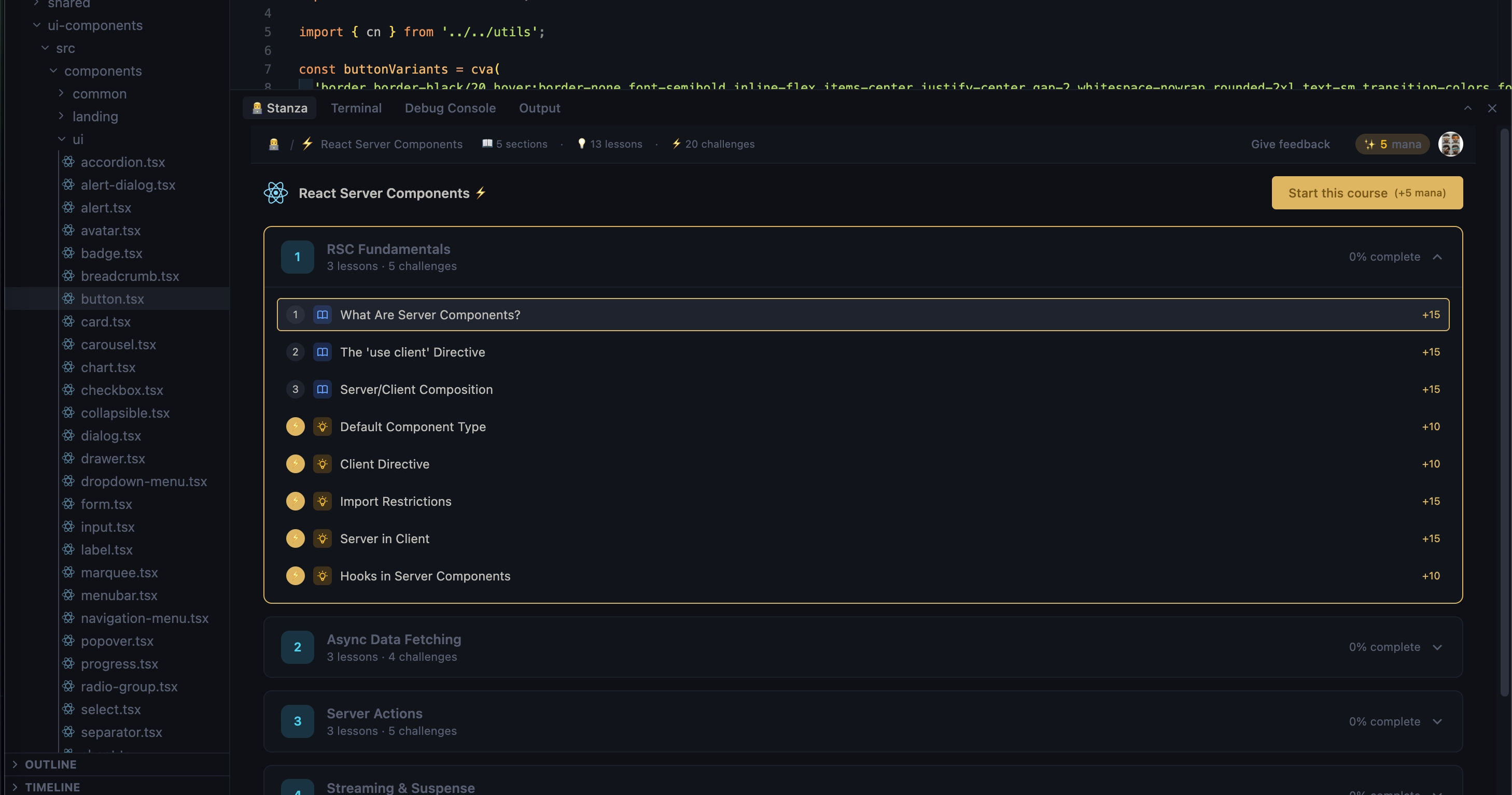
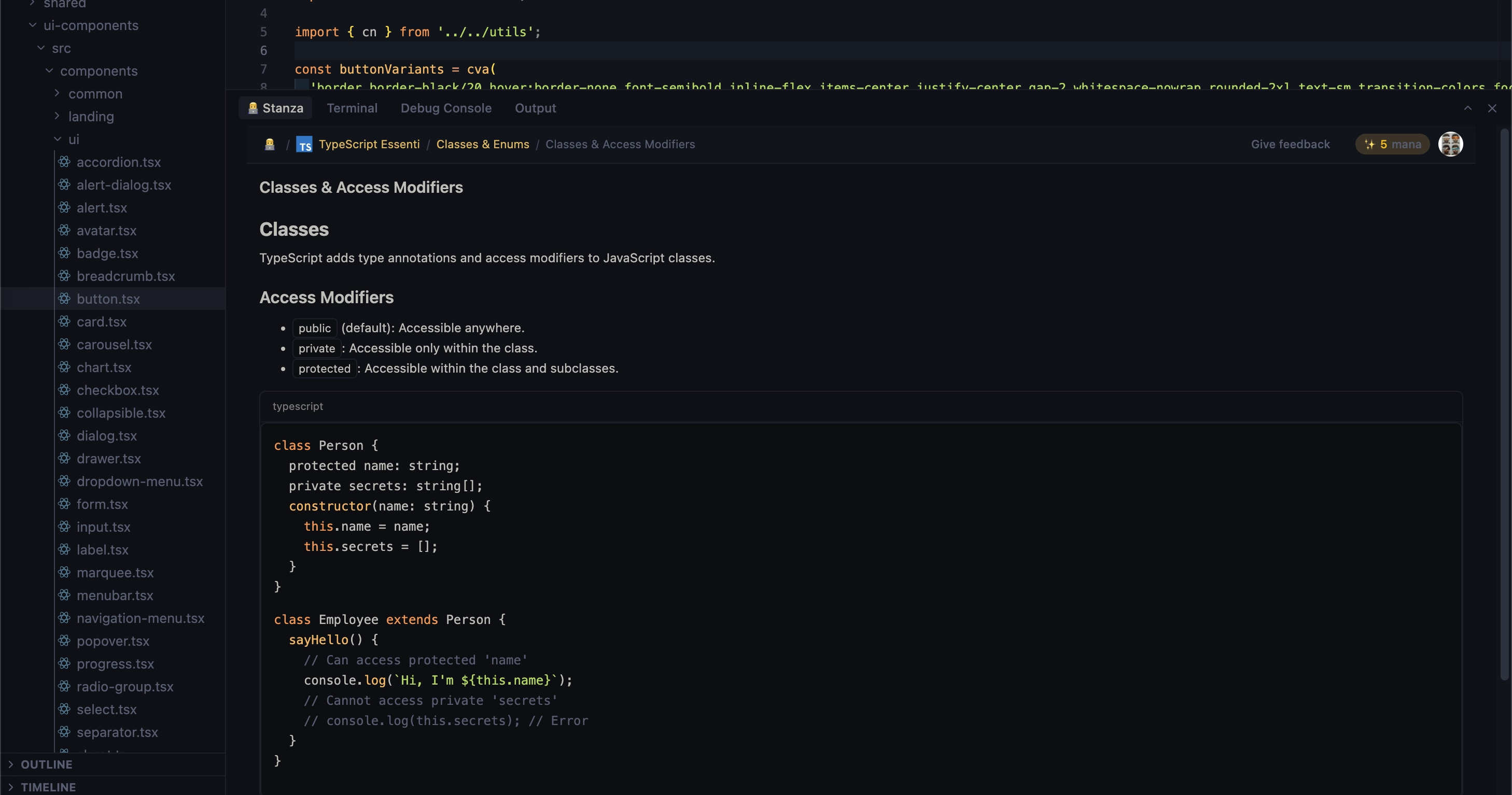
The path to Fullstack AI EngineeringLessons and challenges on the modern technologies and AI tools, right in your code editor. Learn by doing. Stop context-switching and start shipping. Stanza covers the complete modern stack in one place: from React to Openclaw, Django to Go, TypeScript to MCP. 80+ courses, bite-sized lessons, and real challenges that test what you just learned. Built for how devs actually learnNo 40-hour courses. No passive videos. Just daily practice that sticks.
Works on VS Code, Cursor, Antigravity and Windsurf.
FeaturesIntegrated Learning PanelAccess a library of fullstack and AI challenges, track your progress, and earn mana points without leaving your editor. Stay in flow while you grow.
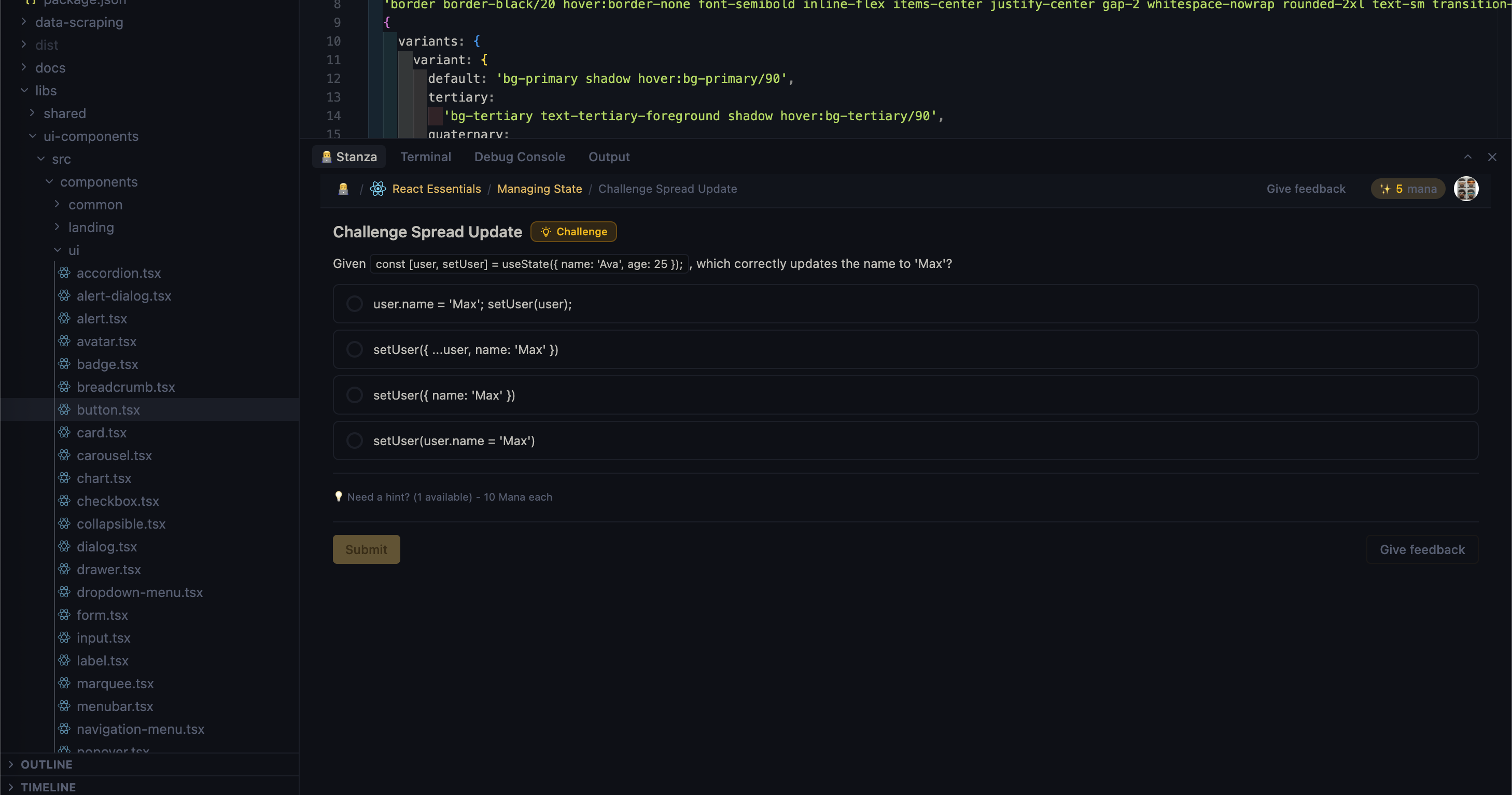
Interactive ChallengesTest your knowledge with hands-on exercises. Stanza verifies your solution instantly within your editor, giving you the immediate feedback loop needed for deep learning.
Gamification that builds habitsEarn mana, maintain streaks, unlock achievements, and level up. Stanza turns daily learning into a habit, not a chore. Learn everywhereNot at your editor? Continue on the web app, in Slack, or via daily email lessons. Your progress syncs across all channels. What you'll learnFrontend: React, Next.js, Vue, Svelte 5 Backend: NestJS, Django, Rails, Laravel, PHP Languages: JavaScript, TypeScript, Python, Go, Ruby, Rust Databases: PostgreSQL, Redis AI & Modern Tools: OpenClaw, MCP, Paperclip ...and growing every week. Getting Started
PrivacyStanza respects your privacy:
Read our full Privacy Policy. Feedback & SupportWe value your feedback. Connect with us on Twitter or join the conversation on Reddit. |