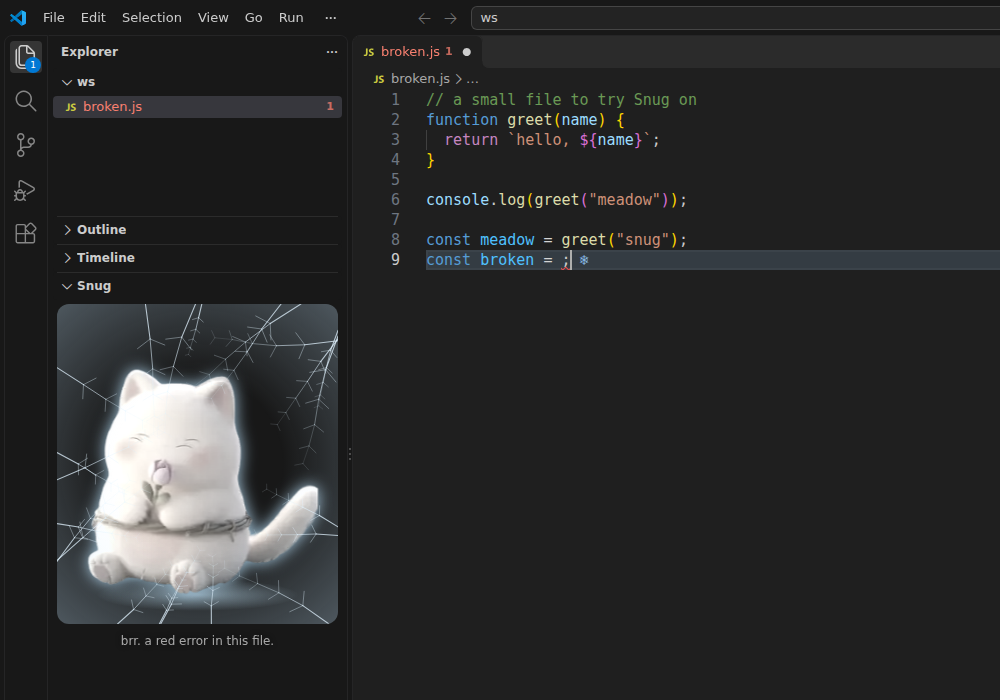
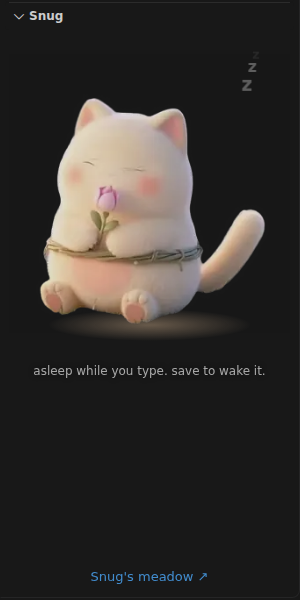
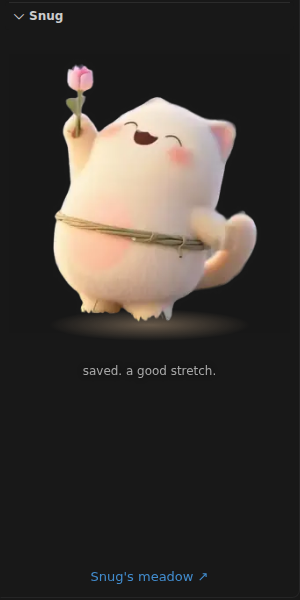
Snug: a cozy pet that frosts over your errorsA small cream creature in your Explorer. It naps while you type, stretches awake on every save, and frosts over while your file has an error. Installation Launch VS Code Quick Open ( Ctrl+P), paste the following command, and press enter.Copied to clipboard |

SnugA small cream creature that lives in your Explorer. It naps while you type, wakes and stretches every time you save, and frosts over while the open file has a red error, with a pale frost and a snowflake on the broken lines, until you fix it.
The one link in the panel, "Snug's meadow", opens https://overflow.games/gamehole/vsc in your browser when you click it. Nothing else leaves your machine. What Snug does
Snug is in the Explorer side bar, under the file tree. Drag its title anywhere you like, the secondary side bar too. Settings
PrivacyNo network calls, no analytics, nothing counted. The extension reads only your editor's own error list and save events, in memory. Snug's meadowSnug lives in a frosty sunrise meadow: wallpapers, watch faces and stickers at overflow.games/gamehole/vsc. |