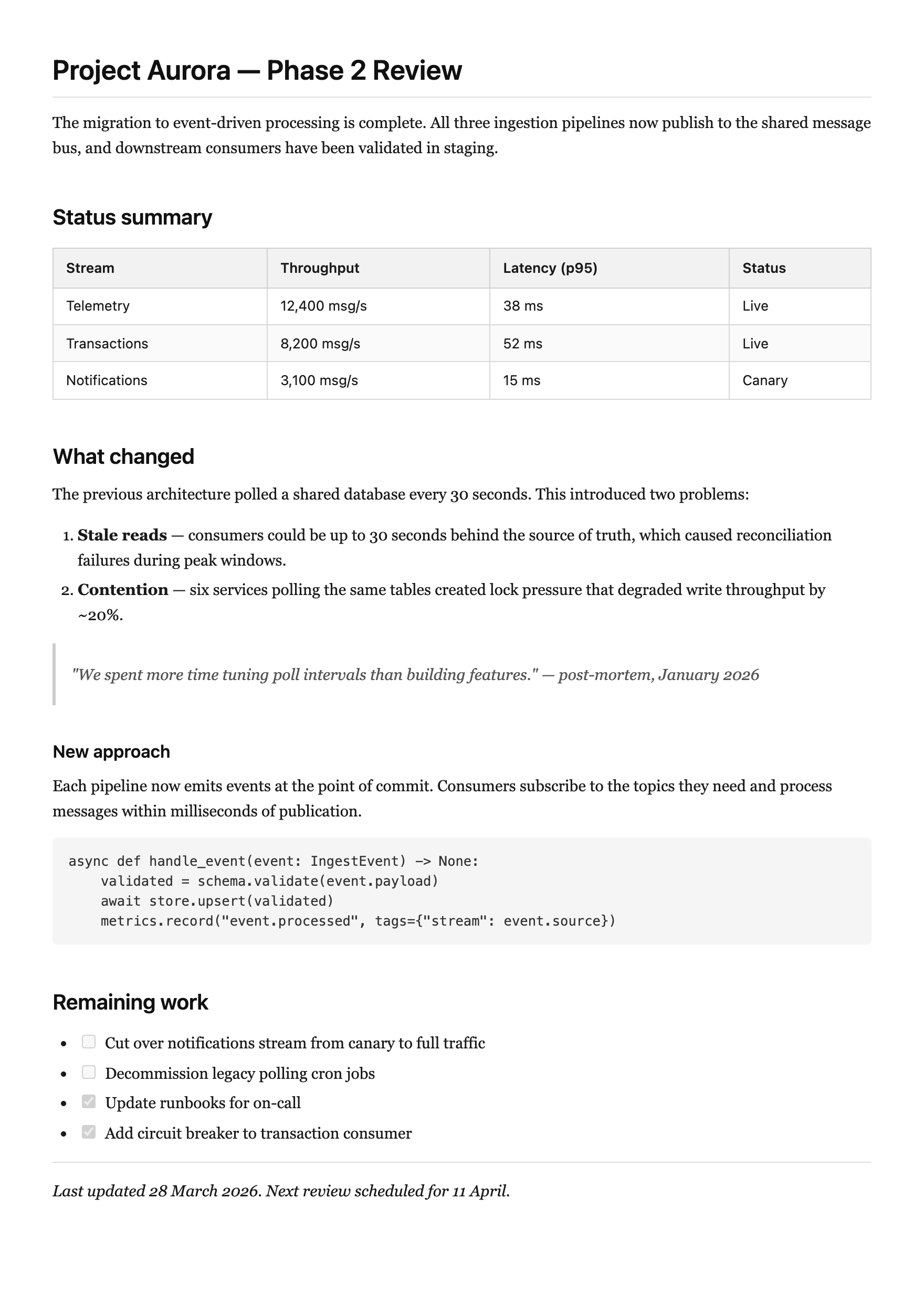
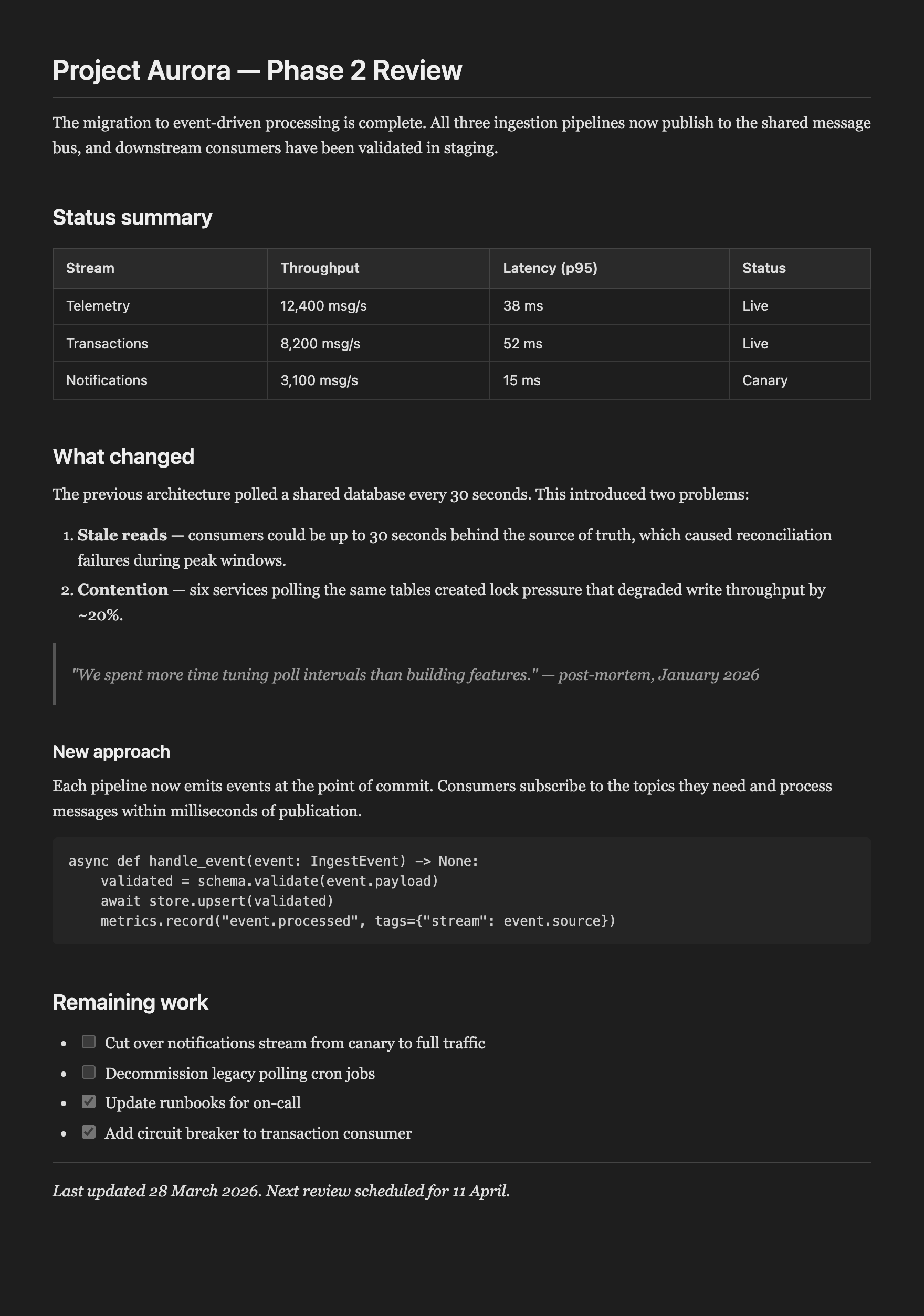
Rime opens VS Code's built-in markdown preview whenever you open a .md file, and bundles a reading-optimised stylesheet. No clicks, no configuration. Designed for markdown-heavy workspaces — consulting deliverables, meeting notes, project documentation — where you almost always want to see the rendered version.
Features
Auto-preview — open a .md file, get the rendered preview immediately.
Reading stylesheet — serif body text, sans-serif headings, proper tables, dark mode support. Designed for documents, not READMEs.
Smart skip — won't trigger in git diffs, PR reviews, or merge conflicts.
Session aware — each file is previewed once per session. Switching tabs won't re-trigger.
Manual command — Cmd+Shift+M (Mac) / Ctrl+Shift+M (Windows/Linux) to open preview on demand.