SQLLens.AIsqllens.ai — MySQL, MariaDB, PostgreSQL & SQLite database GUI with Query Optimizer (QO), slow query analysis (SQO), Performance Monitor (PM), query profiling, visual EXPLAIN, and AI SQL tools. Installation Launch VS Code Quick Open ( Ctrl+P), paste the following command, and press enter.Copied to clipboard |

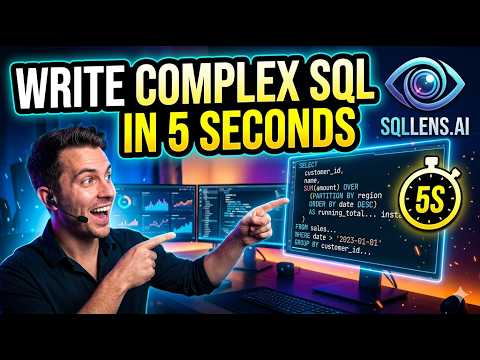
sqllens.aiSQLLens.AI: Advanced Database GUI for Visual Studio Code — query optimization, debugging, and performance analysis, powered by AI. Advanced DB GUI Tool — write complex queries in seconds, optimize them automatically, and fine-tune your database workload to improve performance by up to 100X. sqllens.ai also helps you improve live DB workload response time and resolve production issues such as DB locks, deadlocks, long-running transactions, long-running queries, connection pool exhaustion, DB design issues, and server configuration tuning — detecting problems and providing solutions for both Developers and DBA teams. Supports PostgreSQL, MySQL, MariaDB, and SQLite. 🎥 Demo▶️ Watch the full demo on YouTube
✨ Features🗄️ Supported Databases
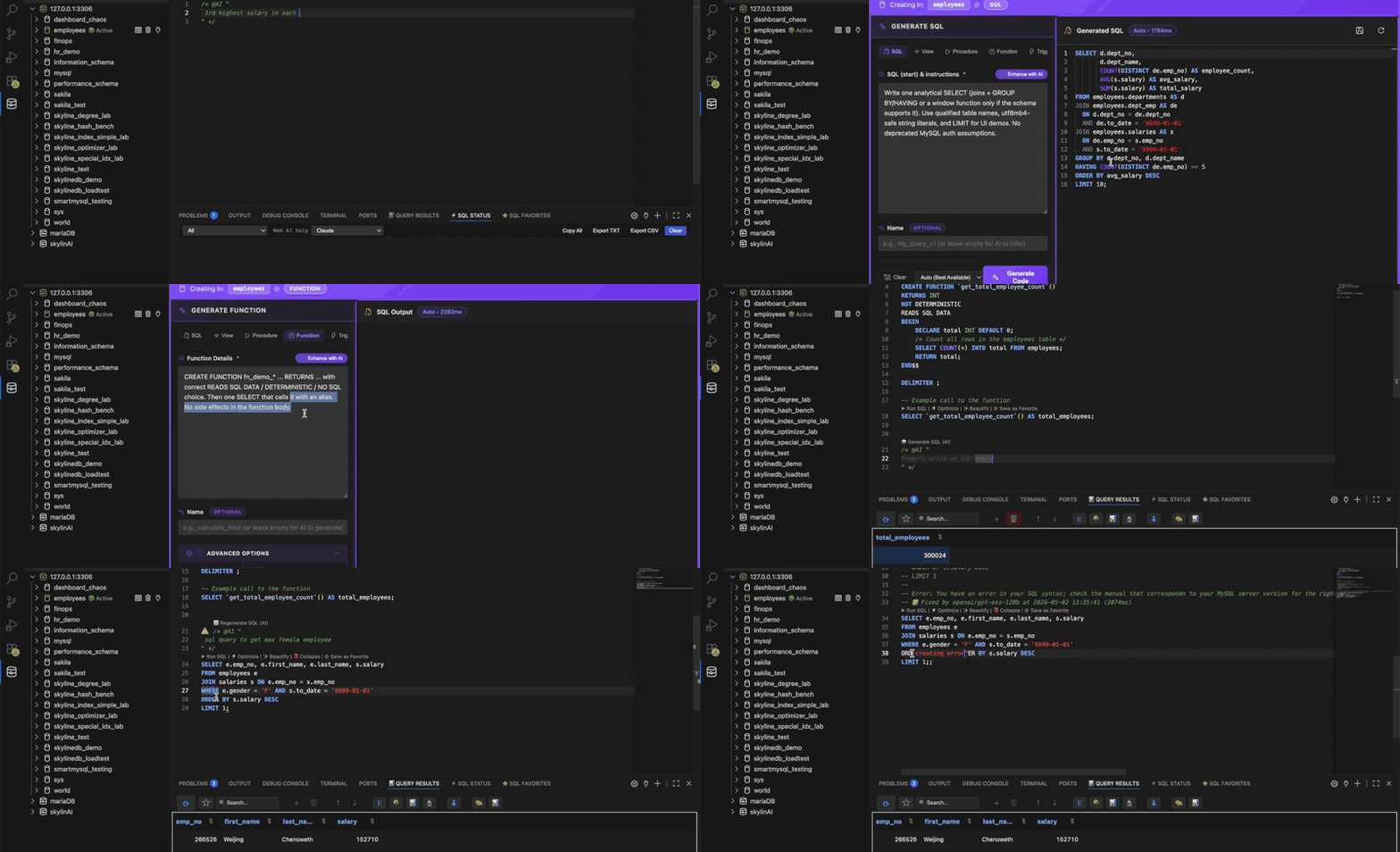
🚀 Write Complex DB Code in Seconds + DB AI CopilotGenerate, explain, fix, and refactor SQL from plain English — or straight from an error in the gutter. Your built-in AI pair-programmer for databases.
🧩 Visual Query BuilderDrag tables from the connection tree, auto-detect relationships, build JOINs and filters visually, and drop the generated SQL into your editor. ▶️ Watch the Query Builder demo on YouTube
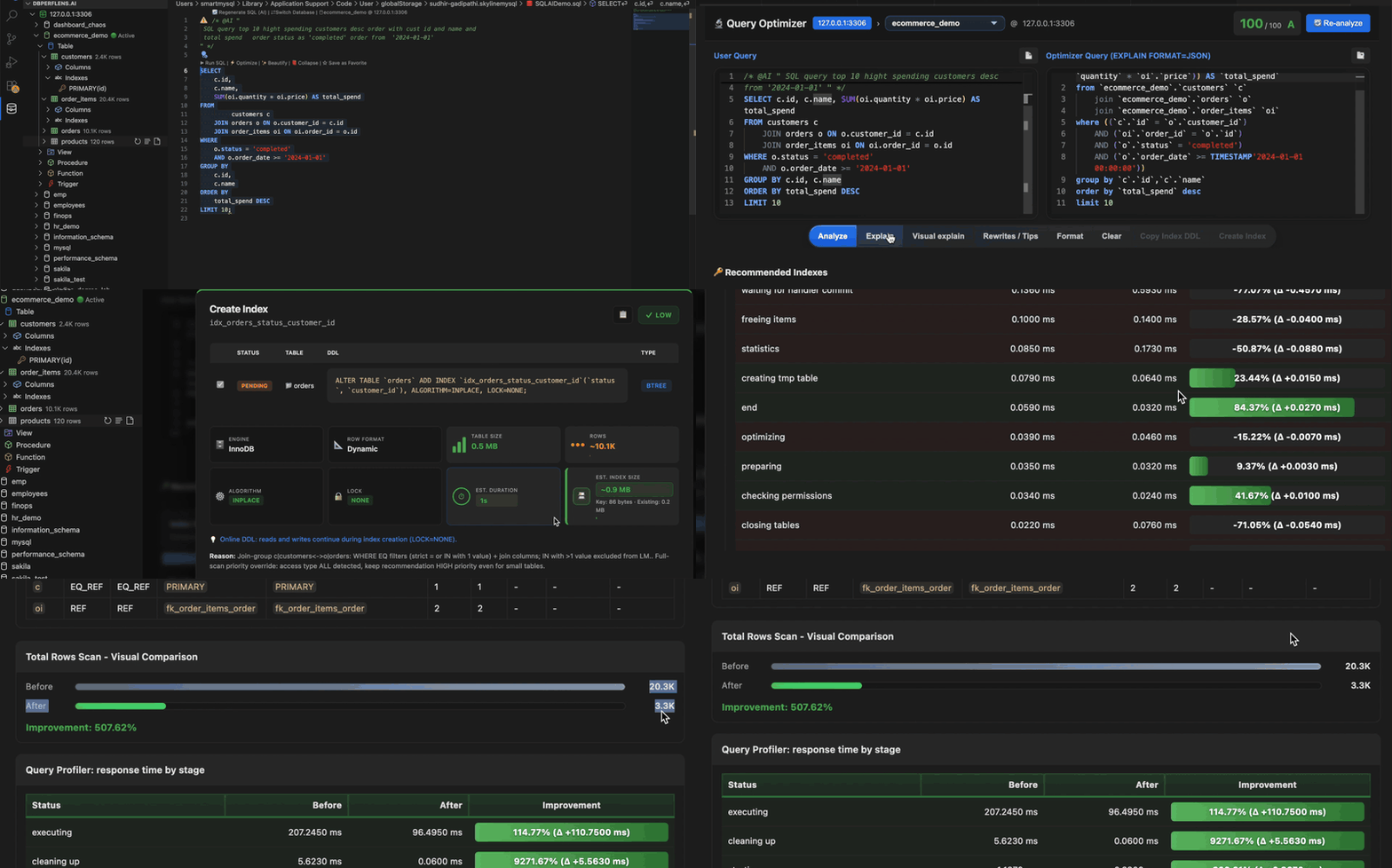
⚡ Query OptimizerTurn execution plans into an interactive tree, score each step, and get index recommendations and rewrite suggestions.
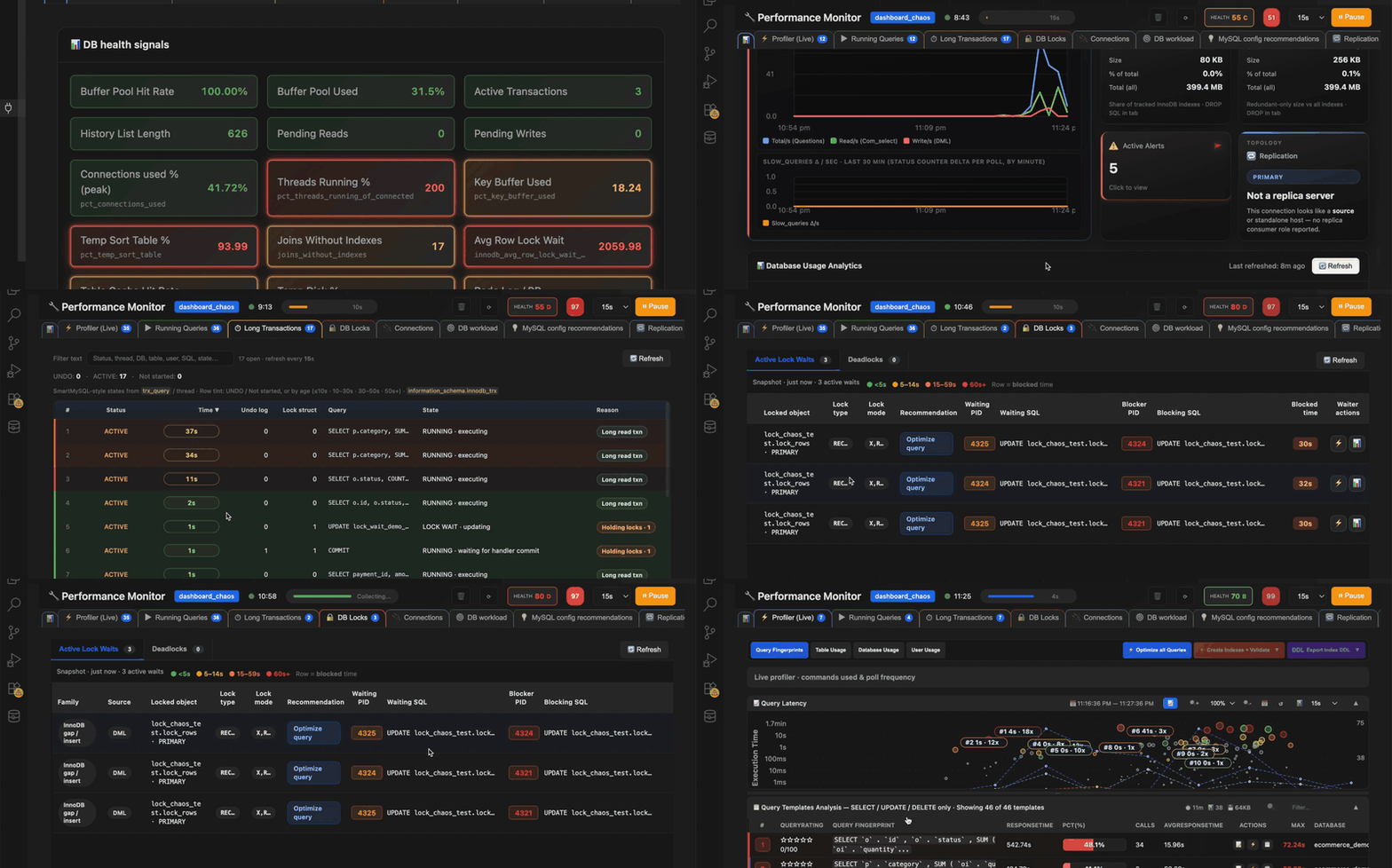
🔍 Slow Query AnalyzerIngest slow query logs, rank expensive statements, and jump straight into optimization with context — no GUI demo yet, coming soon. 📊 Performance Monitor & Query ProfilerDebug when the database feels slow — open Performance Monitor on demand for CPU, locks, replication, and process list.
Query Profiler sessionUse Query Profiler for stage-level timings on a session — start profiling, run SQL, and review where time is spent.
🗄️ Database Workspace Essentials
🛠️ UsageAdding a Connection
Browsing Databases
✅ Requirements
Database engines (any one or more):
🤝 ContributingContributions are welcome! Please feel free to submit a Pull Request. 📚 DocumentationIntegration & Attribution
Technical Documentation
📄 LicenseMIT License — see LICENSE file for details Copyright:
💬 Support
Note: This extension is a fork of vscode-database-client, with added MySQL, MariaDB, PostgreSQL, and SQLite support. Currently in active development. |