Volt API Client
A lightweight, local-first client for REST API and MCP, built for Visual Studio Code. Volt API Client lets you work with HTTP requests and MCP servers without leaving your editor. Its interface follows VS Code themes and interaction patterns, so API testing feels like part of your development workflow instead of a separate application.
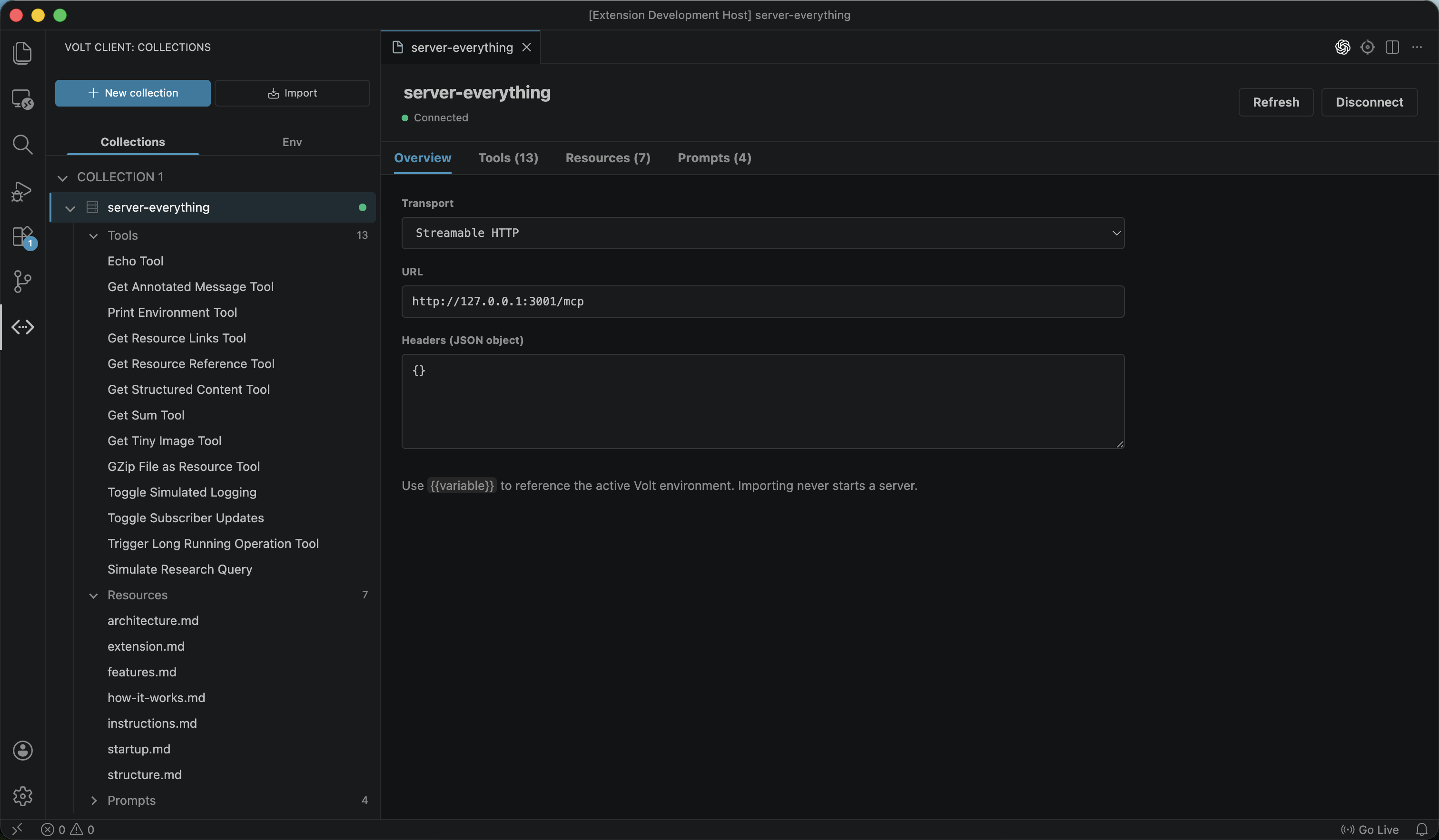
Why Volt API Client?Standards-based MCP supportConnect to standards-based MCP servers, discover their capabilities, and call tools from the same local-first VS Code workspace. Beautiful, native-feeling VS Code experienceVolt API Client is designed to blend into VS Code. It adapts to your active color theme, supports native editor tabs, and provides a compact interface that stays out of the way while you work. Lightweight by designNo heavyweight desktop application and no unnecessary background services. Volt API Client keeps HTTP and MCP tool testing in one focused workflow. Local-first and account-freeNo sign-up, login, or cloud workspace is required. Your collections, requests, MCP server configurations, and environments remain under your control. You can store project data in a local JSON file such as Commit it to Git, review changes with your team, or share the file directly with another developer. FeaturesStandards-based MCP support
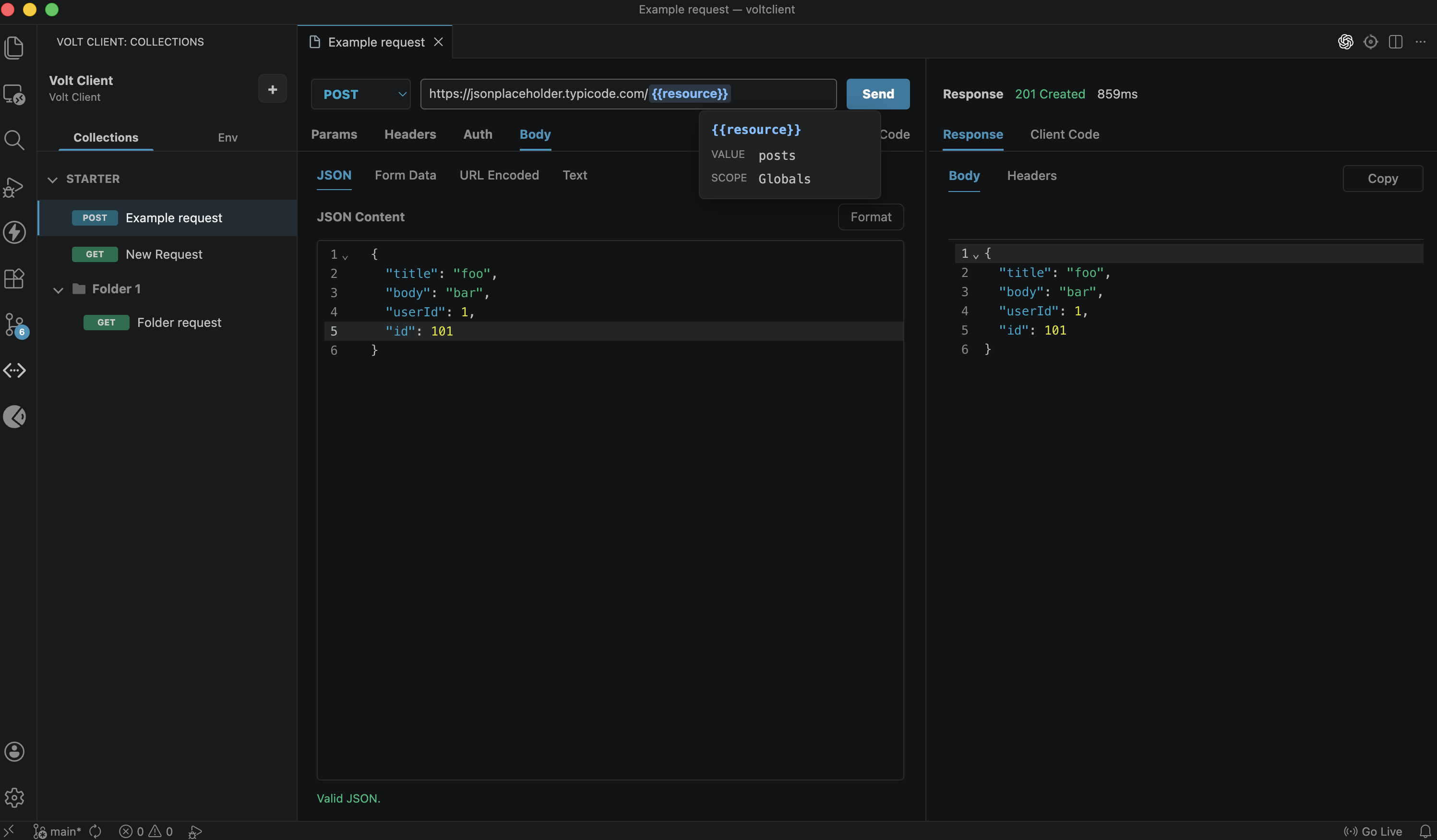
Manage requests
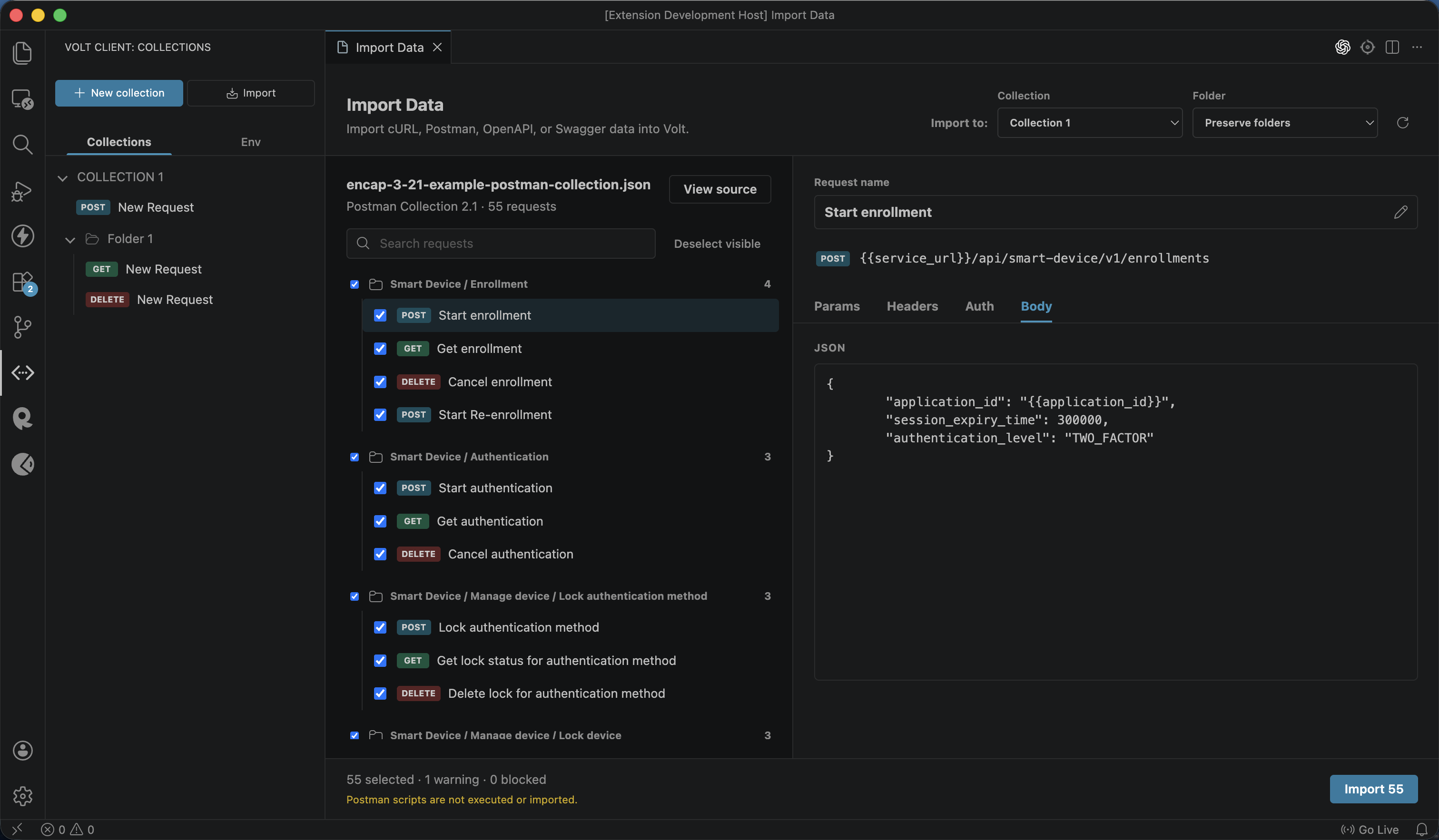
Import dataImport cURL commands, Postman Collections, OpenAPI 3.x, and Swagger 2.0 specifications.
Local Data and GitVolt API Client supports two storage modes:
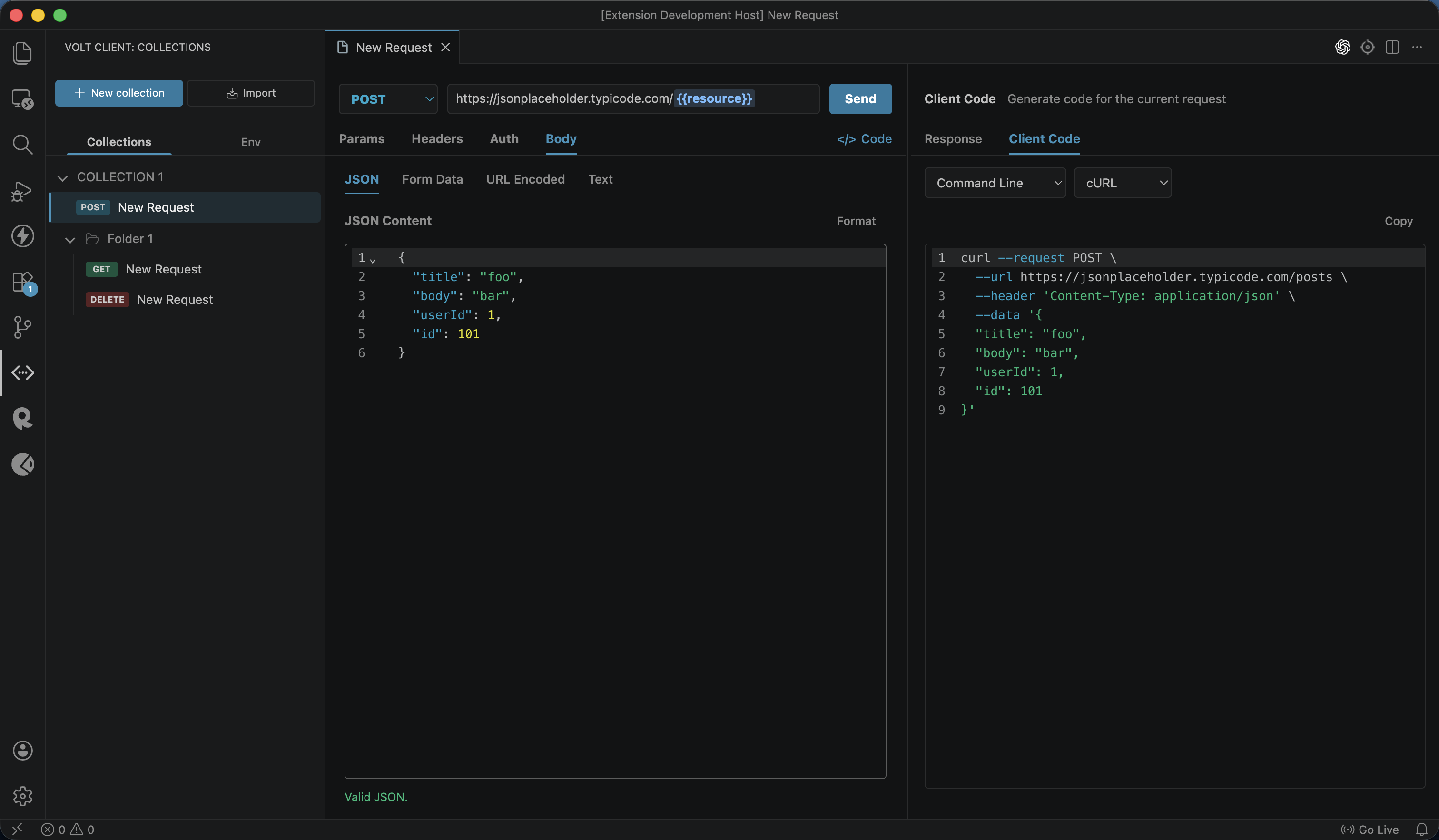
To keep data with your project, add the following settings to your VS Code configuration: Generate client codeTurn the current HTTP request into ready-to-copy client code. Open Client Code in the pane, choose a target, and select Copy.
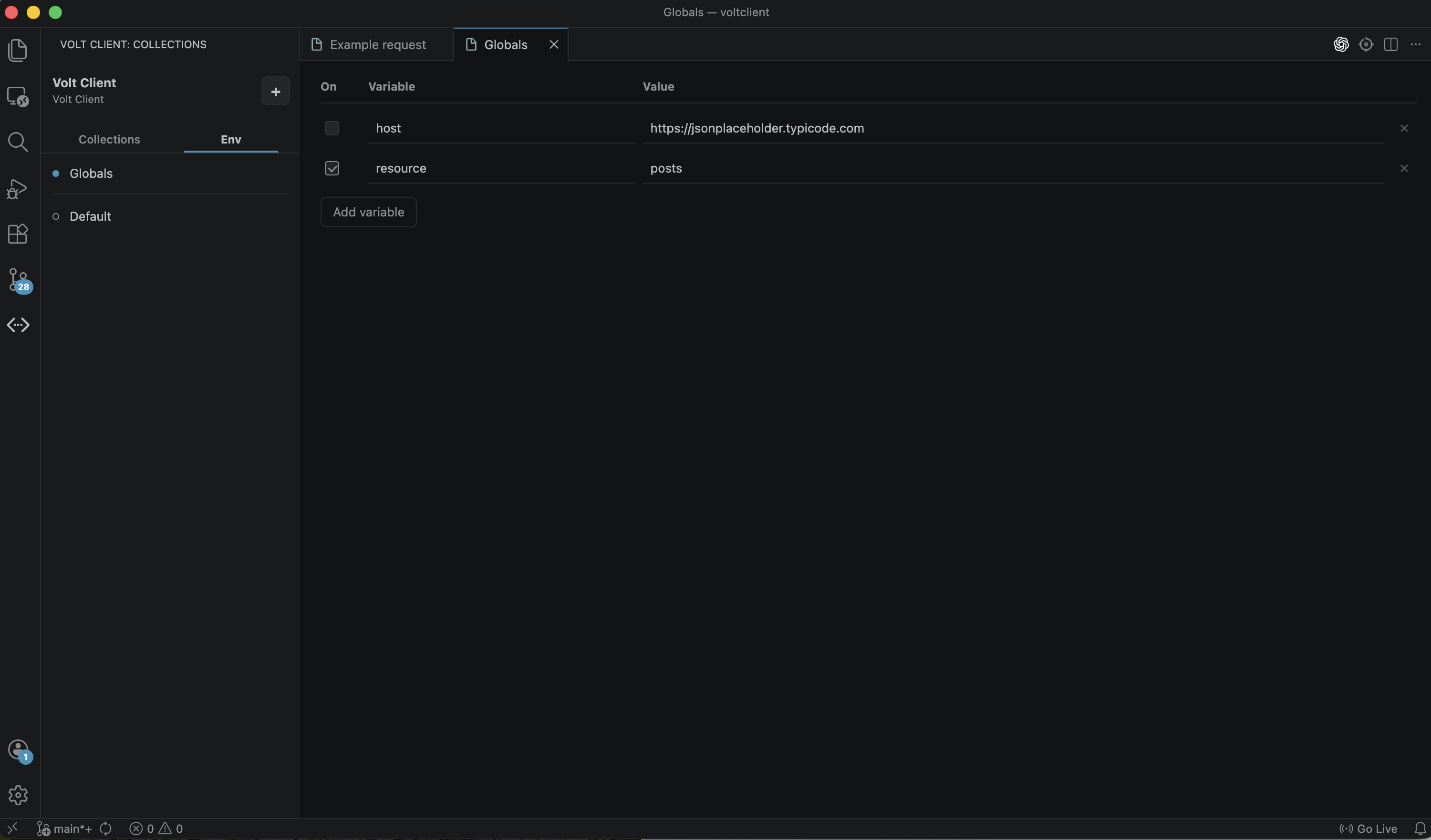
Environments and variablesCreate multiple environments and switch values without editing every request. Use double-braced variables such as
PrivacyVolt API Client does not require an account and does not include telemetry or analytics. HTTP requests, MCP server configurations, and environment data are stored locally according to your selected storage mode. HTTP and Streamable HTTP MCP traffic is sent directly from the VS Code extension host to the destination you specify. Authentication values and other secrets are stored with their HTTP request or MCP server data. In file storage mode, they may be written to the configured JSON file. Do not commit or share that file until you have checked it for sensitive values. LicenseVolt API Client is proprietary software. Copyright (c) 2026 LIANG WEN TAO. All rights reserved. Personal use and internal business use are permitted under the Volt Client End User License Agreement. Modification, redistribution, resale, and unauthorized commercial exploitation are prohibited. |