OOXML Viewer for VS Code
A high-fidelity viewer for .docx, .xlsx, and .pptx files — powered by a Rust/WASM parser and an HTML Canvas renderer.
Private by default. Parsing and rendering happen locally inside the VS Code Webview via WebAssembly, with no extension telemetry or outbound document requests. Two strictly opt-in features can communicate outside the extension: the MCP server exposes requested file or active-preview context to the connected AI agent, and Google Fonts substitution loads webfonts from a CDN. Both are off by default and subject to the connected service's privacy policy when enabled.
Screenshots
Features
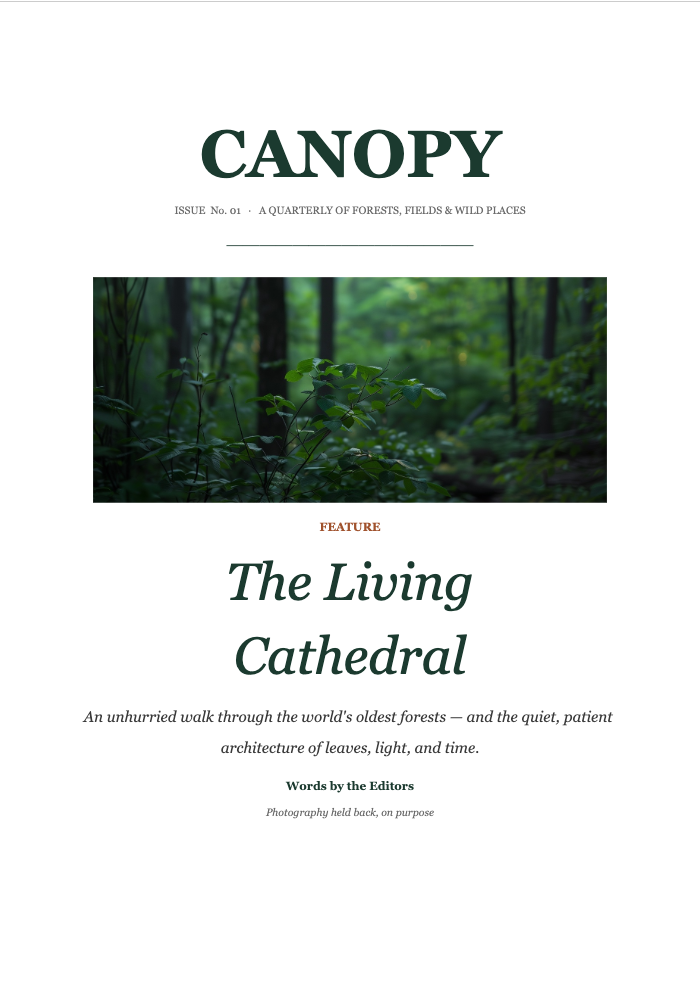
- DOCX — Continuous scroll view of every page with a transparent text layer (PDF.js-style) — drag to select, copy as plain text.
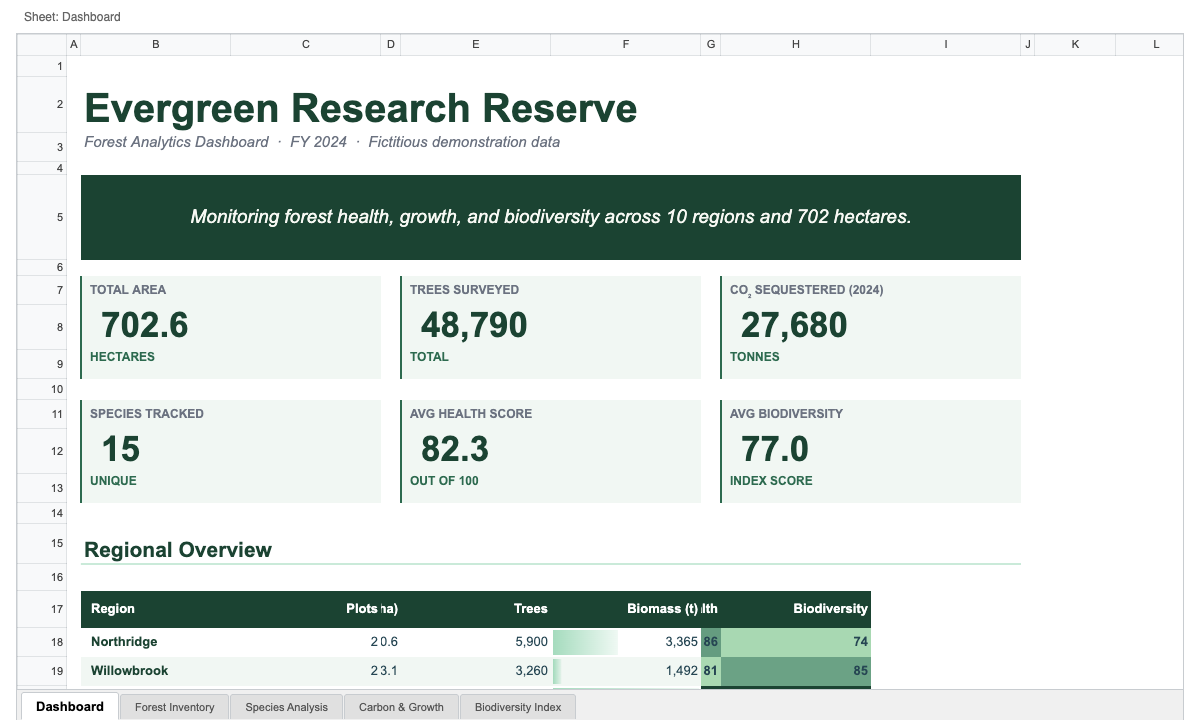
- XLSX — Spreadsheet viewer with cell / row / column / range selection, tab-separated copy (Ctrl+C / Cmd+C), freeze-pane support, and a multi-sheet tab bar.
- PPTX — Continuous scroll view of every slide with a transparent text layer that handles rotated text boxes correctly, plus interactive playback for embedded audio and video.
- Find in preview — Press Ctrl+F / Cmd+F to search the complete document, workbook, or presentation. Matching is case-insensitive; Enter / Shift+Enter moves between results.
- High fidelity — Classic and ChartEx charts, 3-D charts, offline Region Maps, conditional formatting, theme colors, custom geometry shapes, math equations (OMML, via MathJax + STIX Two Math), and more rendered straight from the OOXML spec.
- MCP server (opt-in) — Lets GitHub Copilot Chat in Agent mode read
.xlsx / .docx / .pptx files and the active Viewer selection through dedicated tools instead of unzipping XML by hand. Claude Code and Codex can use the same binary for file tools through their own MCP configuration, but do not receive active Viewer selection. See MCP server for AI agents below.
Each format is parsed by its own Rust parser compiled to WebAssembly (wasm-pack) for accuracy and speed.
Usage
Open any .docx, .xlsx, or .pptx file in VS Code — the OOXML Viewer takes over as the default editor for those file types.
If a different editor opens by default, right-click the file → Reopen Editor With… → select OOXML Viewer, then optionally Configure default editor to make it the default.
Selection & copy
- DOCX / PPTX — Drag across rendered text to select, then Ctrl+C / Cmd+C to copy as plain text. The transparent overlay matches the canvas glyph positions, so selection feels native. (This dual-layer rendering is planned to be unified once the Canvas
drawElement API ships across browsers.)
- XLSX — Click a cell to select it, drag for a range, click row/column headers for full-row/column selection, click the corner box for sheet-wide selection. Ctrl+C / Cmd+C copies as TSV.
Find
Press Ctrl+F / Cmd+F inside any OOXML preview to open the search popup.
Search is case-insensitive across the complete file, including pages or slides
outside the currently rendered scroll window. Press Enter for the next match,
Shift+Enter for the previous match, and Escape or the × button to
close the popup and clear highlights.
The ordinary and active match backgrounds are themeable through
ooxmlViewer.findMatchBackground and
ooxmlViewer.findActiveMatchBackground. Override them under
workbench.colorCustomizations in VS Code settings.
MCP server for AI agents
Open a workspace that contains a .xlsx / .docx / .pptx file and the extension offers to enable an MCP server — a tiny native binary that lets AI coding agents read those files directly. Without it, agents typically resort to running unzip + XML parsing in Python; with it, they call typed tools like xlsx_get_cell_range, docx_extract_text, or pptx_get_slide_structure.
- The first time you click Enable, a ~5 MB prebuilt binary is downloaded from this repo's GitHub Releases and verified by SHA256. Subsequent workspaces reuse the cached binary.
- If you already have a same-version
ooxml-mcp-server on your PATH (e.g. installed via cargo install --git ...), it is used as-is — no download. An older binary is not reused because it may lack tools expected by the current extension; set ooxmlViewer.mcpServer.binaryPath explicitly only when intentionally testing a custom build.
- The server is registered with VS Code's MCP API for GitHub Copilot Chat in Agent mode. Claude Code and Codex use separate MCP configuration and do not pick up this dynamic definition.
- When an OOXML preview is active, agents resolve the current document, view,
and bounded selection through
ooxml_get_active_context: selected DOCX/PPTX
text, XLSX ranges and populated cells, or a selected chart, picture, or shape
in any format. Local
files include a trusted path for existing detailed tools; remote previews
expose only the document name, with no path or URI for file tools.
For example, select a cell range and ask “Evaluate these numbers”, select a
paragraph and ask “Explain this”, or click a chart, picture, or shape in any format
and ask “Find related information for this element”. The extension does not add
editing or save operations; the selection is read-only context for the connected
agent.
Use the active selection in VS Code
The Viewer extension supplies the MCP server and preview context; it does not
add a chat panel or a button that runs the tool directly. Active Viewer
selection is currently supported through GitHub Copilot Chat in Agent mode:
- Reload the VS Code window after installing or updating the Viewer extension.
- Run OOXML Viewer: Install / Enable MCP Server from the Command Palette.
- Run MCP: List Servers and confirm that
ooxml-mcp-server is listed.
- Open the Office file in the OOXML Viewer and select cells or text, or click a
chart, picture, or shape in any format.
- Open the chat client in Agent mode, make sure the OOXML MCP tools are
enabled, and ask naturally: “Explain the selected cells” or “What does this
paragraph mean?”
Do not add a separate .vscode/mcp.json entry when you want active preview
selection. The extension-provided MCP definition carries a private, in-memory
bridge to the active Viewer; a manually launched standalone server can still
read files but reports active selection as unavailable. This includes servers
launched from the separate MCP configurations used by the Claude Code and Codex
VS Code extensions.
Settings:
ooxmlViewer.mcpServer.enabled: auto (default — prompt only when the workspace contains OOXML files), always, or never.ooxmlViewer.mcpServer.restrictToWorkspaceFolders: true (default) lets the MCP file tools read only files inside the local workspace folders; symlinks are resolved before the check, and other paths — including a preview opened from outside the workspace — are rejected with path_outside_allowed_roots. A window without a local folder is not restricted. Set it to false to let the agent read any local file.ooxmlViewer.mcpServer.binaryPath: optional override pointing at a pre-installed binary.
Commands (Command Palette):
OOXML Viewer: Install / Enable MCP ServerOOXML Viewer: Disable MCP Server
Font substitution (Google Fonts, opt-in)
Office files often reference fonts that aren't installed on your machine — Calibri, Cambria, and the like. By default the viewer falls back to whatever system font is closest, which can shift line breaks and column widths away from how Word / PowerPoint / Excel would lay the document out.
Enabling ooxmlViewer.useGoogleFonts lets the preview load optional substitutes from the Google Fonts CDN. These may improve text widths when an Office font is unavailable; they do not guarantee matching Office line breaks or vertical layout:
- Calibri → Carlito, Cambria → Caladea (advance-width alternatives for the base text faces; Calibri Light and Cambria Math are distinct).
- Arabic / RTL scripts → Noto Naskh/Sans Arabic.
- A handful of common web fonts (Open Sans, Roboto, Lato, Montserrat, …) when a document asks for them directly.
Network disclosure: when (and only when) this setting is enabled and the workspace is trusted, the preview requests stylesheets from fonts.googleapis.com and font files from fonts.gstatic.com. No file content is ever sent — only the standard font requests a browser makes. The webview's Content-Security-Policy is widened to exactly those two origins solely while the setting is on; with it off, the policy blocks every external origin and the extension stays fully offline.
Settings:
ooxmlViewer.useGoogleFonts: false (default — fully offline) or true (load optional webfont substitutes and script fallbacks from the CDN). Force-disabled in untrusted workspaces. Toggling it re-renders already-open previews immediately.
Privacy & Security
- Local file I/O only. The viewer reads bytes via
vscode.workspace.fs.readFile and never writes back — files are opened read-only.
- Webview is offline by default. The Webview's Content Security Policy disallows outbound connections to any origin other than the extension itself. No analytics, no remote API. The only exception is the opt-in Google Fonts substitution: enabling
ooxmlViewer.useGoogleFonts widens the CSP to allow fonts.googleapis.com / fonts.gstatic.com and nothing else, and only in trusted workspaces.
- MCP server is opt-in and offline-after-install. Until you accept the install prompt the extension makes no network requests. The download itself only contacts
github.com, is checksum-verified, and the resulting binary parses local files only — it does not phone home. Active selection context is kept in extension memory and exposed to that MCP child through an authenticated IPv4-loopback bridge; it is never written to disk. Whatever the connected AI agent does with the data is governed by that agent's own privacy settings.
- Open source. Source code at github.com/yukiyokotani/office-open-xml-viewer.
VS Code's own telemetry is independent of this extension and can be controlled via the telemetry.telemetryLevel setting.
Known Limitations
- XLSX: cell formulas are never recalculated; the values cached in the file are shown (including for
TODAY() / NOW()). Conditional-formatting rules are evaluated against those cached values by a partial formula evaluator, so some rules may differ from Excel.
- DOCX: image-anchored float wrap, footnotes, and header/footer rendering may differ slightly from Word.
- PPTX: a small number of obscure preset shapes fall back to a rectangle placeholder.
- PPTX media: VS Code Webviews support MP3 audio and H.264 video, but not AAC
audio tracks. An H.264/AAC MP4 therefore plays video without sound; use a
separate MP3 audio track when sound is required.
Issues & Contributions
Report bugs or request features at github.com/yukiyokotani/office-open-xml-viewer/issues.
License
MIT