White Noise Player
Ambient white noise player directly inside VS Code.
Boost focus while coding with Rain, Forest, and Ocean sounds.
Features
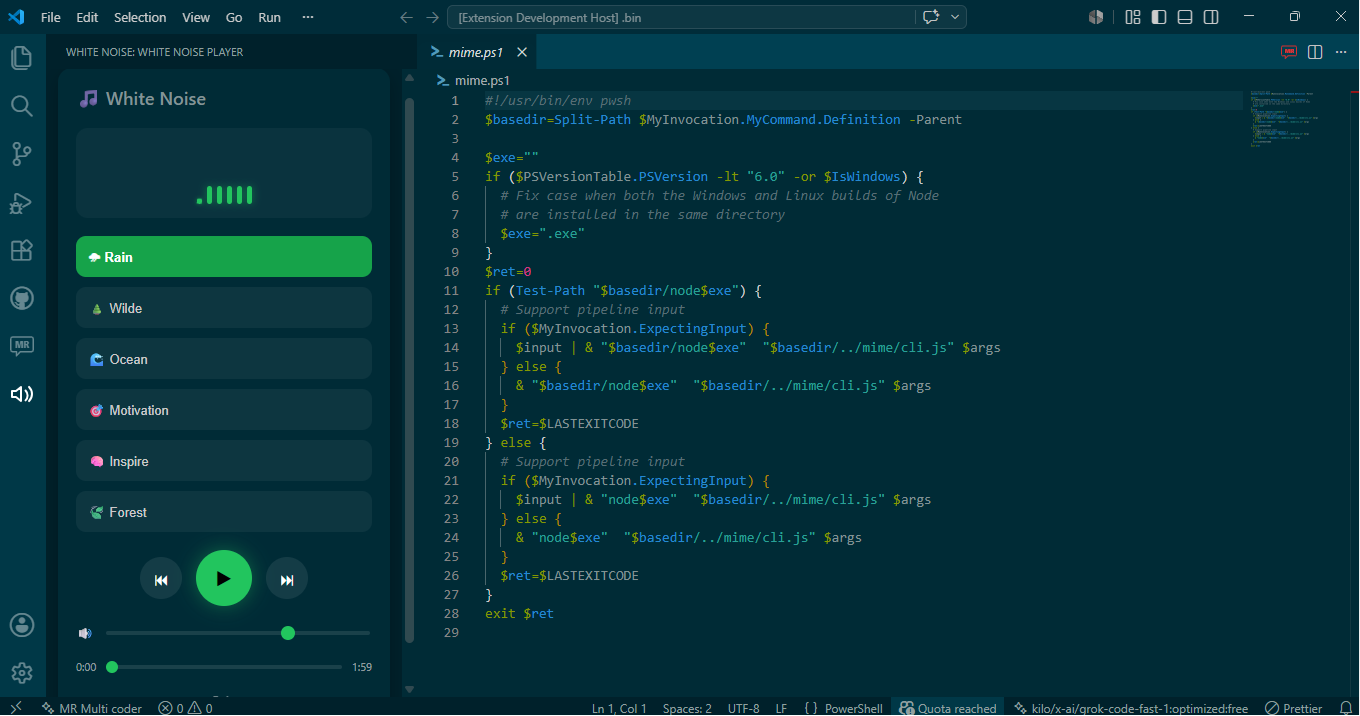
- Beautiful animated player
- Persistent playback
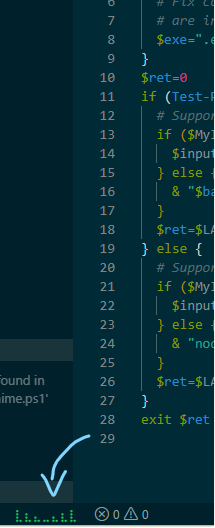
- Status bar music indicator
- Individual loop/repeat control per track
- Built directly into VS Code sidebar
Release Notes
v0.0.6
- Synced changelog and release notes for the latest update.
- Clarified the new track loop feature and user-facing feature details.
v0.0.5
- Added track-specific loop icon theming.
- Enabled loop icon now follows the current music accent color.
- Disabled loop state now matches the UI's gray theme.
- Improved player UX and color consistency.
Sounds Included
- Rain
- Ocean
- Forest
- Motivation
- Inspire
Perfect For
- Deep work
- Coding
- Studying
- Night focus sessions
Preview
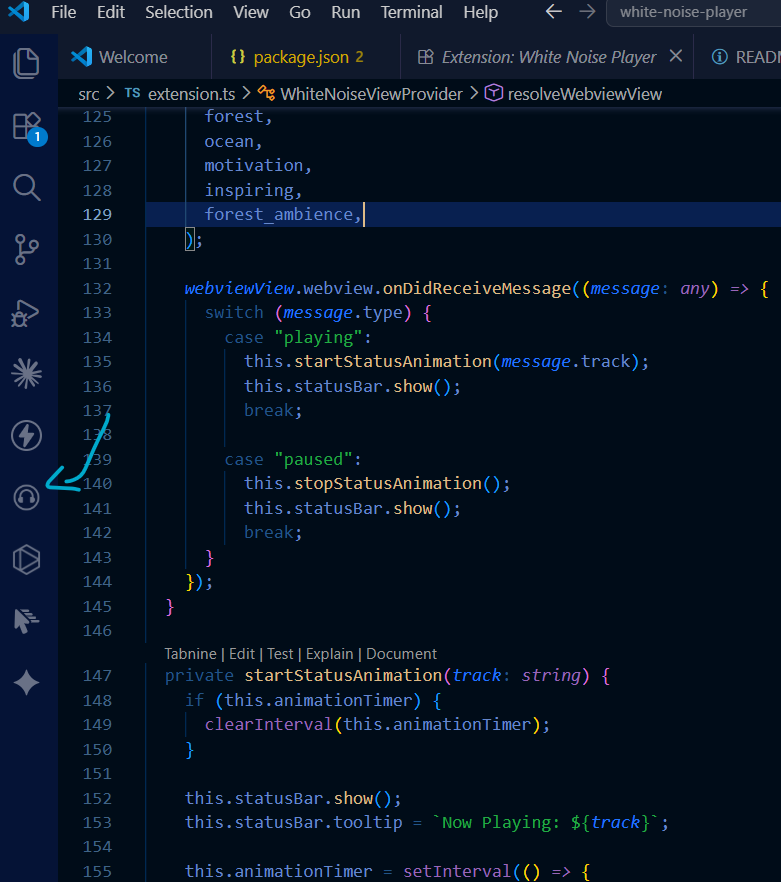
Main Player UI
Status Bar Animation
Explorer view
Installation
Install directly from the VS Code Marketplace.
Upcoming
- More sounds
- Favorites
- Sleep timer
- YouTube ambient streams
| |

