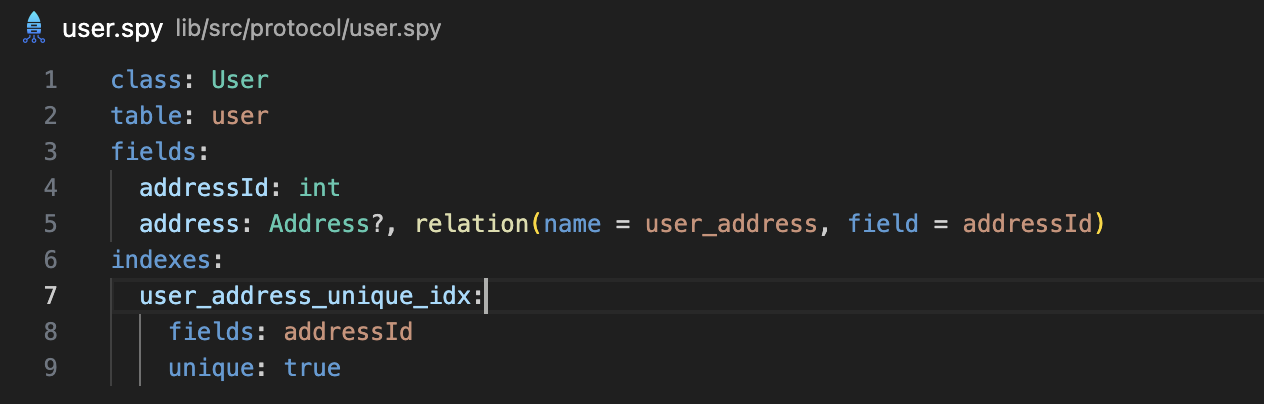
ServerpodServerpod is a next-generation app and web server, built for the Flutter community. It allows you to write your server-side code in Dart, automatically generate your APIs, and hook up your database with minimal effort. Serverpod is open-source, and you can host your server anywhere. Key featuresSyntax highlighting in model files.
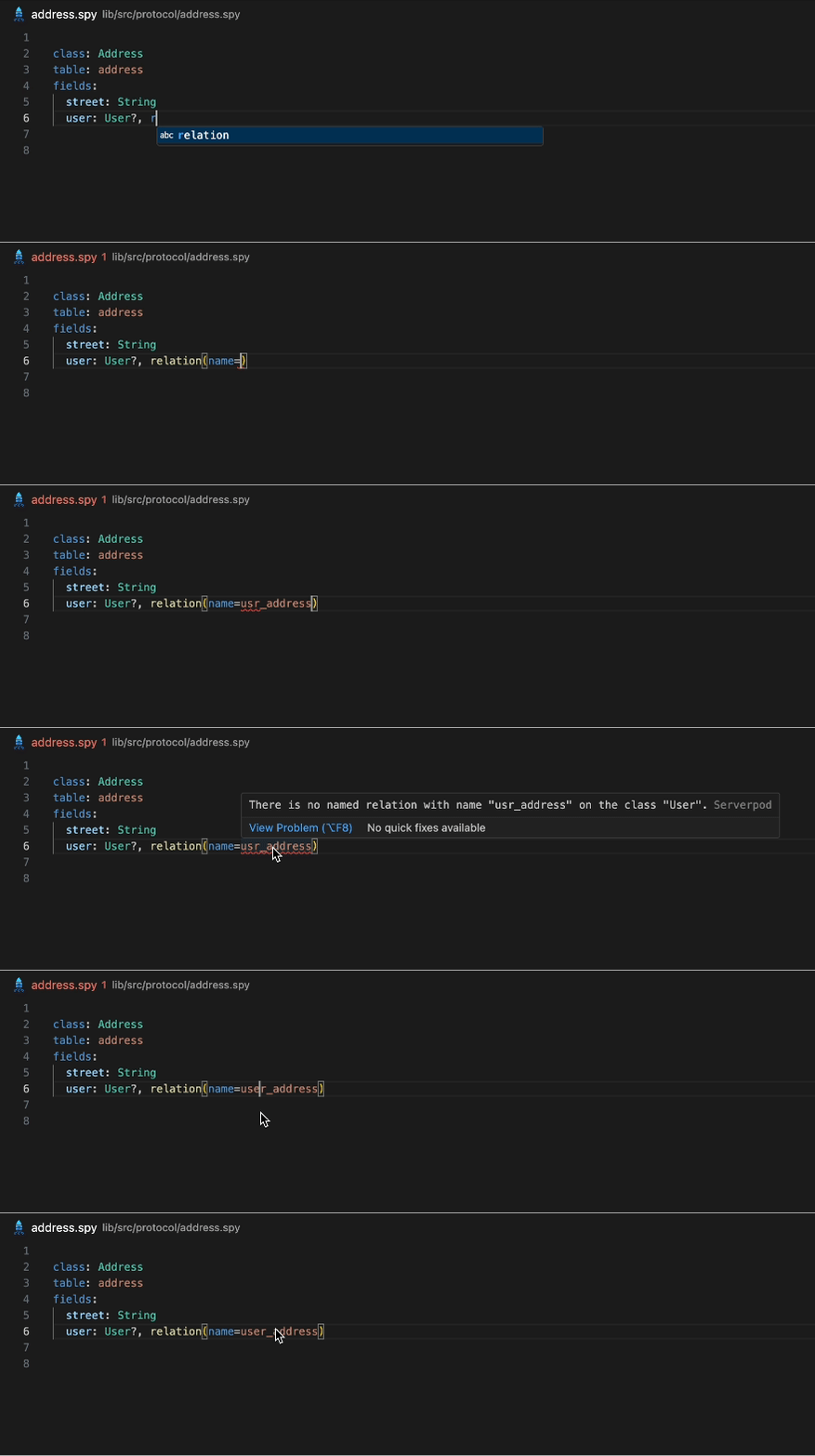
Real-time diagnostics show errors in model files as you type.
Go to definition (CTRL+Click) in model files navigates to the model, enum or field a name refers to, including models from modules and tables referenced through Find references in model files lists where a model, table or field is used. Only model files are searched; usages in Dart code are reported by the Dart language server. Go to definition on a model class in Dart code also offers its model file. The RequirementsYou need the Serverpod (^1.2.0) CLI installed in your path for this extension to work. Run the following command in your terminal to install it:
Note: The Serverpod CLI requires both Dart and Flutter to be installed. |