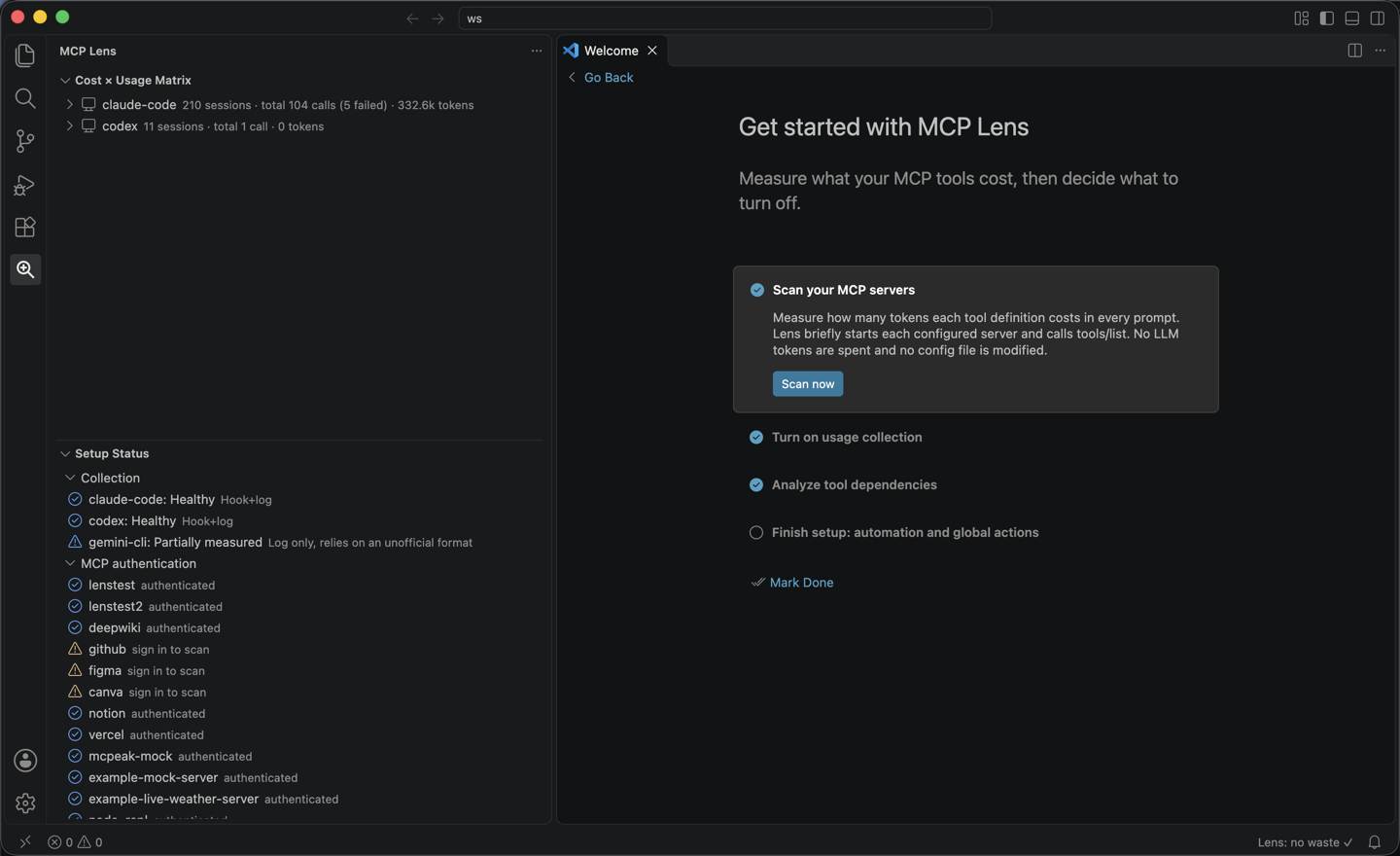
MCP Token LensEvery MCP server you connect injects its tool definitions into every prompt, whether you call those tools or not. MCP Token Lens measures what each server and tool costs in tokens, records how often you actually use it across Claude Code, Codex, and Gemini CLI, and puts the two side by side so you can decide what to turn off.
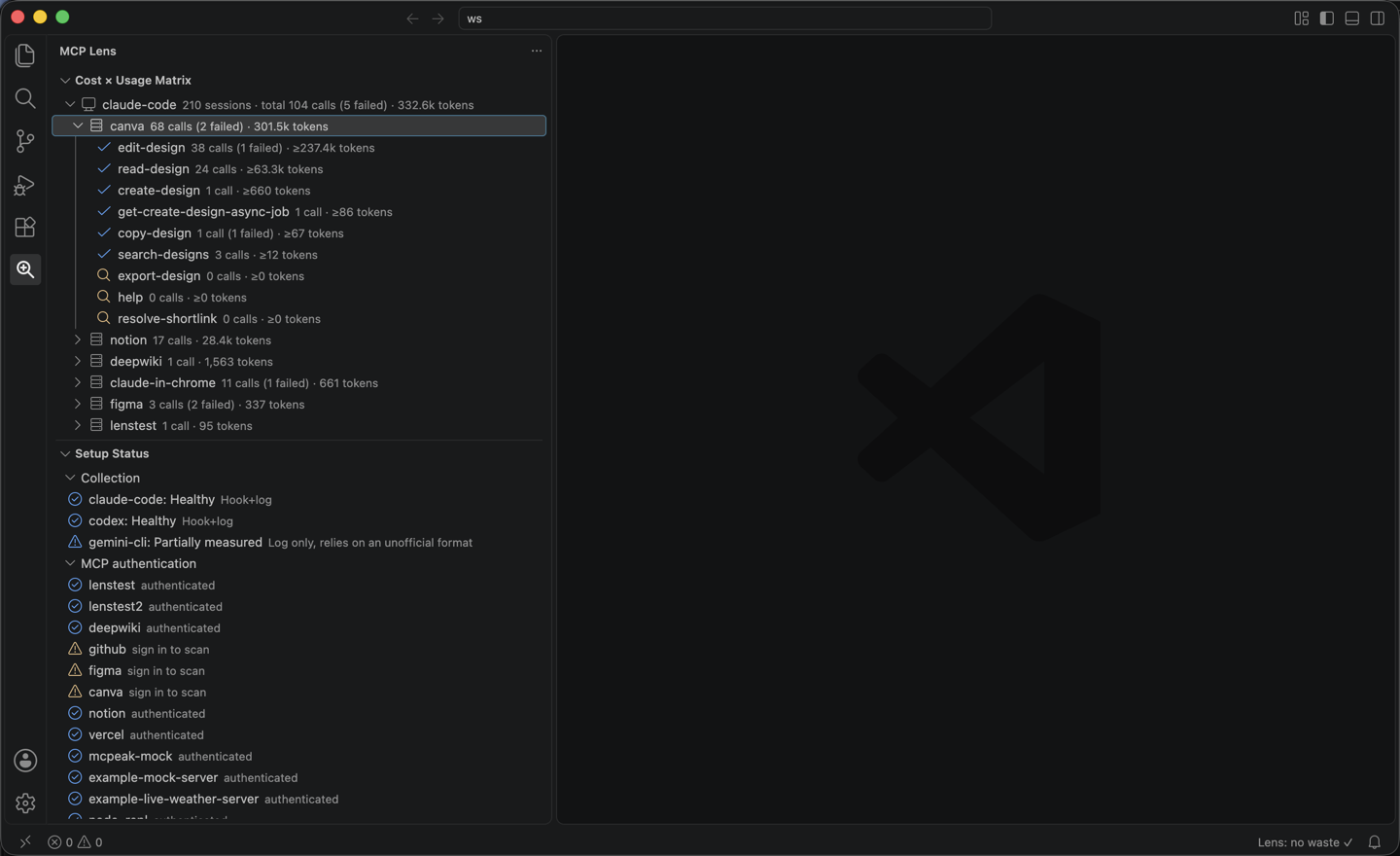
FeaturesCost × Usage MatrixAn activity-bar view that lists client ▸ server ▸ tool, sorted with the most expensive first. Each row shows calls, failed calls and tokens, so tools that cost a lot and are rarely used stand out.
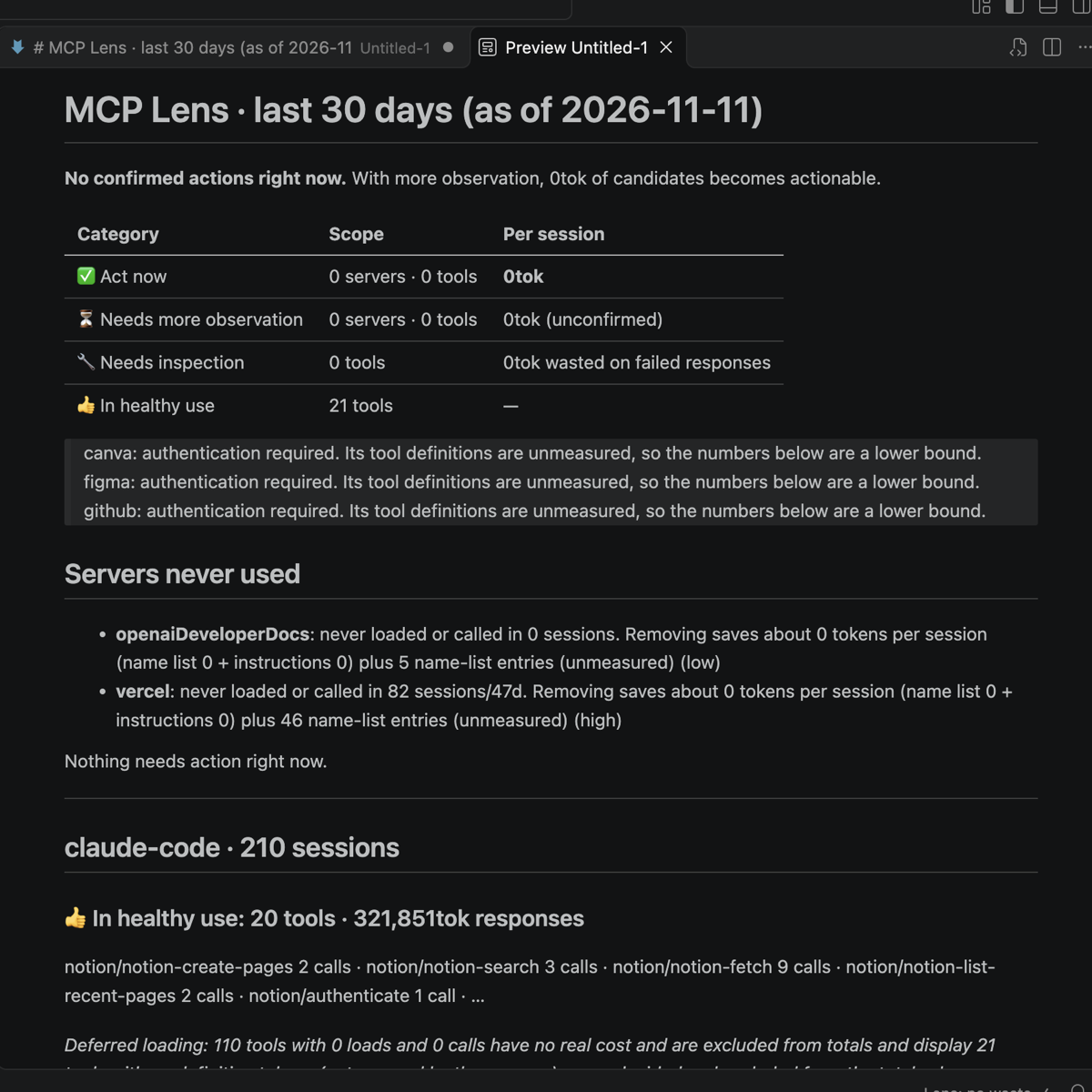
ReportMCP Lens: Show Report opens a per-client Markdown report for the last
Setup StatusSee at a glance whether usage collection works for each client and which MCP servers still need a sign-in before they can be measured. Install or remove hooks directly from the rows. Tool dependency analysis (optional)MCP Lens: Analyze Dependencies checks which tools can be turned off without breaking others, using cross-references in the definitions, real call chains and, where needed, an LLM verdict. It runs through your own Claude or Codex CLI, so it spends that account's tokens. You are told the expected cost and what is sent before it runs. Only tool definitions and aggregated usage counts are sent: never prompts, tool inputs, tool outputs or source code. Global disable and restore (opt-in)MCP Lens: Disable Globally turns unused tools off in the client config, and Restore Globally
puts them back. It is locked until you name the allowed clients in
Getting started
Original client logs are only ever read, never modified. Data is stored locally in
Settings
SupportReport issues at github.com/seodduu/MCPLens/issues. |