Skip to content
| Marketplace
Sign in
Visual Studio Code>Other>Comment CleanerNew to Visual Studio Code? Get it now.
Comment Cleaner

Comment Cleaner

semyonsurkov

|
20 installs
| (0) | Free
Tired of navigating and cleaning up comments in large codebases? Clean up all comments in seconds!
Installation
Launch VS Code Quick Open (Ctrl+P), paste the following command, and press enter.
Copied to clipboard
More Info

Comment Cleaner

Tired of navigating and cleaning up comments in large codebases? View, navigate and remove code comments across your project in one place.

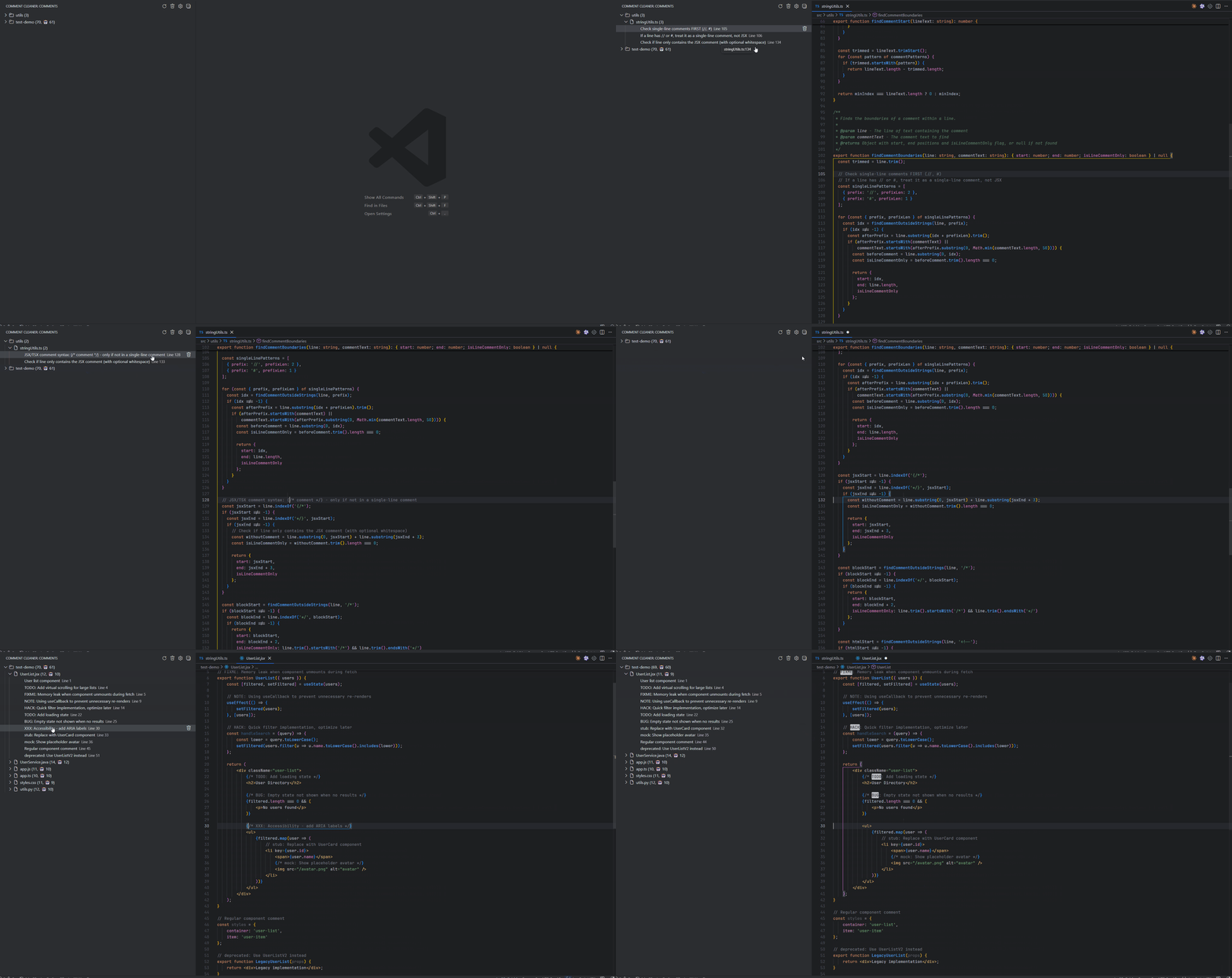
Comment Cleaner provides a dedicated tree view of all comments in your workspace, making it easy to review, navigate and clean them up when refactoring or maintaining code.

Demo


What it does

  • View all comments in your project grouped by folder and file
  • Navigate to any comment with a single click
  • Remove individual comments or clean up in bulk
  • Safely handles inline comments without breaking URLs

How it works

  1. Open the Comment Cleaner view in the sidebar
  2. Browse comments organized by folder → file
  3. Click to navigate or select comments to remove
  4. Clean up your code in seconds

Configuration

Exclude folders or define custom rules:

{
  "commentCleaner.exclude": ["**/{node_modules,out,dist}/**"]
}

Supported Languages

JavaScript, TypeScript, Python, Java, C/C++, CSS, HTML, Vue

Requirements

VS Code 1.80+


Clean up your code clutter.

  • Contact us
  • Jobs
  • Privacy
  • Manage cookies
  • Terms of use
  • Trademarks
© 2026 Microsoft