Skip to content
| Marketplace
Sign in
Visual Studio Code>Themes>Final HoursNew to Visual Studio Code? Get it now.
Final Hours

Final Hours

Segmentfault

|
4 installs
| (0) | Free
A VSCode theme inspired by both Nord and Palenight
Installation
Launch VS Code Quick Open (Ctrl+P), paste the following command, and press enter.
Copied to clipboard
More Info

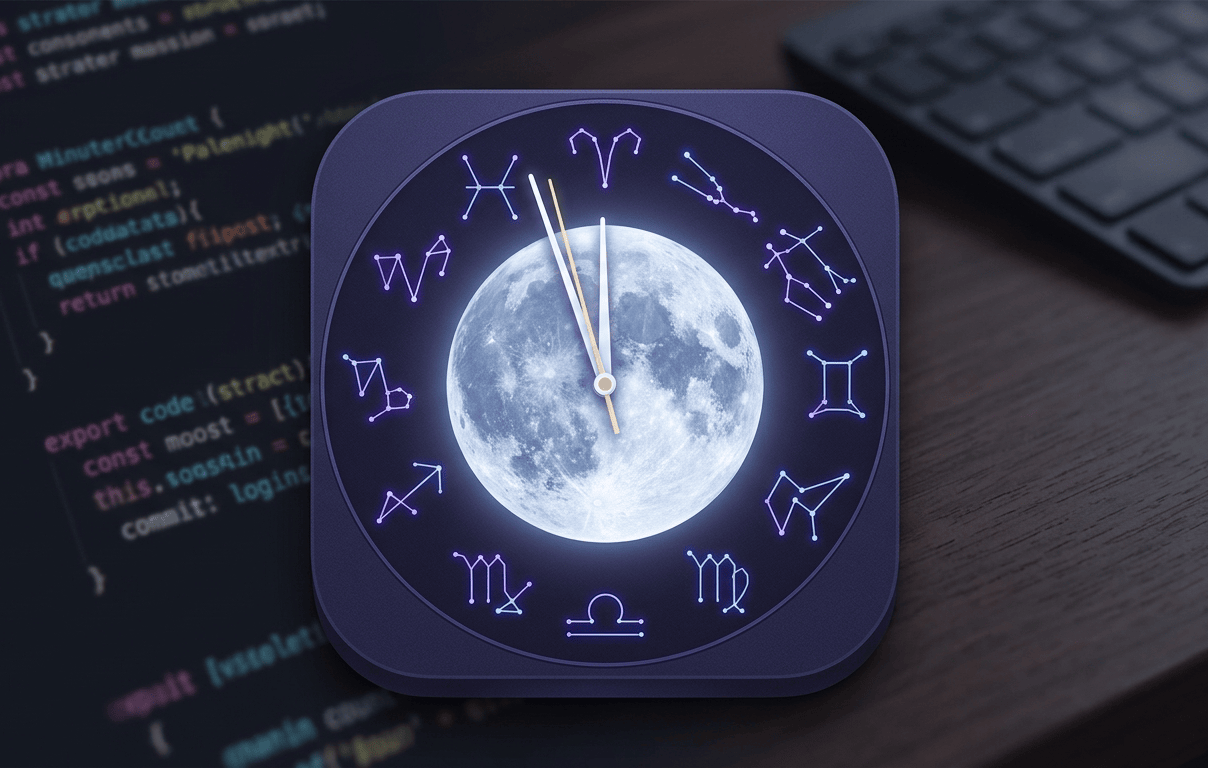
Final Hours Banner

🌑 Final Hours

A refined, high-contrast dark theme for Visual Studio Code designed for deep-focus coding sessions. Final Hours blends the misty aesthetics of Palenight with the structured clarity of Nord.

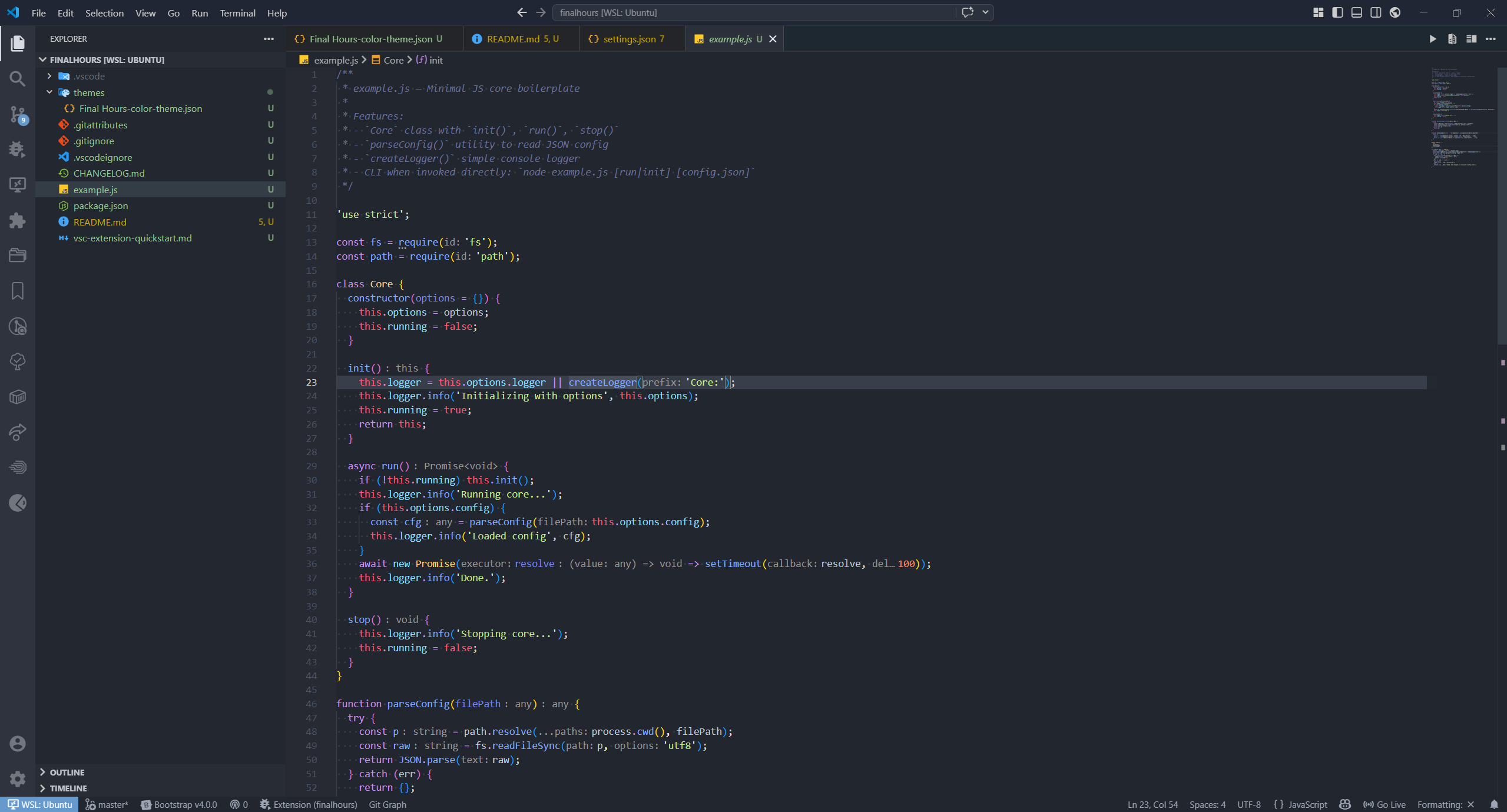
Final Hours Preview Theme Preview

🎨 Inspiration & Credits

Final Hours is built upon the shoulders of giants. This theme is inspired by the following projects:

  • Ace Palenight - For the foundational color palette and soft syntax highlighting.
  • GitHub Dark Palenight - For the UI structure and professional workbench aesthetics.
  • Nord VS Code - For the "Arctic" design philosophy and focused gutter/sidebar clarity.

Special thanks to the authors of these projects for their contribution to the VS Code community.

🛠️ Customization

While Final Hours is designed to be "plug-and-play," you can further tweak it in your settings.json:

"workbench.colorCustomizations": {
    "[Final Hours]": {
        "editor.lineHighlightBackground": "#383E4A",
        "tab.activeBorder": "#6699CC"
    }
}

🚀 Installation

Via VS Code Marketplace

  1. Open Visual Studio Code.
  2. Go to the Extensions view (Ctrl+Shift+X or Cmd+Shift+X).
  3. Search for Final Hours.
  4. Click Install.
  5. Select Final Hours as your color theme.

Via Command Line

code --install-extension YOUR_PUBLISHER_ID.final-hours
  • Contact us
  • Jobs
  • Privacy
  • Manage cookies
  • Terms of use
  • Trademarks
© 2026 Microsoft