Skip to content
| Marketplace
Sign in
Visual Studio Code>Themes>YerbaNew to Visual Studio Code? Get it now.
Yerba

Yerba

sebastian-j-ibanez

|
11 installs
| (0) | Free
A warm, low-contrast dark theme with earthy tones.
Installation
Launch VS Code Quick Open (Ctrl+P), paste the following command, and press enter.
Copied to clipboard
More Info

VS Code

Install

Search for "Yerba" in the Extensions panel (Ctrl+Shift+X), then select "Yerba" from the Color Theme picker (Ctrl+K Ctrl+T).

Palette

Color Hex
Moss #6a9a6a
Terracotta #a05a4a
Sand #a89880
Copper #b87848
Flint #909088
Background #181818
Foreground #bcbcbc

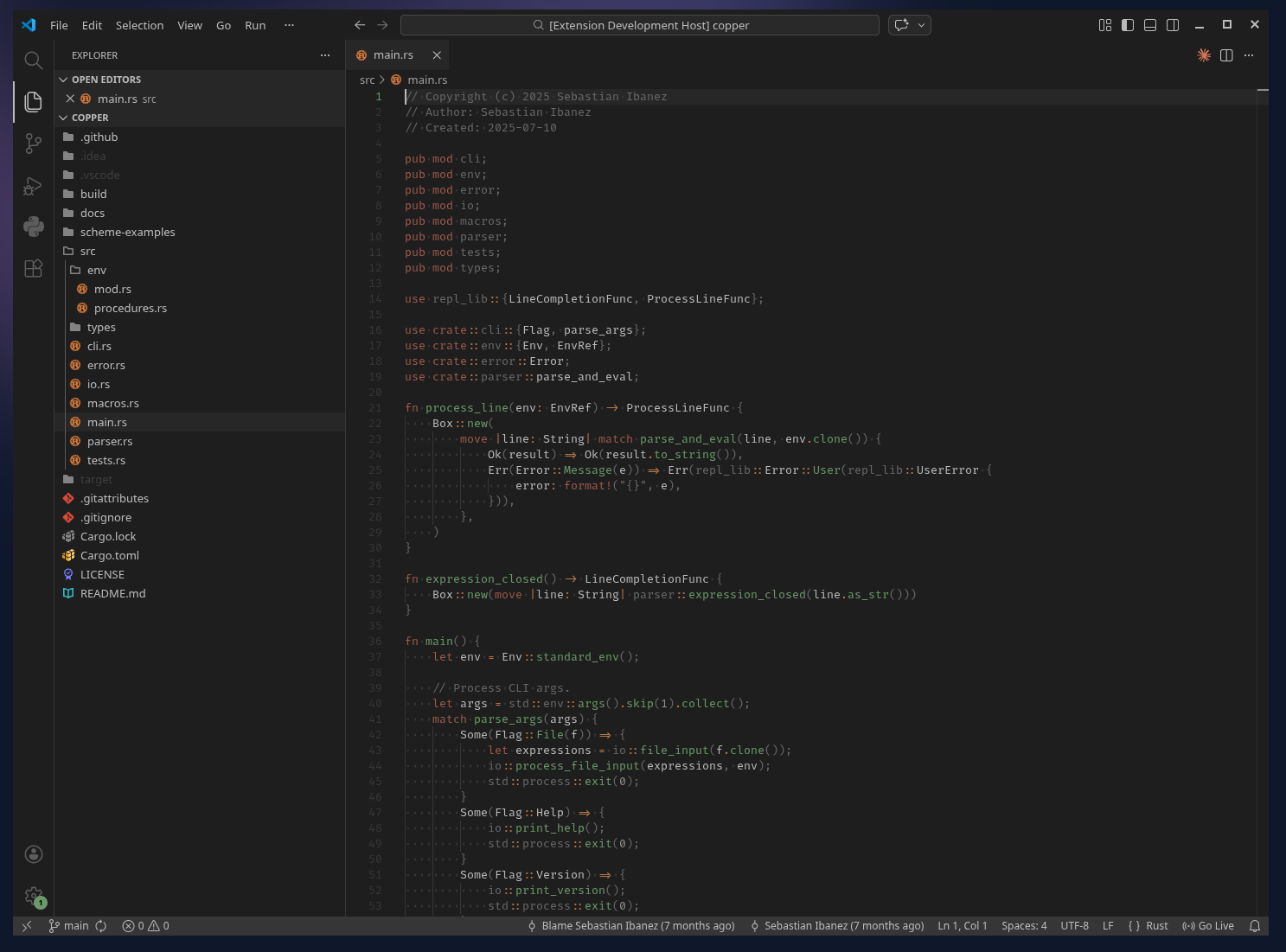
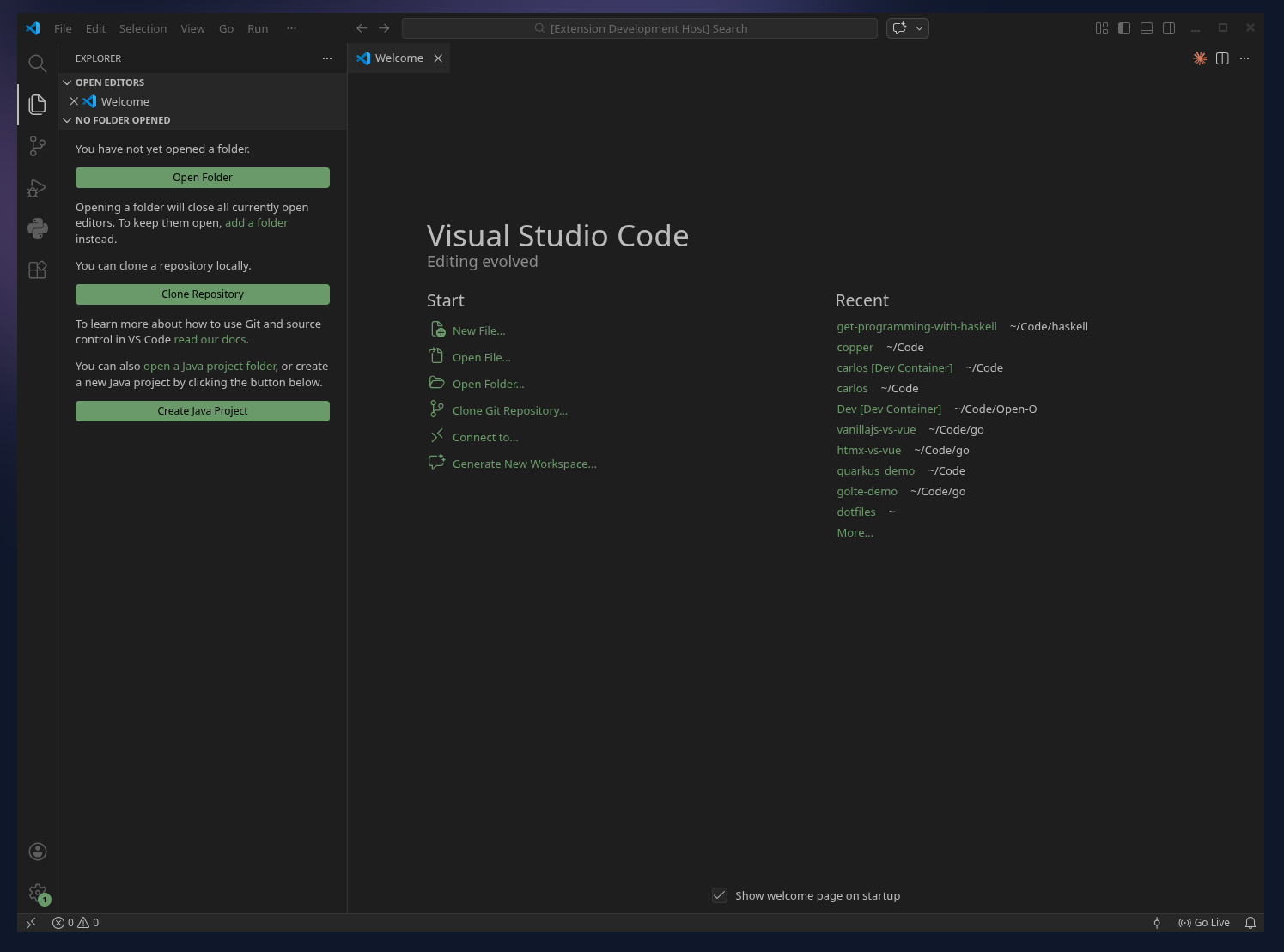
Screenshots

Rust Rust in VS Code with yerba theme
Welcome VS Code welcome page with yerba theme
  • Contact us
  • Jobs
  • Privacy
  • Manage cookies
  • Terms of use
  • Trademarks
© 2026 Microsoft