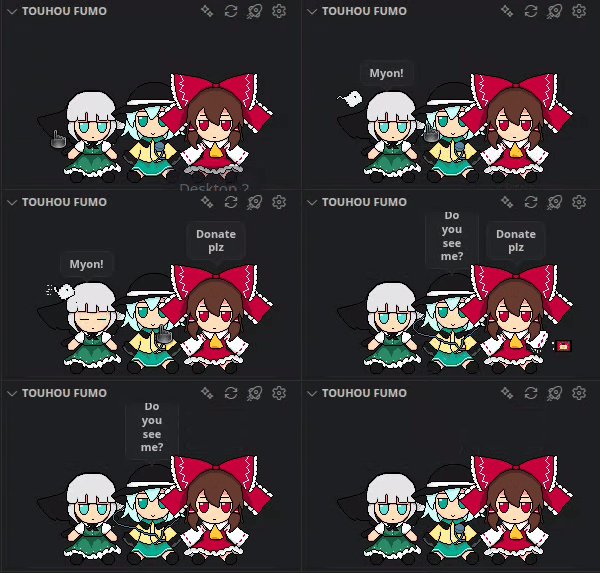
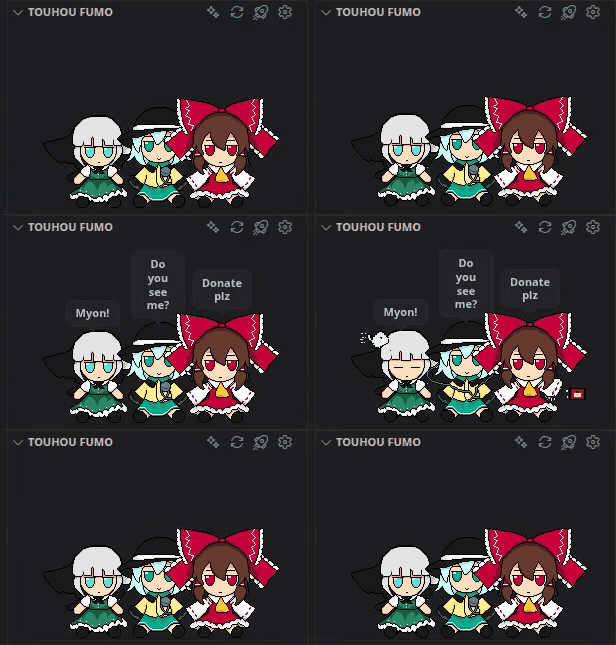
Touhou Fumo CompanionReactive Touhou fumo companions for VS Code. Feedback and requests for new fumos are welcome. Installation Launch VS Code Quick Open ( Ctrl+P), paste the following command, and press enter.Copied to clipboard |

Touhou Fumo Companion — VS CodeReactive Touhou fumo companions for VS Code, with character-specific animations, editor reactions, configurable behavior, and multiple display surfaces. Feedback, bug reports, animation ideas, and requests for new fumos are welcome.
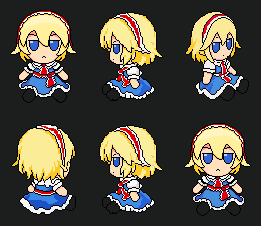
New Fumo Section: Alice MargatroidThe Seven-Colored Puppeteer joins the roster. Please ignore the hamburger incident.
Features
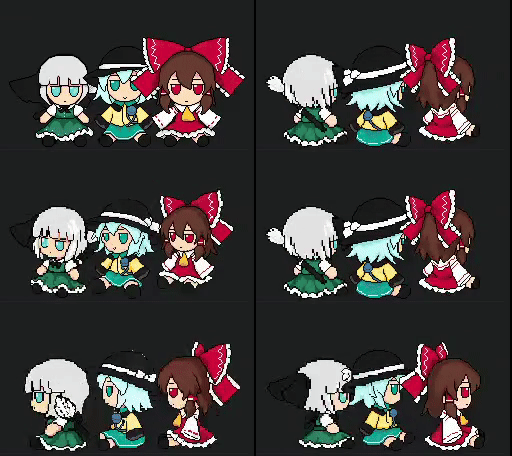
Current characters
Default manual messages include:
Leave a character's manual message empty to keep the animation while suppressing the speech bubble. Fumo showcaseThese are only some of the available animations and behaviors. Crazy spin
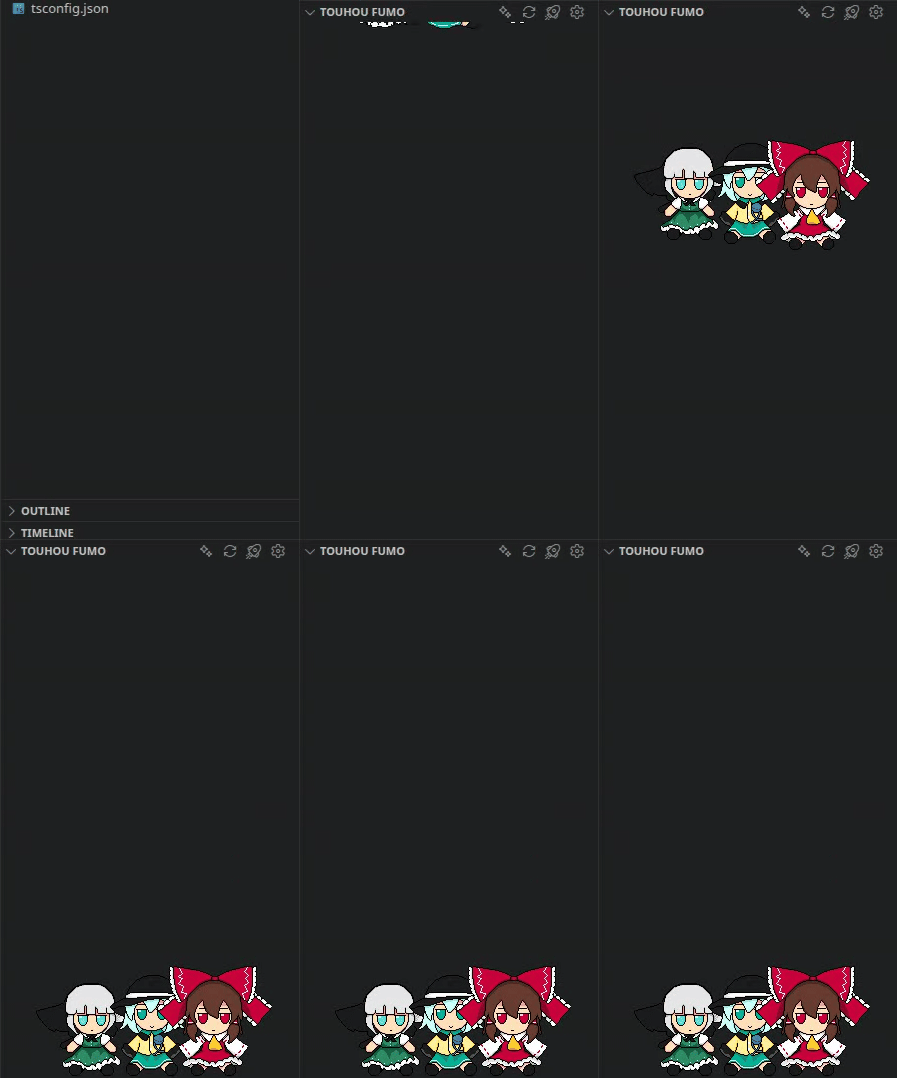
Editor Pet
Click reactions
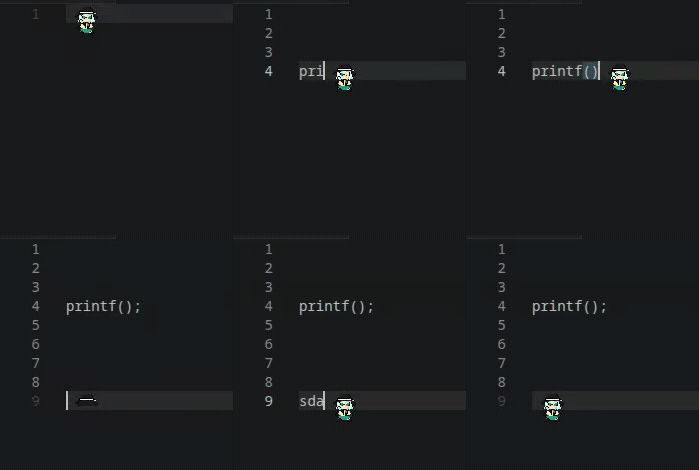
Writing reactions
CommandsThe following commands are available:
The Explorer and Bottom Panel title buttons expose the same React, Spin, Crazy Spin, and Settings actions. SettingsGeneral defaults cover size, idle movement, random unique animations, random spin, crazy spin, and animation priority. The Selected Character section lets each fumo override those defaults, including its enabled state and manual message. Reaction Rules provide reusable event/action slots that can target all enabled fumos, one character, or a random enabled character. Feedback and fumo requestsBug reports, feedback, animation ideas, and requests for new fumos are welcome through GitHub Issues. If you create or improve animation frames, contributions are welcome as well. CreditsBig thanks to ZUN for creating Touhou Project and its world. Special thanks to Tim_M (itch.io) for the base fumo sprite pack used as the starting point for this project. You can find the original collection at fumofumos.com. Animation ideas, additional animation frames, and the rotation/spin views used by this project were created and edited manually by me, pixel by pixel. Building the animated turnaround sets was a long manual process. Help with improving existing sprites and adding new fumos is always welcome. LicenseSource code and original documentation are released under the MIT License. Touhou Fumo Companion is an unofficial fan project and is not affiliated with or endorsed by Team Shanghai Alice, ZUN, Gift, Visual Studio Code, Microsoft, or the Pragtical project. The MIT License in this repository applies to the project source code and original documentation. It does not automatically grant rights to Touhou character names/designs, third-party trademarks, or artwork derived from third-party material. |