PowerPointMcp - Real PowerPoint Automation for VS Code


Automate real Microsoft PowerPoint with GitHub Copilot.
Create and edit slides, shapes, text, tables, charts, images, notes, layouts,
animations, and speaker notes directly from Copilot Chat. Export slides to
images so the assistant can verify the actual rendered result.
Requires Windows, desktop Microsoft PowerPoint, VS Code 1.125 or later, and
GitHub Copilot chat with tool support.
The native server and PowerPoint guidance are included. No separate .NET,
Node.js, CLI, or skill installation is needed.
See It in Action
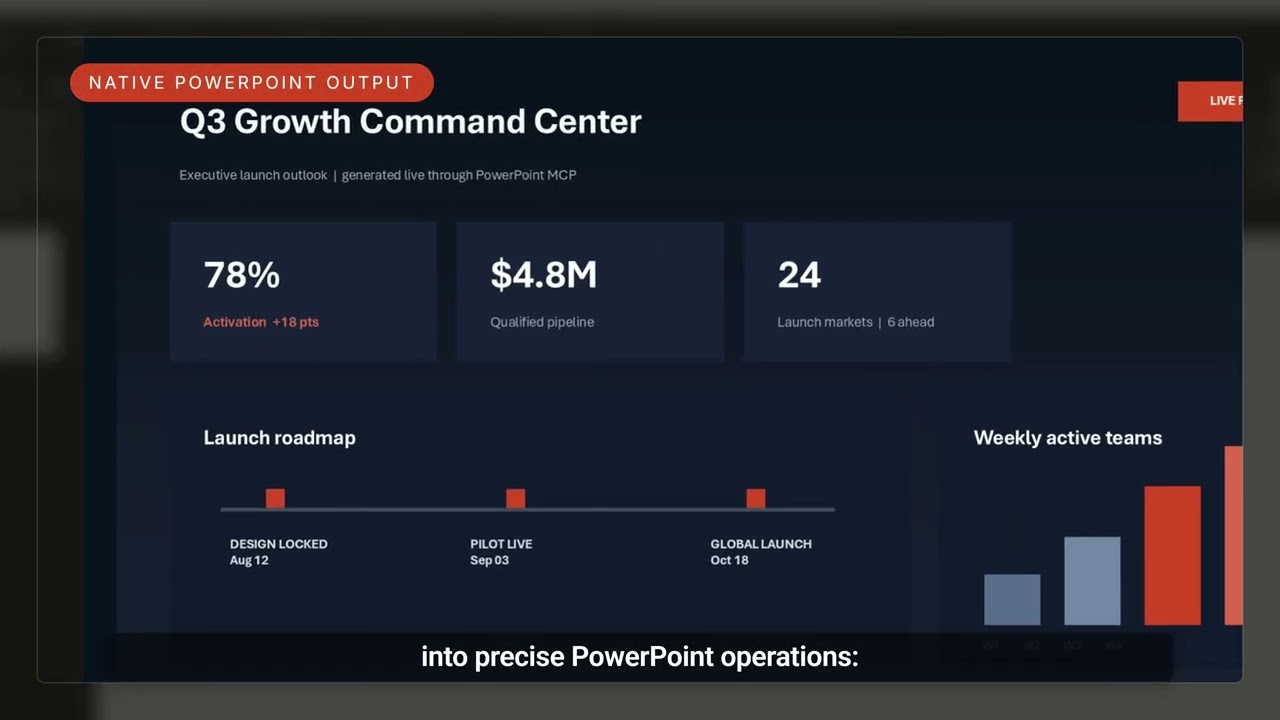
Watch the PowerPoint MCP Server demo
Quick Start
- Install the extension on your Windows desktop with PowerPoint installed.
- Open Copilot Chat with tool support.
- Ask Copilot to create a presentation or provide a full path to an existing
.pptx file.
With VS Code's default settings, the bundled powerpoint-mcp server starts
automatically when your request needs PowerPoint tools. Approve server or tool
use if prompted.
Try:
Create a five-slide product launch presentation on my Desktop. Use a clean
blue theme, add a summary chart, export each slide to an image, check the
result, and save the deck.
What You Can Ask Copilot
| Ask Copilot |
Result |
| "Create a quarterly review deck with a title slide, KPI table, and column chart." |
A new presentation built and saved by desktop PowerPoint. |
| "Open this deck, align the selected shapes, improve the slide titles, and save a copy." |
Layout and text edits in the existing presentation. |
| "Check the deck for missing alt text and export every slide to PNG." |
Accessibility findings plus rendered images for visual review. |
Key Features
- Slides and layouts - Create, duplicate, reorder, delete, and inspect slides.
- Shapes and text - Add, position, align, group, format, and edit content.
- Tables and charts - Build and update structured visual content.
- Images, media, and SmartArt - Add and manage rich presentation elements.
- Animations and custom shows - Configure sequencing and presentation flow.
- Visual verification - Export slides through PowerPoint's renderer.
- Accessibility - Audit presentation structure and alternative text.
- PowerPoint guidance included - Copilot loads the bundled skill when needed.
Requirements
- Windows x64 or Windows ARM64 with an interactive desktop.
- Microsoft PowerPoint desktop installed, registered, and able to open normally.
- VS Code 1.125 or later and GitHub Copilot chat with tool support.
This extension is not for macOS, Linux, browser-only VS Code, Windows services,
or unattended server-side processing. It bundles the MCP server, not pptcli.
Troubleshooting
| Problem |
What to Do |
| "PowerPoint is not registered" |
Install or repair desktop PowerPoint, open it once, and retry. |
| Copilot cannot see PowerPoint tools |
Run MCP: List Servers, choose powerpoint-mcp, and start it. Enable its tools in chat and accept the trust prompt. |
| "Bundled server is missing or unreadable" |
Check security software and file permissions, or reinstall the extension. |
| Registration check times out |
Confirm Windows PowerShell and PowerPoint open normally, then repair Office if needed. |
- Server logs: run MCP: List Servers, choose powerpoint-mcp, then
Show Output.
- Extension setup diagnostics: open the Output panel and choose
PowerPointMcp, or select Show Setup Output in a setup error.
Startup checks read PowerPoint's registration. They do not start PowerPoint or
open a presentation.
Privacy
PowerPoint runs on your Windows desktop. Presentation content requested through
tools is returned to your AI assistant, whose privacy policy applies. The
extension does not add a separate cloud service.
Documentation and Support
Complete documentation |
Source code |
Report an issue
MIT License - see LICENSE.

