MD3 Material Theme for VSCode



Material Design 3 (Material You) color themes
for VSCode.
Status: the full default-contrast matrix ships in themes/
(291 files: 9 variants x 12 HCT hues, Monochrome hue 0 only, x
light/dark/dark-oled). Picker names are MD3:{Variant} {hue} {Light|Dark|Dark OLED}. Marketplace publishing is not done yet;
expect colors and file layout to stay frozen, but packaging to change
before the first stable release.
Repository: https://github.com/sandlada/vscode-material-theme
Issues: https://github.com/sandlada/vscode-material-theme/issues
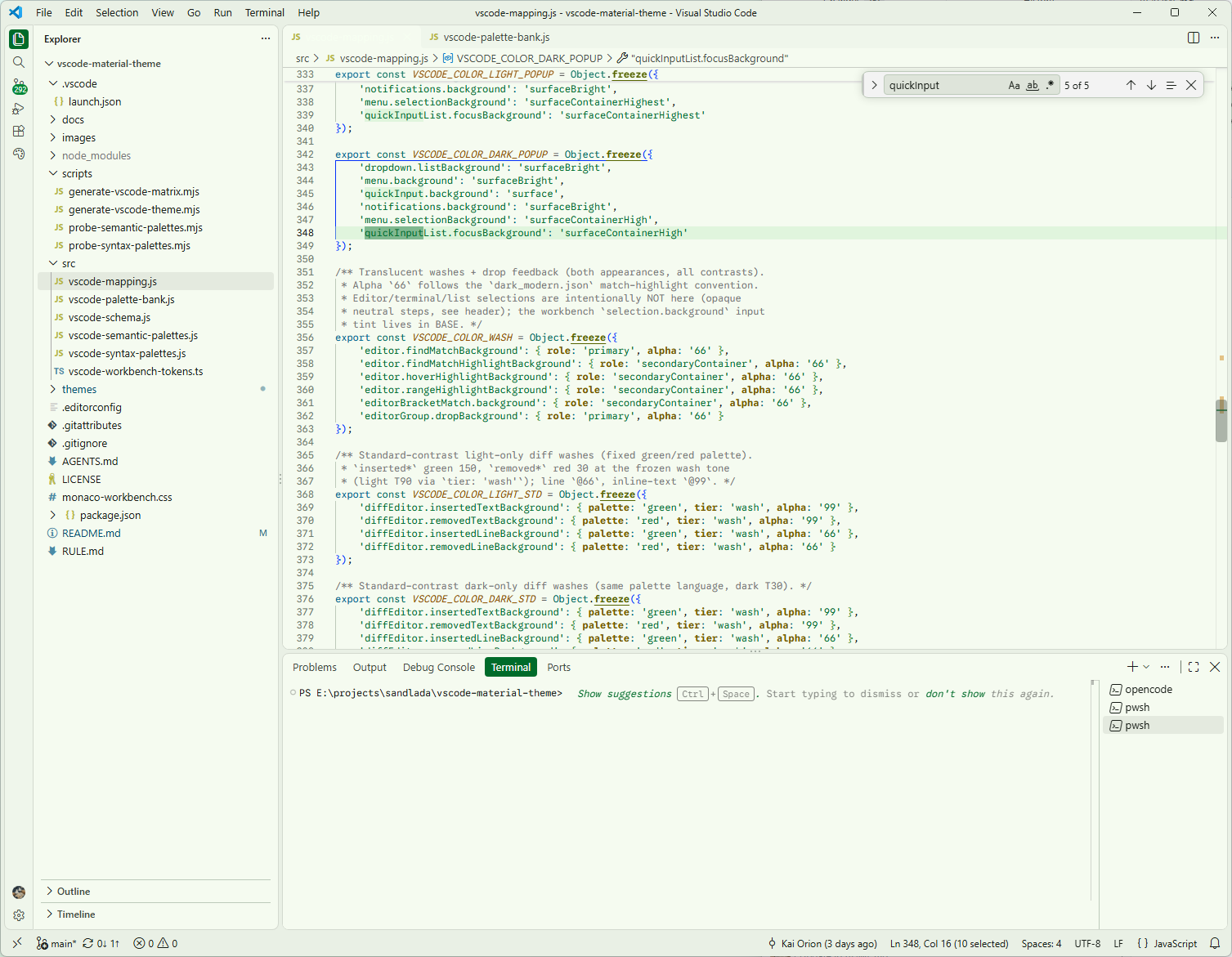
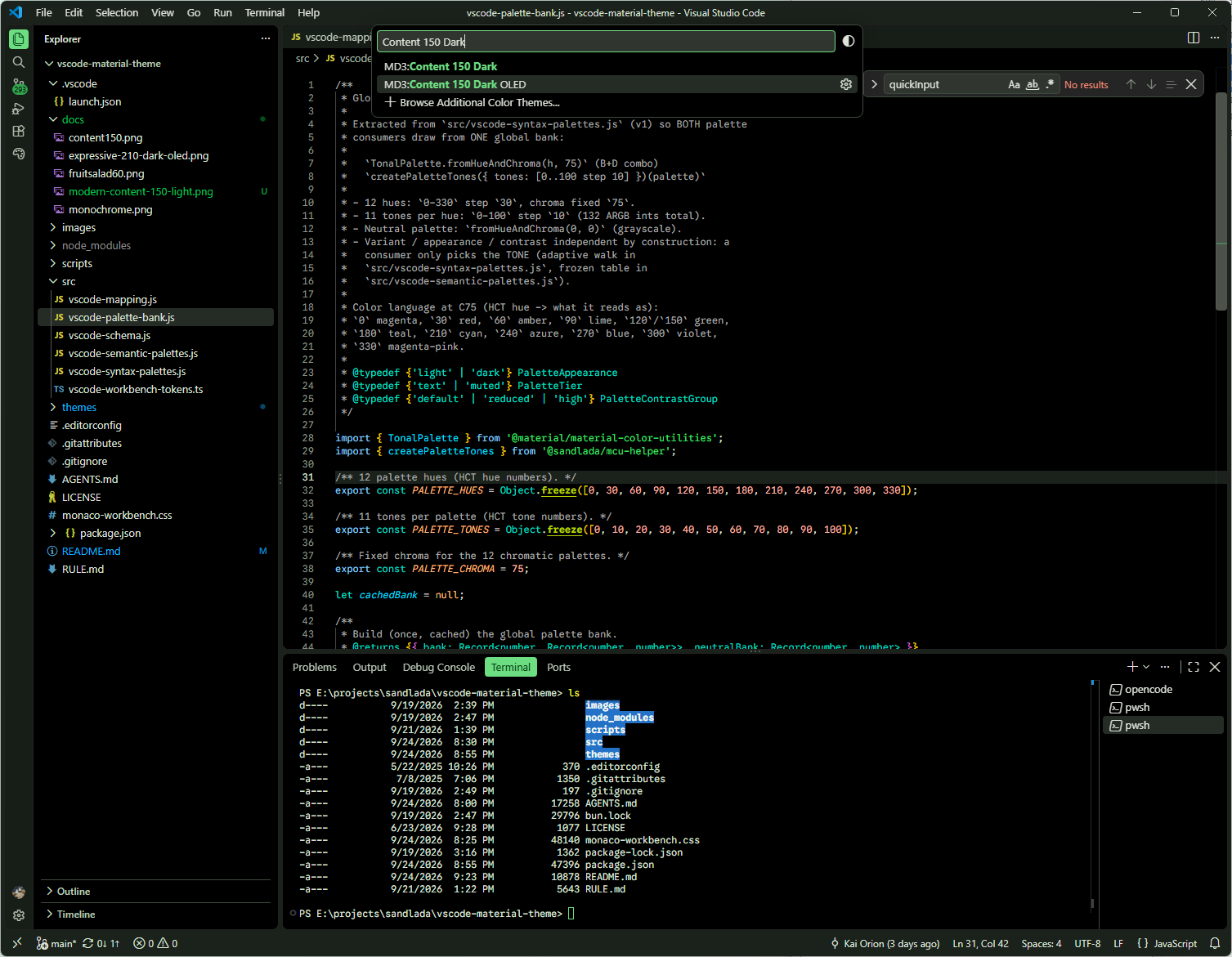
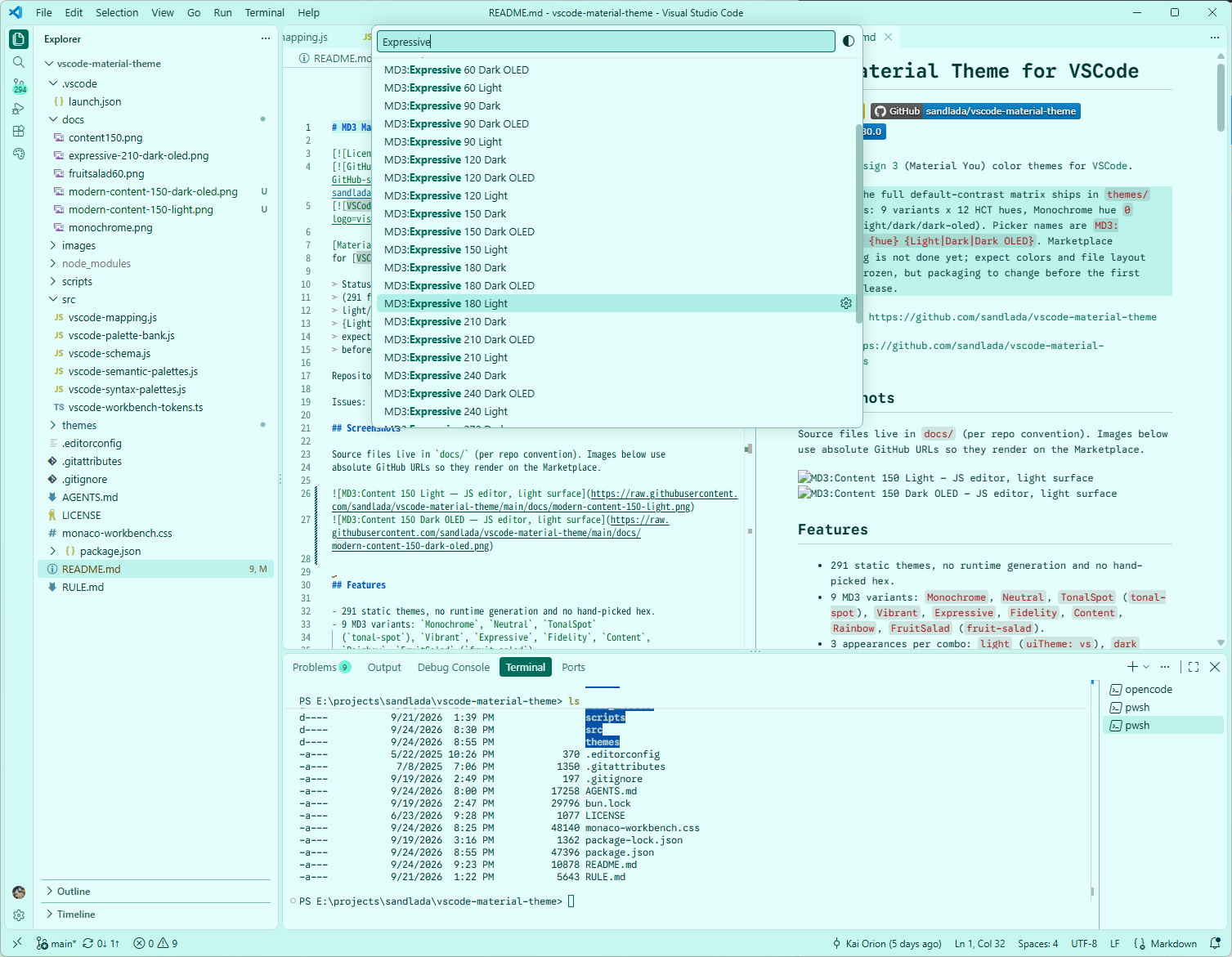
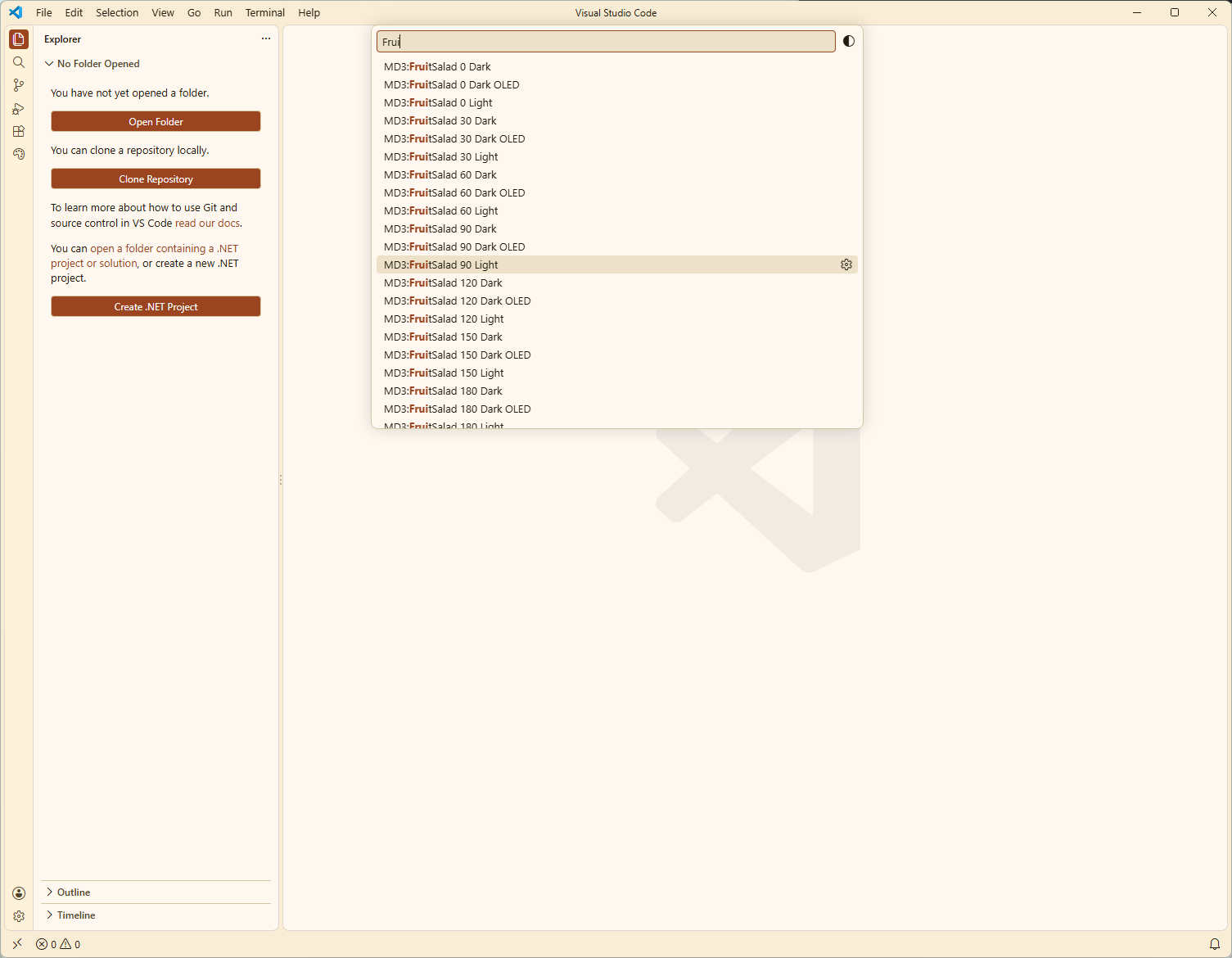
Screenshots
Source files live in docs/ (per repo convention). Images below use
absolute GitHub URLs so they render on the Marketplace.
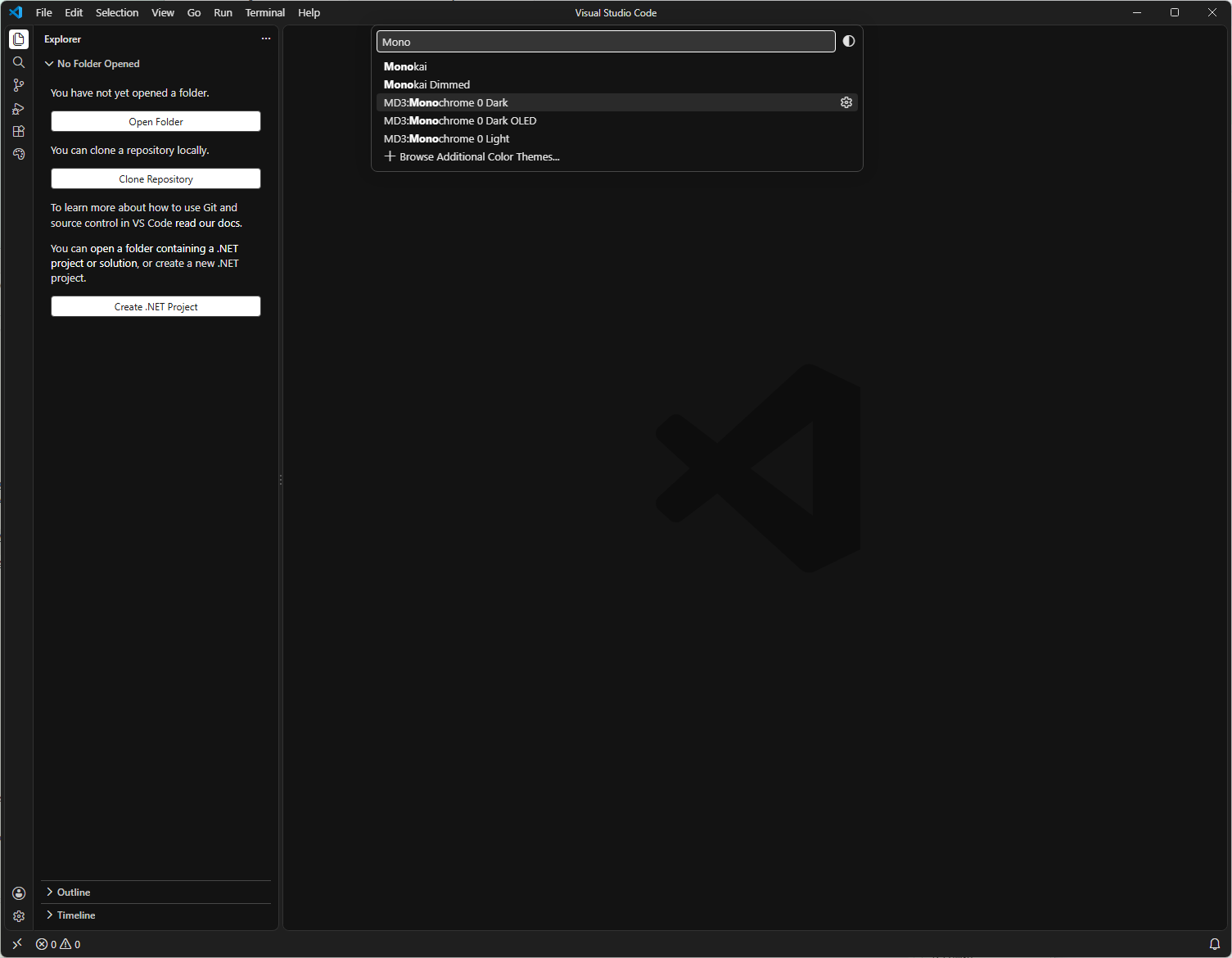
Features
- 291 static themes, no runtime generation and no hand-picked hex.
- 9 MD3 variants:
Monochrome, Neutral, TonalSpot
(tonal-spot), Vibrant, Expressive, Fidelity, Content,
Rainbow, FruitSalad (fruit-salad).
- 3 appearances per combo:
light (uiTheme: vs), dark
(uiTheme: vs-dark), dark-oled (uiTheme: vs-dark, pitch-black
editor surface).
- Partial workbench coverage (179 of 874 color IDs), 26 TextMate rules, and
semantic tokens with
semanticHighlighting: true. Unlisted IDs fall
back to VSCode defaults at runtime.
- Git diff + problem colors come from fixed MD3 tonal palettes
(green/blue/red/purple/amber/gray), so "added" stays green in every
variant instead of following the theme hue; the scrollbar slider stays
translucent so overview-ruler marks show through.
- Fail-closed generation: schema drift, unknown roles, contrast
violations (text 4.5, muted 3.0; reduced text 3.0 by design), semantic
palette tones, and opaque scrollbar sliders abort instead of shipping
an unreadable theme.
Ported from
@sandlada/opencode-material-theme
(static MD3 themes for the OpenCode TUI). That project ships one
dual-appearance JSON per theme; VSCode needs split files instead, so
each combo ships exactly three files:
md3-{variant}-{hue}-{light|dark|dark-oled}[-high|-reduced]-color-theme.json
There is NO light-oled: mcu-helper resolves OLED only against the
dark scheme, so a light OLED file would be hex-identical to plain
light and is never emitted. The dark OLED file is pitch-black on the
editor surface (background + surface -> #000000, every other
role unchanged). Picker names are MD3:{Variant} {hue} {Light|Dark|Dark OLED} (the : lives only in the display name —
file stems stay colon-free for Windows/git).
Every file follows the
Color Theme guide
shape ($schema: vscode://schemas/color-theme, colors +
tokenColors + semanticTokenColors with semanticHighlighting: true).
All colors are resolved from MD3 dynamic-color roles
(@sandlada/mcu-helper + @material/material-color-utilities,
specVersion: '2025', platform: 'phone'); no hand-picked hex. Git
diff and problem semantics are the exception by design: they resolve
from fixed MD3 tonal palettes at frozen tones
(src/vscode-semantic-palettes.js), so they are identical across all
291 themes.
Theme matrix
| Variant |
Slugs |
Hues |
Appearances |
| Monochrome |
monochrome |
0 only |
light, dark, dark-oled |
| Neutral |
neutral |
0-330 step 30 |
light, dark, dark-oled |
| TonalSpot |
tonal-spot |
0-330 step 30 |
light, dark, dark-oled |
| Vibrant |
vibrant |
0-330 step 30 |
light, dark, dark-oled |
| Expressive |
expressive |
0-330 step 30 |
light, dark, dark-oled |
| Fidelity |
fidelity |
0-330 step 30 |
light, dark, dark-oled |
| Content |
content |
0-330 step 30 |
light, dark, dark-oled |
| Rainbow |
rainbow |
0-330 step 30 |
light, dark, dark-oled |
| FruitSalad |
fruit-salad |
0-330 step 30 |
light, dark, dark-oled |
Matrix hue sources are fixed HCT C75 T50; single runs also accept
any lowercase --source '#rrggbb'. Default contrast ships no suffix;
-high = contrastLevel: 1, -reduced = -1.
Installation
From the Marketplace (TBD)
Not published yet. Once published (vsce publish, category Themes),
install from the Extensions view or:
code --install-extension sandlada.vscode-material-design-theme
From a VSIX
vsce package
code --install-extension ./*.vsix
Or in VSCode: Extensions: Install from VSIX....
Run from source
Prerequisites: Bun (the generator is Bun-only;
plain Node cannot resolve the extensionless ESM imports in
@material/material-color-utilities). Running the themes does not
need Bun — only regenerating them does.
git clone https://github.com/sandlada/vscode-material-theme.git
cd vscode-material-theme
bun install
Then:
- Open the folder in VSCode.
- Press
F5 (Run Extension in .vscode/launch.json) to open an
Extension Development Host.
- Run
Preferences: Color Theme and pick an MD3 ... theme.
Usage
Pick a theme with Preferences: Color Theme (Ctrl+K Ctrl+T).
Only the themes registered under contributes.themes in
package.json appear there — the full 291-file matrix
(Monochrome hue 0 x light/dark/dark-oled plus 8 variants x 12
hues x light/dark/dark-oled).
Tune live with workbench.colorCustomizations +
editor.tokenColorCustomizations, then freeze results back into a file
with Developer: Generate Color Theme From Current Settings.
Regenerate the full matrix into ./themes/ (rewrites
contributes.themes to match):
bun scripts/generate-vscode-matrix.mjs --out ./themes
Generate a one-off light/dark pair or dark-OLED single into ./themes/:
# Fixed HCT hue source (file stem uses the hue number)
bun scripts/generate-vscode-theme.mjs --variant Expressive --hue 150 --out ./themes

# Arbitrary hex source (file stem uses the hex)
bun scripts/generate-vscode-theme.mjs --variant Fidelity --source '#068f12' --out ./themes

# Non-default contrast and spec
bun scripts/generate-vscode-theme.mjs --variant TonalSpot --hue 150 --out ./themes --contrast high
bun scripts/generate-vscode-theme.mjs --variant Content --hue 90 --out ./themes --contrast reduced --spec 2021

# OLED single instead of the plain pair (dark only; no light OLED)
bun scripts/generate-vscode-theme.mjs --variant Expressive --hue 150 --out ./themes --oled
Flags: --variant (one of the 9 above, PascalCase, required),
--hue 0-360 xor --source '#rrggbb' (lowercase, required),
--out (required), --oled (value-less flag; emits ONLY the
*-dark-oled-* file),
--contrast default|high|reduced (default
default; -high = contrastLevel: 1, -reduced = -1),
--spec 2025|2021, --chroma / --tone (hue-source tuning,
defaults 75 / 50). The matrix driver rewrites contributes.themes
automatically; after a one-off single run, register the new files in
package.json under contributes.themes (label, uiTheme,
path) so the picker sees them.
Not yet available: hc-black / hc-light high-contrast entries.
Requirements
- VSCode
^1.80.0 (see engines.vscode in package.json).
Recommended: latest VSCode (1.139+ Modern UI) for full modern*
token coverage; older versions load fine but ignore unknown modern*
IDs and fall back to VSCode defaults there.
- Bun only for running the generator scripts;
the shipped
themes/*.json files have no runtime dependencies.
Extension Settings
This extension contributes color themes only. It adds no settings or
commands. Customize appearance per theme via:
workbench.colorCustomizationseditor.tokenColorCustomizations (including
editor.tokenColorCustomizations['[MD3:...]'] per-theme overrides)
Known Issues
- Marketplace publishing is TBD (
vsce publish, category Themes);
packaging may change before the first stable release.
- No
light-oled files by design (would duplicate plain light).
- No dedicated
hc-black / hc-light entries yet; -high contrast
files still use vs / vs-dark.
- Report theme issues at
https://github.com/sandlada/vscode-material-theme/issues.
Release Notes
0.0.4
- Fixed invisible tab text in modern UI connected-tabs style: the
connected active-tab fill is hardcoded to the editor surface while
the label keeps
modernEditorTab.activeForeground, so the white
foreground died on the light surface (~1.0). modernEditorTab
active/hover/action states are now the neutral selection step
(surfaceContainerHighest / onSurface), readable under both the
pill fill and the surface fill in both appearances. Classic
tab.active* keeps the green pill (no connected variant there).
- 291-file matrix regenerated with the new modern tab colors.
0.0.2
- Diff-editor washes are fixed red/green palette tints instead of one
neutral gray:
inserted* green 150, removed* red 30 (light T90 /
dark T30, line @66 / inline text @99), so added vs deleted stay
distinguishable in every variant including Monochrome. New
tier: 'wash' + blend guards (editor fg + all syntax rules on the
wash, inserted-vs-removed distance floor) abort generation instead of
shipping an unreadable diff; scripts/probe-semantic-palettes.mjs
covers the full matrix.
package.json scripts cleaned up: broken OpenCode-era generate /
matrix entries removed, probe / probe:semantic /
probe:syntax added, package no longer hardcodes a stale
versioned filename. Dead scripts/generate-md3-*.mjs deleted.- 291-file matrix regenerated with the new diff colors.
0.0.1
- Initial VSCode port: 291-file default-contrast matrix
(
src/vscode-schema.js, src/vscode-mapping.js,
scripts/generate-vscode-theme.mjs,
scripts/generate-vscode-matrix.mjs).
- 171 workbench colors + 26 TextMate rules + 4 semantic tokens per
file, fail-closed on drift and contrast violations.
Contributing
- Source: https://github.com/sandlada/vscode-material-theme
- Regenerate only via
scripts/generate-vscode-matrix.mjs; do not
hand-edit themes/ or contributes.themes.
- OpenCode-era peers (
src/tui-schema.js, src/md3-mapping.js,
scripts/generate-md3-*.mjs) were removed; the port history lives in
git, and the surviving design notes are in src/vscode-mapping.js.
License
MIT, copyright Kai-Orion & Sandlada. See LICENSE.

