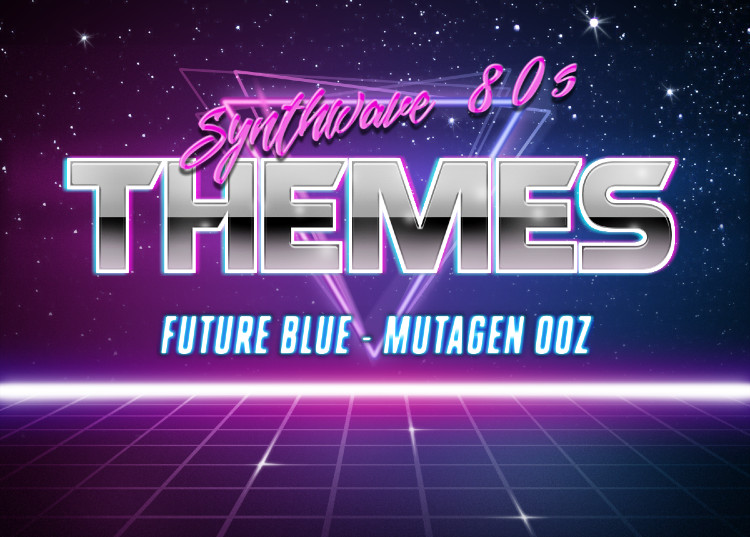
Synthwave 80'sFlashy, retro themes forked on BELCH theme from https://themes.vscode.one Thanks to jbbelcher Installation Launch VS Code Quick Open ( Ctrl+P), paste the following command, and press enter.Copied to clipboard |

Synthwave 80's Theme for VS CodeFlashy, retro, synthwave color themes for Visual Studio Code. Inspired by the neon-lit aesthetics of the 1980s. Forked from BELCH theme by jbbelcher. Installation
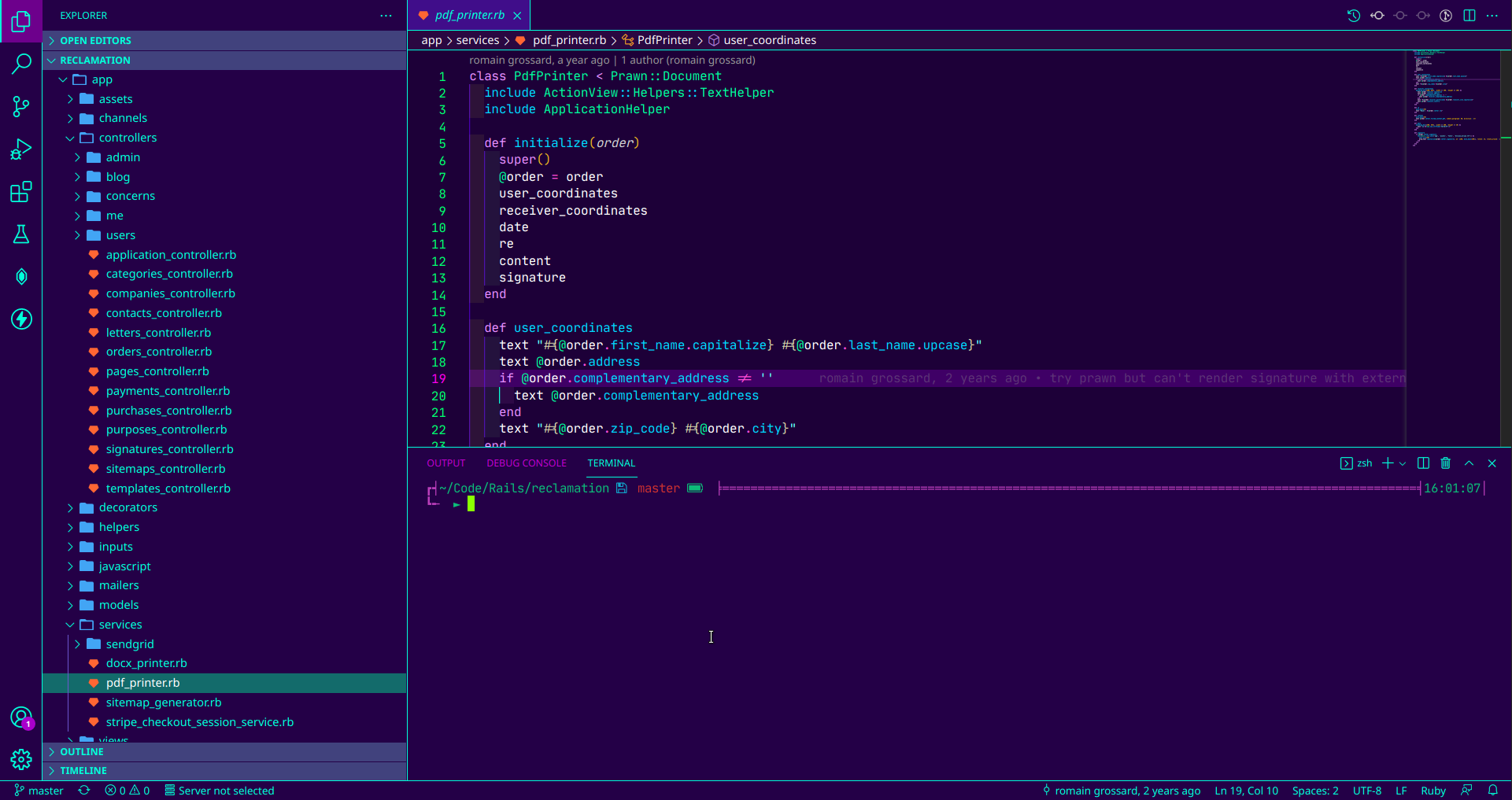
Theme VariantsFuture BlueA vibrant cyan and magenta theme with deep purple backgrounds.
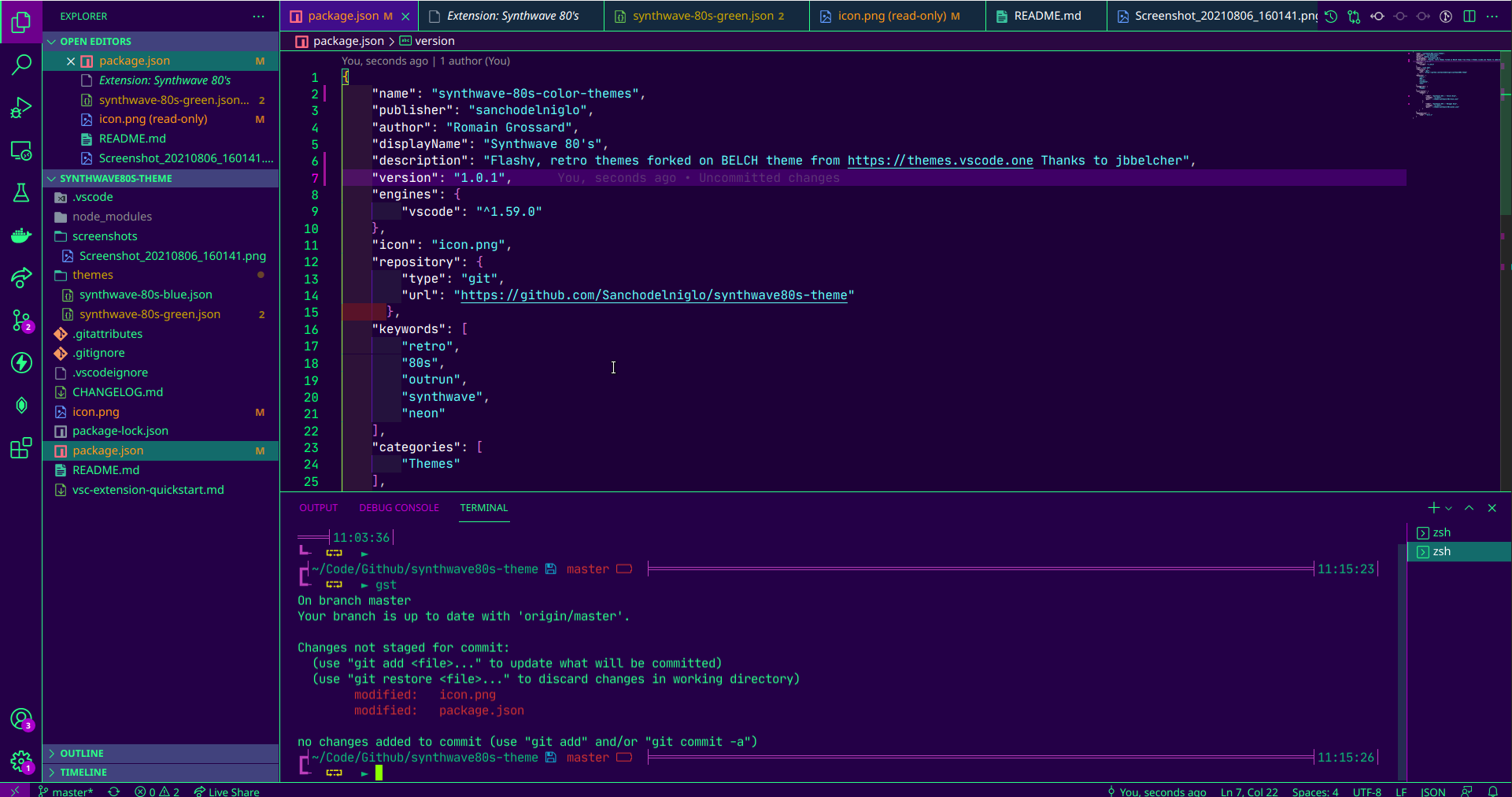
Mutagen OozeA toxic green and magenta variant for those who prefer green accents.
The ShredderA more subdued variant with softer colors for extended coding sessions.
Features
Recommended SettingsFor the best experience, add these to your SupportIf you enjoy this theme, consider supporting its development: Feedback & IssuesFound a bug or have a suggestion? Please open an issue on GitHub. LicenseMIT License - see LICENSE for details. |