ttsc for VS Code
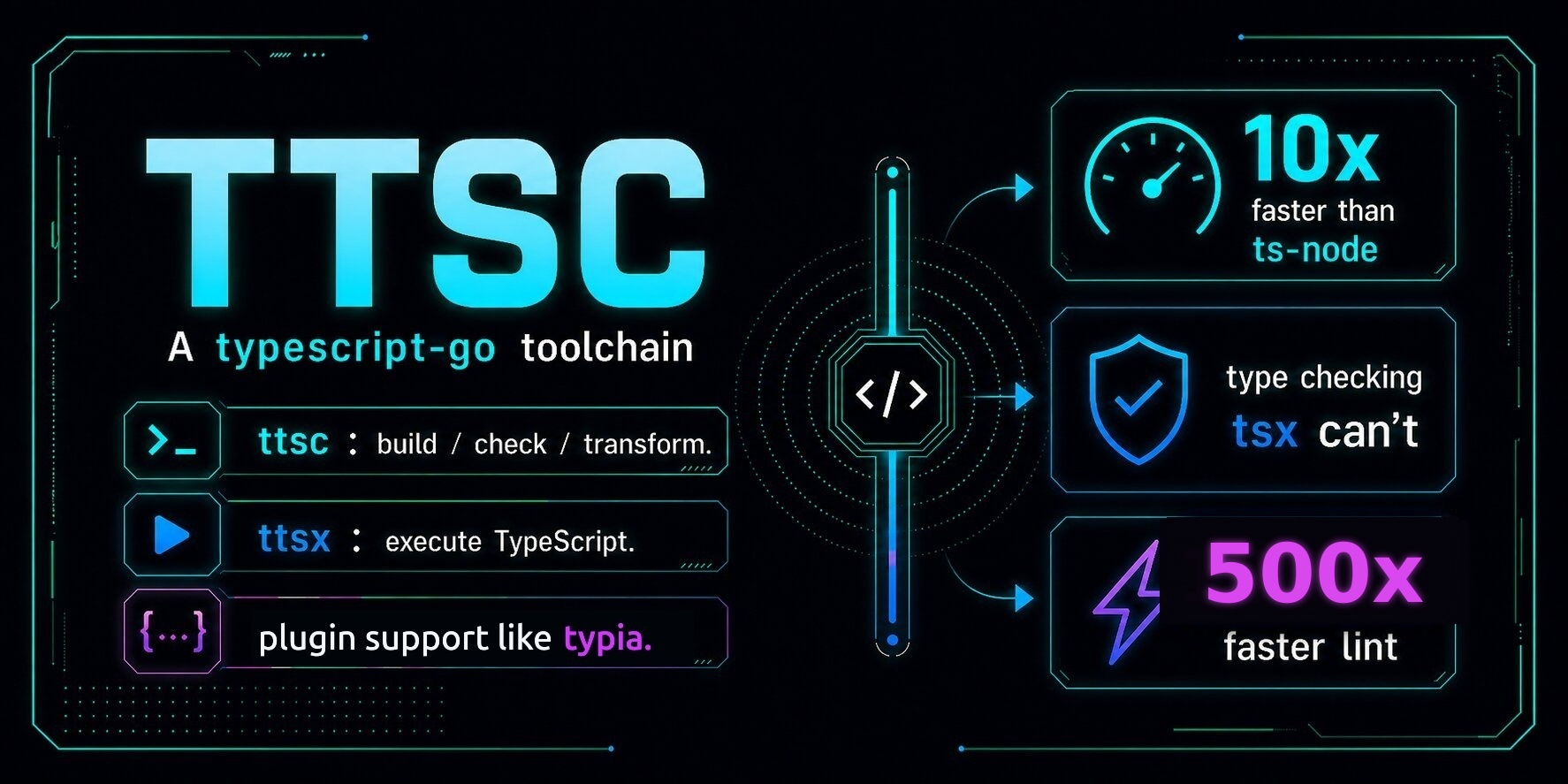






Bring TypeScript-Go and supported ttsc plugin features into one VS Code session.
The extension keeps TypeScript-Go completion and diagnostics in one ttscserver stream with @ttsc/lint diagnostics, suggestions, fix-all actions, formatting, and completion published by lint project rules.
Use it when the project already runs ttsc. Add @ttsc/lint when you also want lint diagnostics, fix-all actions, and formatting in the editor.

Requirements
- VS Code 1.94 or later.
- Node.js 18 or later.
- A workspace with
tsconfig.json or jsconfig.json.
- Project-installed
ttsc, typescript, and the ttsc plugins you want editor diagnostics from.
Install the common project dependencies:
npm install -D ttsc typescript @ttsc/lint
@ttsc/lint is optional for TypeScript-Go language features, but required for the lint and format commands shown below.
Install
Install from the VS Code Marketplace by searching ttsc and choosing the extension by samchon.
From a shell, the short installer is:
npx @ttsc/vscode
The direct VS Code CLI form is:
code --install-extension samchon.ttsc
To uninstall the npm-installed copy:
npx @ttsc/vscode uninstall
Both shell commands use the code CLI. If it isn't on your PATH, run Shell Command: Install 'code' command in PATH from VS Code's command palette.
Configuration
lint.config.ts
At the project root, this drives both the lint rules and the formatter. Without it the extension still type-checks and reports no lint diagnostics, and formatting uses the default format rules instead of your format block:
// lint.config.ts
import type { ITtscLintConfig } from "@ttsc/lint";

export default {
  rules: {
    "no-var": "error",
    "prefer-const": "error",
    "typescript/no-explicit-any": "warning",
    "typescript/no-floating-promises": "error",
  },
  format: {
    printWidth: 100,
    singleQuote: true,
    trailingComma: "all",
  },
} satisfies ITtscLintConfig;
.vscode/settings.json
Set samchon.ttsc as the default formatter and turn on editor.formatOnSave:
{
  "[typescript][typescriptreact]": {
    "editor.defaultFormatter": "samchon.ttsc",
    "editor.formatOnSave": true
  }
}
Lint fixes stay off-save by default because they can change code meaning. Run ttsc: Fix all lint issues from the command palette, or opt in on manual saves:
{
  "editor.codeActionsOnSave": {
    "source.fixAll.ttsc": "explicit"
  }
}
What it adds
- TypeScript-Go diagnostics, hover, navigation, and completions.
@ttsc/lint diagnostics, suggestions, code actions, and source.fixAll.ttsc.- JSDoc completion from a built-in lint rule and project-indexed completion from contributor rules that publish it.
- Diagnostics reported by other LSP-capable
ttsc plugins.
ttsc: Fix all lint issues, ttsc: Format document, and ttsc: Restart language server in the command palette.- Format on save with the
format block from lint.config.*.
- Multi-root workspace support. Each package can use its own
ttsc, typescript, tsconfig.json, and lint.config.*.
Save the file before relying on lint diagnostics or running the command-palette lint and format commands. Format-on-save works on the live editor buffer.
Completion uses the live editor buffer. Enable jsdoc/check-tag-names to try built-in lint completion inside a /** ... */ block. The Lint in VS Code guide covers that workflow and contributor project indexes.
Troubleshooting
No diagnostics? Work through these in order:
- Confirm the workspace has a
tsconfig.json or jsconfig.json.
- Confirm
ttsc resolves in the project: npx ttsc --version.
- Confirm the project itself checks:
npx ttsc --noEmit.
- Open View → Output → ttsc and read the server log.
- For full LSP tracing, set
ttsc.trace.server to "verbose", then run Developer: Set Log Level..., select ttsc (trace), and choose Trace. Tracing starts immediately; do not reload the window.
If diagnostics work but lint completion does not, press Ctrl+Space after @ inside a JSDoc block. After changing the lint config or project-indexed inputs, save the file: the completion corpus is rediscovered in the background on save. ttsc: Restart language server is still needed for a completion trigger character the session never advertised, which the ttsc output channel names when it appears.

Thanks for your support.
Your donation encourages ttsc development.

