Salesforce B2C CommerceTools for developing on Salesforce B2C Commerce, including cartridge deployment, script debugging and IntelliSense, and sandbox management. Installation Launch VS Code Quick Open ( Ctrl+P), paste the following command, and press enter.Copied to clipboard |

Salesforce B2C Commerce for VS CodeManage Salesforce B2C Commerce sandboxes, sync cartridges, browse content and APIs, debug server-side scripts, and work with ISML—all without leaving VS Code. See the extension documentation for setup and feature guides, or go directly to connecting a B2C Commerce instance.
Highlights
Features (overview)Write B2C code with editor support
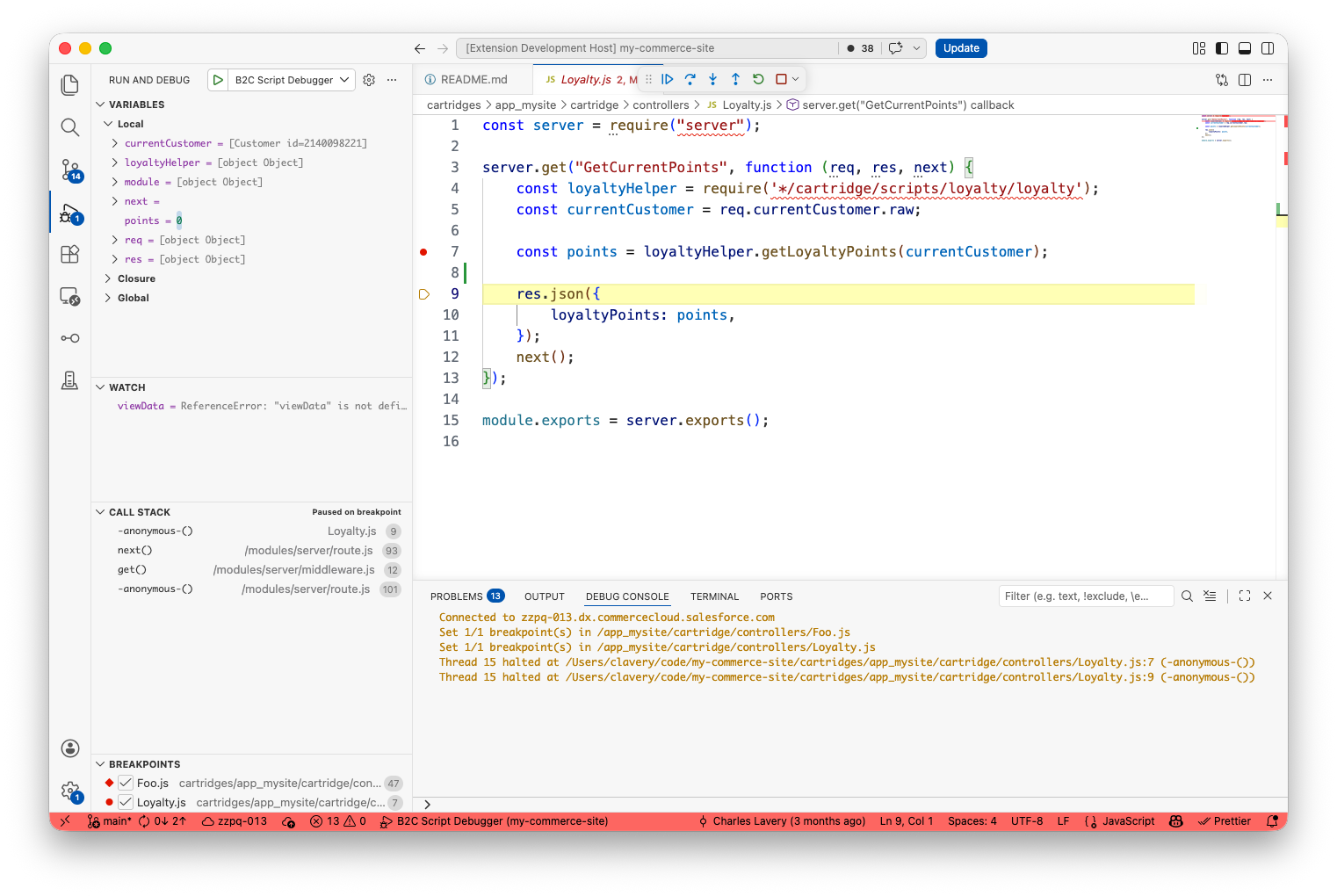
Debug server-side scriptsSet breakpoints and log points, inspect variables, and step through cartridge controllers, jobs, hooks, custom scripts, and Custom APIs with the built-in B2C Script Debugger.
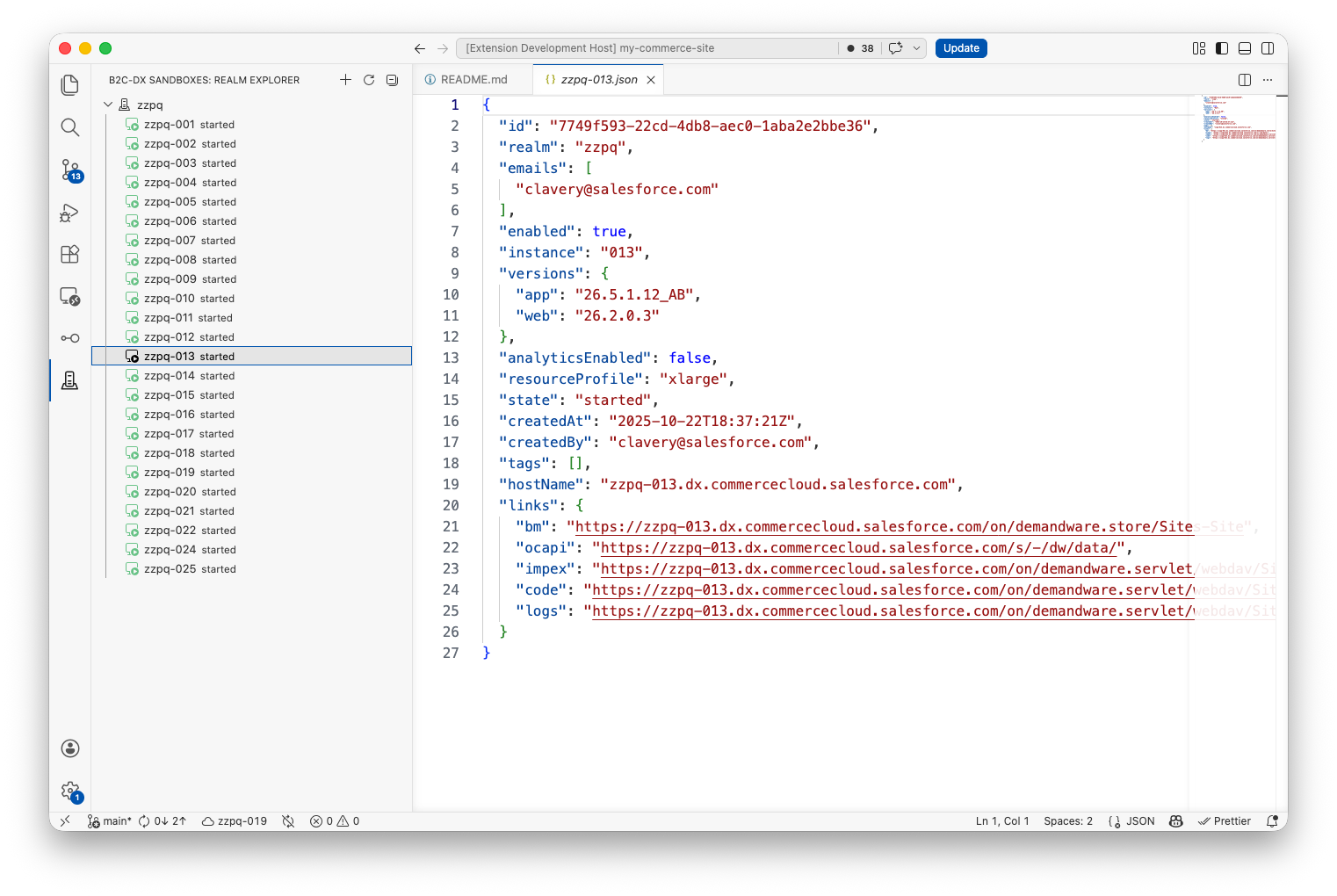
Manage sandbox realmsCreate, start, stop, restart, clone, extend, and delete on-demand sandboxes from the Sandbox Realm Explorer. Context menus adapt to each sandbox's current state. From the Command Palette, Start/Stop/Restart Sandbox acts on the active status-bar instance.
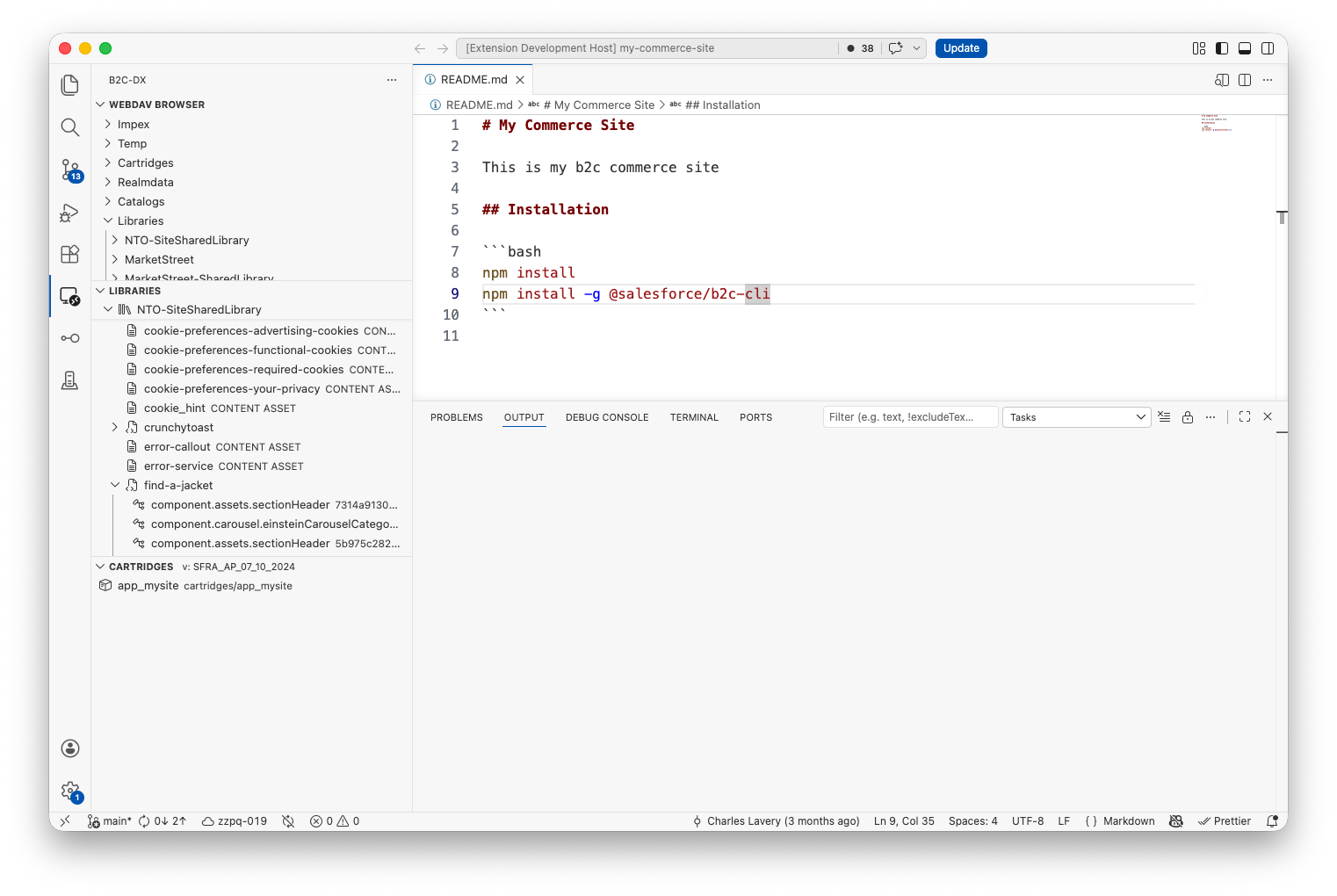
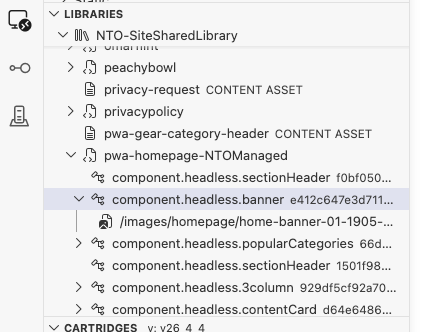
Sync cartridges and manage code versionsDeploy cartridges on demand or watch local files and upload changes automatically. Compare local and remote files, download remote changes, and activate or remove code versions from the editor. Browse WebDAV and content librariesWork with remote WebDAV files as if they were local. Browse Page Designer pages and components, filter large libraries, export content with or without assets, edit component XML, and import site archives.
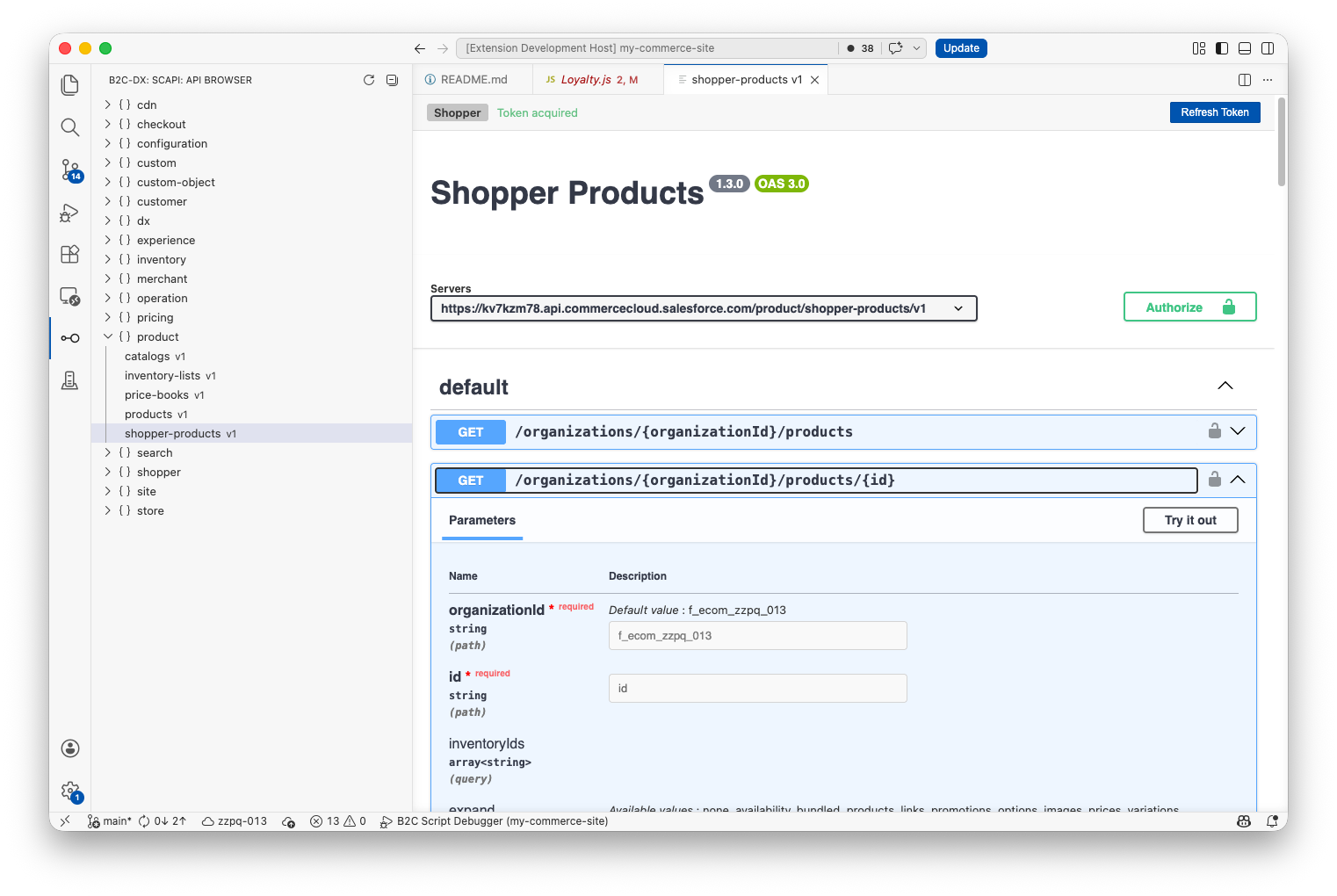
Explore SCAPIBrowse the SCAPI schemas available to your instance and try requests in an integrated Swagger UI. The extension handles authentication with your configured credentials. Use Setup Help in the API Browser toolbar or any API tab for connection examples and Admin/Shopper access requirements. Shopper requests use your SLAS client and a guest shopper token.
Stay in the development flowTail sandbox logs into a VS Code output channel, install Commerce App Packages, manage jobs, and keep the selected B2C instance visible in the status bar. Preview features such as Job History, site export, analytics, and guided onboarding can be enabled from the Get started
Different features require different credentials. WebDAV workflows can use a Business Manager username and access key, while sandbox and API workflows require OAuth configuration. See Connecting to a B2C instance for the per-feature requirements and an example The B2C CLI is optional. Install it when you want to run the same workflows from a terminal or CI environment. Requirements
Documentation and supportTelemetryThe extension sends anonymous lifecycle and broad feature-category events to help improve the product. It honors VS Code's global ContributingDevelopment, testing, and packaging instructions are available in DEVELOPMENT.md. LicenseCopyright (c) 2026, Salesforce, Inc. Licensed under the Apache License 2.0. |