Skip to content
| Marketplace
Sign in
Visual Studio Code>Visualization>API ExplorerNew to Visual Studio Code? Get it now.
API Explorer

API Explorer

Preview

Sahil Rajpal

|
3 installs
| (0) | Free
Zero-config API explorer for FastAPI and OpenAPI projects. Auto-discovers endpoints, fires requests, and navigates to source - without leaving VSCode.
Installation
Launch VS Code Quick Open (Ctrl+P), paste the following command, and press enter.
Copied to clipboard
More Info

API Explorer

Test your APIs without leaving VSCode. API Explorer auto-discovers your FastAPI (and any OpenAPI-compliant) endpoints the moment your server starts — no collections to set up, no copy-pasting URLs, no switching to Postman.


Why API Explorer?

Every API testing tool makes you do the same thing: open the app, create a collection, manually add your routes, set up environments. It's friction you repeat on every project.

API Explorer eliminates that entirely. If your server is running and exposes an OpenAPI spec (FastAPI does this by default at /openapi.json), the extension picks it up automatically — all your endpoints appear in the sidebar, pre-filled with sample request bodies inferred from your actual schemas, ready to fire.


Features

Preview release — feedback welcome via GitHub Issues

Zero-config endpoint discovery

Point it at your server once. API Explorer fetches /openapi.json, parses every route, and populates the sidebar. No collection files, no manual entry.

The base URL is stored per-workspace — each project on your machine remembers its own server.

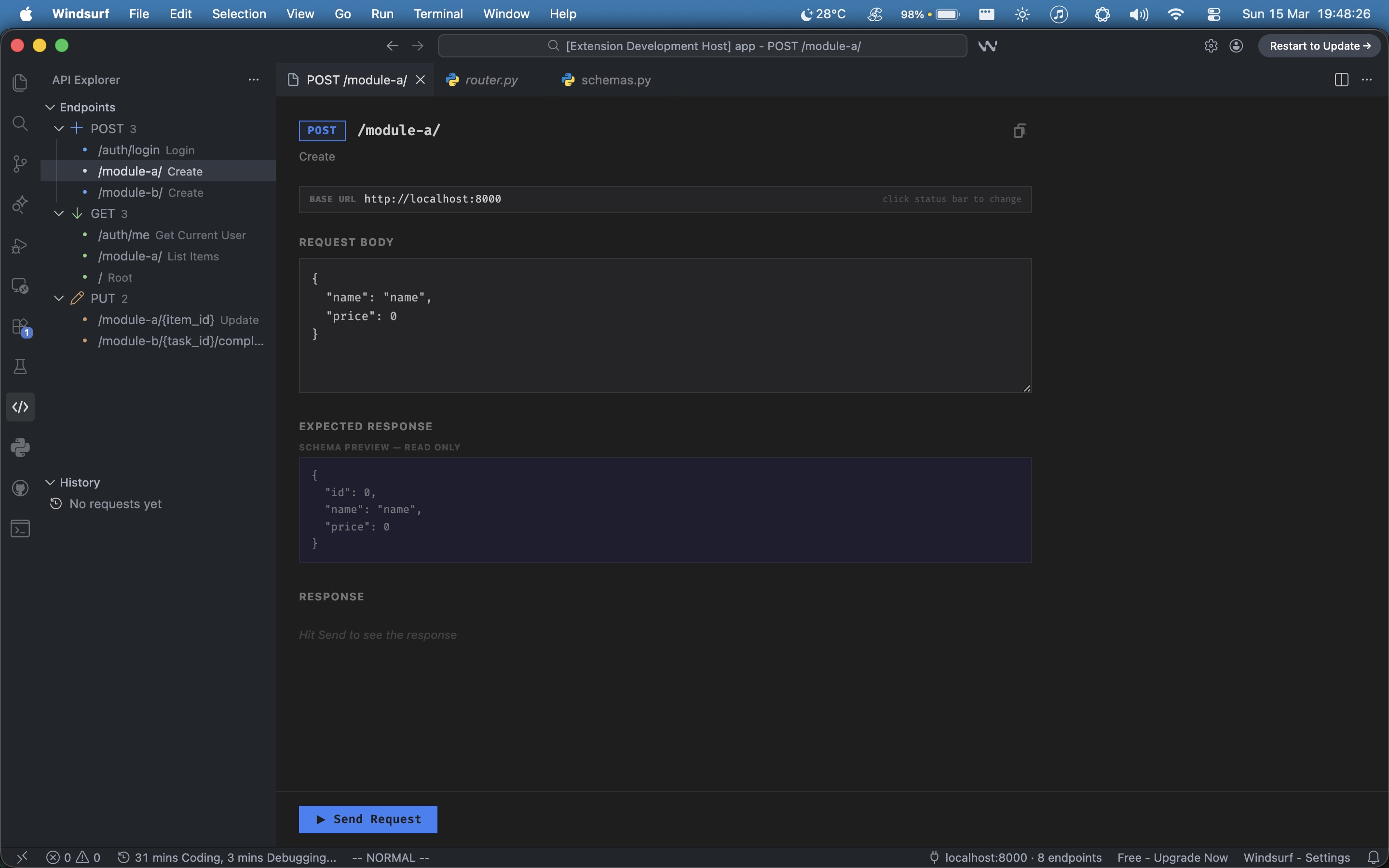
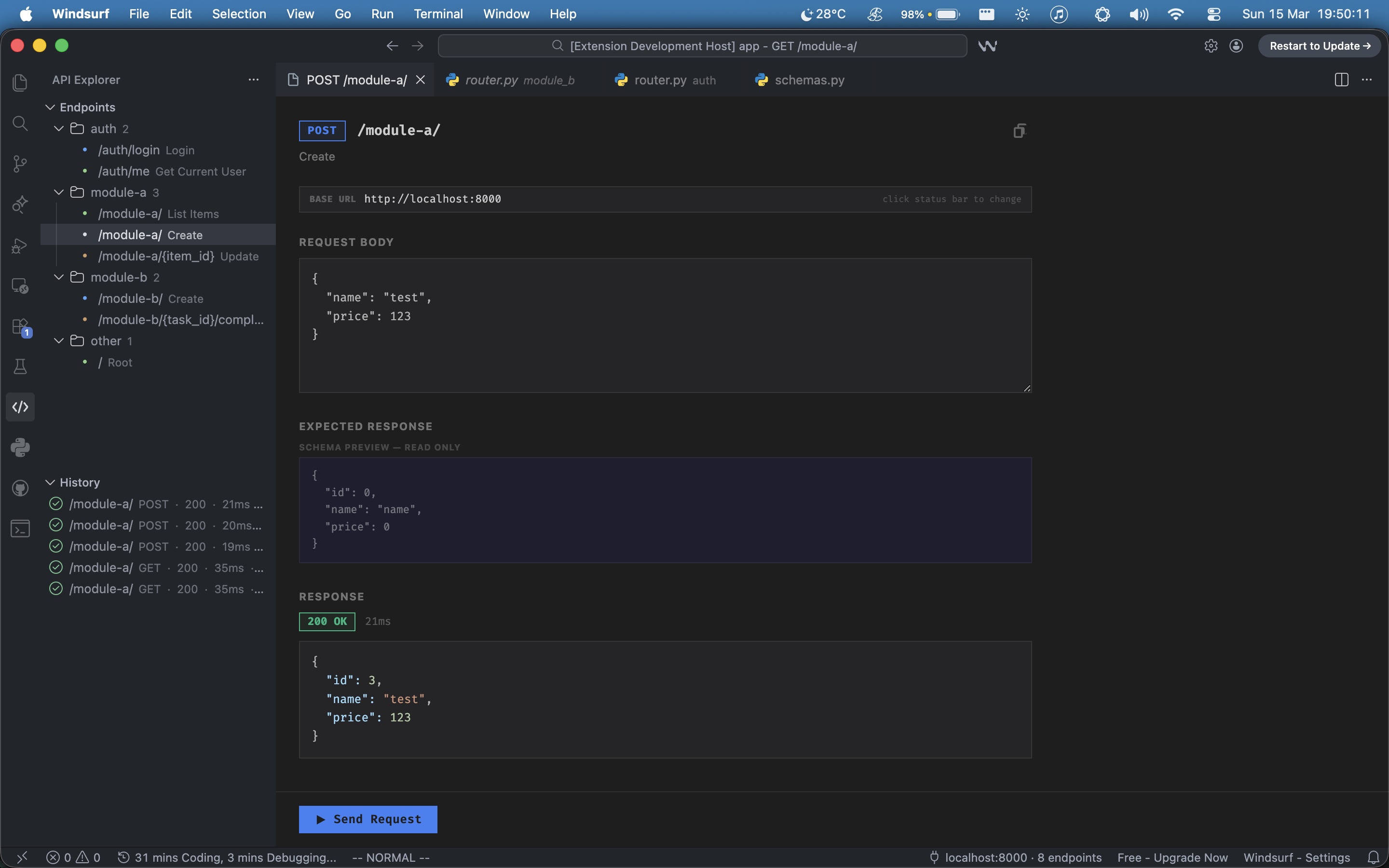
Request panel showing POST /module-a/ with pre-filled request body and expected response schema


Request bodies pre-filled from your schemas

API Explorer resolves $ref pointers in your OpenAPI spec and builds a sample body from your actual Pydantic models. Open a POST endpoint and the body is already there — correct field names, correct types.

The expected response schema is shown as a read-only preview below the request body, so you know what to expect before you even hit Send.


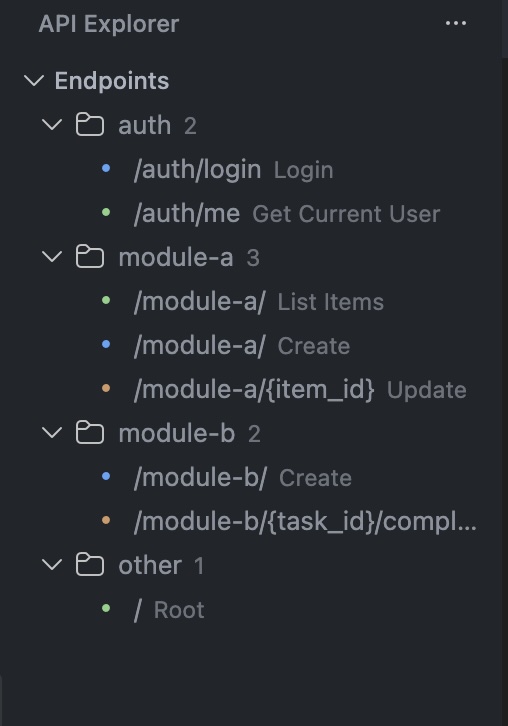
Group by module or method

View your endpoints grouped by HTTP method, or switch to module view — which infers groupings from your URL structure automatically. /auth/login, /auth/me → auth. /module-a/, /module-a/{item_id} → module-a.

Sidebar showing endpoints grouped by module: auth, module-a, module-b


Filter, search, sort

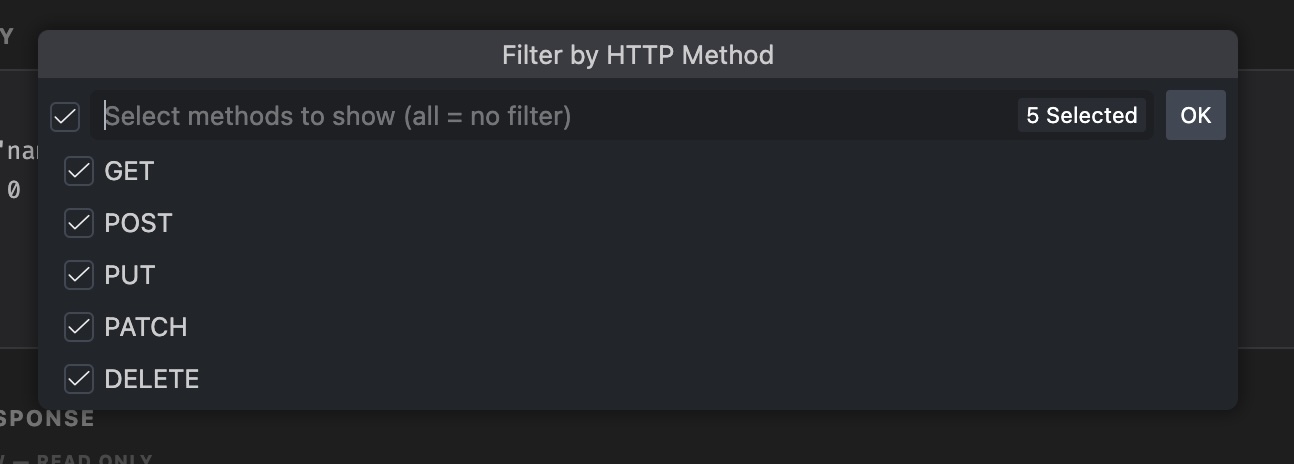
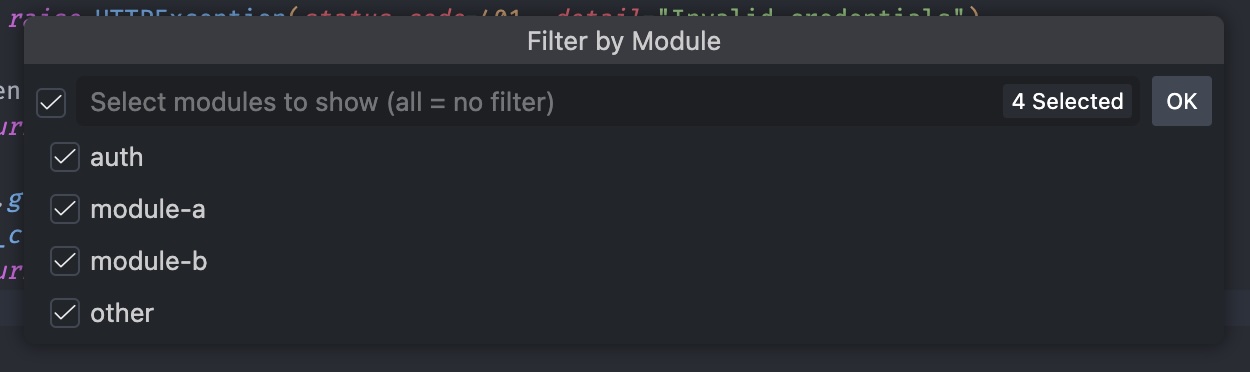
Filter by HTTP method or module with native multi-select pickers. Live search by path or description. Toggle between spec order and A→Z. All from the sidebar toolbar.

Filter by HTTP method picker showing GET, POST, PUT, PATCH, DELETE

Filter by module picker

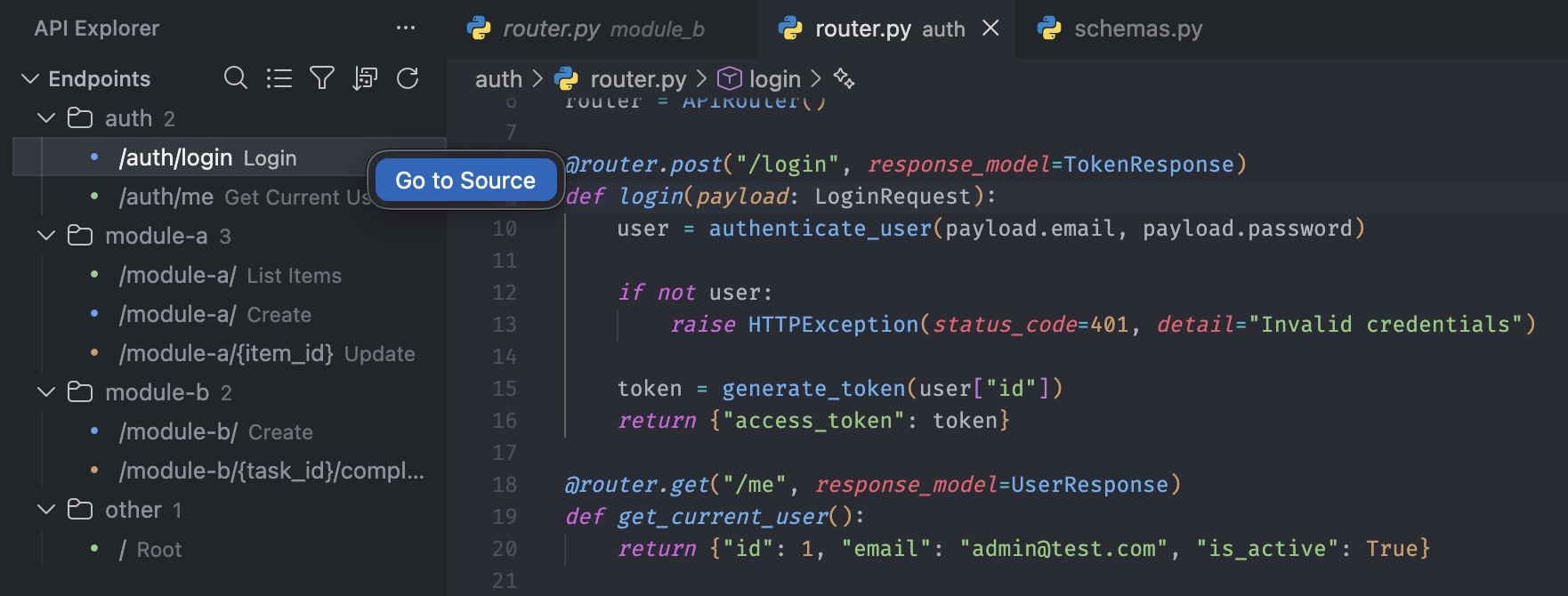
Go to Source

Click any endpoint → jump directly to the route handler in your Python source. API Explorer reads the operationId from your spec, extracts the function name, and opens the exact file and line. No searching required.

Works automatically with FastAPI — no configuration needed.

Source navigation jumping from /auth/login in the sidebar to the login function in router.py


Request history

Every request you fire is saved to a per-project history with method, status code, elapsed time, and full request/response bodies. Click any history entry to reopen it with everything restored exactly as it was.

Request panel with history showing multiple POST and GET requests


Native VSCode feel

  • Matches your theme automatically — dark, light, or custom
  • Status bar shows connection state and endpoint count
  • Preview tab behaviour — browsing endpoints reuses one tab until you edit
  • Requests fire from the extension host, not the webview — no CORS issues ever

Getting Started

  1. Install the extension
  2. Open a project with a running FastAPI (or any OpenAPI) server
  3. Click the API Explorer icon in the activity bar
  4. Endpoints appear automatically — click any to open the request panel

Default: connects to http://localhost:8000/openapi.json

To change the URL: click the status bar item at the bottom of VSCode (localhost:8000 · N endpoints) and enter your server's base URL. This is saved per-workspace.


Configuration

Setting Default Description
apiExplorer.openapiUrl http://localhost:8000/openapi.json URL of the OpenAPI spec to load on startup

Works with any OpenAPI server

Built and optimized for FastAPI, but works with any server that exposes an OpenAPI 3.x spec:

  • FastAPI — full support including source navigation
  • Django Ninja — full support
  • Flask (with flask-smorest or flasgger) — full support
  • NestJS, Express (with swagger-jsdoc) — full support
  • Spring Boot (with springdoc) — full support

Source navigation currently works with FastAPI only. Support for other frameworks is planned.


Contributing

API Explorer is open source. Issues and PRs are welcome.

GitHub →


License

MIT

  • Contact us
  • Jobs
  • Privacy
  • Manage cookies
  • Terms of use
  • Trademarks
© 2026 Microsoft