cohors for VS Code
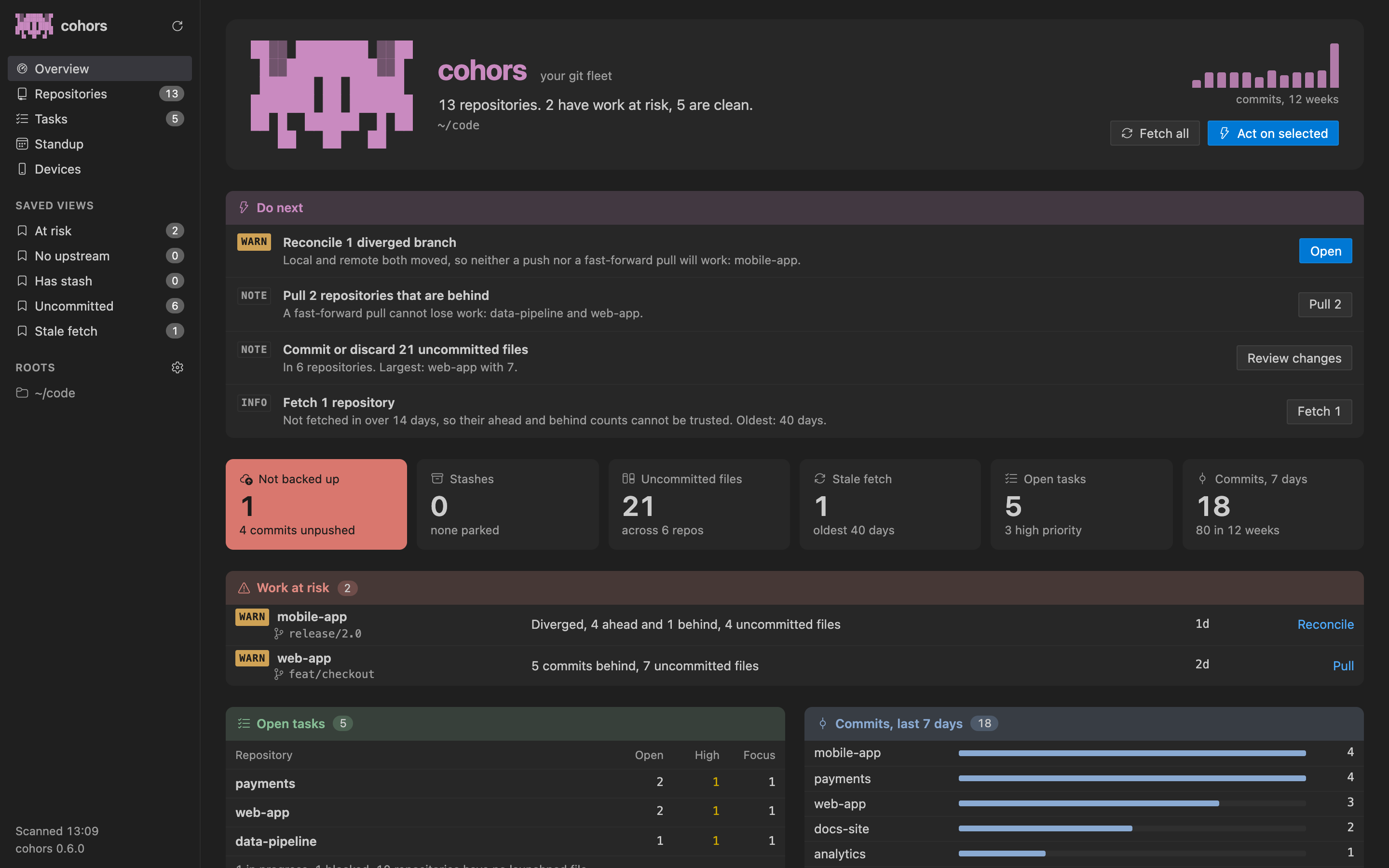
Every git repo you own, on one screen. What's unpushed, what's behind, what's about to be lost, and what to do next, across every repository on your machine, without leaving the editor.
Before you start: install cohors
The extension shows what the cohors command-line tool reads, so install that first, any way you like:
brew install rushirb2001/tap/cohors
pip install cohors
npm install -g @cohors/cli
cargo install cohors
It runs on macOS and Linux and needs git. If the extension can't find cohors, run cohors: How to install the cohors command-line tool, or point cohors.binaryPath at it.
What you get
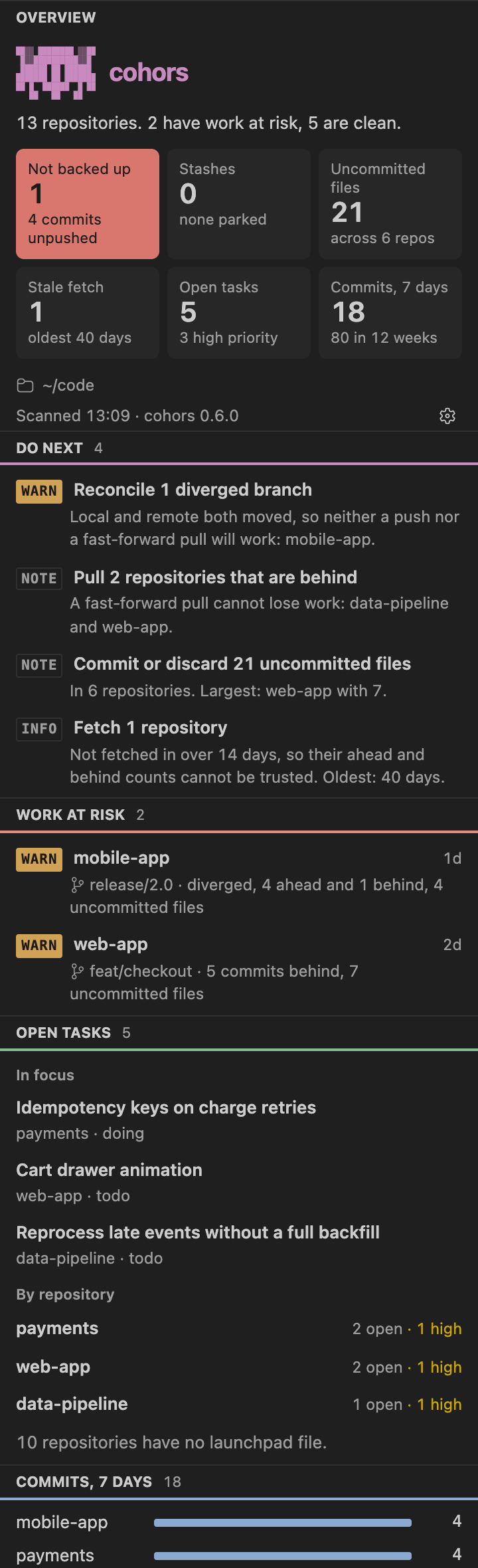
- The fleet in the sidebar. Click the cohors icon in the activity bar: what to do next, work at risk, open tasks, this week's commits and every repository, as native panes.
- The full dashboard in a tab. Run cohors: Open dashboard.
- Act from where you are. Push, pull or fetch any step or repository, open it in a new window, or open a terminal there.
- Run a repo's commands. The commands a repository declares (or that cohors detects from npm, Cargo, uv, Makefiles and Gradle) run in a VS Code terminal with one click.
- Start Claude on a task. Each task has a button that opens Claude Code (or Codex, Gemini CLI or agy) in a terminal, briefed on that task. Run it again and it resumes the same conversation.
Commands
| Command |
Does |
| cohors: Open dashboard |
The full dashboard in a tab |
| cohors: Refresh |
Scan again now |
| cohors: Fetch every repository |
git fetch everywhere |
| cohors: Set up this repo with an agent |
Your agent writes this repo's launchpad file |
| cohors: Plan my day with an agent |
Your agent plans your focus across every repo |
| cohors: Use this workspace's folders as roots |
Scan the folders open in this window |
| cohors: Show the launchpad contract |
The format a repo's .cohors/repo.json follows |
Settings
| Setting |
Default |
|
cohors.roots |
[] |
Folders to scan. Empty uses your cohors config. |
cohors.binaryPath |
|
Where cohors is, if it isn't on your PATH |
cohors.refreshSeconds |
30 |
How often the focused dashboard refreshes; 0 turns it off |
cohors.openOnStartup |
off |
What cohors opens when a window starts |
Safe by default
pull is fast-forward only and nothing force-pushes. In an untrusted workspace the extension reads but runs nothing. cohors has no telemetry: see the privacy policy.
More
cohors is also a terminal dashboard, a browser dashboard and an MCP server for your coding agent. See the project on GitHub, and open an issue for anything you'd like it to do.

