Fill every caret or selection in your editor with a generated sequence — not just plain 1, 2, 3. Use numbers, zero-padded IDs, hex, letters, Roman numerals, dates, or a custom template.
Quick start
- Place multiple carets — hold
Alt (Option on Mac) and click, or make multiple selections.
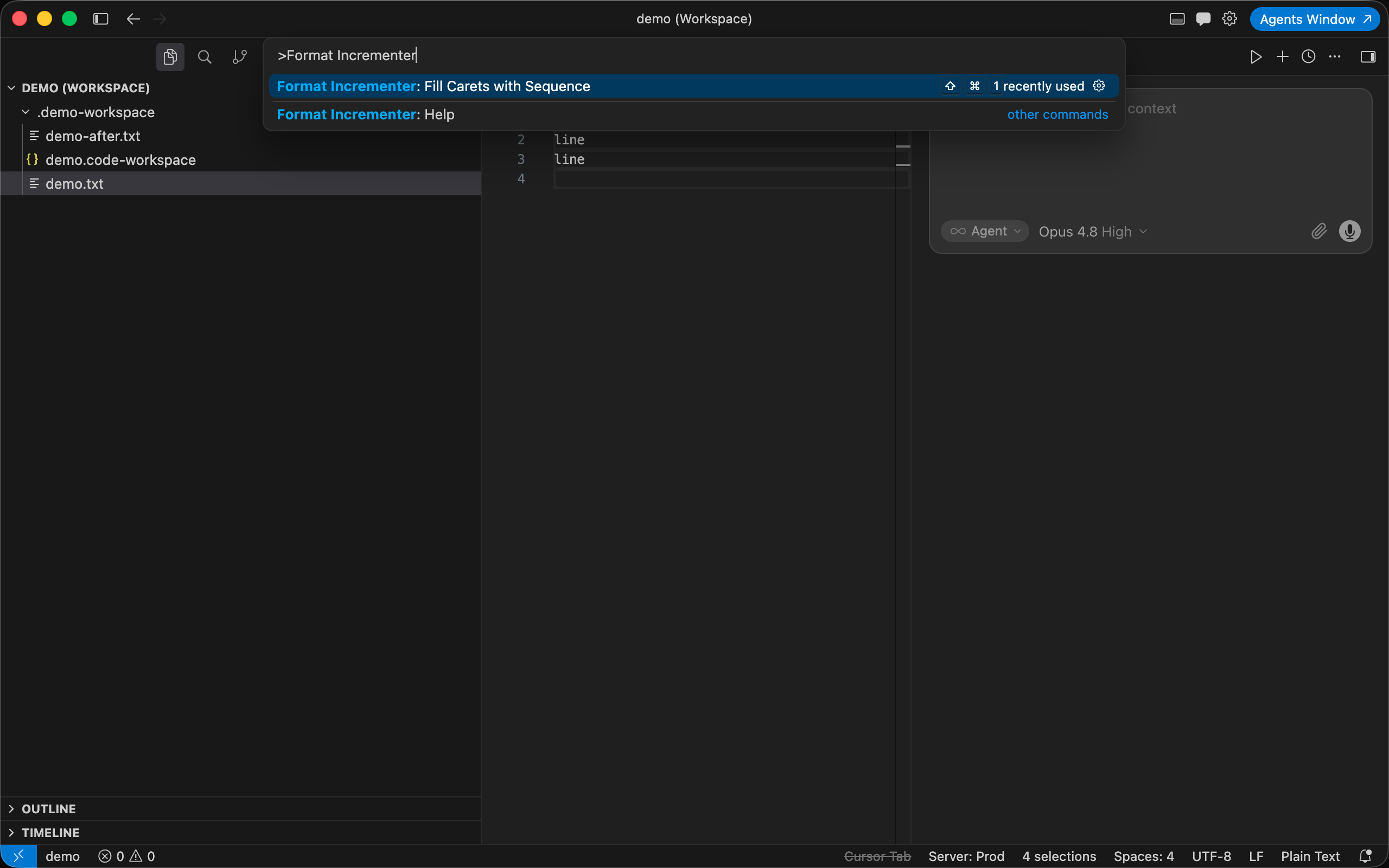
- Run the command — Command Palette, right-click menu, or keyboard shortcut.
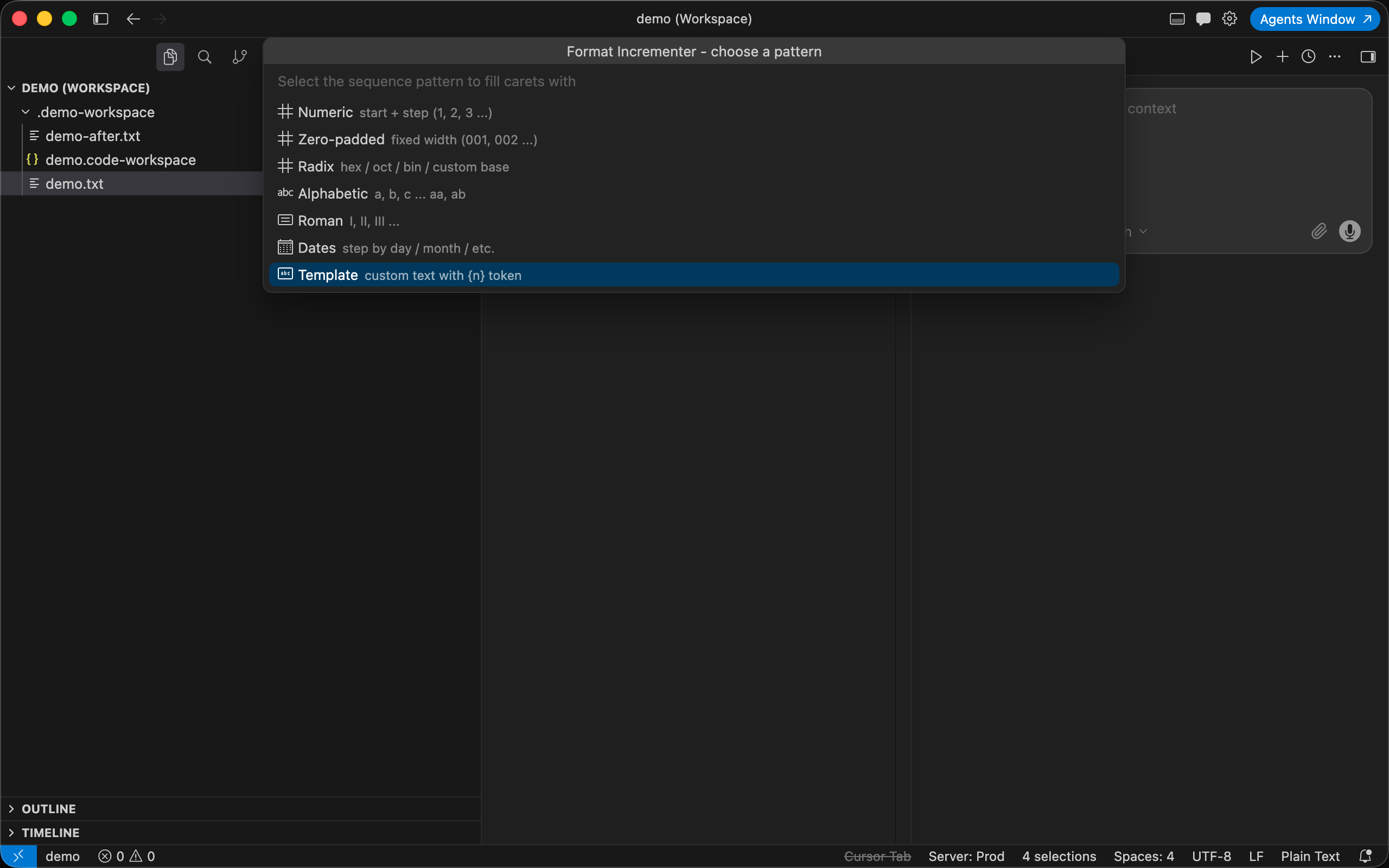
- Pick a pattern — choose a type, step through the fields, check the live preview, then confirm.
| Platform |
Shortcut |
| macOS |
Shift + Cmd + 1 |
| Windows / Linux |
Shift + Ctrl + 1 |
Where to find it
| Location |
Action |
| Command Palette |
Format Incrementer: Fill Carets with Sequence |
| Editor right-click |
Same command |
| Command Palette |
Format Incrementer: Help |
Example
Place carets on three lines and choose Numeric (start 1, step 1):
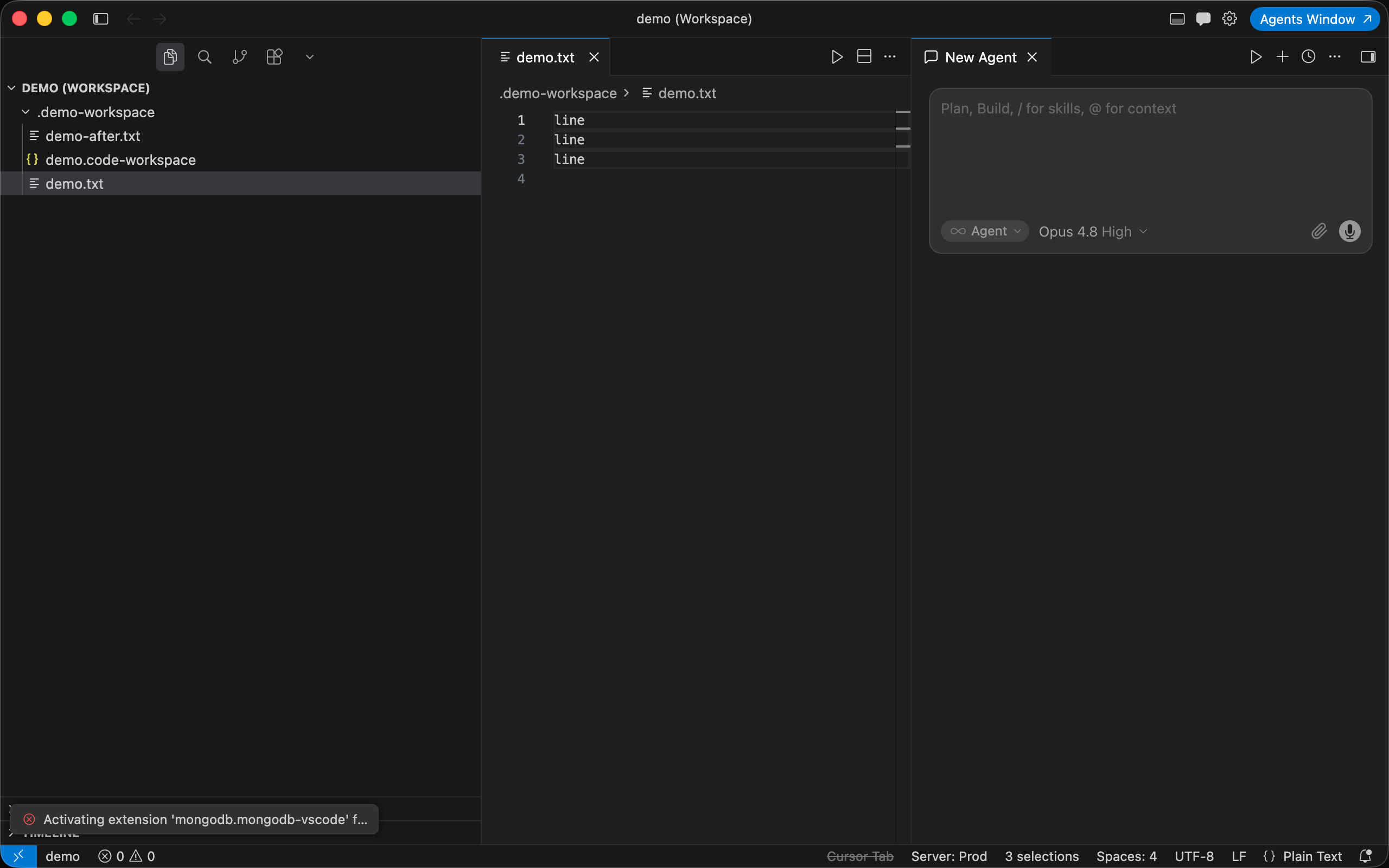
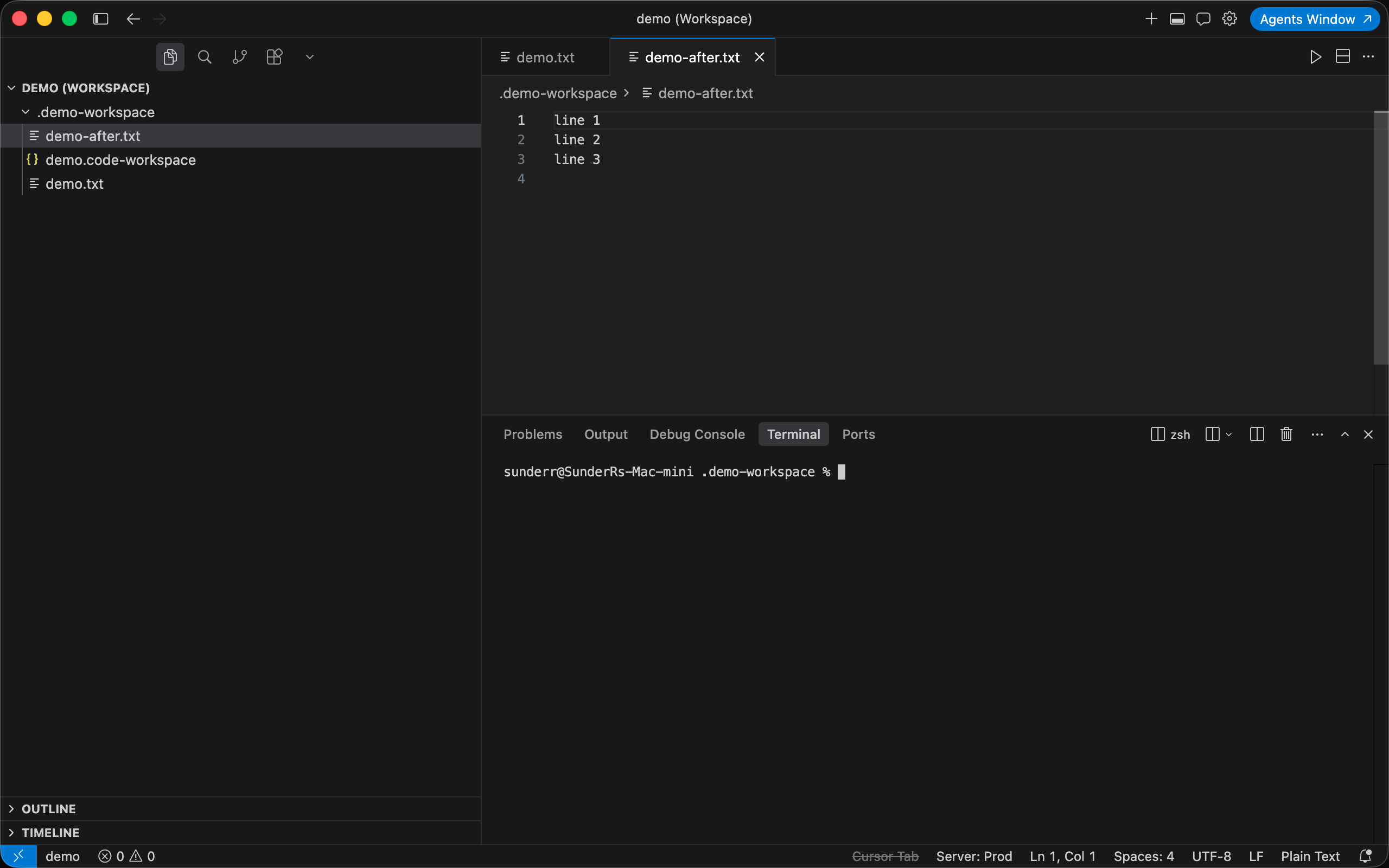
Carets are filled in document order in a single undo step. Your last-used pattern is remembered.
Patterns
| Pattern |
Fields |
Example output |
| Numeric |
start, step |
1, 3, 5 (start 1, step 2) |
| Zero-padded |
start, step, width, pad char |
001, 002, 003 |
| Radix |
start, step, base (2–36), uppercase |
a, f, 14 (hex from 10) |
| Alphabetic |
start, step, uppercase |
a, b, c … aa, ab |
| Roman |
start, step, uppercase |
I, II, III, IV |
| Dates |
start date, step amount, unit, format |
2024-01-01, 2024-01-02, … |
| Template |
start, step, template string |
row-001, row-002, … |
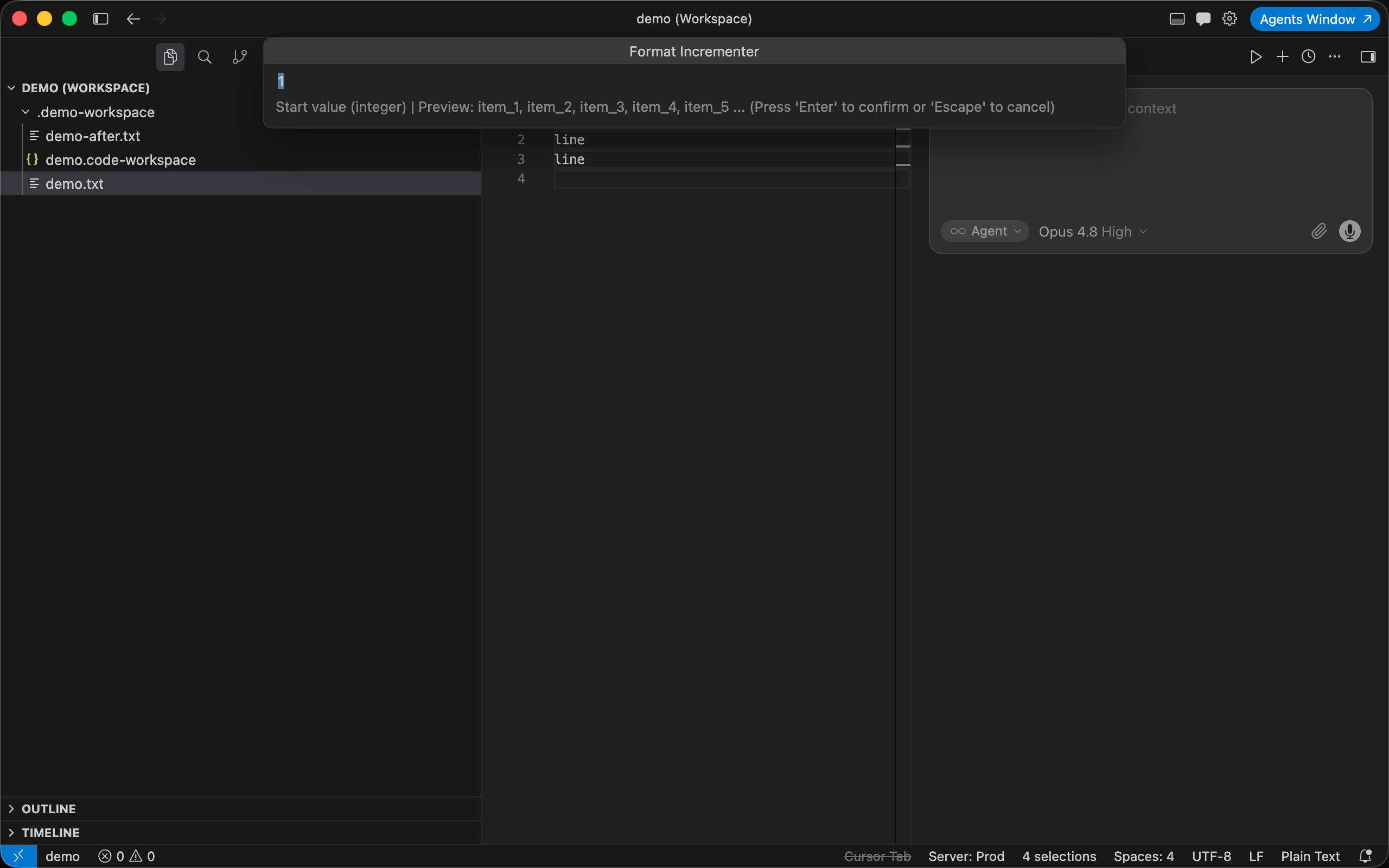
Each field prompt includes a live preview of the first values:
Template tokens
| Token |
Result (value 10) |
{n} |
10 |
{n:03} |
010 |
{n:hex} / {n:HEX} |
a / A |
{n:oct}, {n:bin} |
12, 1010 |
{n:alpha} / {n:ALPHA} |
j / J |
{n:roman} / {n:ROMAN} |
x / X |
Examples: item_{n} → item_1, item_2 · row-{n:03} → row-001, row-002 · 0x{n:hex} → 0xa, 0xb
Descending sequences work via a negative step.
Also available for IntelliJ
The same sequence engine is available for IntelliJ IDEA, WebStorm, PyCharm, and other JetBrains IDEs. See the GitHub repository.
License
MIT — see LICENSE.
| |

