Optionally change the API endpoint or default model
Before using the extension, you must complete setup on the Router 402 Dashboard and obtain an API key. The extension authenticates using this API key.
Available Commands
Command
Description
Shortcut
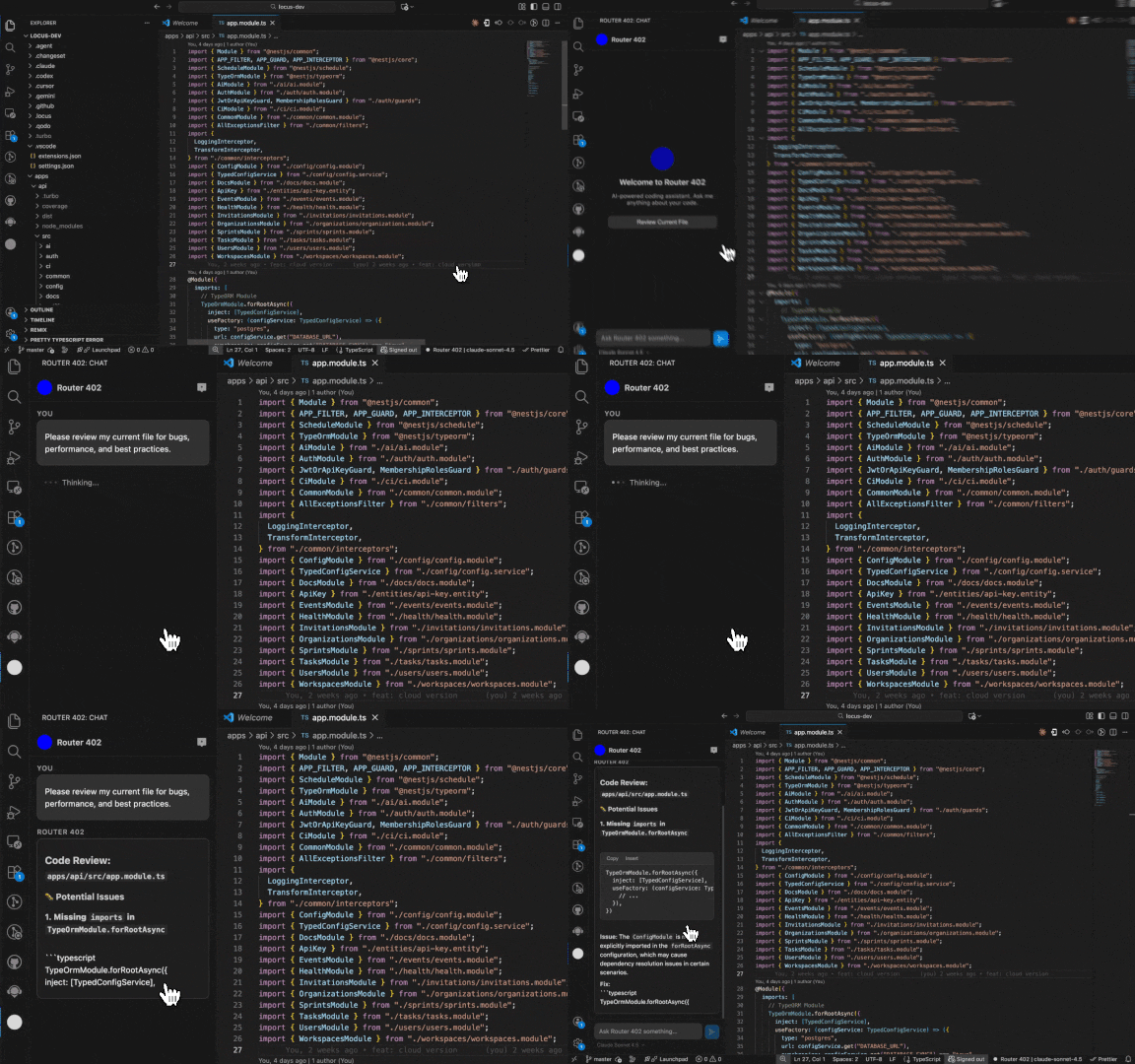
Router 402: Review Current File
Reviews the active file for bugs, performance, and best practices
—
Router 402: Edit Selection
Edits selected code based on your instruction
Ctrl+Shift+R / Cmd+Shift+R
Router 402: Explain Selection
Explains the selected code
—
Router 402: Inline Edit
Right-click context menu edit
—
Router 402: Open Chat
Opens the sidebar chat panel
Ctrl+Shift+L / Cmd+Shift+L
Router 402: Open Dashboard
Opens the web dashboard in your browser
—
How It Works
Router 402 sends your code to the Router 402 API, which routes requests to AI models via OpenRouter. You pay per use through smart accounts on the Base network — no API keys or subscriptions needed.
Development
See DEVELOPMENT.md for local development and testing instructions.