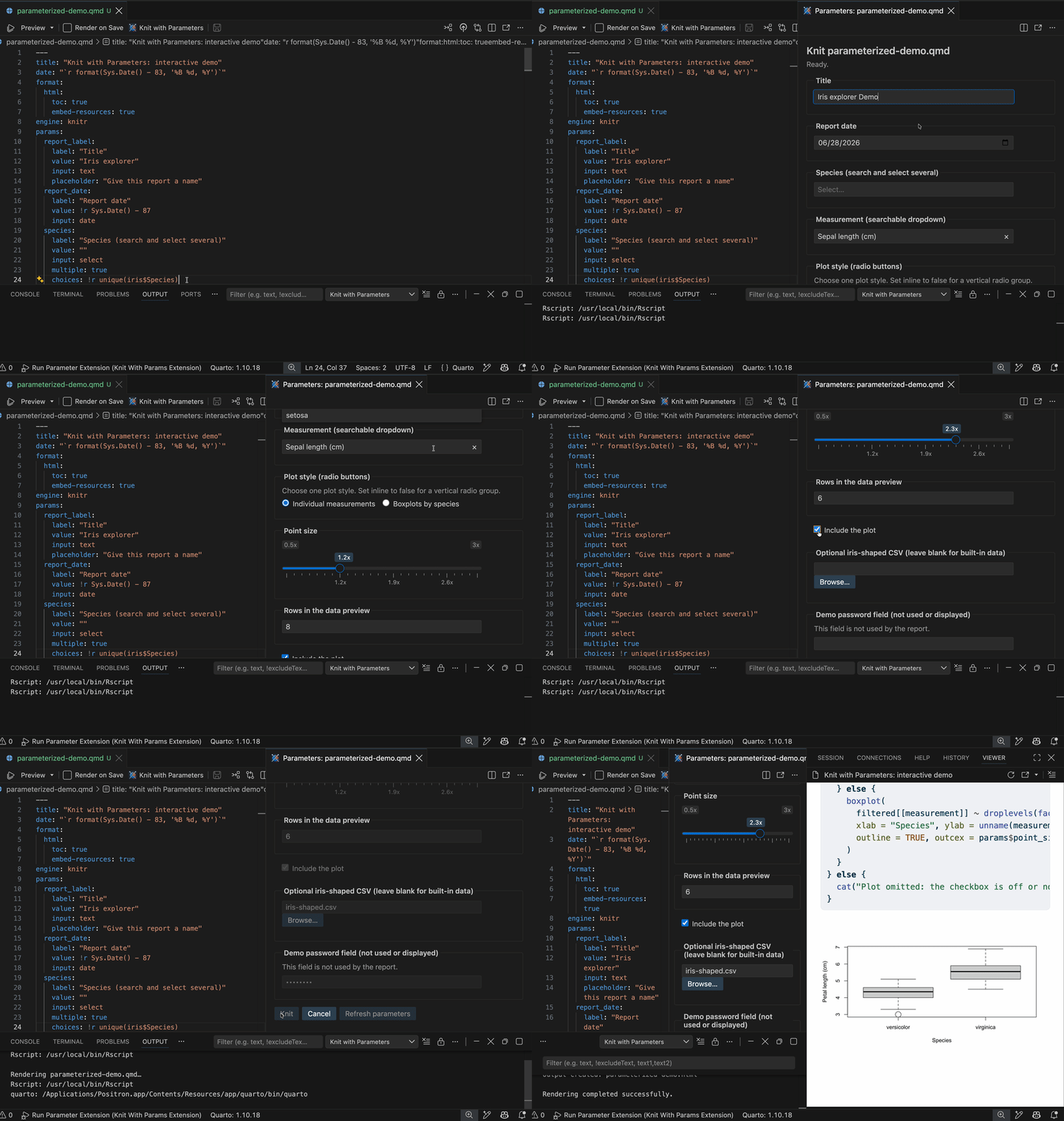
Launches an interactive graphical workspace that prompts you to customize input values defined in the YAML header prior to rendering a parameterized R Markdown or Quarto report.
Installation
Launch VS Code Quick Open (Ctrl+P), paste the following command, and press enter.
knitWithParameters.quartoPath: optional Quarto executable path.
knitWithParameters.pythonPath: optional Python 3 executable used for !python defaults. Set an absolute interpreter path to select a specific environment.
Leave executable settings empty for automatic discovery. Explicit paths must not include shell quotes or arguments.
For missing tools or packages, check the resolved executable paths in the Output channel. In remote workspaces, dependencies must be installed on the remote host.
For developers
Run commands from the extension's project root with a current Node.js LTS release and npm.
Install dependencies:npm install
Compile:npm run compile
Run Node tests:npm test (includes compilation).
Debug: select Run Parameter Extension in Run and Debug, then open a report in the Extension Development Host.
Verify: test .Rmd and .qmd rendering, cancellation, parameter refresh.