AKC CCC VS - Context Control CenterFree companion for CCC (Control Center + Agents bridge). Seamlessly switch between Cursor, VS Code, and Antigravity agents with unified GUI control; details: ready-4-it.com/akc_ccc Installation Launch VS Code Quick Open ( Ctrl+P), paste the following command, and press enter.Copied to clipboard |

AKC CCC VS is the free companion for AI Keep Clean Context Control Center (CCC). The Project HUD follows the Agents window in front and switches with you between Cursor, VS Code, and Antigravity. Switch between Cursor, VS Code, and Antigravity
Free (this extension)
Trial / Pro — more than FreeTrial and Pro unlock the full Project HUD: a floating window over Agents that shows the active workspace, plus prefs for border, icon, logo, and look.
This free VSIX does not include those Pro capabilities. Full feature list and licensing: ready-4-it.com/akc_ccc What is the Project HUD?A small floating window over the Agents chat, so you always know which project the current chat belongs to. It follows Cursor, VS Code, and Antigravity. Available with Trial / Pro (Windows). Getting started
ScreenshotsProject HUD — VS Code Agents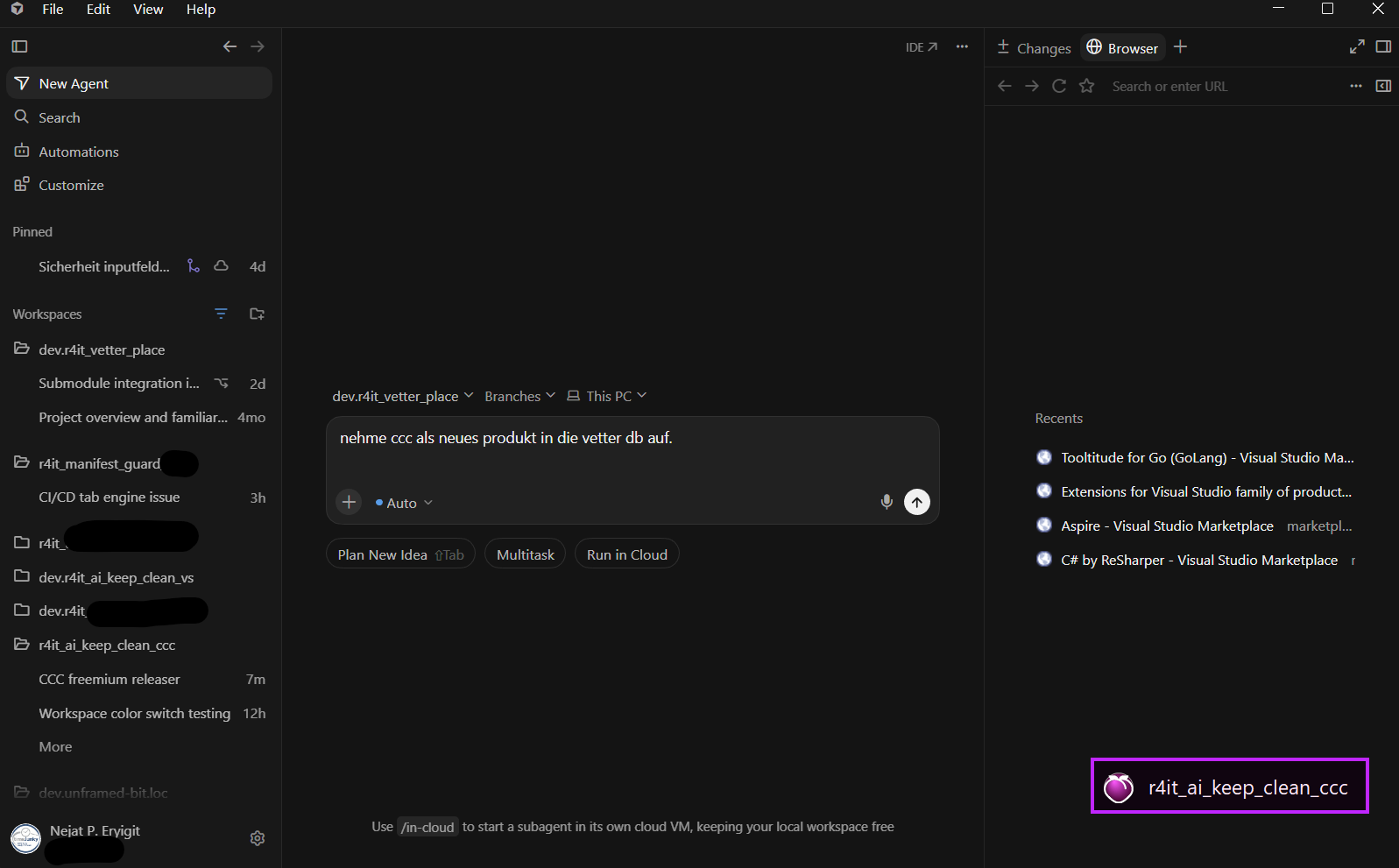
Project HUD — Antigravity Agents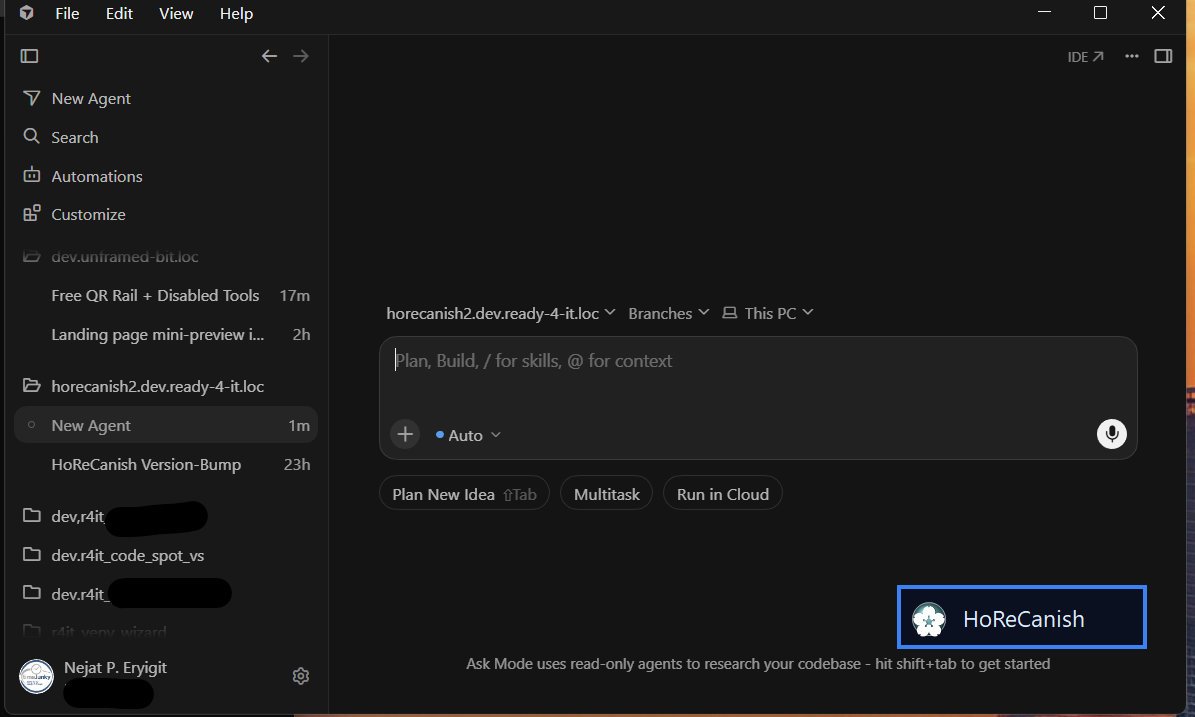
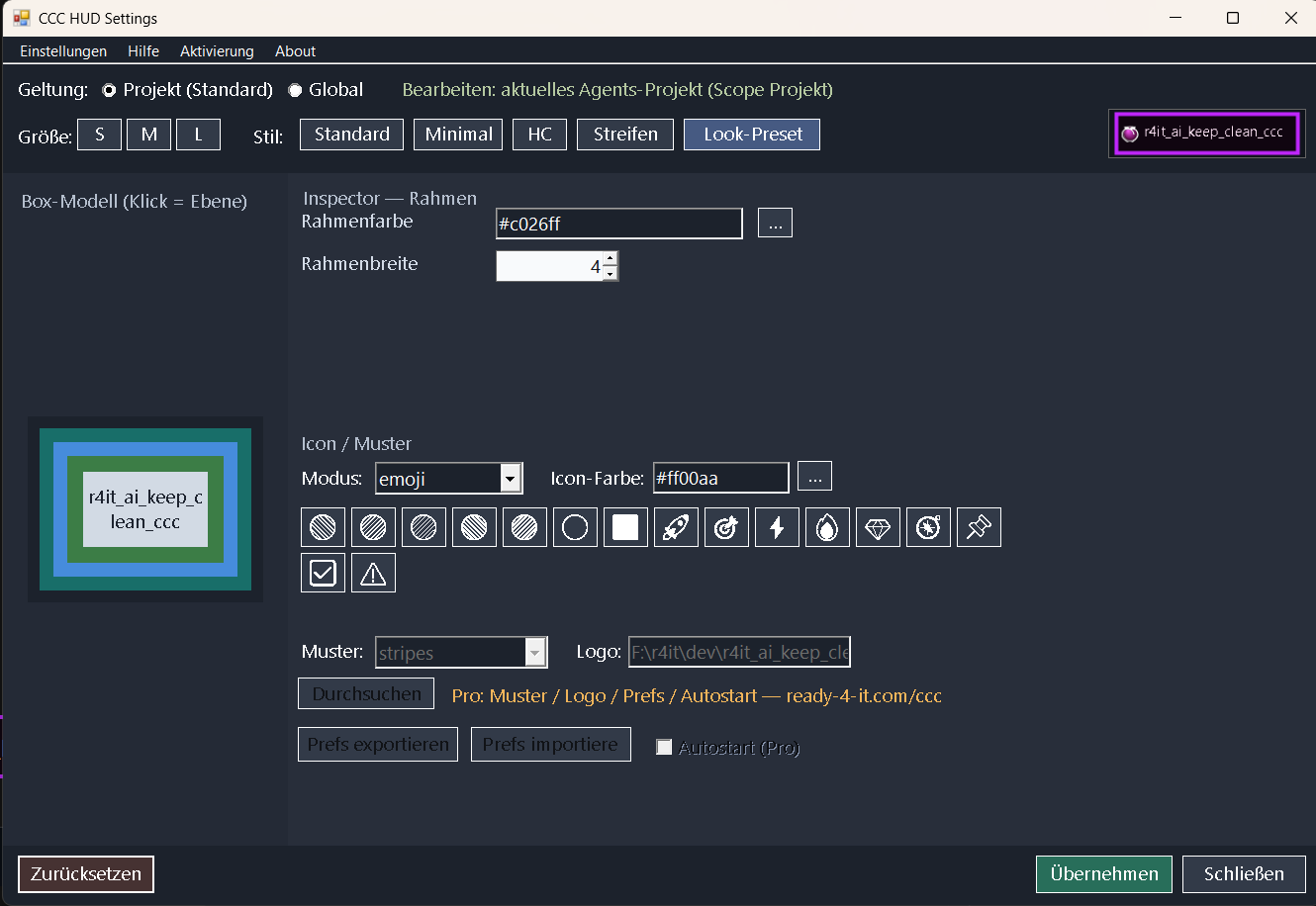
Prefs — border, icons and logos
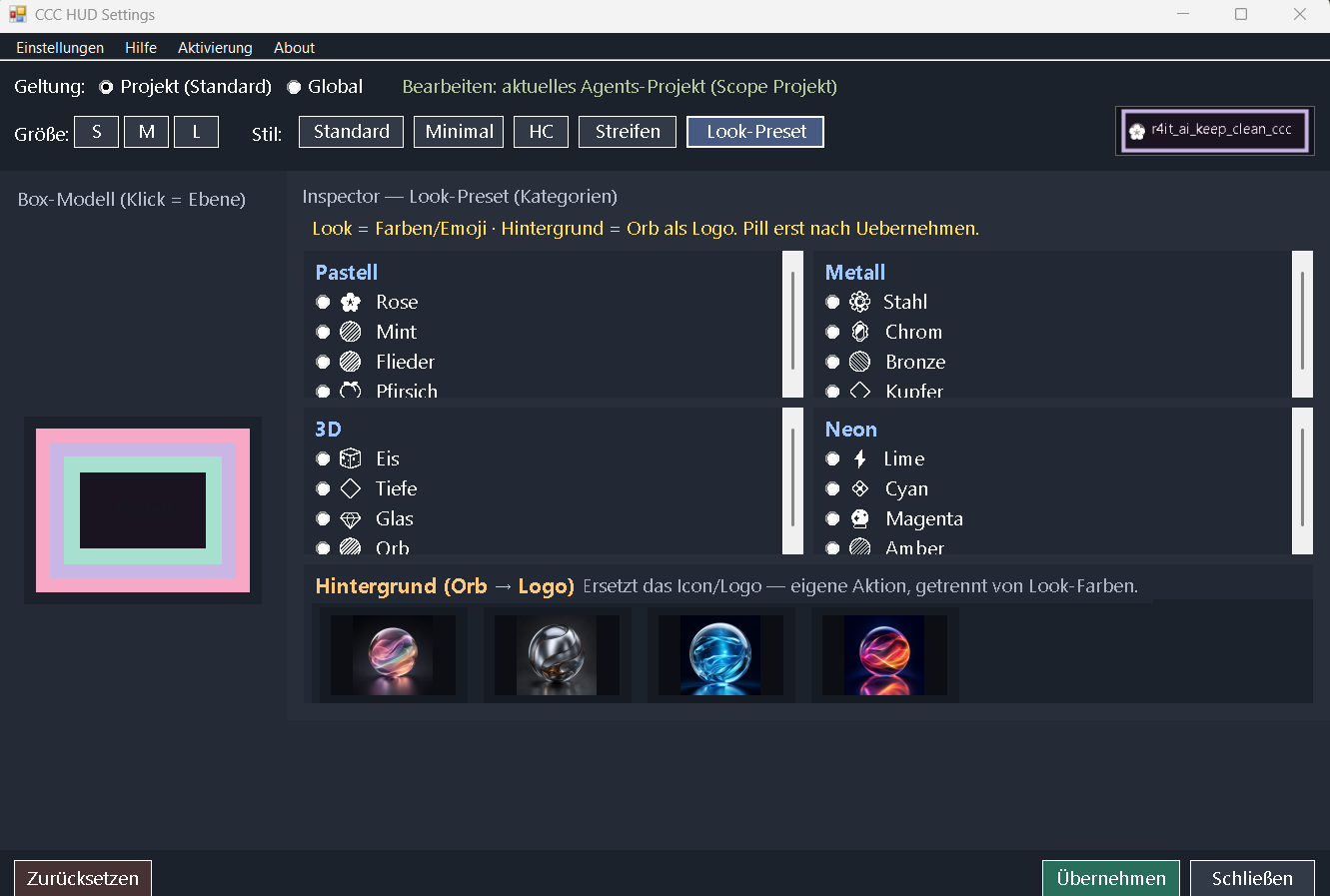
Prefs — Look presets
Project HUD — second project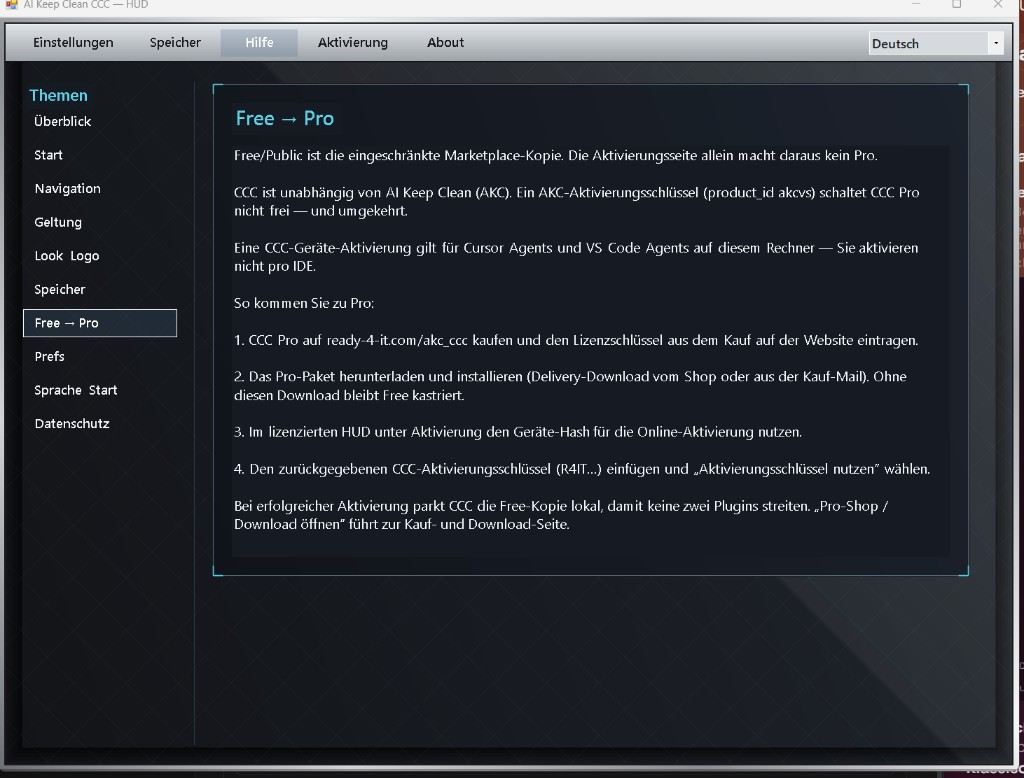
Project HUD — 3D form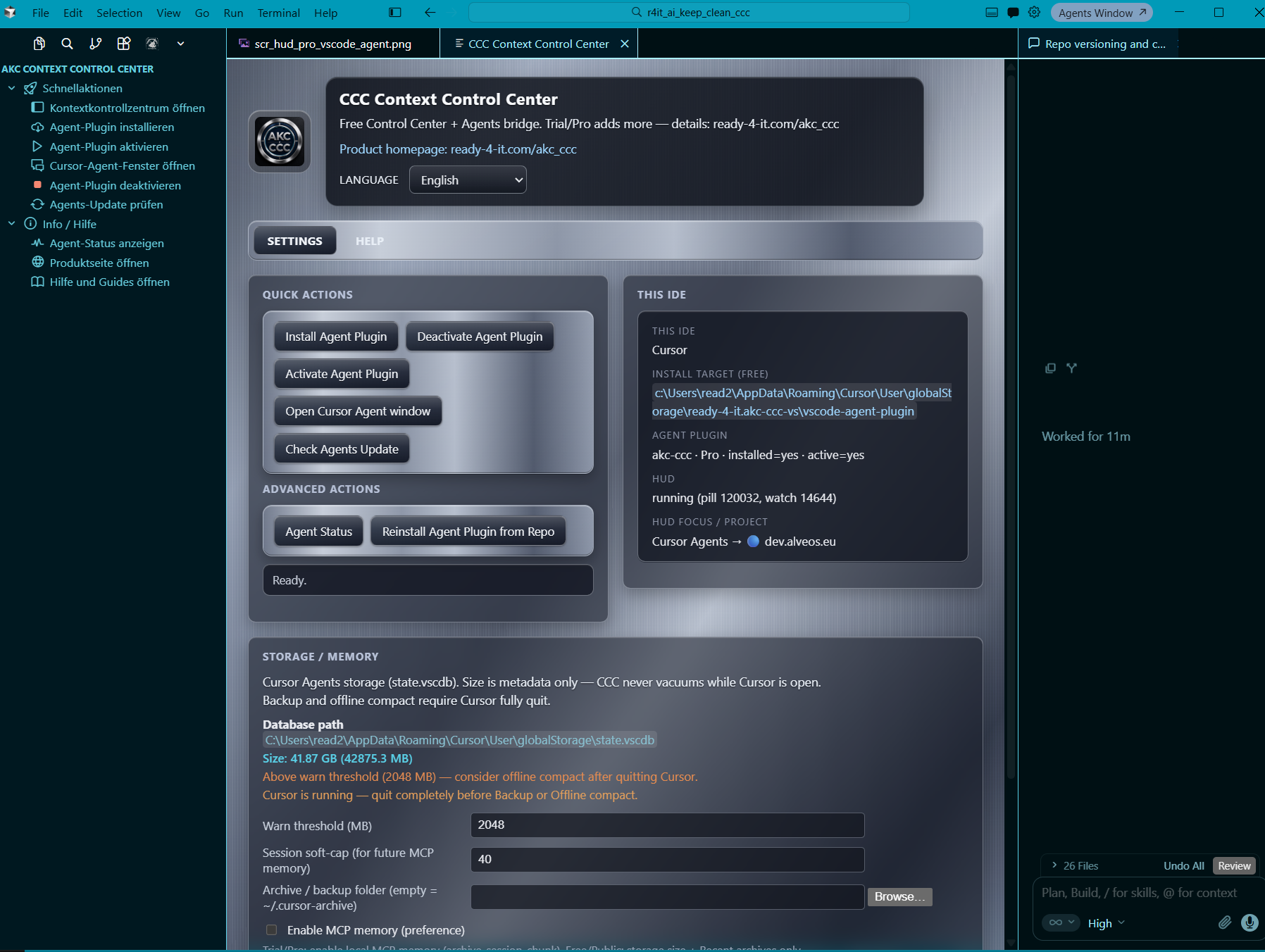
Project HUD — Antigravity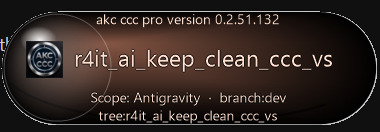
Project HUD — VS Code, second workspace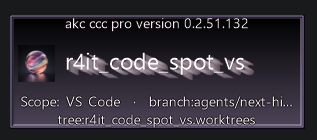
Licensing
More informationready-4-it.com/akc_ccc · Marketplace: |