todovscode
todovscode is a VS Code extension for highlighting TODO, FIXME, and custom tags.
Features
- Highlighting: Automatically highlights TODO, FIXME, and your own custom tags.
- Configuration: Customize your tags, choose a custom color for each tag.
Configuration
Example configuration:
{
  "todovscode.tags": [
    {
        "tag": "TODO",
        "background": "#ffeb3b4d",
        "foreground": "#ffc107cc",
        "isWholeLine": false
    },
    {
        "tag": "FIXME",
        "background": "#ff3b3b4d",
        "foreground": "#ff0707cc",
        "isWholeLine": false
    }
  ]
}
tag (string) - The text to highlight.foreground (string) - The text color (HEX).background (string) - The background color (HEX).isWholeLine (boolean) - Highlights the whole line if set to true.
Examples
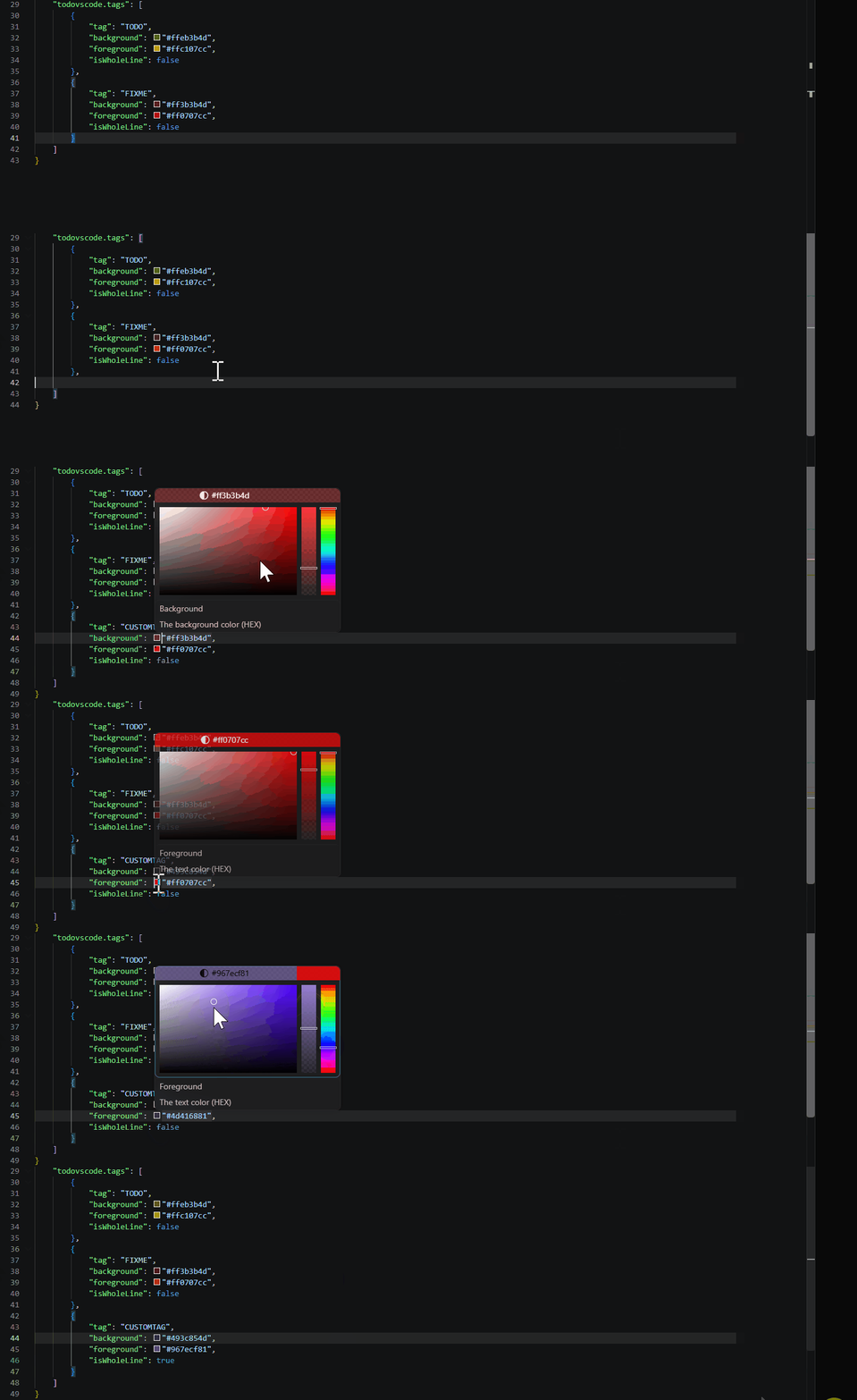
To customize your tags:
- Open VS Code Settings (
Ctrl+, or Cmd+,).
- Find todovscode extension.
- Open settings.json and add your settings like this:
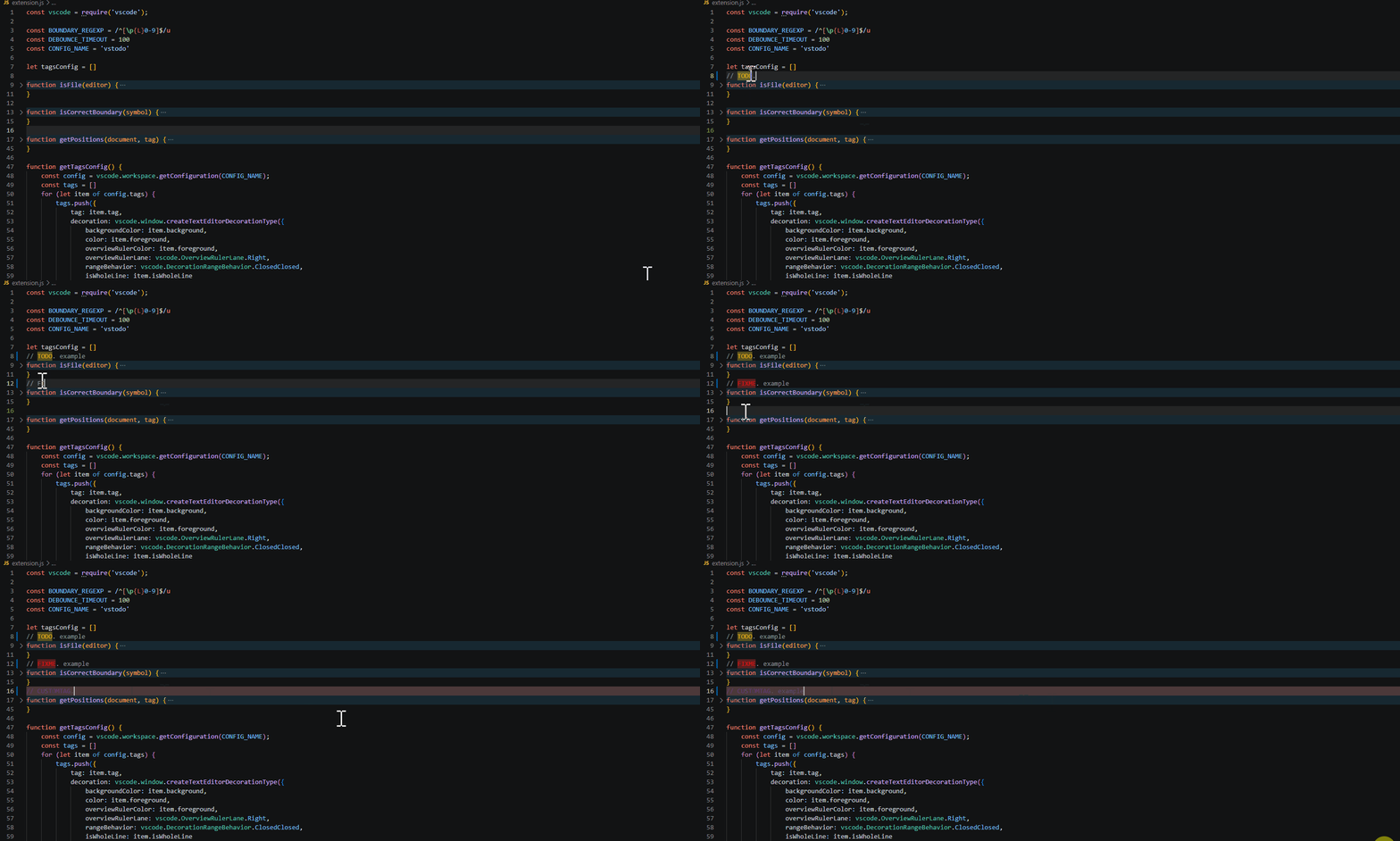
Highlighting example:
License
Apache License 2.0
| |

