AlurkodePrivacy-conscious coding provenance, transparent AI evidence, clean-code guidance, and environmental learning for programming education. Installation Launch VS Code Quick Open ( Ctrl+P), paste the following command, and press enter.Copied to clipboard |

AlurkodeResponsible coding intelligence for programming education.
Alurkode records assignment-scoped coding provenance and provides explainable clean-code and resource-aware learning guidance during an explicitly started session. It connects regular VS Code to a role-aware Alurkode course without turning a behavioral signal into an unsupported accusation. Before you install
Start a student session
Installing Alurkode, opening VS Code, signing in, or opening the web dashboard does not begin recording. If a student does not explicitly start a session and accept the notice, coding is not recorded and the dashboard can only report that no session was started. If connectivity fails, Alurkode keeps pending events and finalization details in encrypted extension storage and retries automatically. The original stop time is retained, so offline time after stopping is not counted as coding. Use Alurkode: Retry Pending Session Sync if needed. Do not uninstall the extension or clear its storage before synchronization completes. What students receiveFor JavaScript, JSX, TypeScript, TSX, Python, Java, and the bounded C subset, Alurkode can analyze the current document locally. C++, C#, Go, Rust, PHP, and Kotlin receive validated lexical line classification plus language-labelled provenance and VS Code-supplied diagnostics, but no v0.13 deep semantic/environmental/project analyzer. Depending on assignment policy, guidance appears live, after the session, or only in the instructor report. Use Alurkode: Analyze Current File, Alurkode: Analyze Project, or Alurkode: Show Learning Feedback to open it manually. Project analysis is intentionally bounded to at most 50 registered files and models static imports/includes, calls, cycles, duplication, reachability candidates, complexity, coupling/cohesion proxies, error handling, and mutation where each language capability permits. Supported, partial, unresolved, and unavailable states remain visible; this is not proof of whole-program correctness or complete runtime architecture. Clean-code recommendations provide:
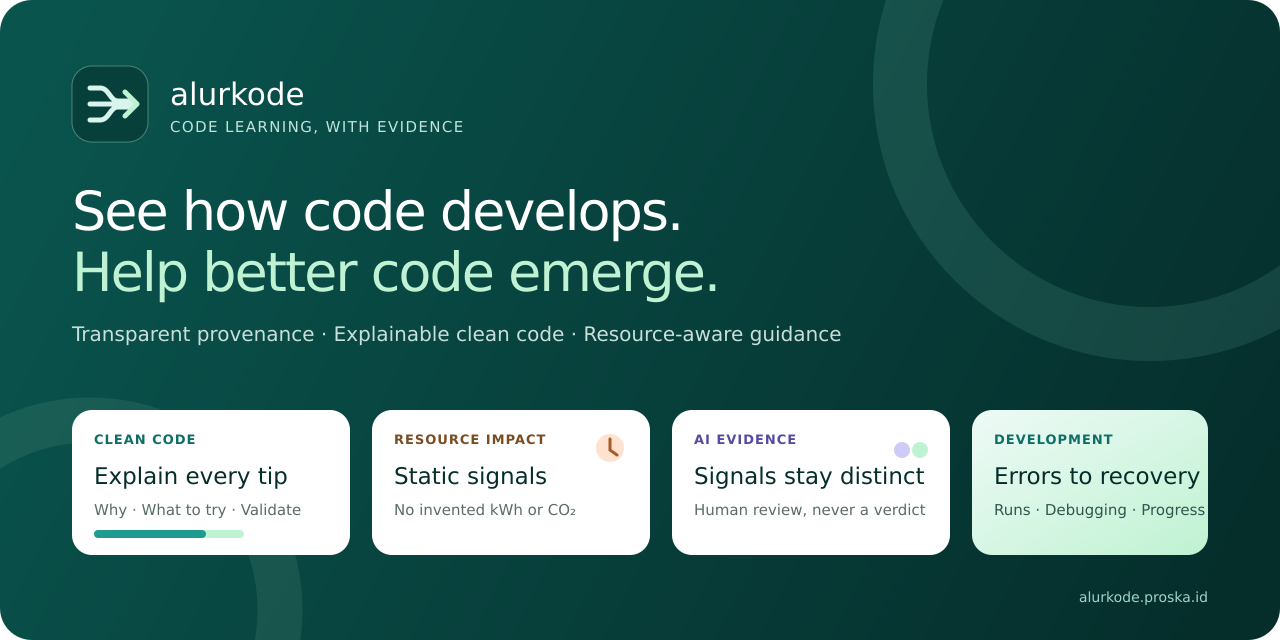
Resource-aware recommendations identify static patterns that may increase CPU, memory, network, or I/O demand. Static source analysis does not measure electricity and never invents kWh or CO₂ values. Phase 13 counts editor rows, code-containing source rows, comment-only rows, mixed code/comment rows, and blank rows separately. Mixed rows are source rows. Multiline/raw literal and nested-comment boundaries follow the registered language scanner. C/C++ headers are selected by VS Code's reported language ID; filename extension alone is insufficient. Semantic and environmental events normally send source hashes, metrics, rule evidence, and recommendations—not raw source text. Function and class identifiers remain excluded unless policy explicitly enables them. Source snapshots require both instructor policy and local student opt-in. Project analysis is local-first and uses one assignment-controlled upload mode: local only, aggregate totals/capabilities, session-scoped hashed relationships, or institutionally approved relative named relationships. Raw source and code excerpts are excluded from every mode. The selected mode is disclosed before recording starts; opening project analysis while idle does not create session telemetry. AI-assistance evidenceWhen permitted, Alurkode: Declare AI Assistance lets a student voluntarily record the assistant and whether the help involved generated code, autocomplete, chat, debugging, explanation, or another category. Prompts and responses are not collected. An assignment may also permit recognized-extension context. An extension being installed or active does not prove that it generated or changed code. Bulk insertion and focus patterns are behavioral context and cannot identify ChatGPT or another external application. Alurkode keeps these categories separate:
None is an automatic academic-misconduct verdict. Errors, tests, coverage, and benchmarksAssignment policy may permit compiler/linter diagnostic snapshots, task lifecycle, debug lifecycle, sanitized terminal-command metadata, and observable execution outcomes. Alurkode does not capture terminal stdout or stderr. Success or failure is recorded only when VS Code exposes an exit code; debug completion remains Alurkode: Import Test Coverage Summary supports Istanbul/Jest Alurkode: Run Controlled Benchmark uses a trusted Privacy boundaryDuring an explicitly active session, assignment policy may permit editor/file/focus metadata, sanitized command metadata, diagnostics, observable execution outcomes, hashes or snapshots, semantic/resource findings, recognized-extension context, voluntary AI declarations, coverage totals, and controlled timing results. Alurkode does not record:
Students can use the web dashboard to see their own reports, consent receipts, contextual notes, and data-rights requests. Instructors, reviewers, and administrators receive only role-authorized views. Commands
SupportSee the support guide or email alurkode@proska.id. Never send passwords, access tokens, service credentials, raw student source code, or unredacted student records in a support request. Alurkode is an evaluation and research prototype. A real classroom deployment requires appropriate institutional privacy, security, ethics, accessibility, and assessment review. |