Skip to content
| Marketplace
Sign in
Visual Studio Code>Themes>KatanaXNew to Visual Studio Code? Get it now.
KatanaX

KatanaX

priteshlad3

|
6 installs
| (0) | Free
KatanaX is a sleek dark theme collection for Visual Studio Code, featuring Midnight Blue, MistyWind, and Cherry Blossom themes, designed for comfortable coding and vibrant syntax highlights.
Installation
Launch VS Code Quick Open (Ctrl+P), paste the following command, and press enter.
Copied to clipboard
More Info

KatanaX — A Dark Theme for VS Code

A sleek, modern dark theme for Visual Studio Code with three handcrafted variants to match your mood and workflow.


🎨 Themes Included

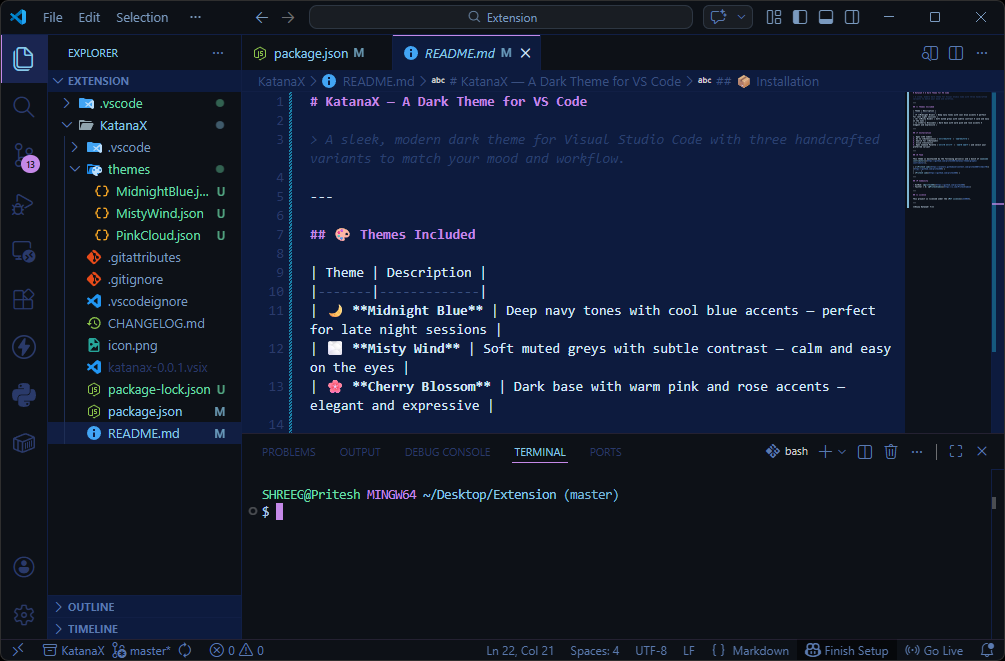
🌙 Midnight Blue

Midnight Blue Theme

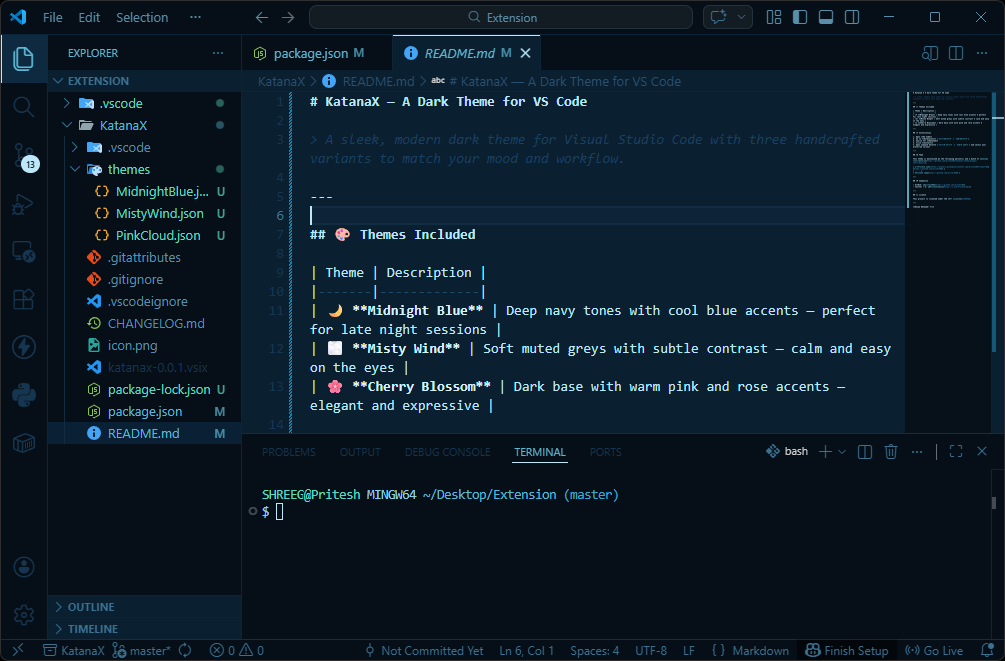
🌫️ Misty Wind

Misty Wind Theme

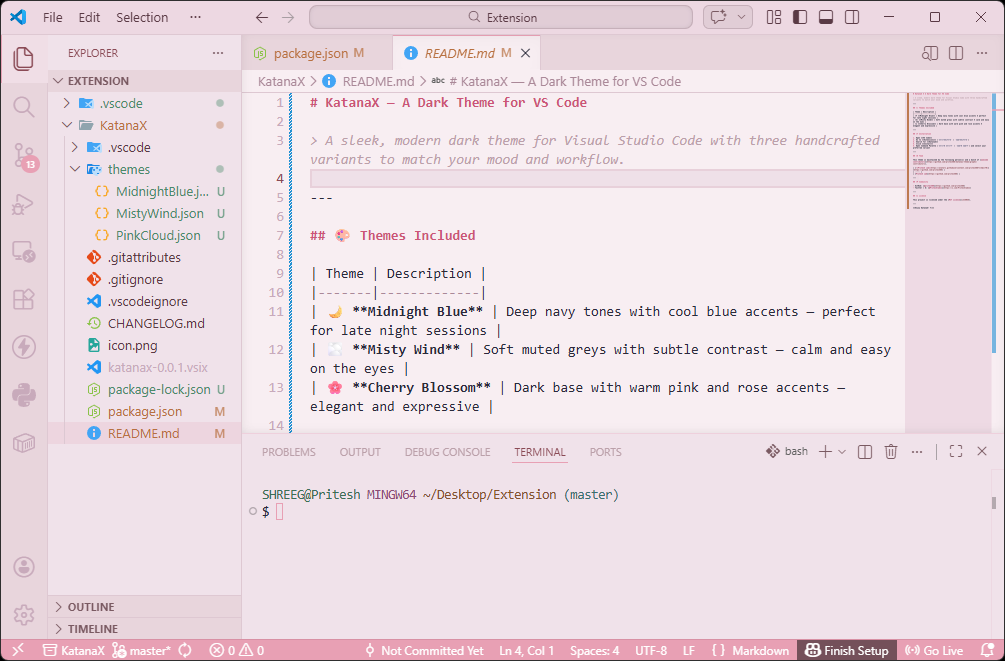
🌸 Cherry Blossom

Cherry Blossom Theme

📦 Installation

  1. Open VS Code
  2. Go to Extensions (Ctrl+Shift+X / Cmd+Shift+X)
  3. Search for KatanaX
  4. Click Install
  5. Open Command Palette (Ctrl+K Ctrl+T / Cmd+K Cmd+T) and select your preferred variant

👥 Team

This theme is maintained by the following person(s) and a bunch of awesome contributors.

| Pritesh Lad | | :---: | | Pritesh Lad |

🌐 Community

  • GitHub: @pritesh88
  • Twitter / X: @Priteshlad11

📝 License

This project is licensed under the MIT License.


Enjoy KatanaX! ⚔️

  • Contact us
  • Jobs
  • Privacy
  • Manage cookies
  • Terms of use
  • Trademarks
© 2026 Microsoft