

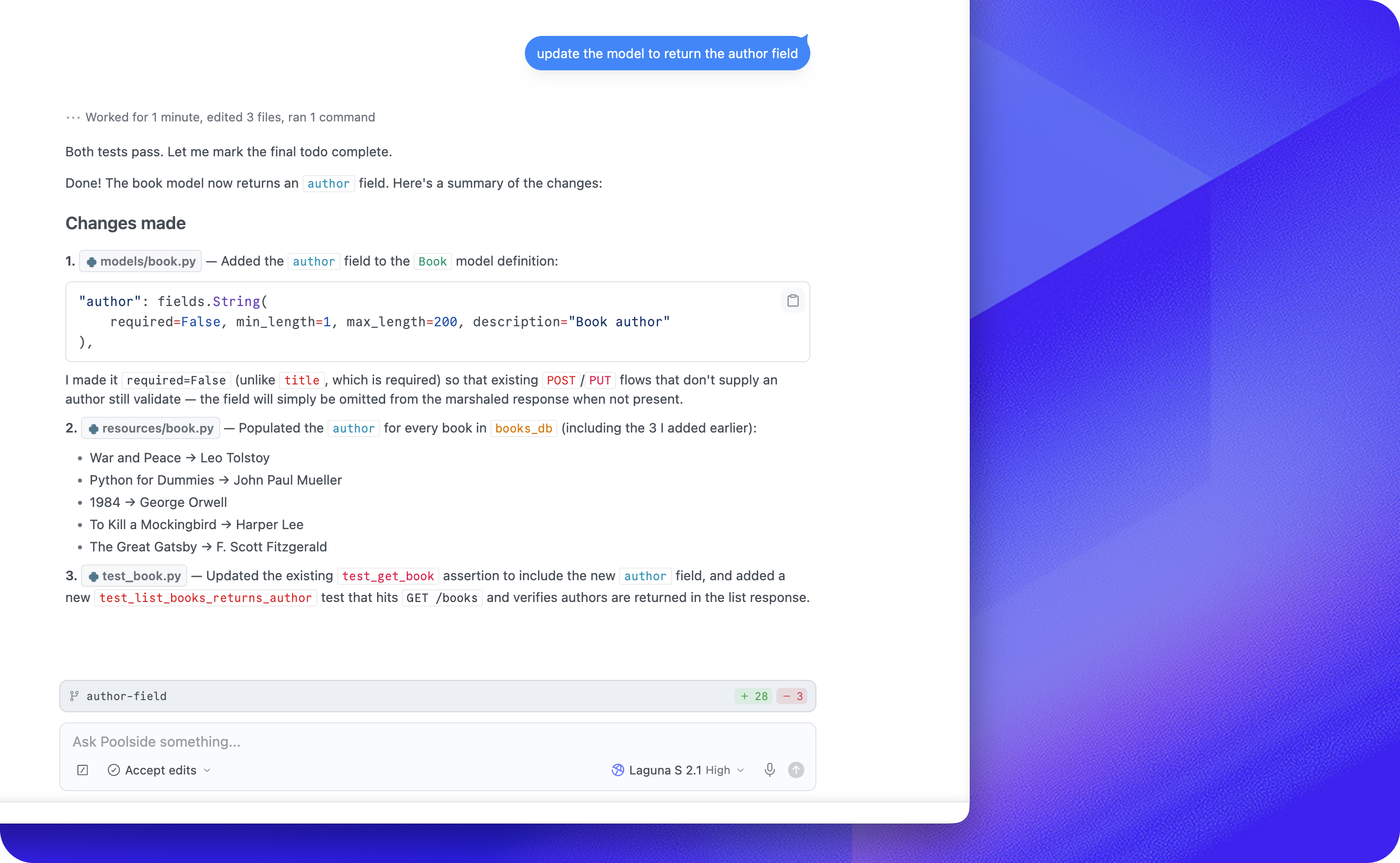
Poolside Assistant for Visual Studio CodePoolside Assistant for Visual Studio Code is an ACP client for coding agents in your editor. Get startedOnce Poolside Assistant is installed, run Poolside: Show Sidebar from the Command Palette. If the Poolside icon appears in the Activity Bar, you can open it from there too. For setting up agents, adding connectors, and starting your first conversation, see Getting started with Poolside Assistant. FeedbackTo report bugs or request features, join our Discord. You can also email feedback to feedback@poolside.ai. Release build diagnostics
|