Garry's Mod Language Server
Advanced Gmod GLua language server for Visual Studio Code.
Visual Studio Code extension for gmod-glua-ls, a rust-based language server, debugger and toolkit for Garry's Mod GLua development.
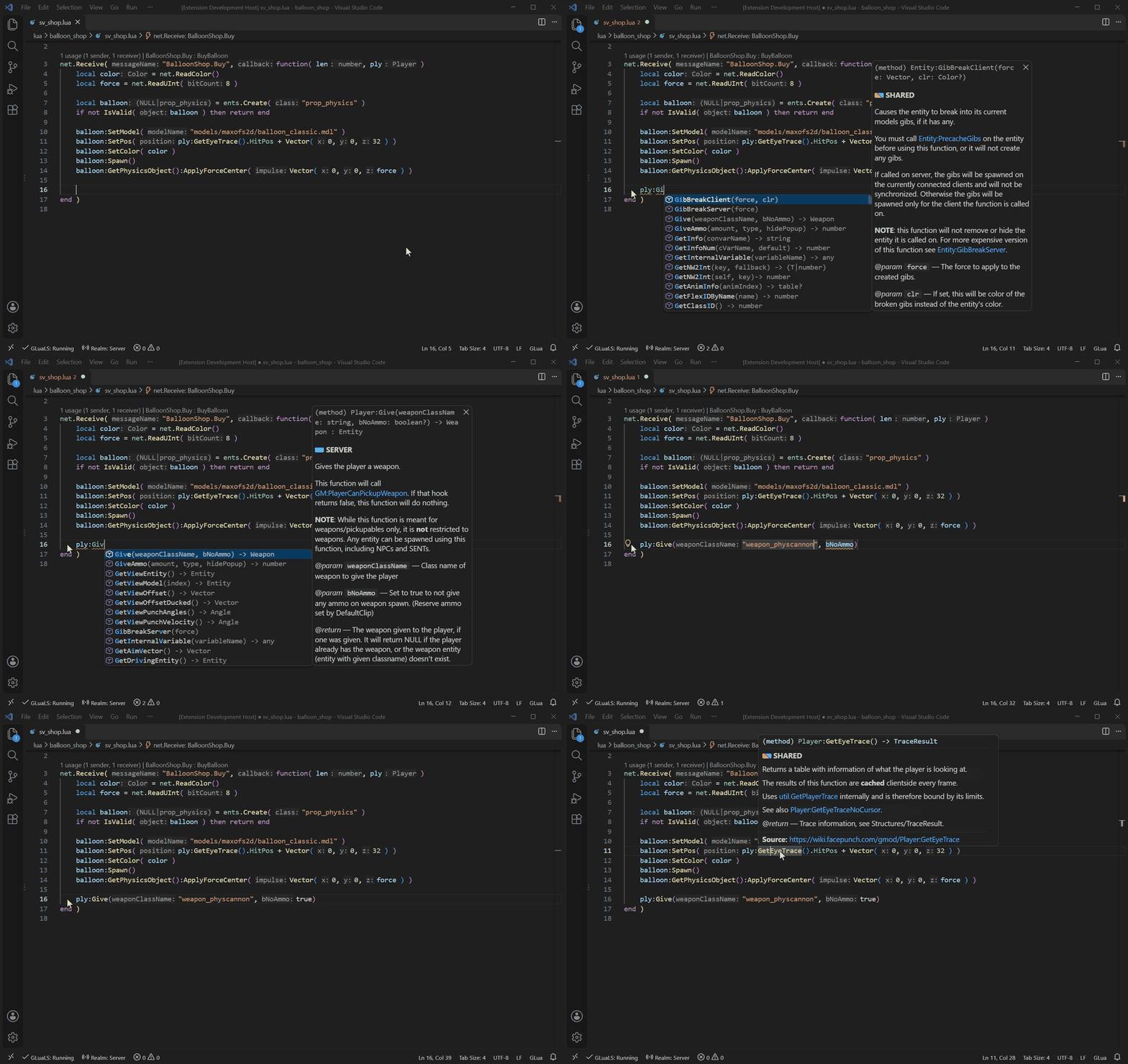
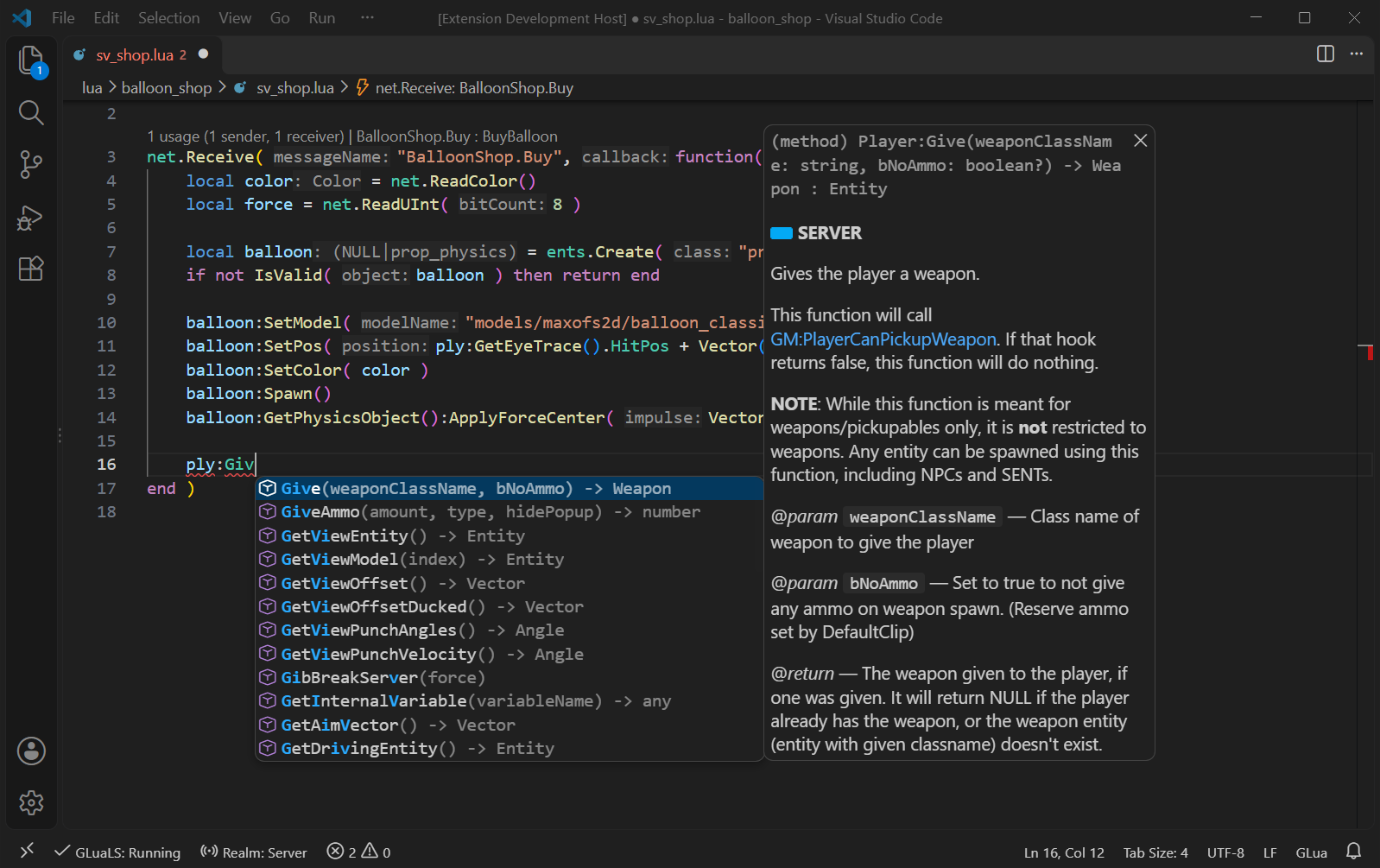
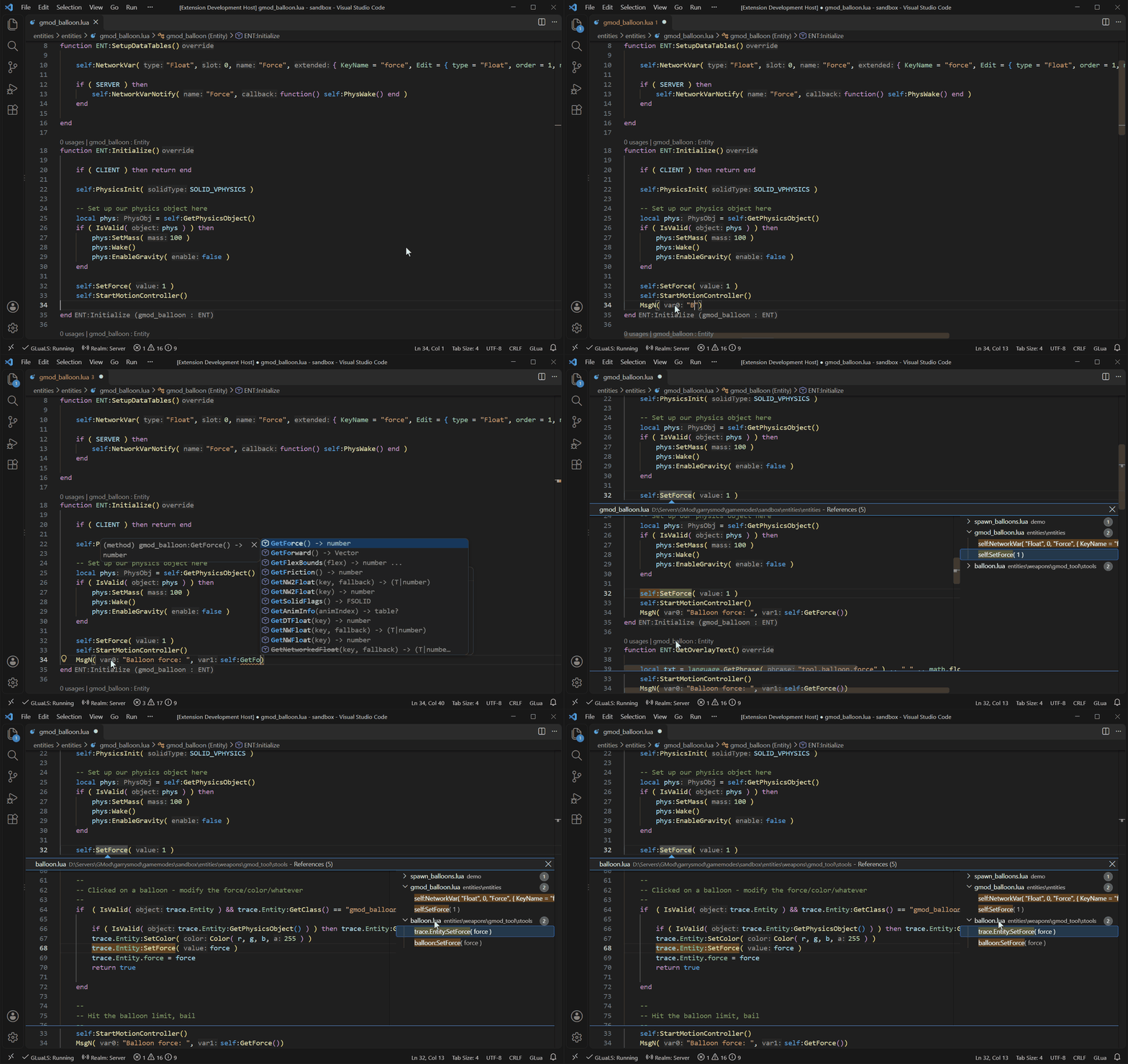
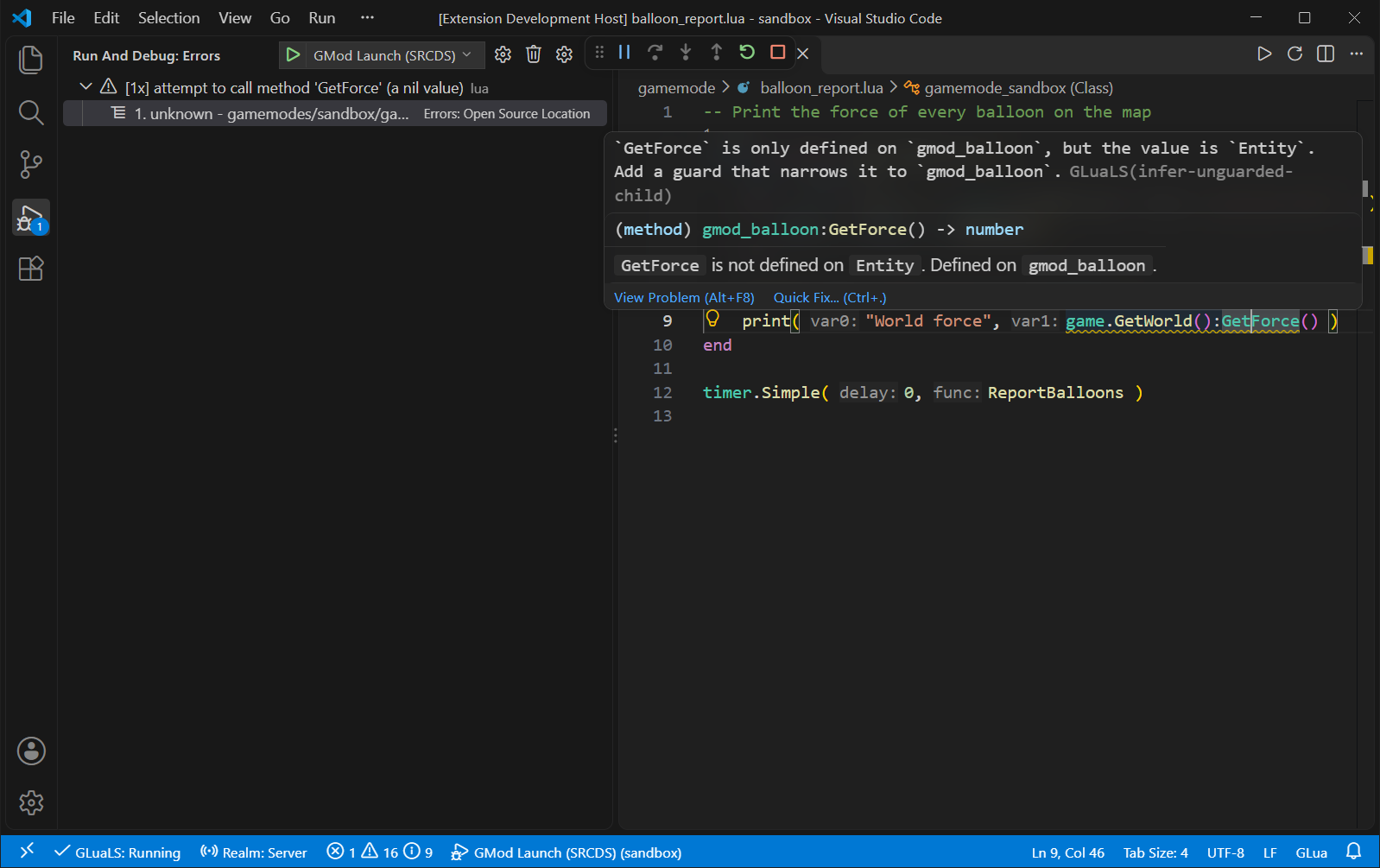
Core language serverFull documentation, signatures, realm, and other important information for all Garry's mod functions, including your own code (even if not annotated). Diagnostics flag any potential mistakes, helping catch errors sooner. Go to definition, find references, rename, formatting and inlay hints work the way you would expect from any language server.
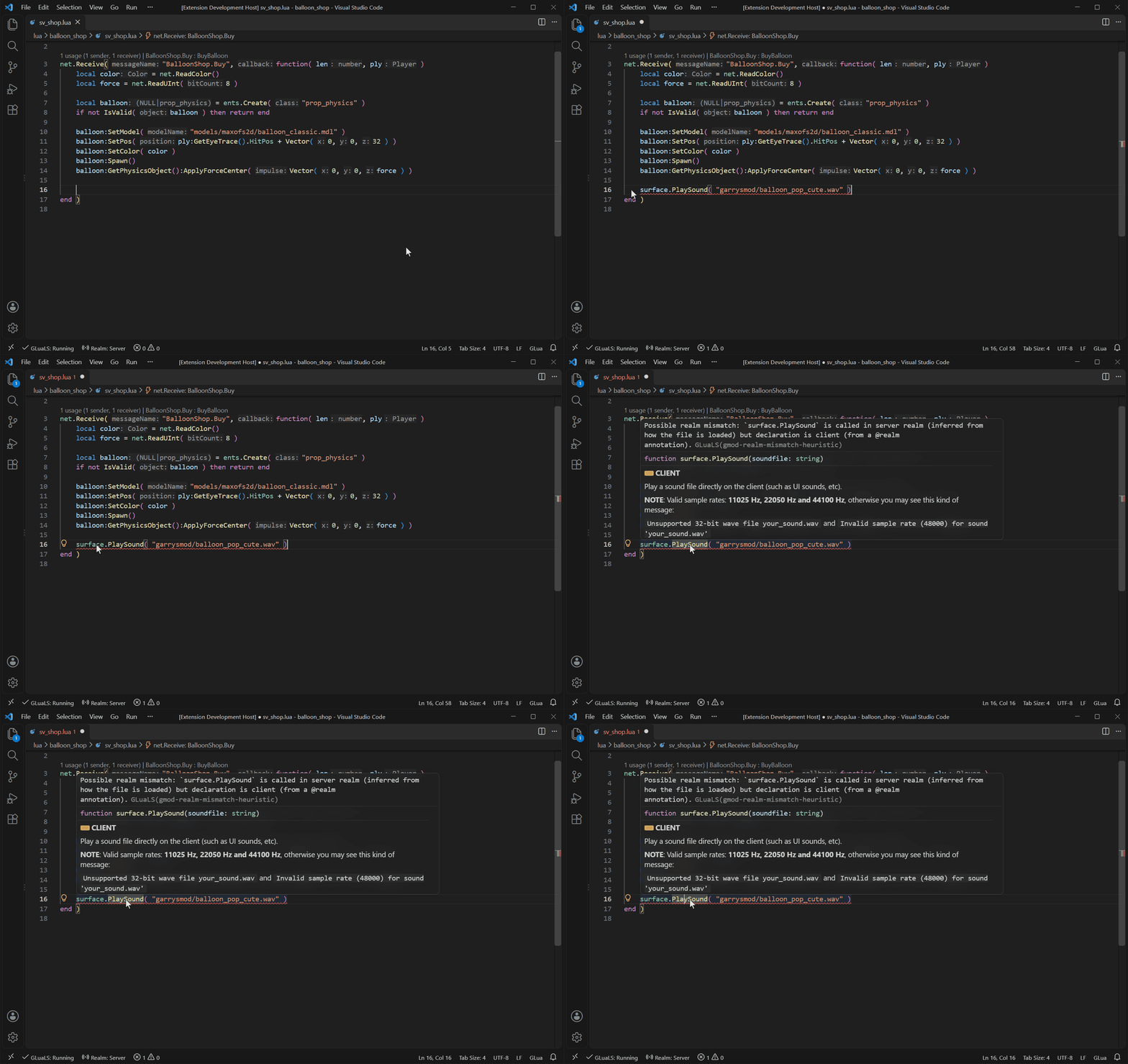
Realm awarenessThe extension knows whether each file and function is server, client or shared, gives you relevant warnings when using the wrong realm, and only shows valid suggestions for your current realm.
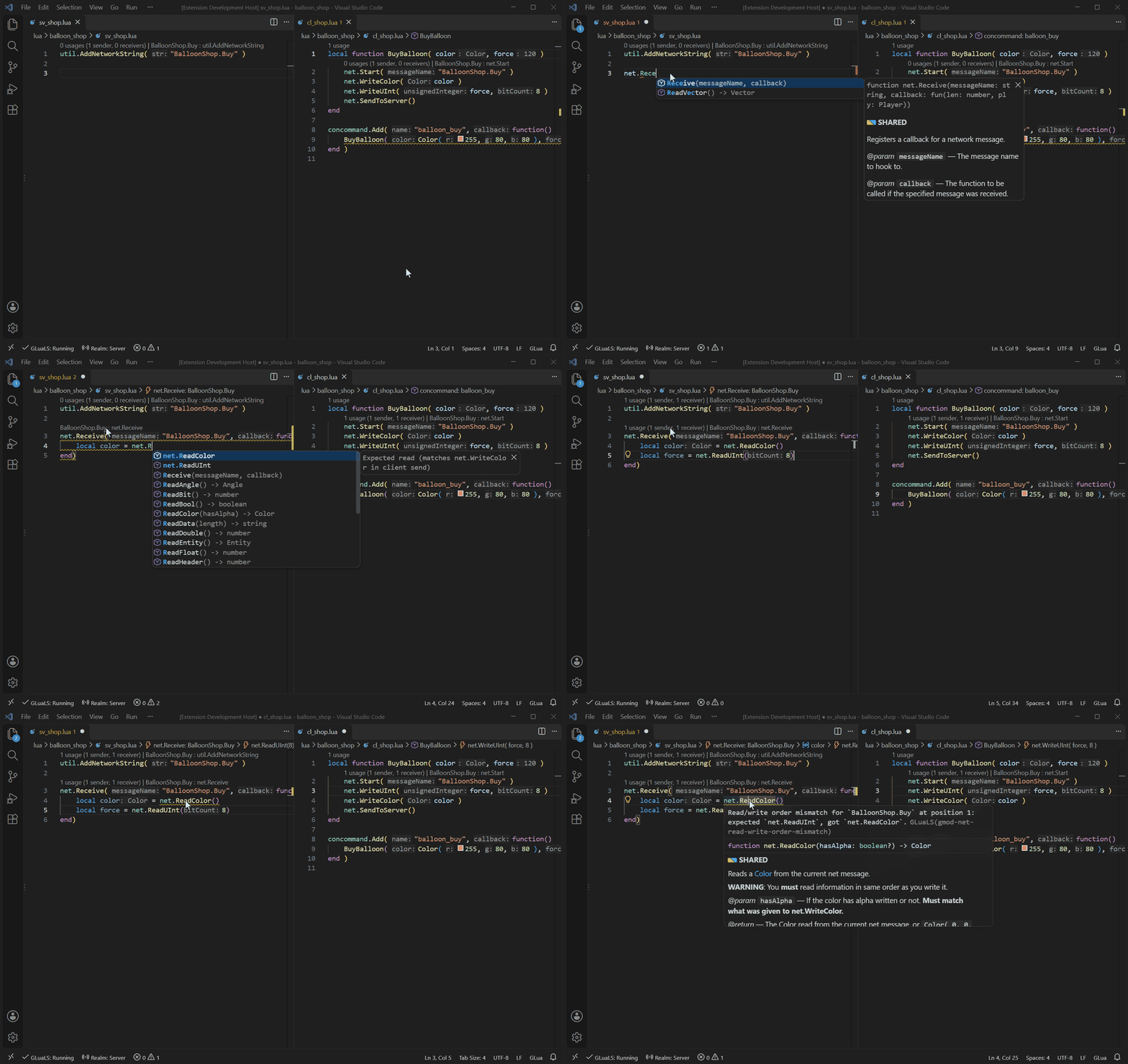
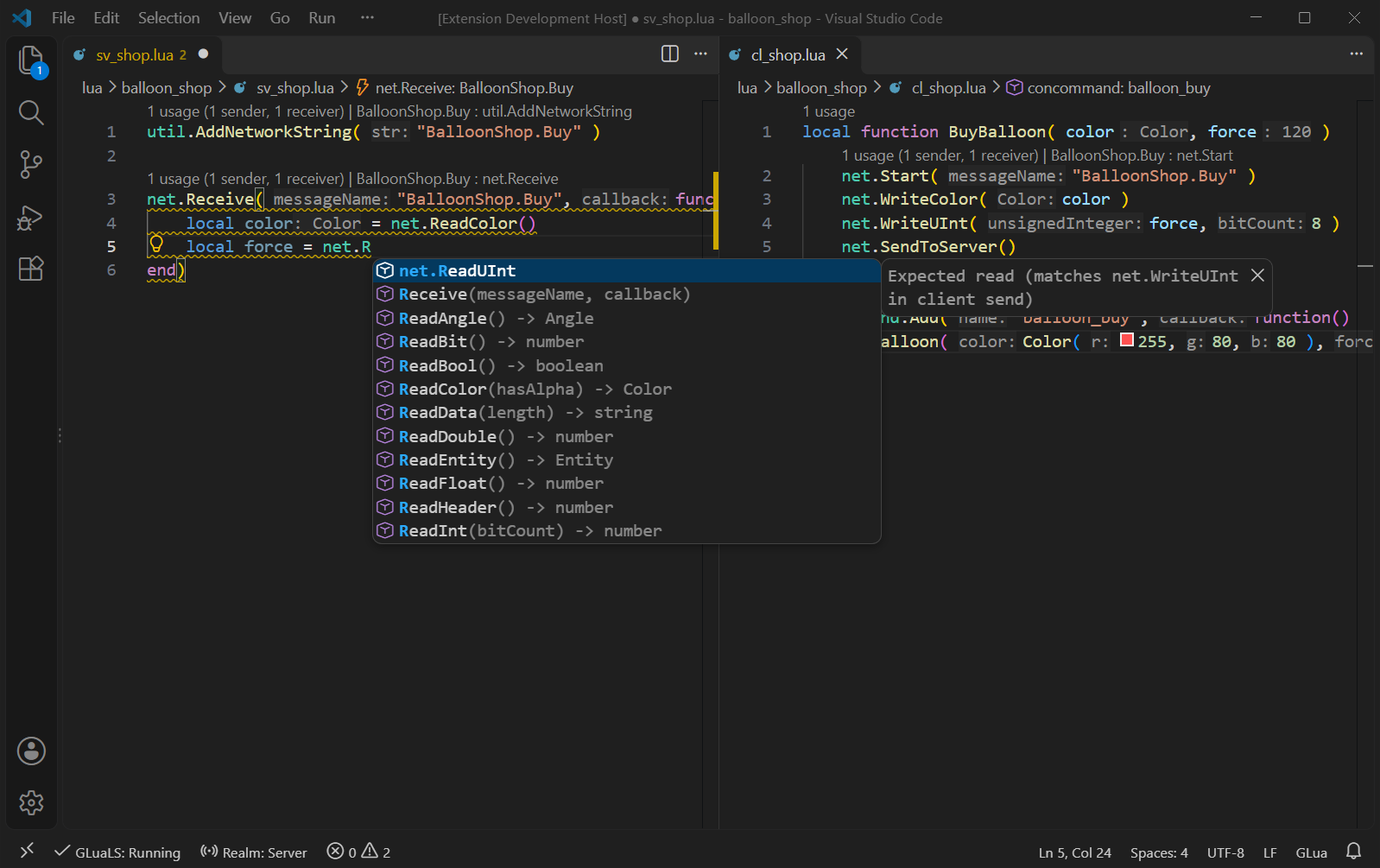
Network validationThe code that sends a net message and the code that receives it usually live in different files. The extension links them, warns when the two sides disagree, and helps you easily write them via autocomplete.
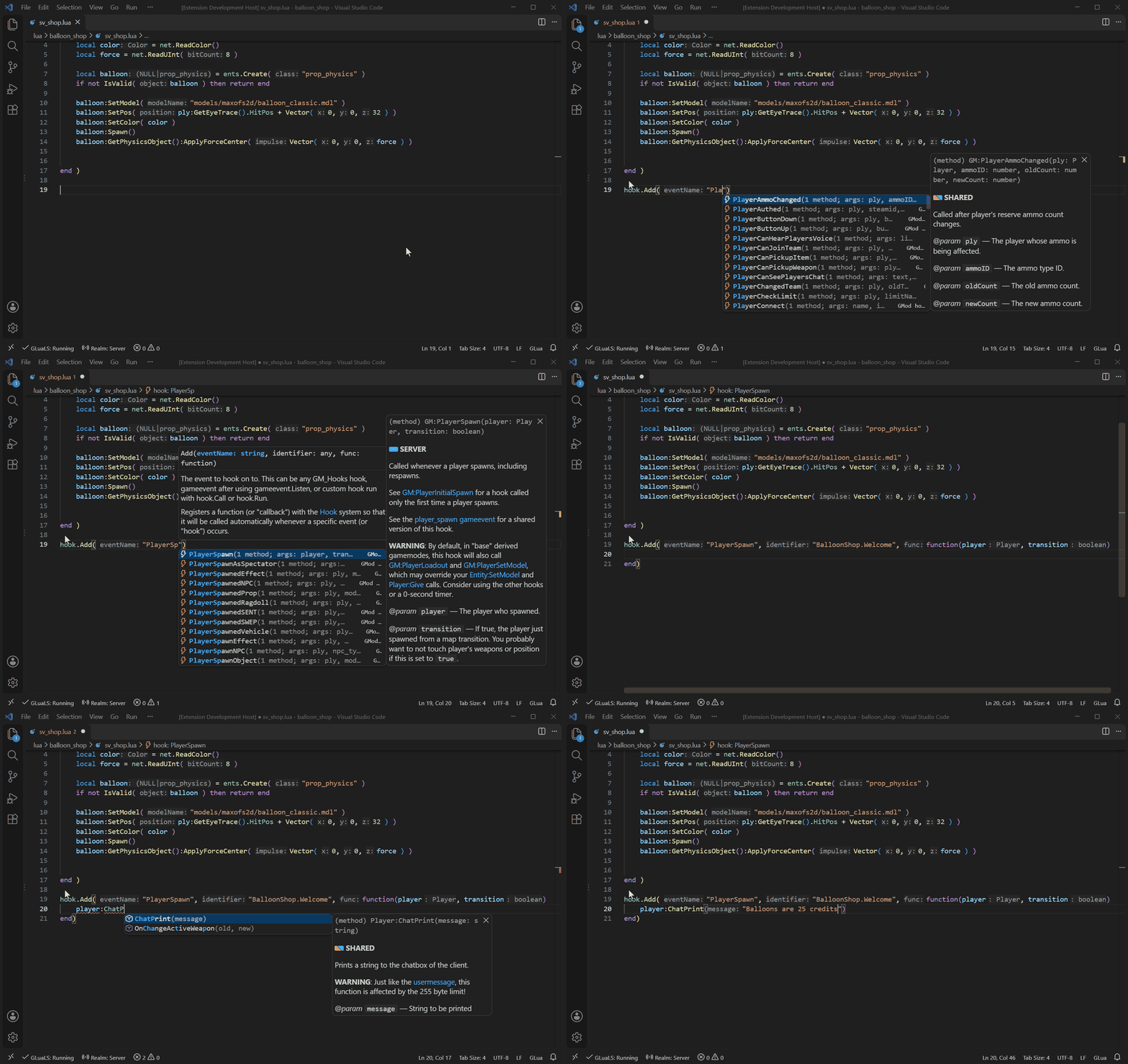
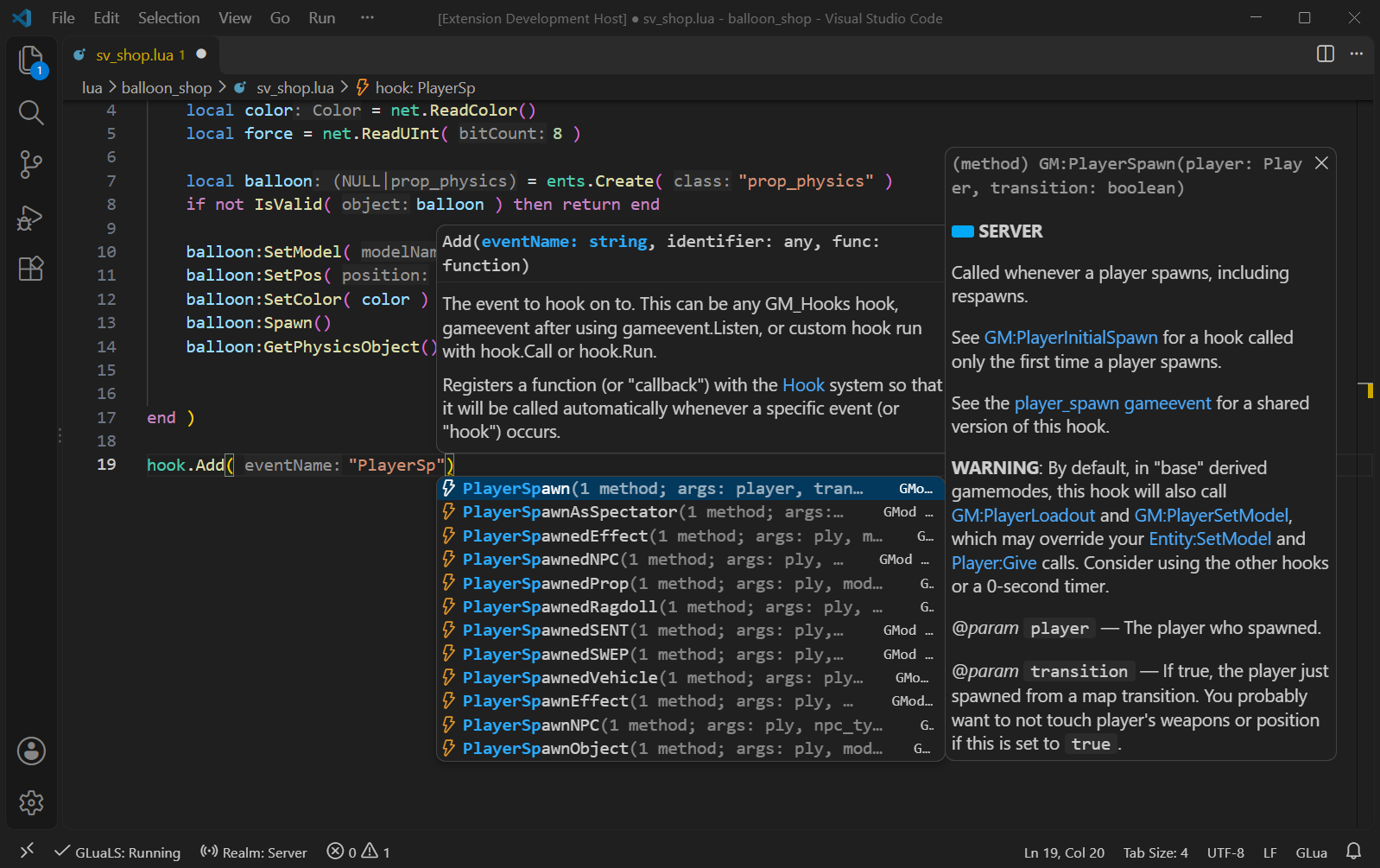
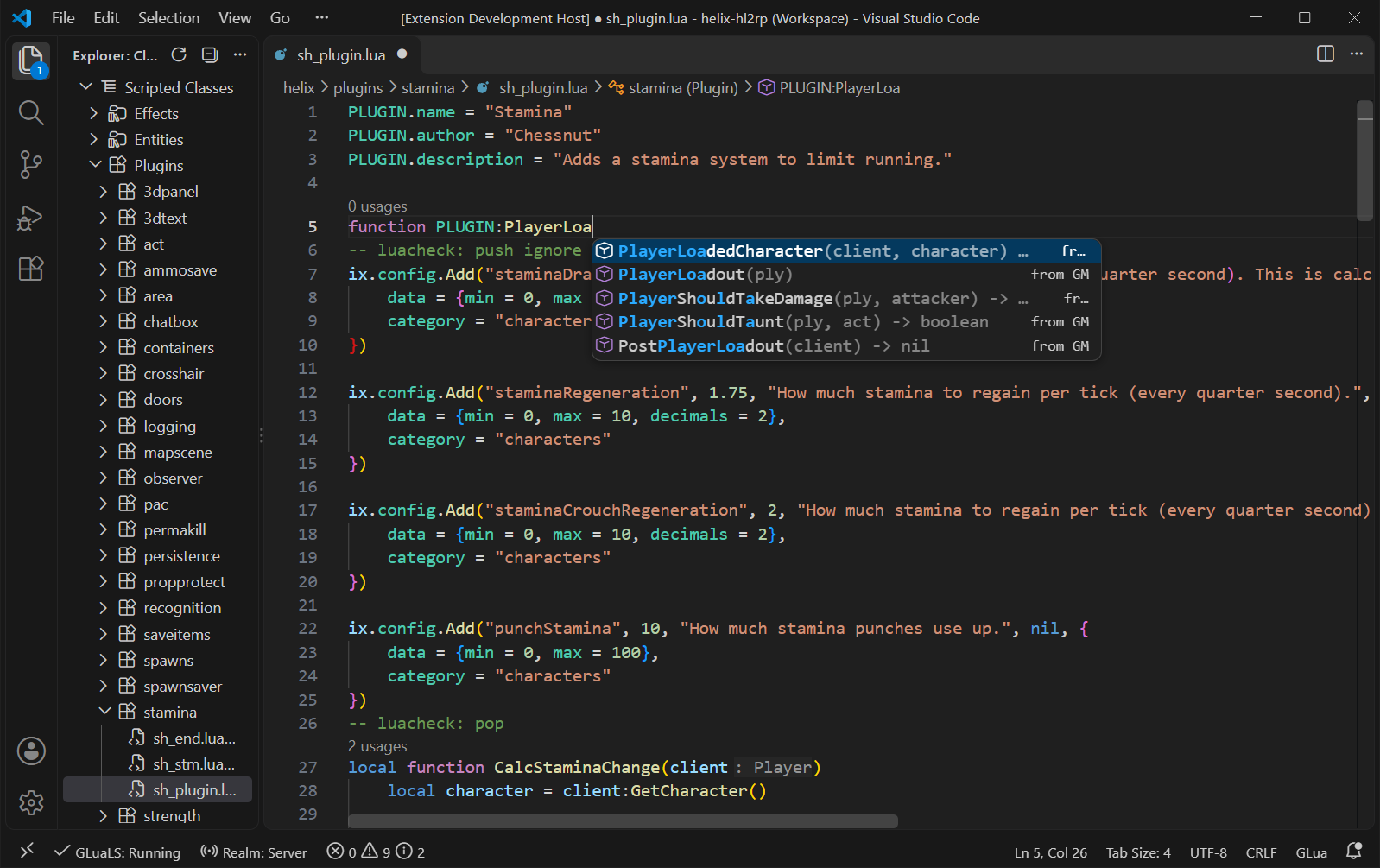
HooksThe language server detects hooks, including your own custom hooks, to provide full information such as callers, autocomplete, annotations and more. Includes support for plugin hooks such as those in Helix.
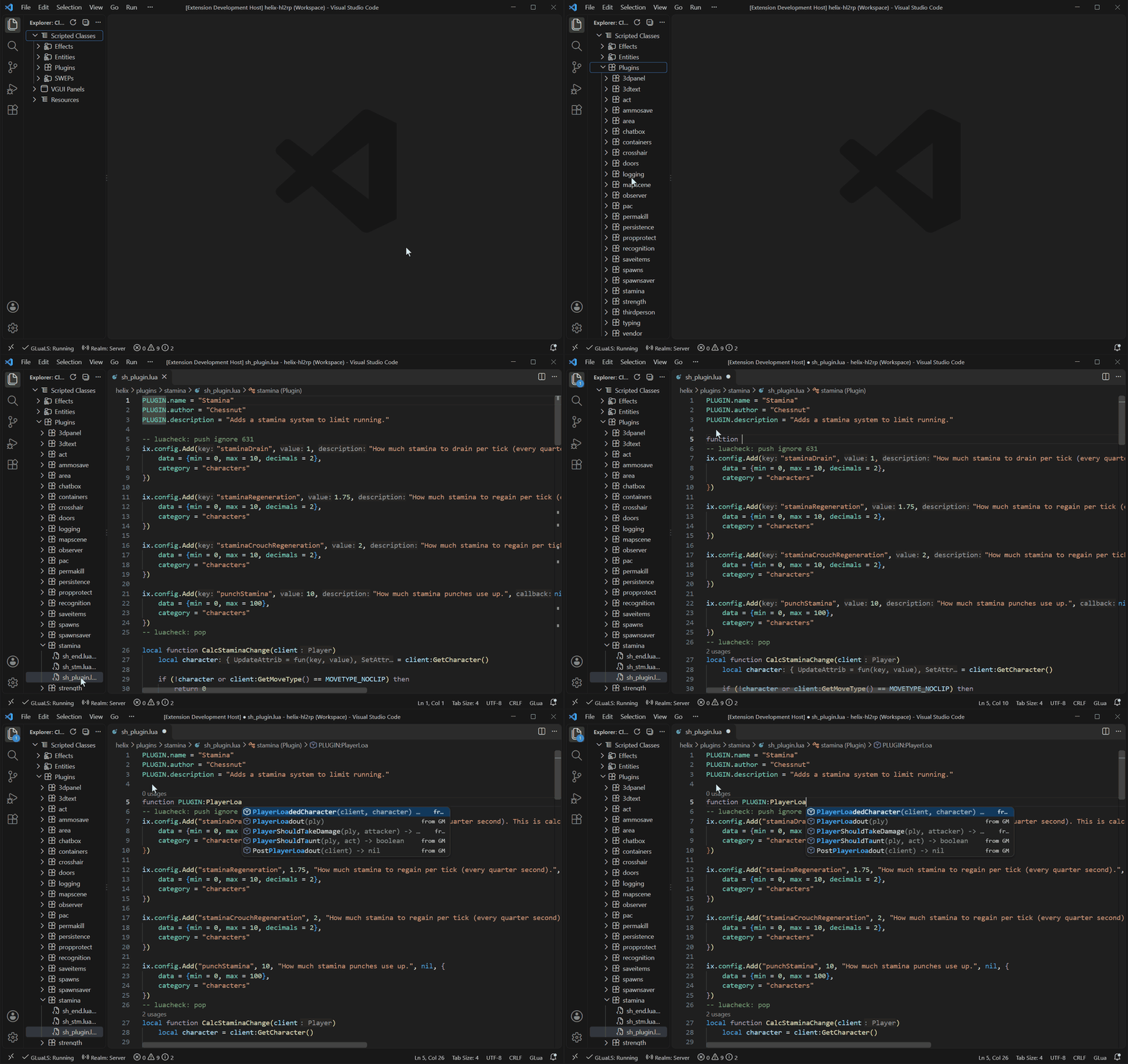
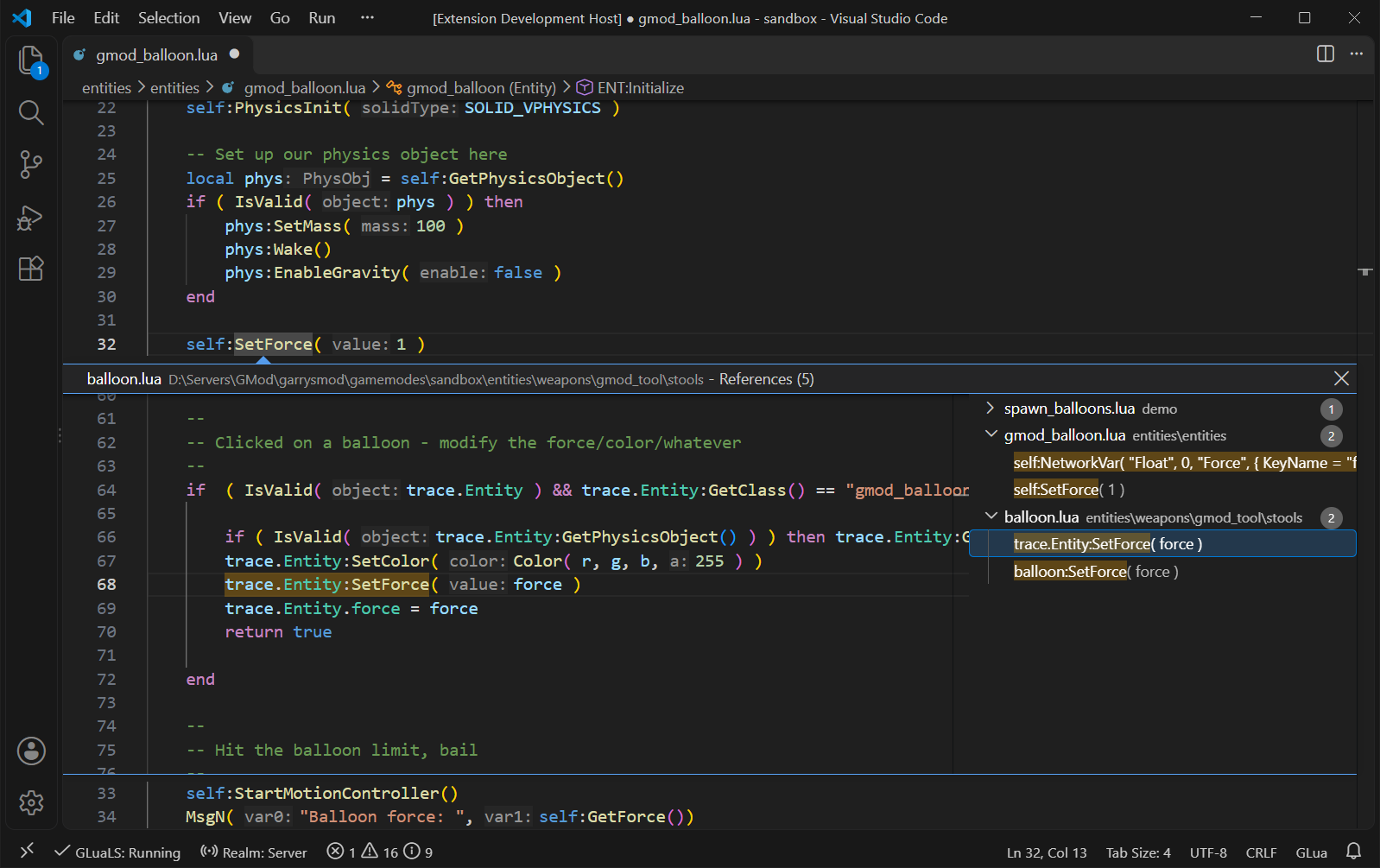
Scripted classes and referencesEntities, weapons, tools, plugins (such as in Helix), VGUI panels and other scripted classes are recognised from your folder layout. What
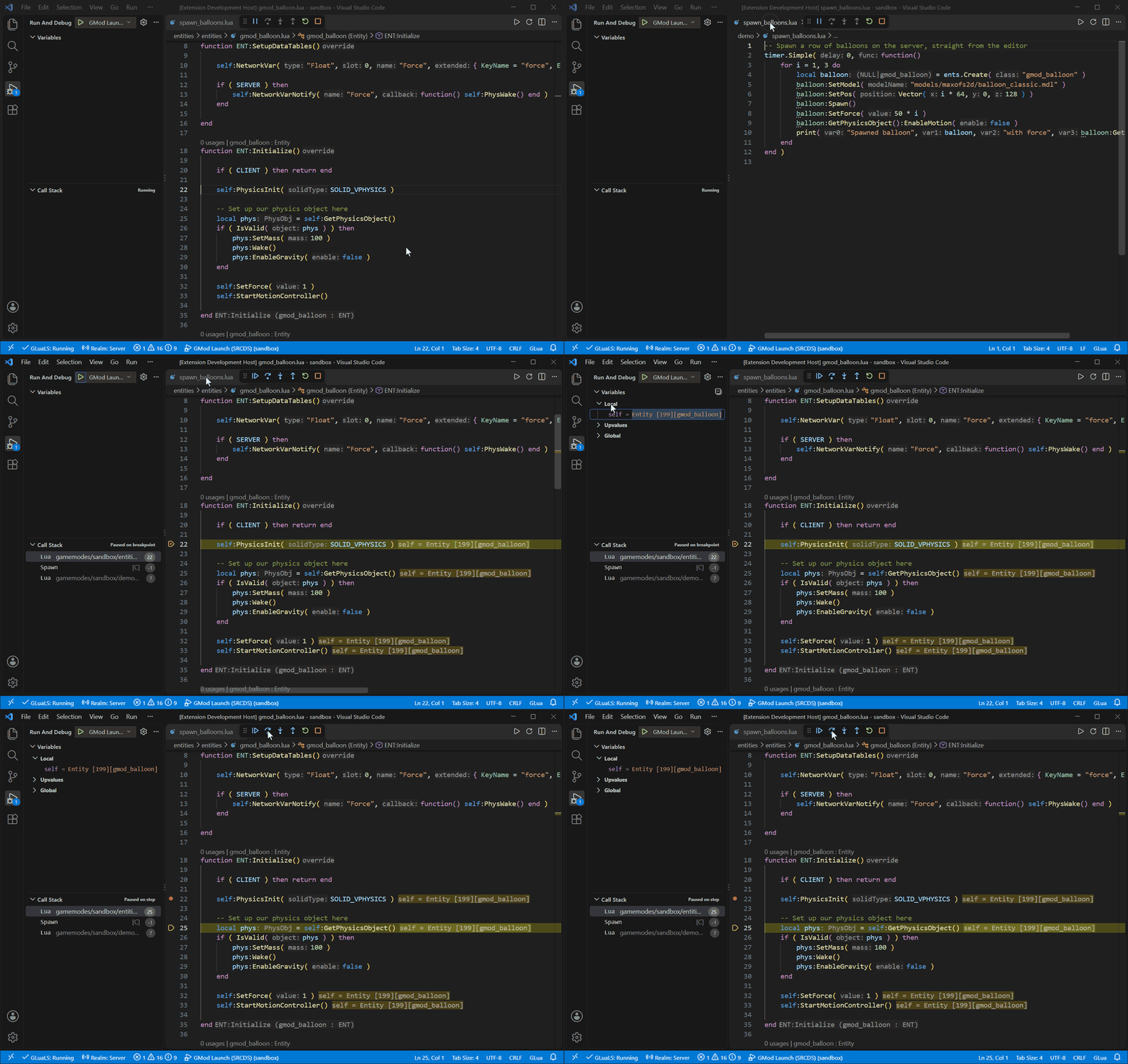
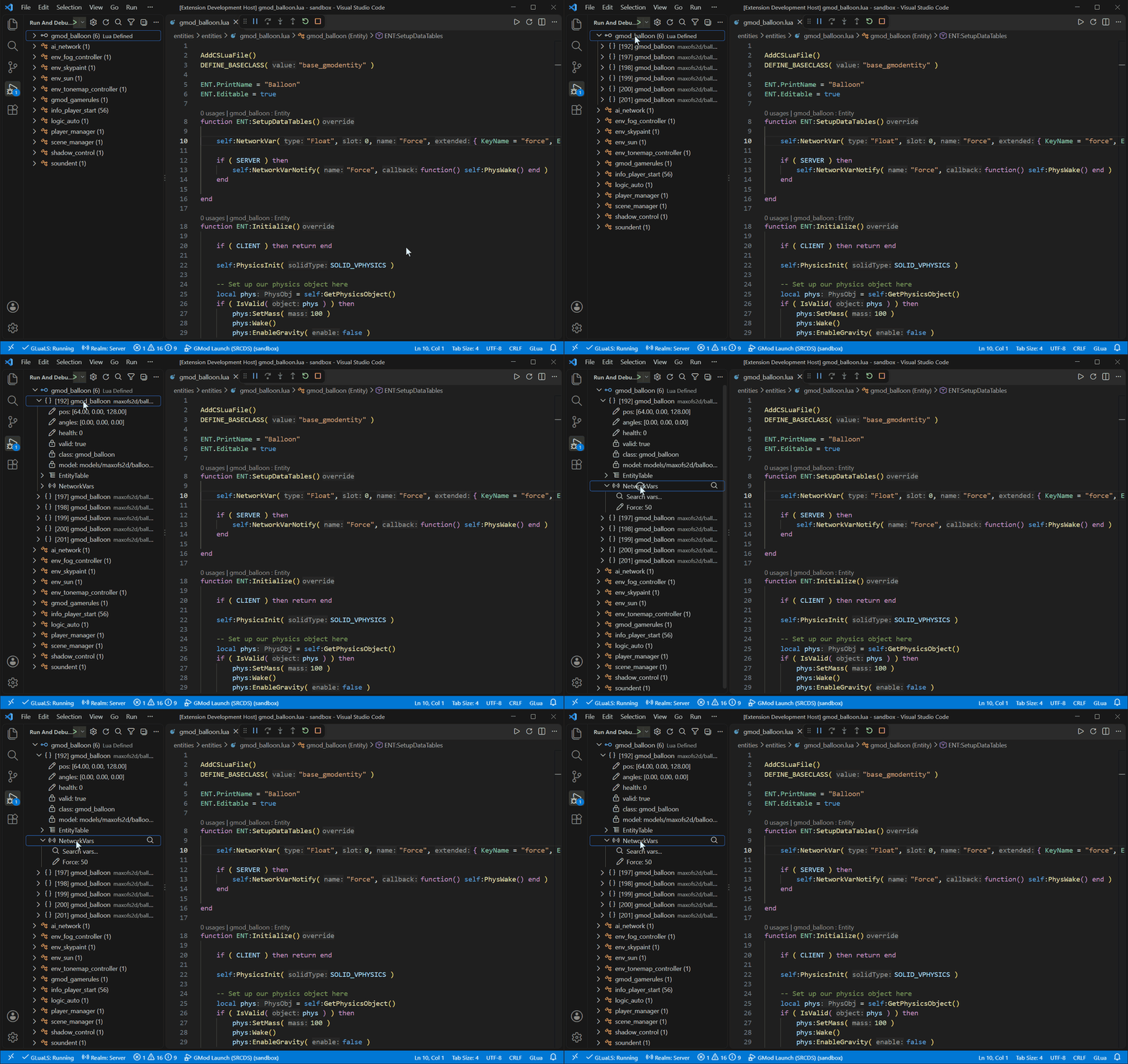
Advanced DebuggerDebug a local SRCDS server (and/or gmod client) from VS Code instead of adding print statements. Set breakpoints, step through code and inspect variables, or run Lua and console commands on the server or client without leaving the editor.
The entity explorer lists every entity in the game with its values and NetworkVars, and lets you edit them live.
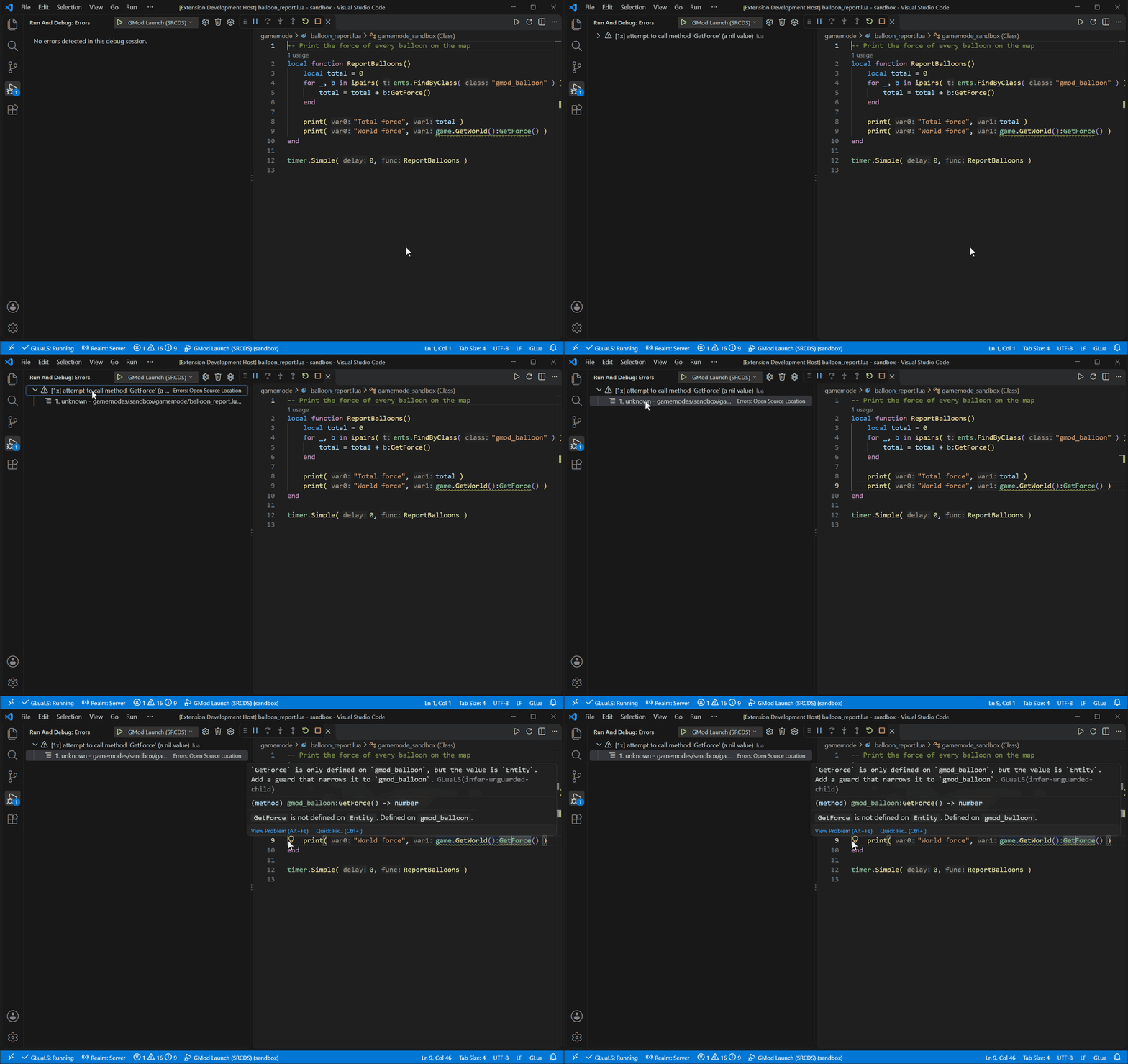
Runtime Lua errors from the game are collected in one place, and each one links to its source.
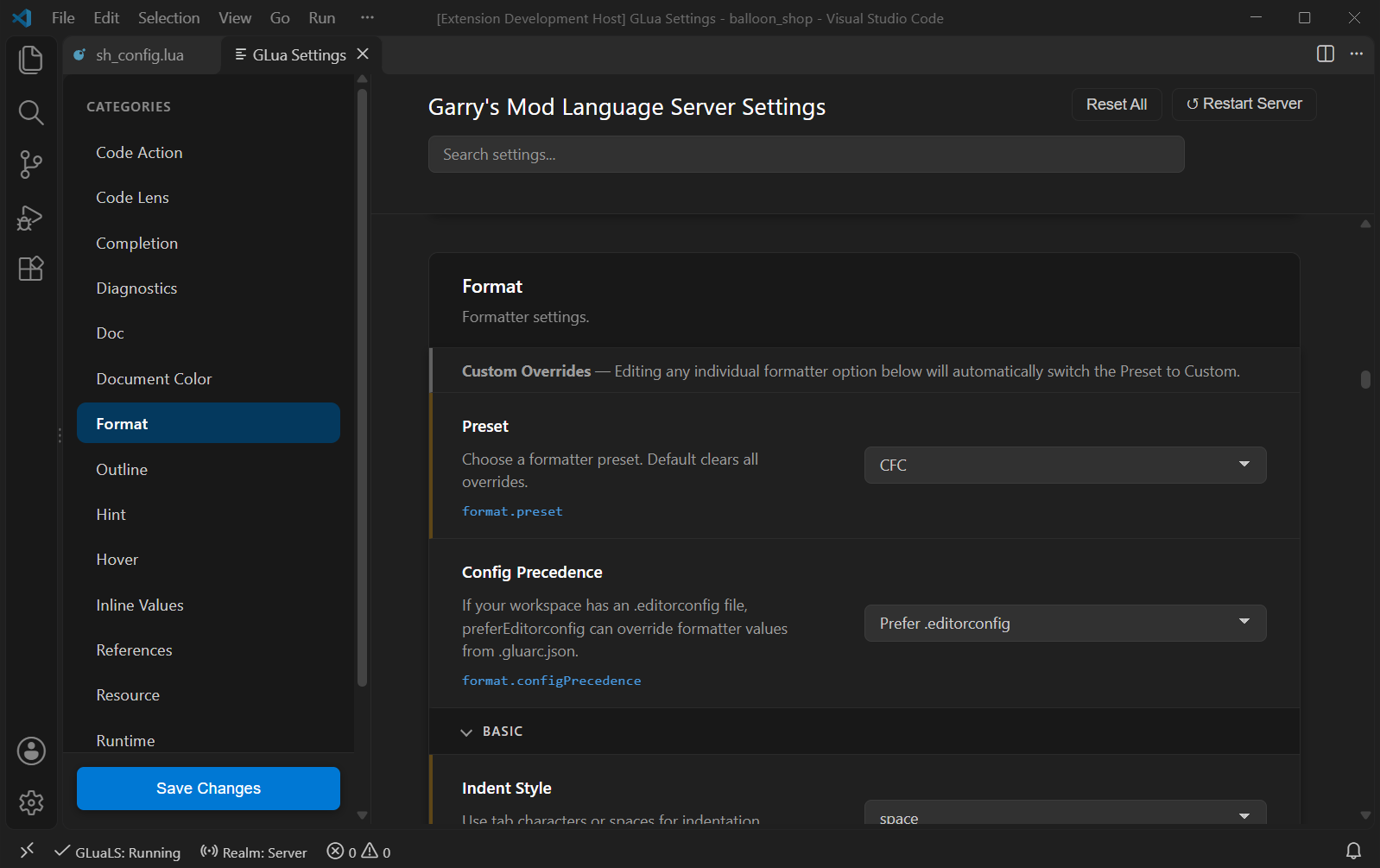
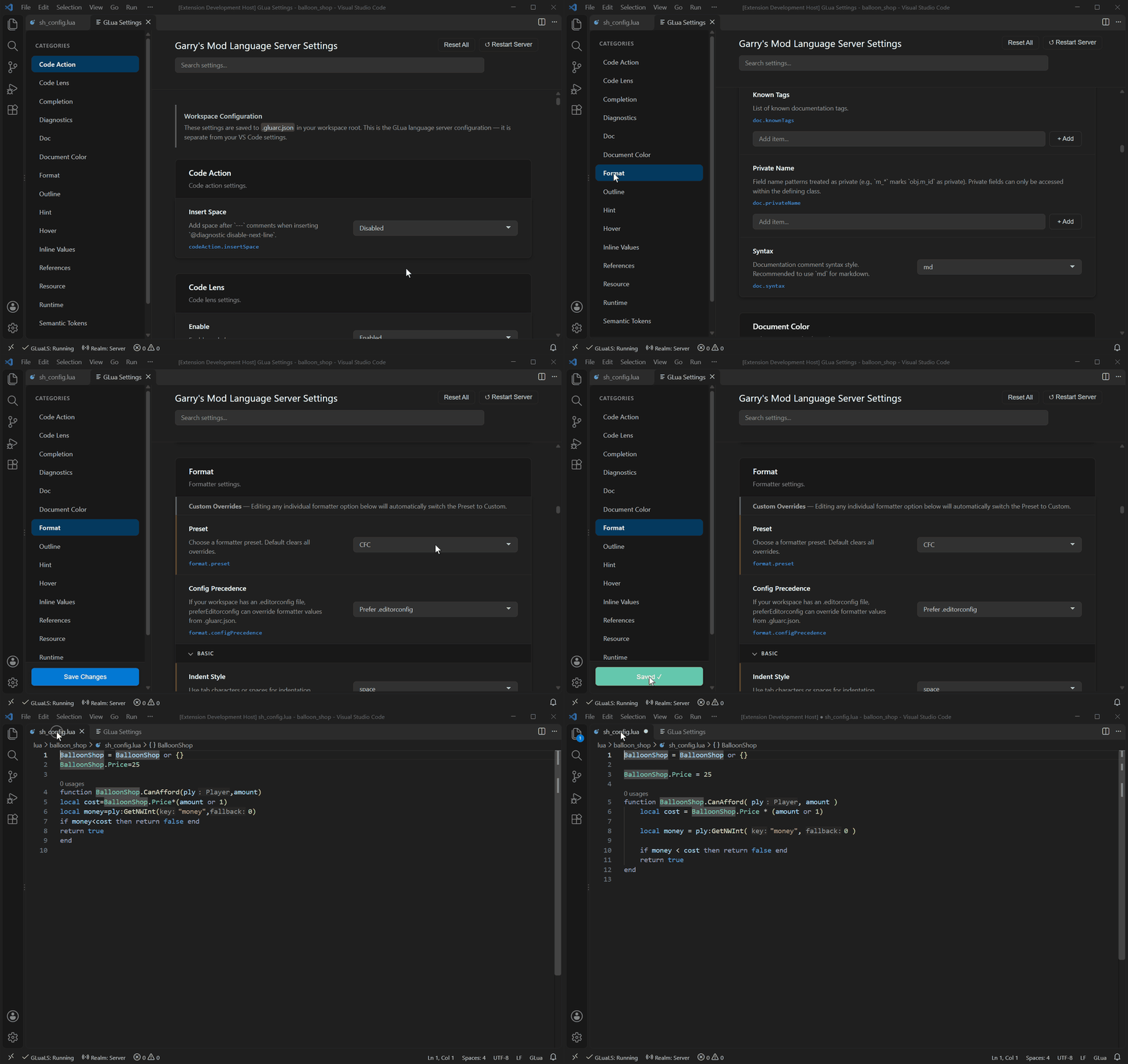
AI agents (MCP)Turn on the optional MCP server (off by default) and AI agents such as Claude Code, Codex, GitHub Copilot and Cursor can work with your GMod server through the debugger. They can run Lua and see what it returned, read the console and Lua errors, set breakpoints and logpoints, step through code and read locals, and check code with GLuaLS diagnostics. Run GLuaLS: Set Up AI Agent (MCP) to connect an agent. It covers the server realm and pairs well with a clientside MCP such as gmcl_mcp. See the AI agents guide. Configuration and formattingA settings panel lets you adjust or turn off any diagnostic that doesn't suit your codebase, without editing JSON. The built-in formatter has presets such as CFC, with the individual options available.
Workspace supportSetup is automatic for most codebases. Addon and gamemode layouts are detected, and annotations and the debugger are installed and kept up to date for you. It is built for large codebases and multi-root workspaces, such as a gamemode open alongside its addons. Documentation is available at: https://gluals.arnux.net/ TroubleshootingThis extension uses the dedicated The debugger is only designed to be used on local development servers, please do not install the binary module on production servers. This extension is primarily designed and tested for addon and/or gamemode development setup within an SRCDS server. If you're doing something outside of this structure, some features may not work or may require manual configuration. The extension currently expects each added workspace folder root to be within either If you have any advanced configuration (e.g. not using standard Garry's Mod folder structure) that seems to not work, please create an issue that details what your structure looks like, so that I can add support for it via the configuration system. This project is based on EmmyLua Analyzer Rust and my previousLuaLS plugin. |