BeatBox turns the VS Code sidebar into a local music player with a gallery of reactive audio visualizers. It is built for focus sessions, coding playlists, and quick soundtrack control without leaving the editor.
BeatBox ships as a Pink Pixel extension with a visualizer-first interface, local-file playback, queue controls, and a curated bundled roster of animated canvas and WebGL scenes, including the new Solar Flare visualizer.
Why Install BeatBox
Play local audio inside VS Code without switching to another app
Keep the visualizer stage front and center while controls stay compact
Build playlists or add one track at a time from the sidebar
Switch between twenty-two bundled visualizers without breaking playback
Recover gracefully if the VS Code webview is recreated during a session
Features
Dedicated BeatBox activity bar view plus an Explorer sidebar view
Local audio playback with playlist queue management
Add Track supports multi-select bulk append, while Create Playlist replaces the queue with a fresh multi-track selection
Drag-and-drop playlist reordering with auto-scroll in longer queues
Delete mode for quick queue cleanup
Compact stage transport with play, pause, previous, next, volume, shuffle, repeat, and seek scrubbing
Session restore backed by VS Code webview state plus IndexedDB-cached imported files
Renderer fallback handling so one broken visualizer does not blank the whole stage
Fixed-scene visualizer scaling for cleaner behavior in narrow or short sidebars
Screenshots
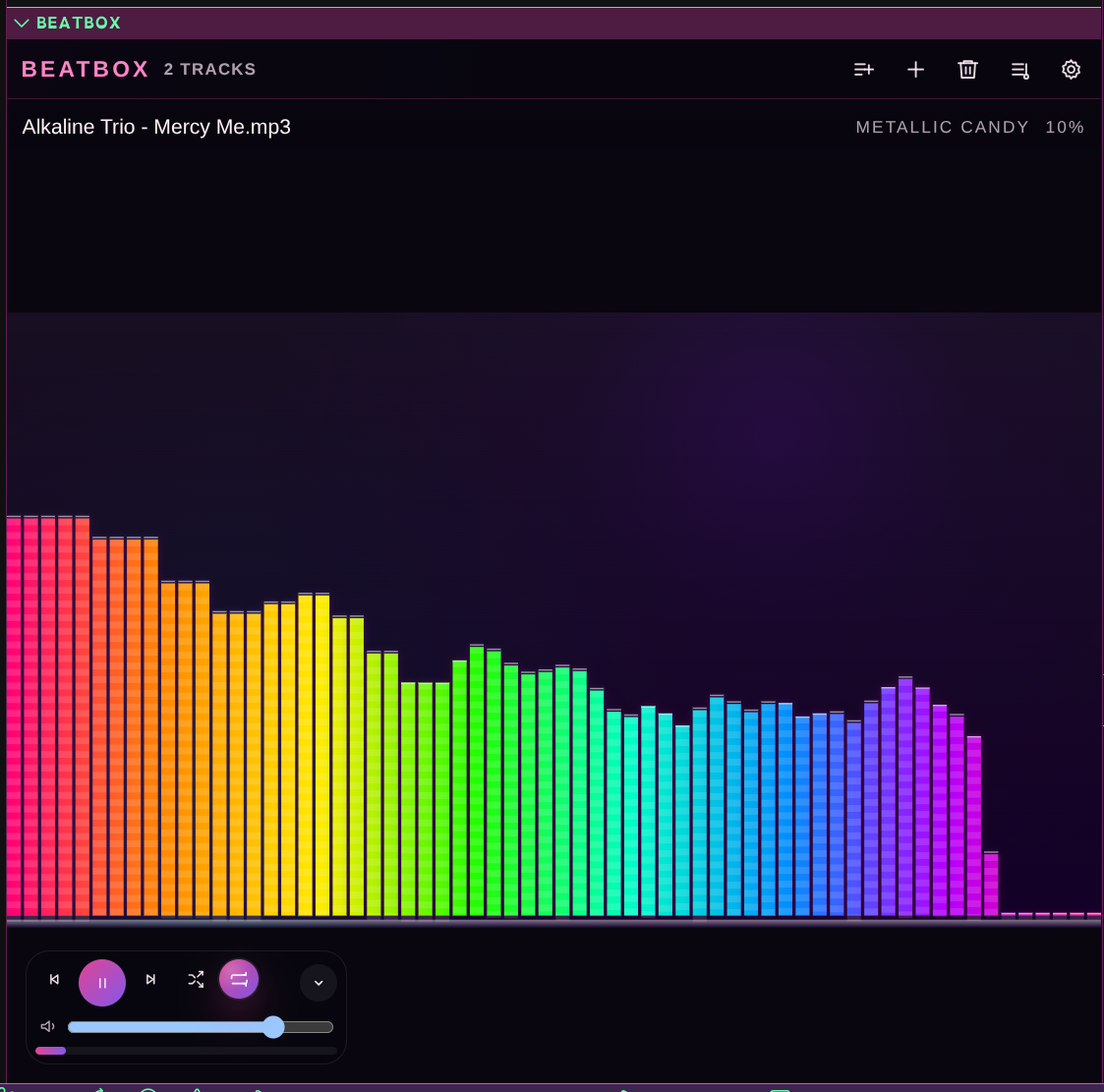
Metallic Candy
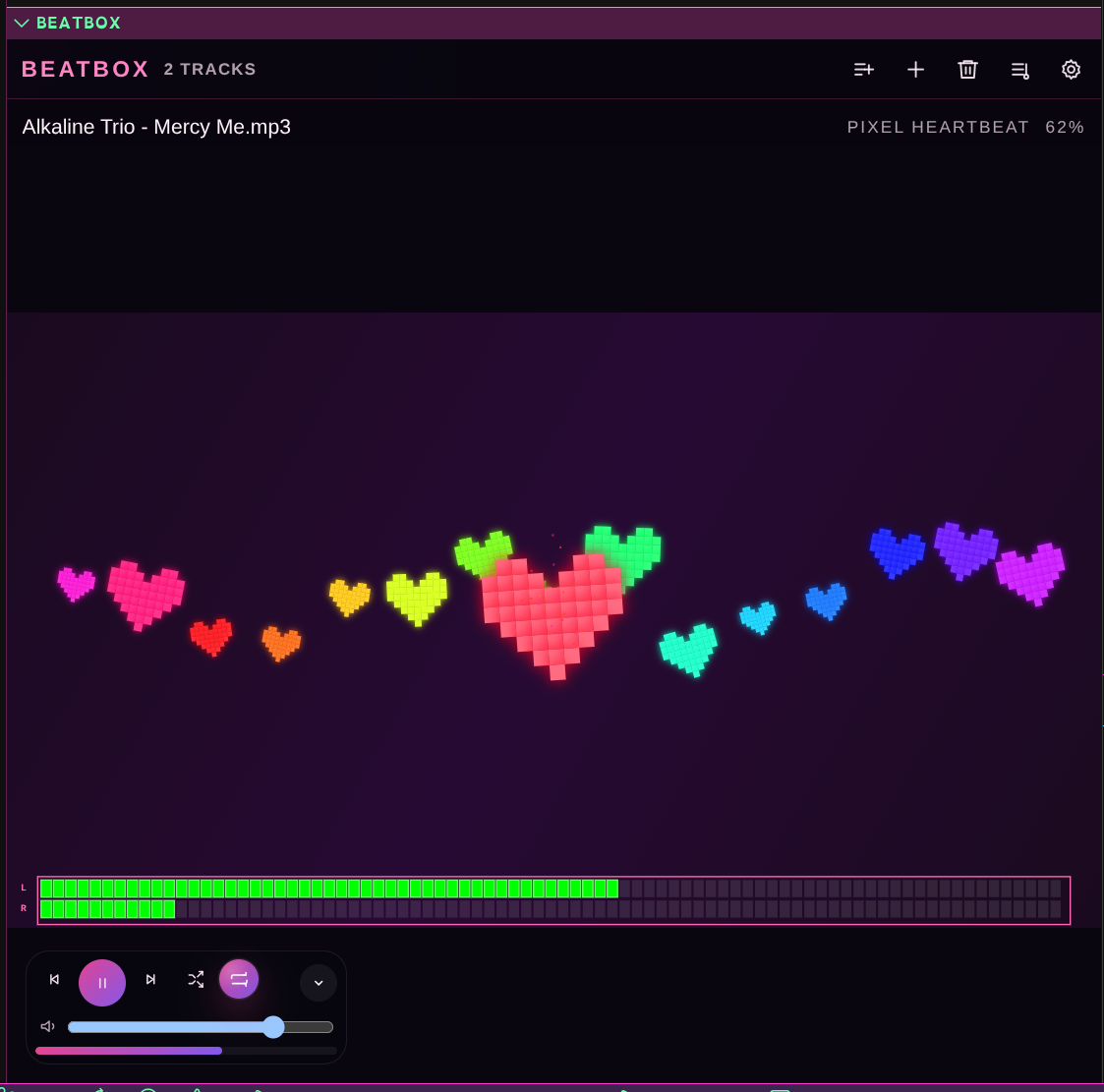
Pixel Heartbeat
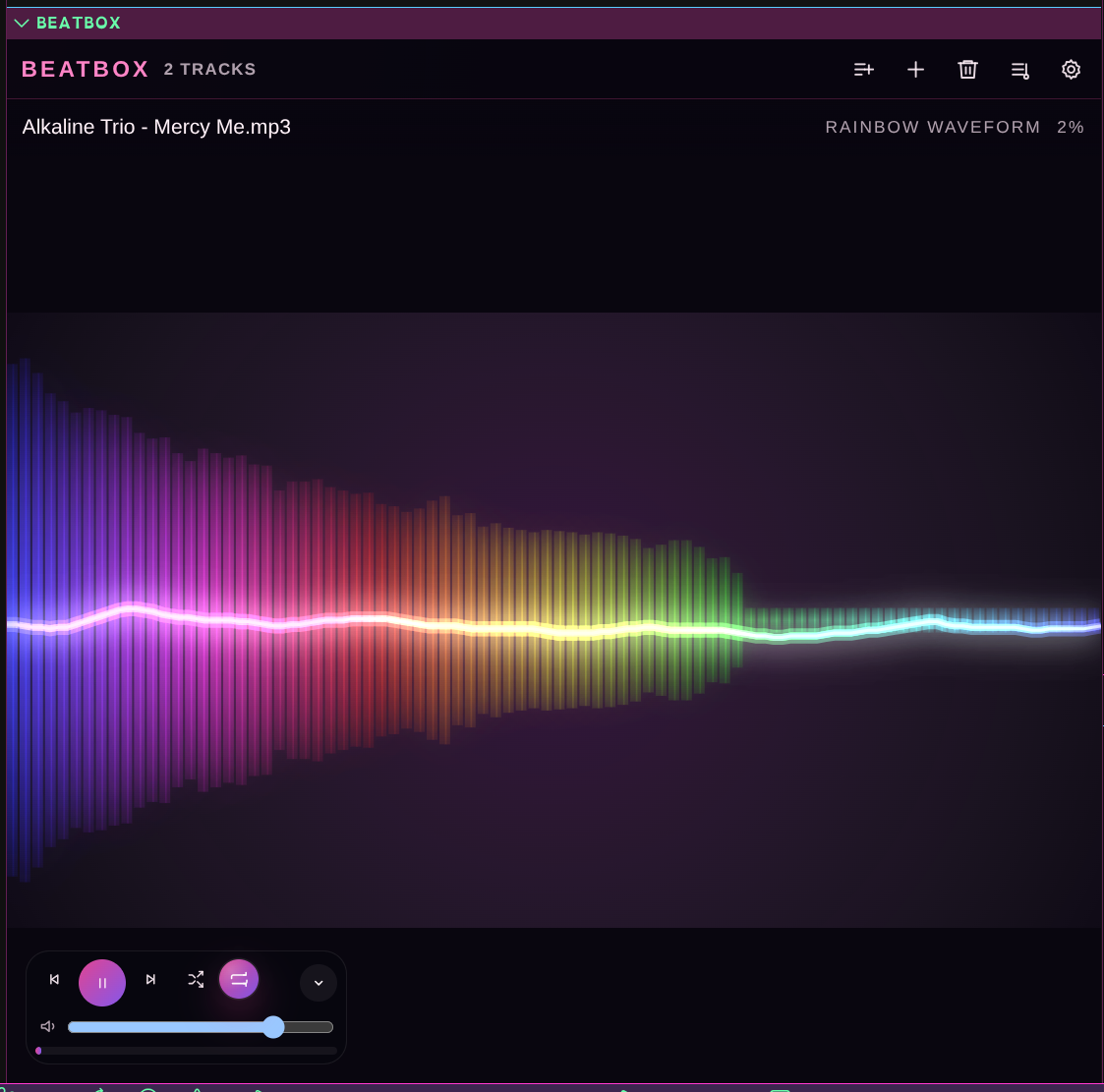
Rainbow Waveform
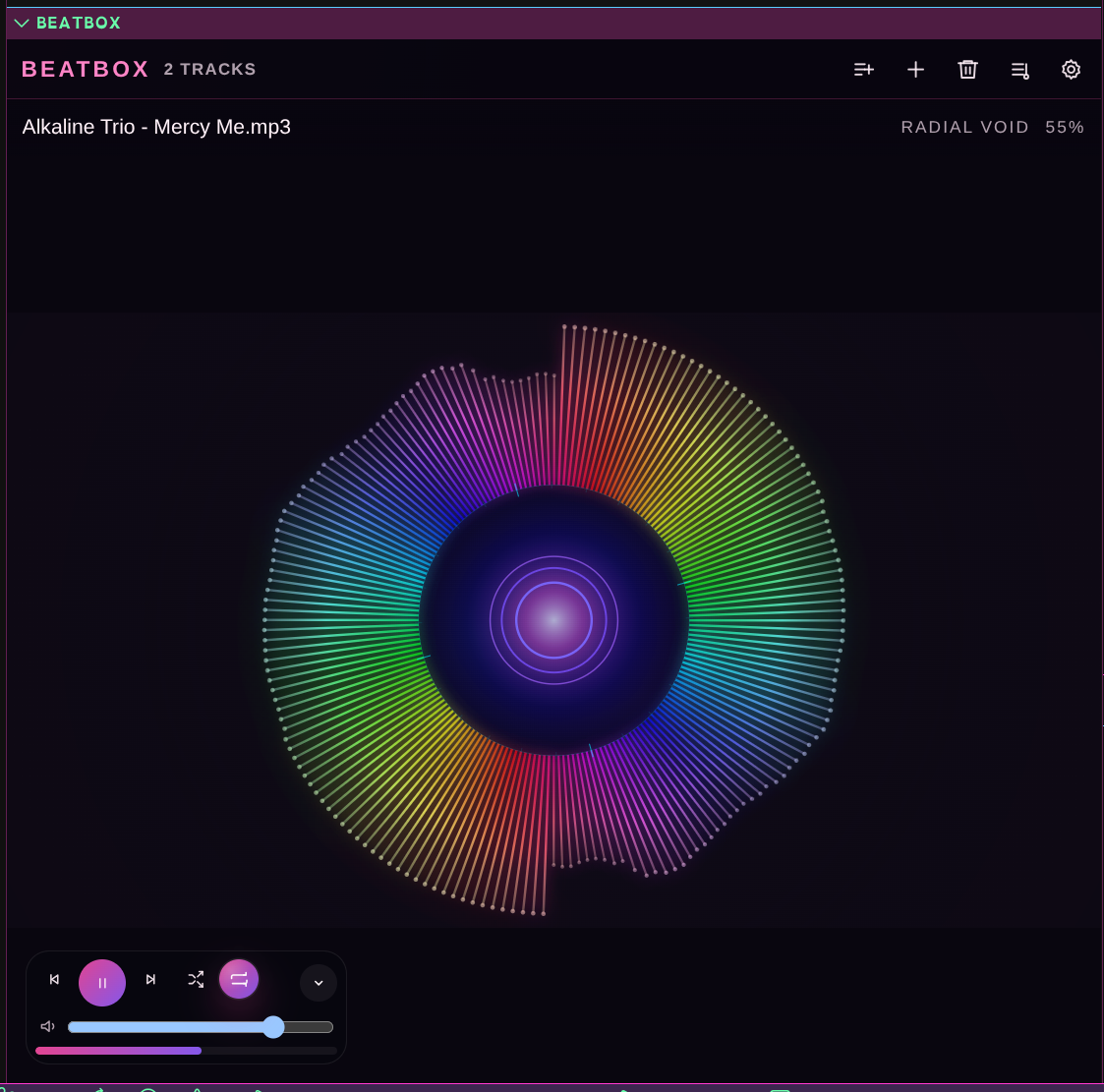
Radial Void
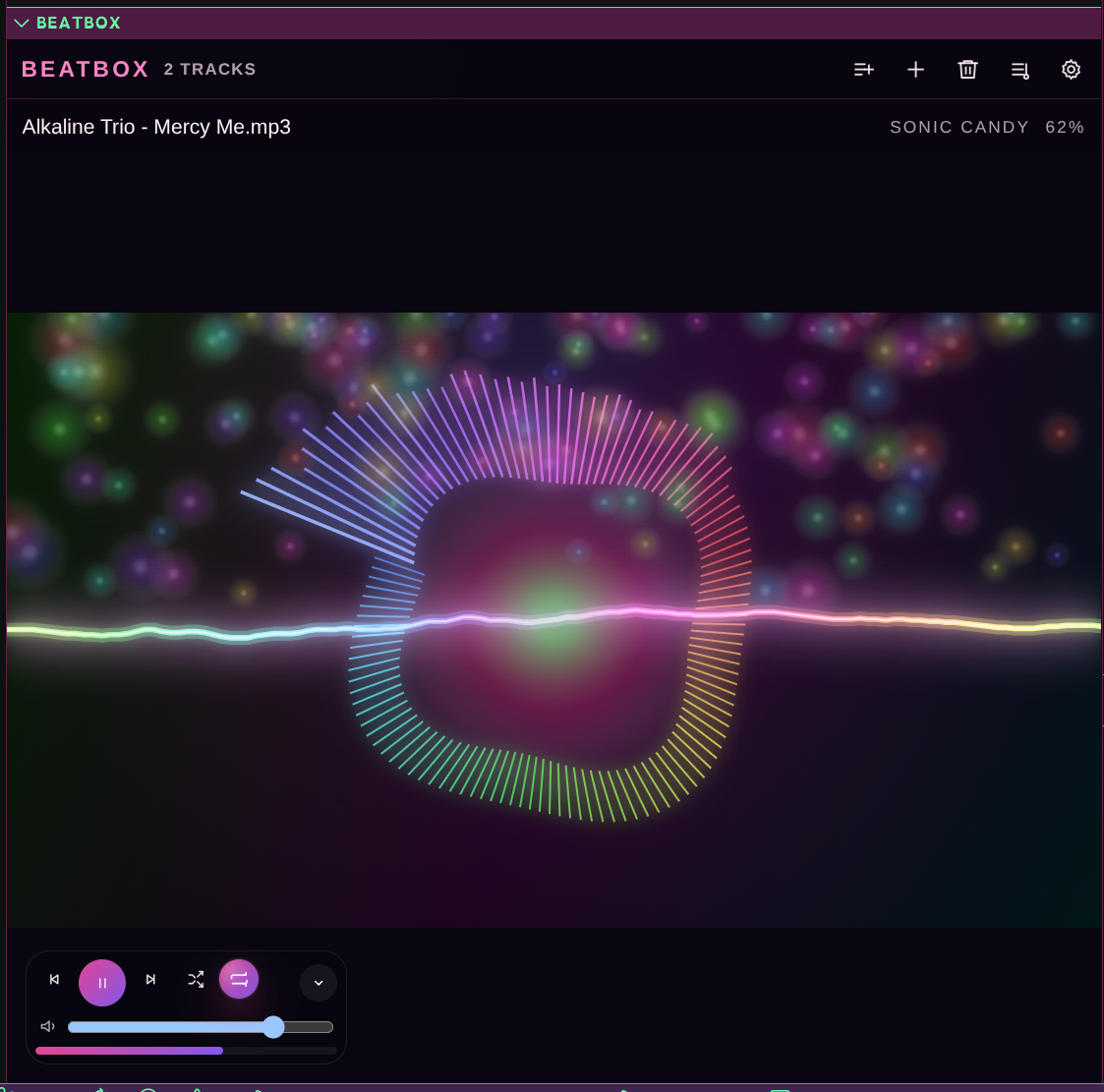
Sonic Candy
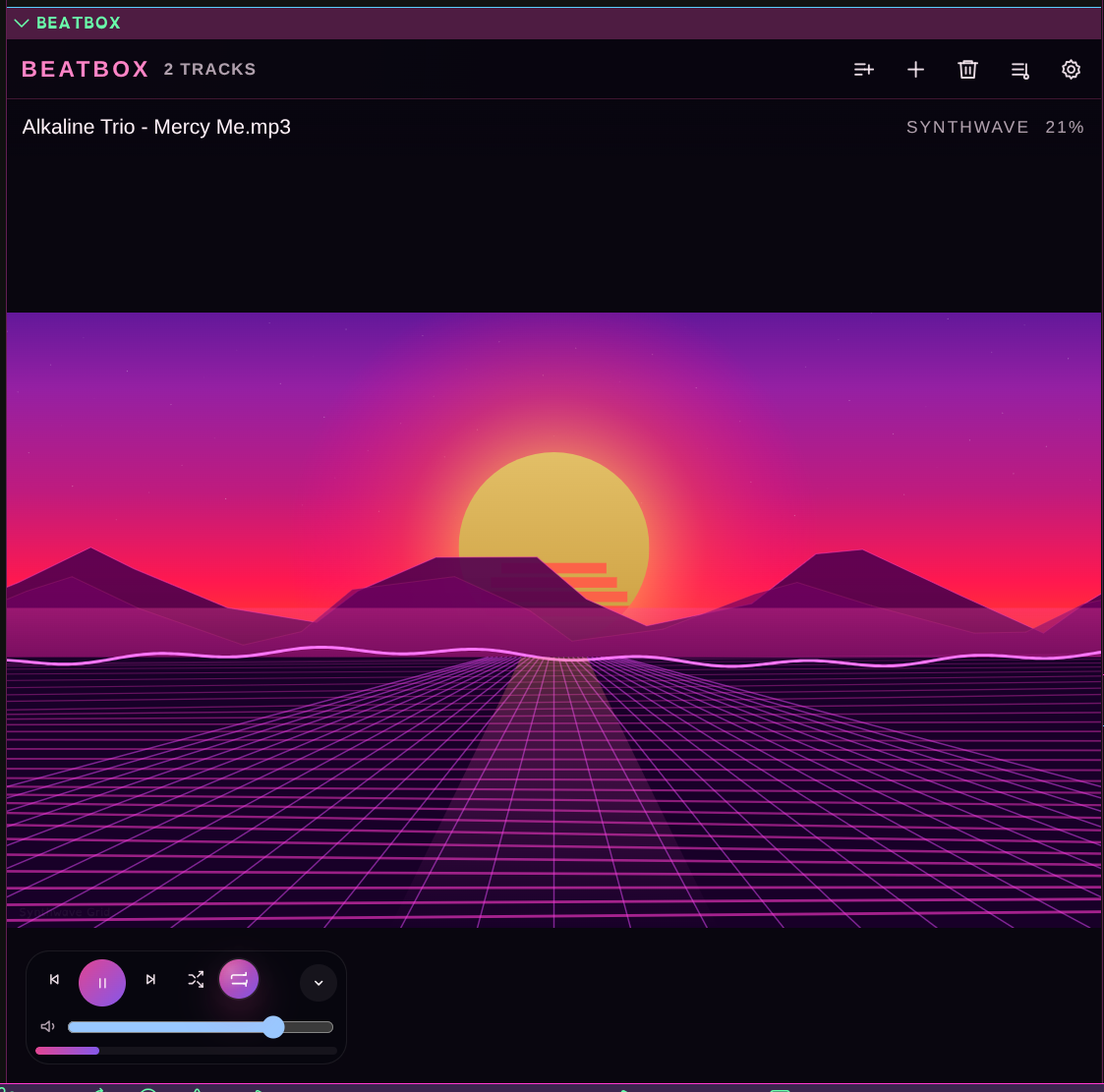
Synthwave
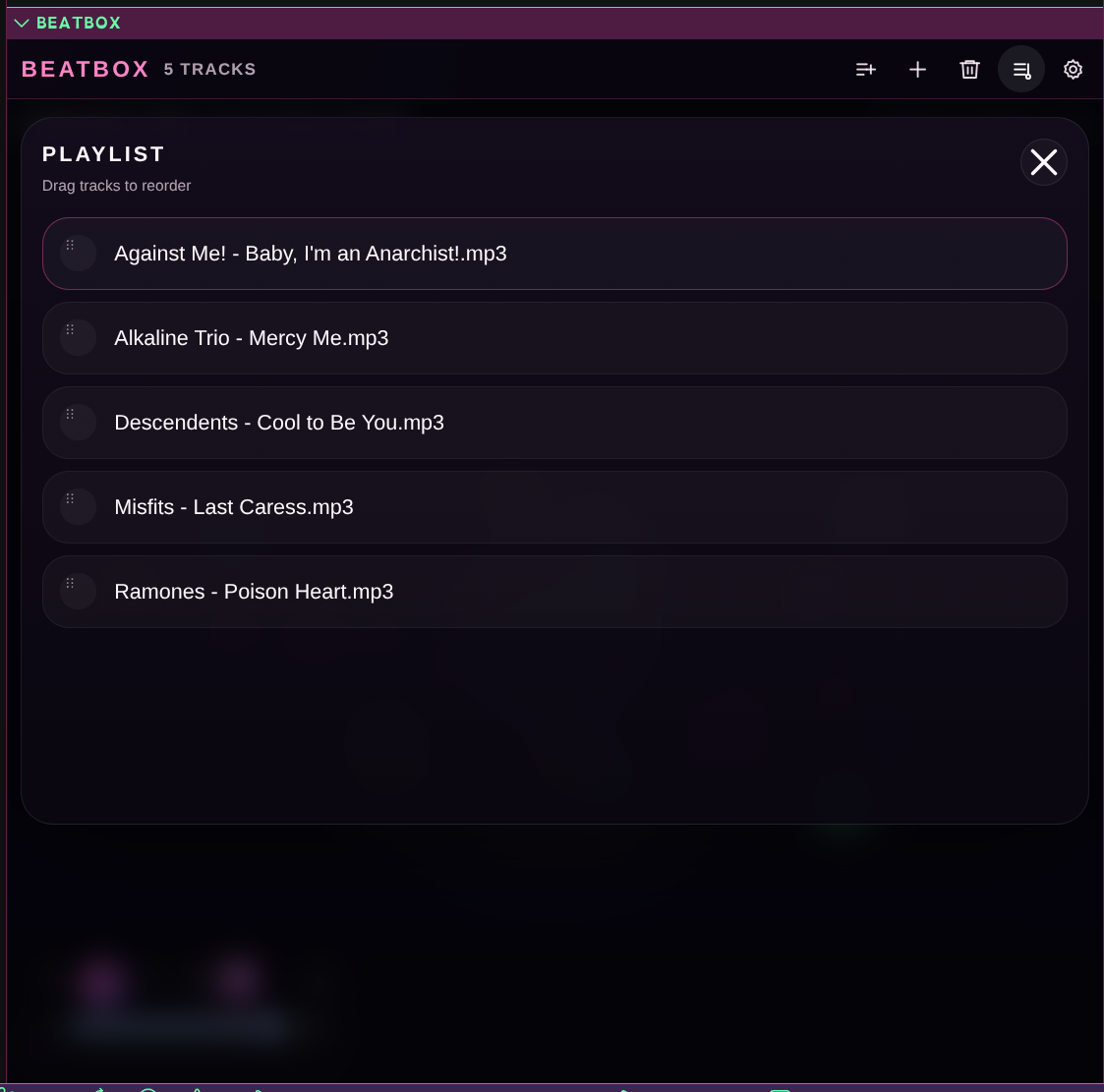
Playlist Overlay
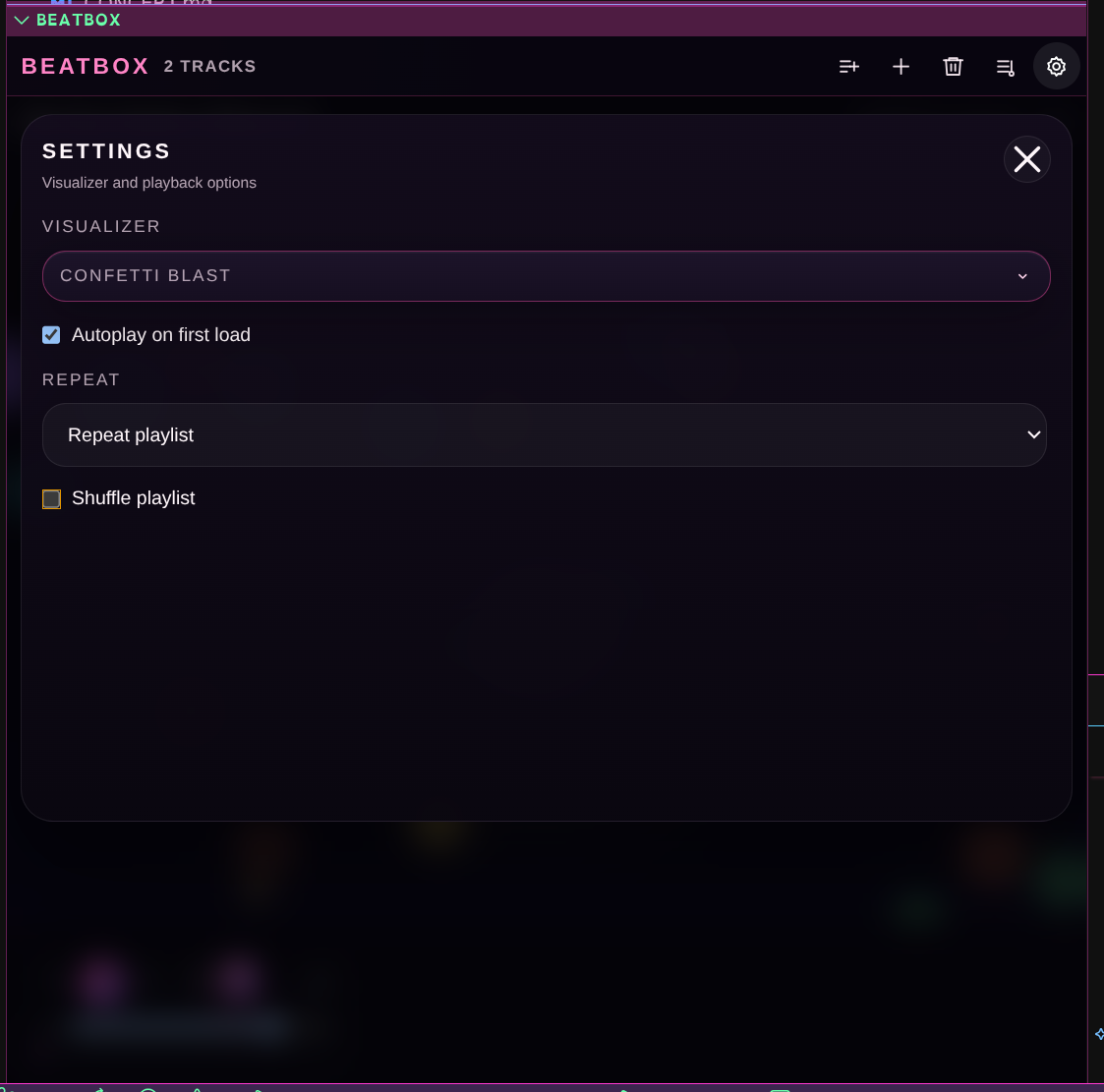
Settings Panel
Bundled Visualizers
BeatBox currently ships with twenty-two visualizers:
Aether Bloom
BBS Glitch
Bubblegum Bliss
Chibi Meter
Confetti Blast
Cosmic Nebula
Kaleidoscope
Liquid Crystal
Lumenade
Metallic Candy
Mind Pulse
Neural Synapse
Pixel Heartbeat
Pixel Party
Radial Void
Rainbow Waveform
Solar Flare
Sonic Candy
Starfield
Synth Board
Synthwave
Unicorn Magic
Using BeatBox
Open BeatBox from the activity bar or the Explorer sidebar.
Choose Add Track to append one or many songs, or Create Playlist for a fresh multi-song queue.
Open Settings to change the active visualizer.
Use the stage transport to play, pause, seek, shuffle, repeat, and adjust volume.
Open the playlist overlay to reorder or remove tracks.
Privacy
BeatBox is a local-first extension:
Audio playback is based on files you choose from your machine
BeatBox does not provide streaming integrations
Imported files can be cached locally in the webview for session recovery
No remote audio service is required for normal playback or visualization
Requirements
VS Code 1.85.0 or newer
Local audio files such as common music formats supported by the embedded webview audio element