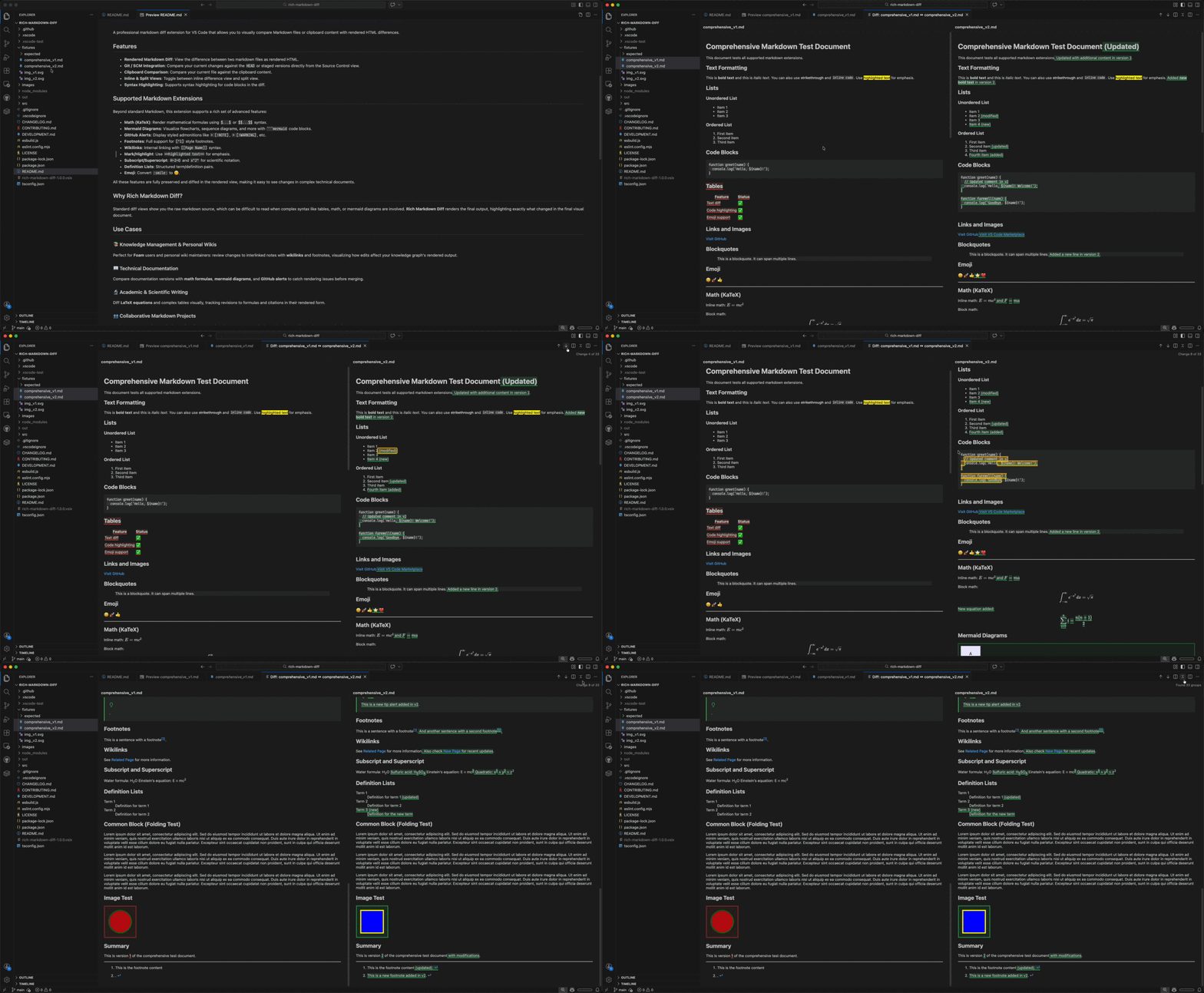
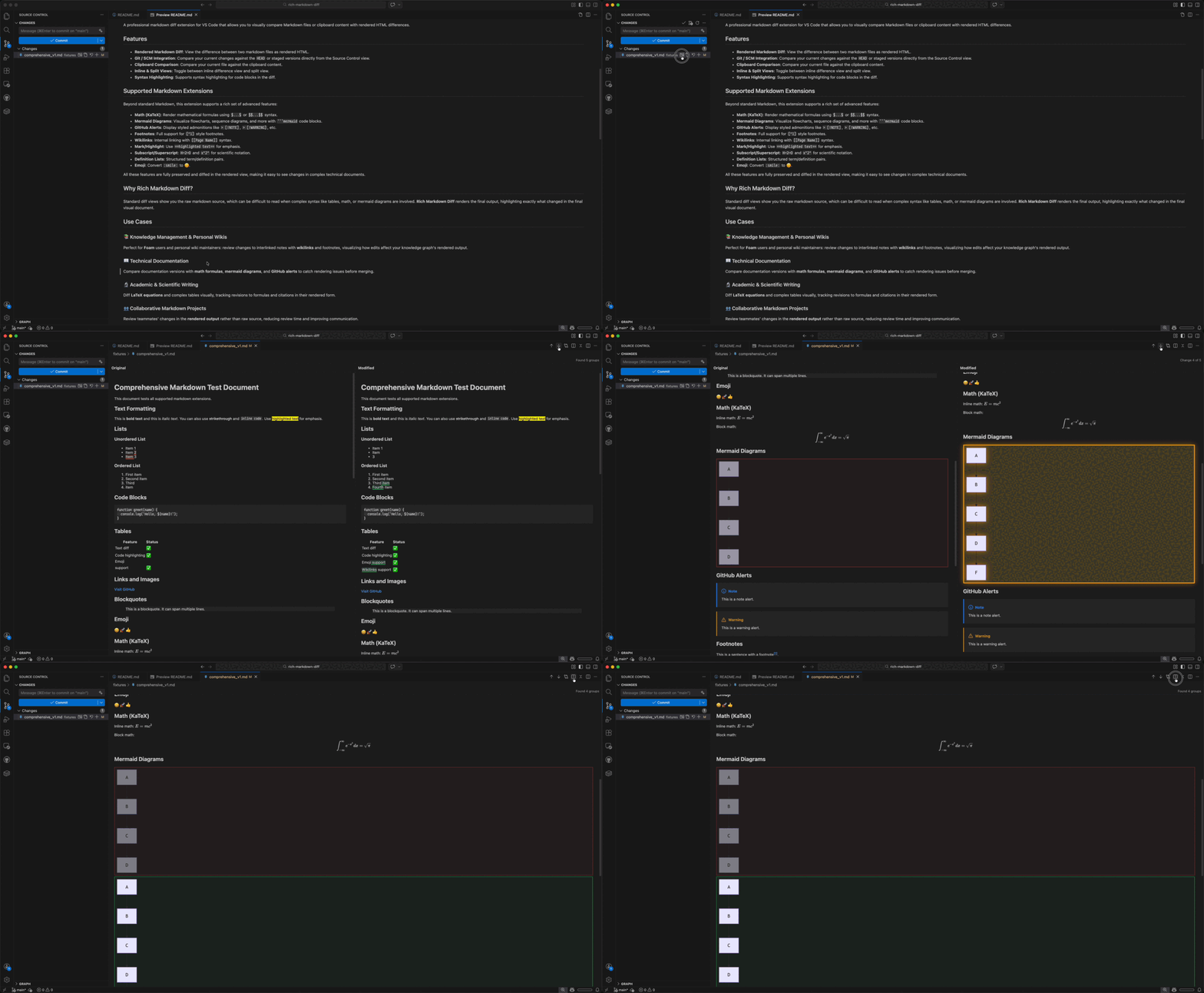
A professional VS Code extension for visual Markdown comparison. Compare rendered HTML side-by-side or inline, including Math, Mermaid, and complex slide decks.
Key Features
Visual Diff: Compare rendered output instead of raw source code.
Git Blame: Hover to see commit history for any line in the diff view.
Interactive Image Diff: New "Swipe" and "Onion Skin" modes for visual image comparison.
Marp Support: Full visual diffing for Marp slide decks (marp: true).
Git Integration: Diff directly from Source Control view (Workspace, Staged, or HEAD).
Obsidian Support: Support for #tag and ![[link]] transclusions.
Quick Edit: Modify image paths or block metadata directly within the diff view.
Clipboard Compare: Compare any Markdown file against your clipboard.
Supported Extensions
Extension
Support Details
Marp
Render and diff slide decks with full theme support.
Math
High-quality KaTeX rendering for formulas.
Mermaid
Flowcharts, sequence diagrams, and Gantt charts.
Obsidian
Native support for Tags (#tag) and Transclusions (![[link]]).
Alerts
GitHub-style [!NOTE], [!WARNING], etc.
Structure
Robust diffing for Tables, Nested Lists, and Footnotes.
Misc
Wikilinks, Emoji, Sub/Superscript, and Definition Lists.
Use Cases
🖼️ Marp Presentations: Verify slide layout and theme changes visually.
📚 Knowledge Bases: Review changes in foam/wiki notes with wikilinks and footnotes.
📖 Technical Docs: Catch rendering issues in Mermaid diagrams and math formulas.
🔬 Academic Writing: Track revisions to LaTeX equations and complex tables.
👥 Peer Review: Focus on the final rendered output rather than raw Markdown syntax.
Usage
1. Compare Files
Select two .md files in the Explorer, right-click, and select Show Markdown Diff.
2. Git & SCM
Click the Show Markdown Diff icon next to any modified Markdown file in the Source Control view.
3. Clipboard Comparison
Right-click in any Markdown editor and choose Compare with Clipboard.
Technical Details
For technical setup or contribution guidelines, please see: