ucxDedicated language support for Unreal Engine 1 UnrealScript Installation Launch VS Code Quick Open ( Ctrl+P), paste the following command, and press enter.Copied to clipboard |

UCX VsCode Extension
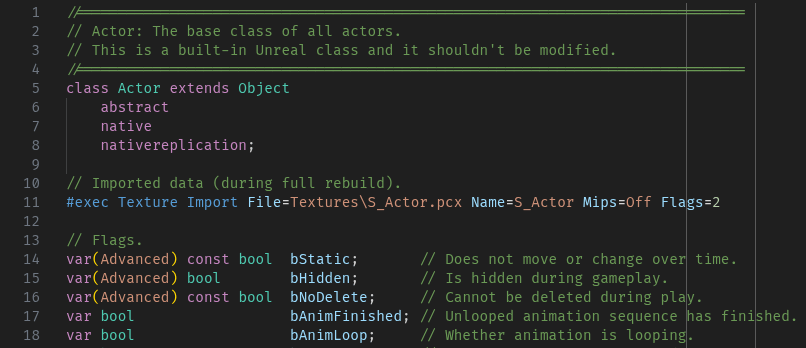
Dedicated language support and tooling for the UnrealScript language with primary focus on UT99 (Unreal Engine 1). The primary goal is to be able to work and maintain large UnrealScript projects by bringing modern IDE features to an old programming language. VsCode FeaturesSyntax HighlightingSyntax highlighting is done through both a textmate grammar file and semantic token highlighting is supported on top of that to provide the best possible syntax higlighting that is both fast and is done with the symbol type as identified by the grammar.
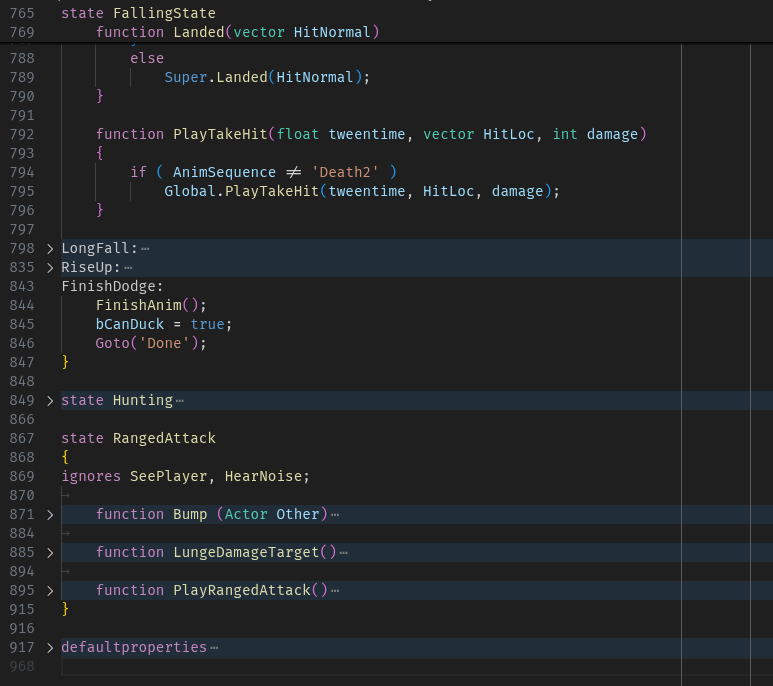
Code FoldingDefaultproperties, states, labels, replication, function inside state, labels inside states can be folded can all be independently. This also makes the editor display which state you're currently editing at the top of the file even if you're not scrolled to the beginning of the state.
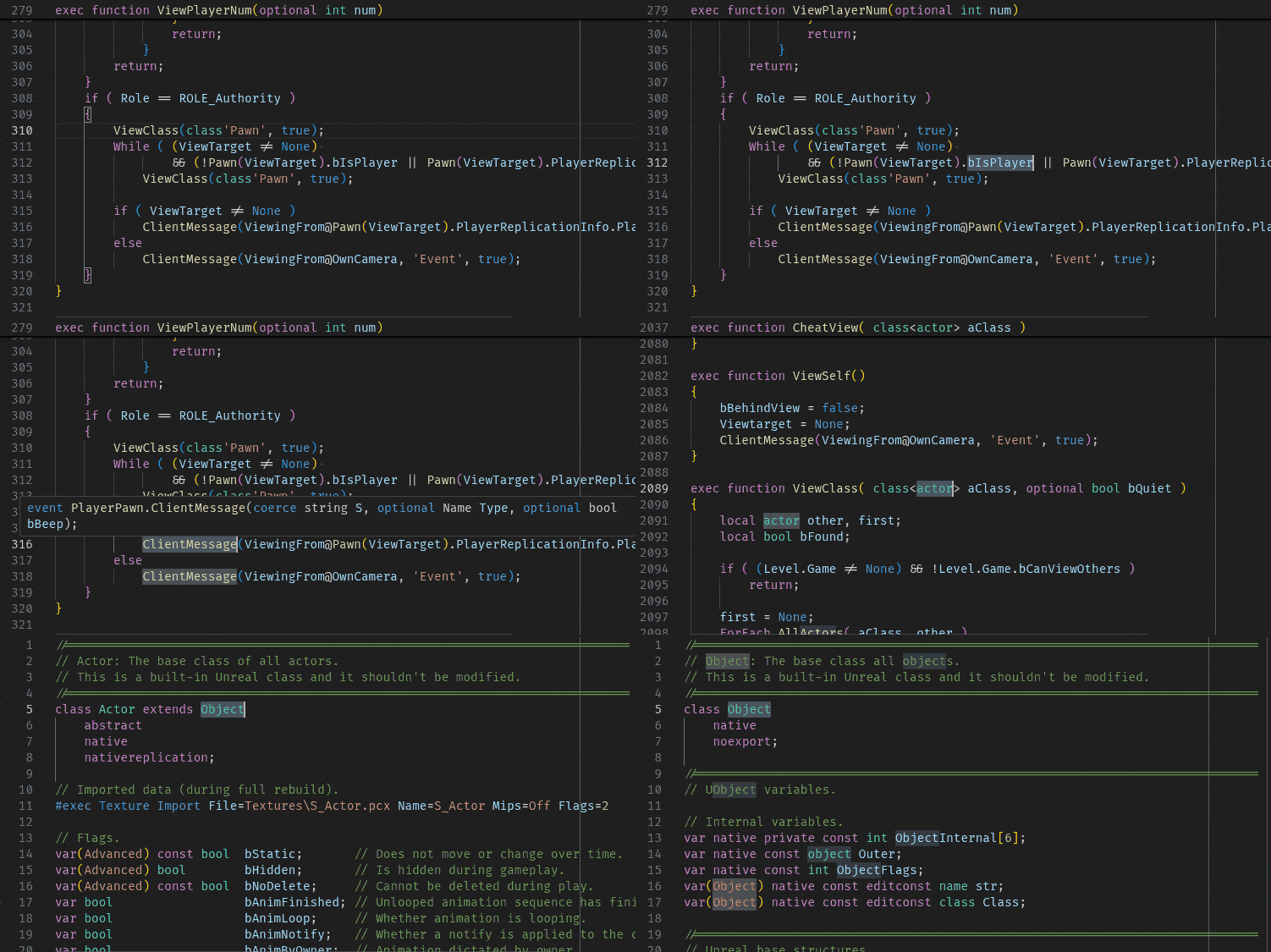
Code NavigationThe extension can find the definition and references for most symbols allowing
you to go to definition (
CompletionThe extension will scan the current workspace and an optional library path to provide code completion completion is supported in most situations.
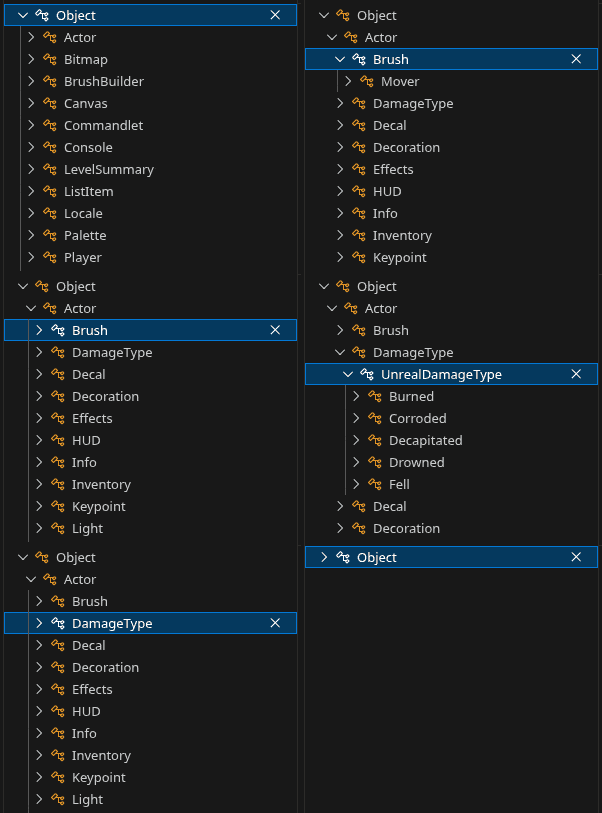
Class hierarcyYou can browse class hierarchy just like in unrealed. Right click a class name and select "Show Type Hierarchy". You can also show parents of a class for reverse direction.
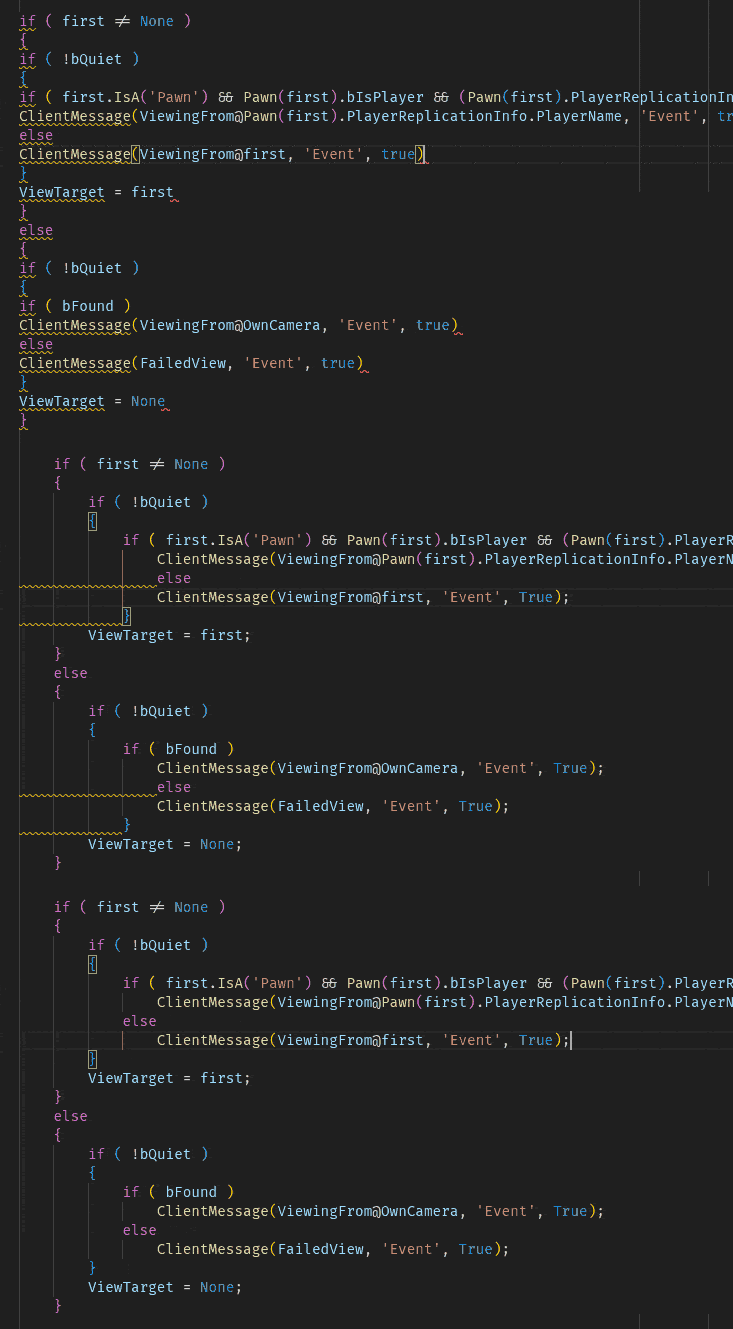
FormattingThis extension supports code formatting. Documents or just selected regions or changed code can be formatted depending on user configuration. The following features are supported and can be enabled/disable in user configuration if they are not needed.
DiagnosticsOne of the goals is to early detect issues before compilation. Syntax errors, missing semicolons and some other checks are reported. Additional typechecking is work in progress.
Other IDE features/limitations
Enjoy! |